
Security Camera Cost Calculator
Configure Your System
5-Year Cost Breakdown
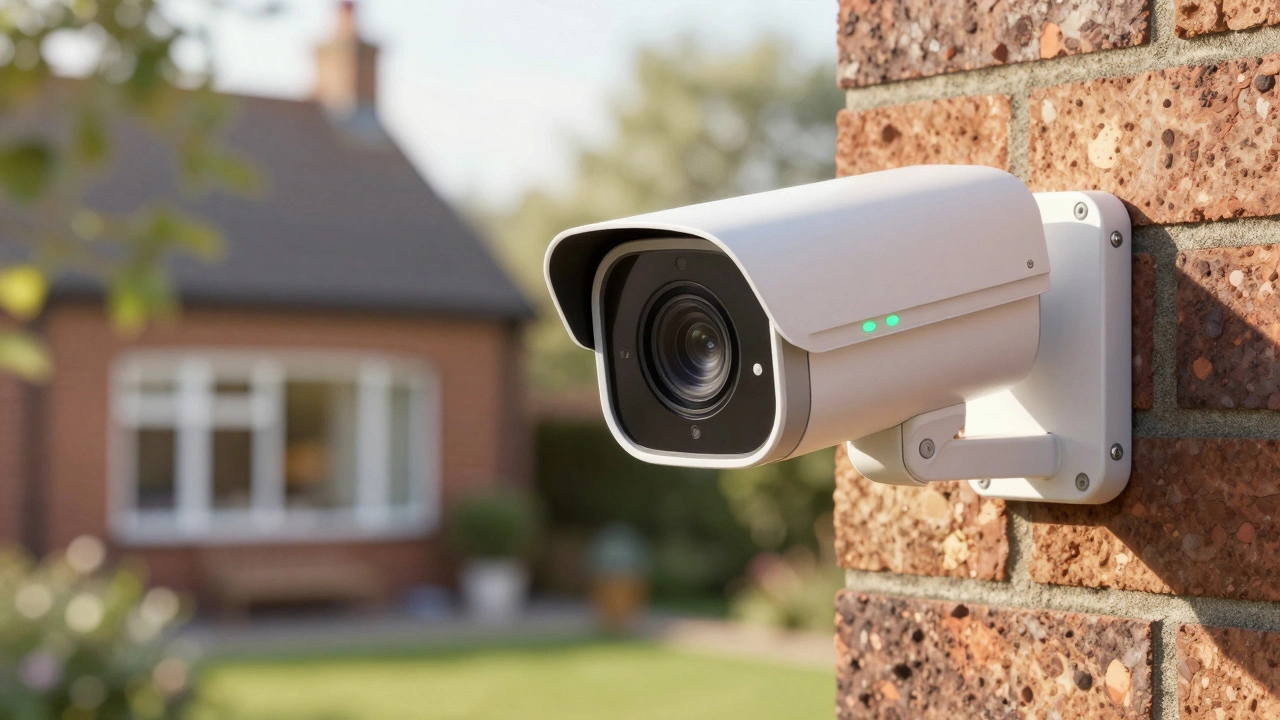
There is nothing more frustrating than buying a security camera only to realize it’s useless unless you pay a monthly fee. For years, the industry pushed cloud-first models that locked basic features like video history behind paywalls. But as of mid-2026, the tide has turned. You can now get high-definition, AI-powered surveillance without ever entering a credit card number again.
The secret? Local storage. Whether it’s a microSD card, a USB drive, or a dedicated Network Video Recorder (NVR), these devices keep your footage on your property, not in someone else’s server farm. This approach saves you hundreds of dollars annually and gives you total control over your privacy. Here is everything you need to know about choosing a security camera that truly works without a subscription.
Why Local Storage Beats Cloud Subscriptions
Let’s be clear: "no subscription" doesn’t mean "no features." In fact, many local-storage cameras offer better performance because they aren't limited by upload speeds or cloud processing delays. When you choose a system with local storage, you are paying once for hardware and then owning your data forever.
Cloud subscriptions often start at $3 to $10 per month per camera. If you have four cameras, that’s $144 to $480 a year. Over five years, that adds up to thousands of dollars. With local storage, your cost is flat. You buy the camera, maybe an SD card or an NVR, and that’s it. Plus, if your internet goes down, local systems often continue recording, whereas cloud cameras might stop working entirely until connectivity is restored.
| Feature | Cloud Subscription Model | Local Storage Model |
|---|---|---|
| Upfront Cost | Low ($20-$50/camera) | Medium-High ($50-$200+/camera + NVR/SD Card) |
| Monthly Fee | $3-$10+ per camera | $0 |
| 5-Year Total Cost (4 cams) | $720 - $2,400+ | $400 - $800 (one-time) |
| Data Privacy | Stored on vendor servers | Stored on your device/home network |
| Offline Reliability | Poor (often requires Wi-Fi) | Good (records locally even if offline) |
Top Brands That Don’t Require Monthly Fees
Not all brands are created equal when it comes to being truly subscription-free. Some companies market their cameras as "free" but lock essential features like person detection or longer clip retention behind a paywall. Based on expert reviews from SafeWise, TechRadar, and Consumer Reports in 2026, here are the brands that deliver genuine value without recurring costs.
Eufy is a leading brand under Anker Innovations known for its robust local storage ecosystem via HomeBase hubs. Their eufyCam S3 Pro and S4 models are frequently cited as the best outdoor options. They record directly to a base station with built-in storage, offering 4K resolution and advanced AI detection without any monthly fee. The upfront cost is higher, but the long-term savings are significant.
Reolink is a versatile manufacturer offering both wireless Wi-Fi cameras with SD card slots and wired PoE systems compatible with NVRs. Models like the Argus Track and E1 Zoom provide excellent indoor and outdoor coverage. Reolink allows full control over footage playback and settings through its app, with zero mandatory charges for core functions.
Lorex is a specialist in professional-grade DVR and NVR systems that rely entirely on local hard drive storage. If you want a multi-camera setup for a large property, Lorex is a top contender. Their 4K Spotlight cameras and floodlight models record continuously to a central recorder, providing 24/7 monitoring without cloud dependency.
TP-Link Tapo is a budget-friendly option within TP-Link’s smart home lineup, featuring affordable cameras that support microSD cards up to 128GB. The Tapo C110 and C120 are popular for beginners who want simple, effective monitoring without breaking the bank. They offer motion alerts and live view for free, making them ideal for entry-level users.
Blink is an Amazon-owned brand that offers low-cost cameras which can store video locally using a Sync Module and USB drive. While Blink does offer a cloud subscription, it is entirely optional. With the Sync Module 2, you can save clips locally and access them via the app without paying anything extra.
Understanding Storage Types: MicroSD, Hub, and NVR
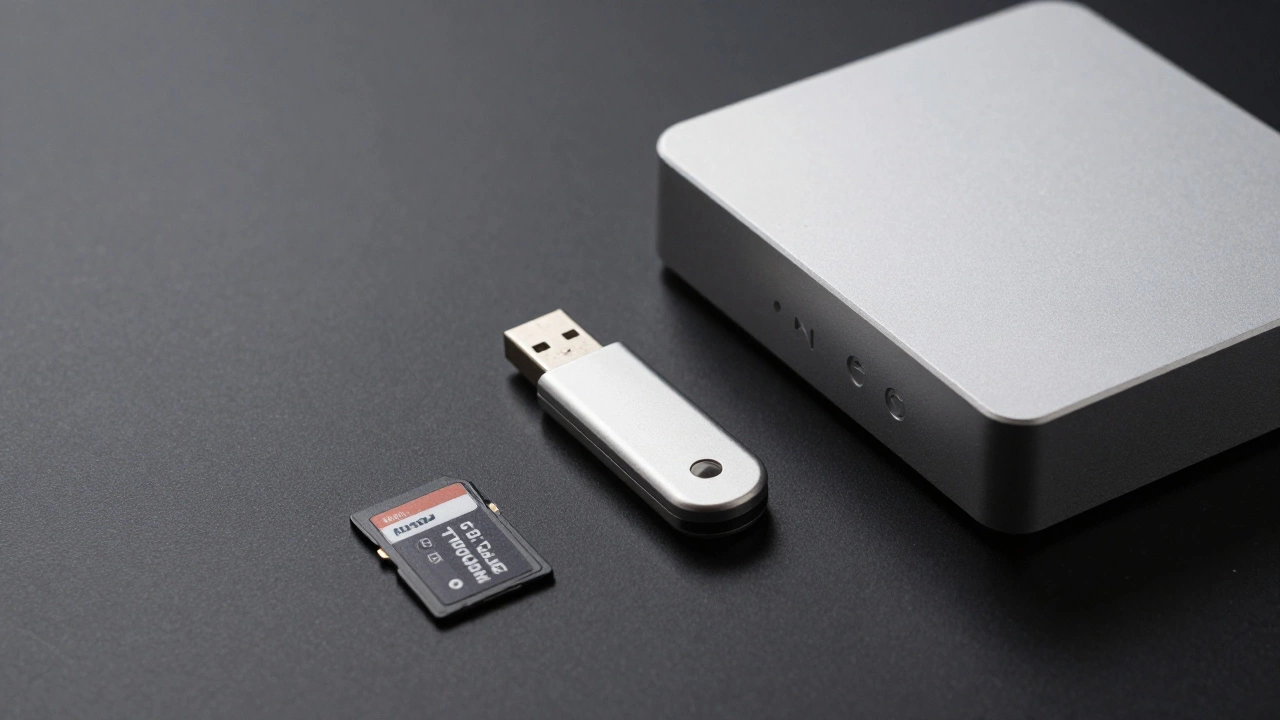
To avoid fees, you need to understand where your video goes. There are three main architectures for subscription-free cameras, each with pros and cons.
MicroSD Card Storage
This is the simplest method. You insert a microSD card into the camera itself. It’s perfect for single-camera setups. Most modern cameras support cards up to 128GB or 256GB. The downside is that if the camera is stolen, the thief takes the footage too. Also, continuous recording fills up cards quickly, so most systems use motion-triggered recording to conserve space.
Hub-Based Storage (e.g., Eufy HomeBase)
In this setup, cameras wirelessly send video to a central hub located inside your home. The hub contains a hard drive or flash storage. This is more secure than SD cards because the storage isn’t inside the vulnerable outdoor unit. It also allows for easier management of multiple cameras. Eufy is the leader here, but some Ring and Arlo models also offer similar local storage options via bases.
NVR/DVR Systems (PoE/Wired)
Network Video Recorders (NVR) and Digital Video Recorders (DVR) are the gold standard for reliability. Cameras connect via Ethernet cables (Power over Ethernet or PoE) to a central box that houses a hard drive. These systems allow for 24/7 continuous recording, higher resolutions, and greater durability. Brands like Lorex, Reolink, and Security Cameras Inc dominate this space. Installation is harder-you need to run cables-but the performance and lack of interference make it worth it for serious users.
Best Models for Specific Needs in 2026
Choosing the right camera depends on what you’re trying to protect. Here are specific recommendations based on common scenarios.
- Best Overall Outdoor Camera: EufyCam S3 Pro. It offers 4K clarity, solar charging compatibility, and stores everything locally on the HomeBase. No fees, great battery life.
- Best Budget Indoor Camera: TP-Link Tapo C110. Cheap, reliable, and uses a microSD card. Perfect for keeping an eye on pets or a nursery without ongoing costs.
- Best Multi-Camera System: Lorex 4K NVR Kit. Ideal for homes needing 4+ cameras. Professional quality, continuous recording, and completely offline-capable.
- Best Doorbell: Nest Doorbell (Battery) or Ring Doorbell (with Chime Pro/Local Storage). Note: Google Nest offers a free tier with limited event videos, while Ring requires a Sync Module for true local storage. Both work without fees for basic alerts.
- Best Hybrid Option: Reolink Argus Track. Wireless, follows motion, records to SD card, and connects to Wi-Fi. Great for renters who can’t drill holes.
Hidden Costs and Limitations to Watch For
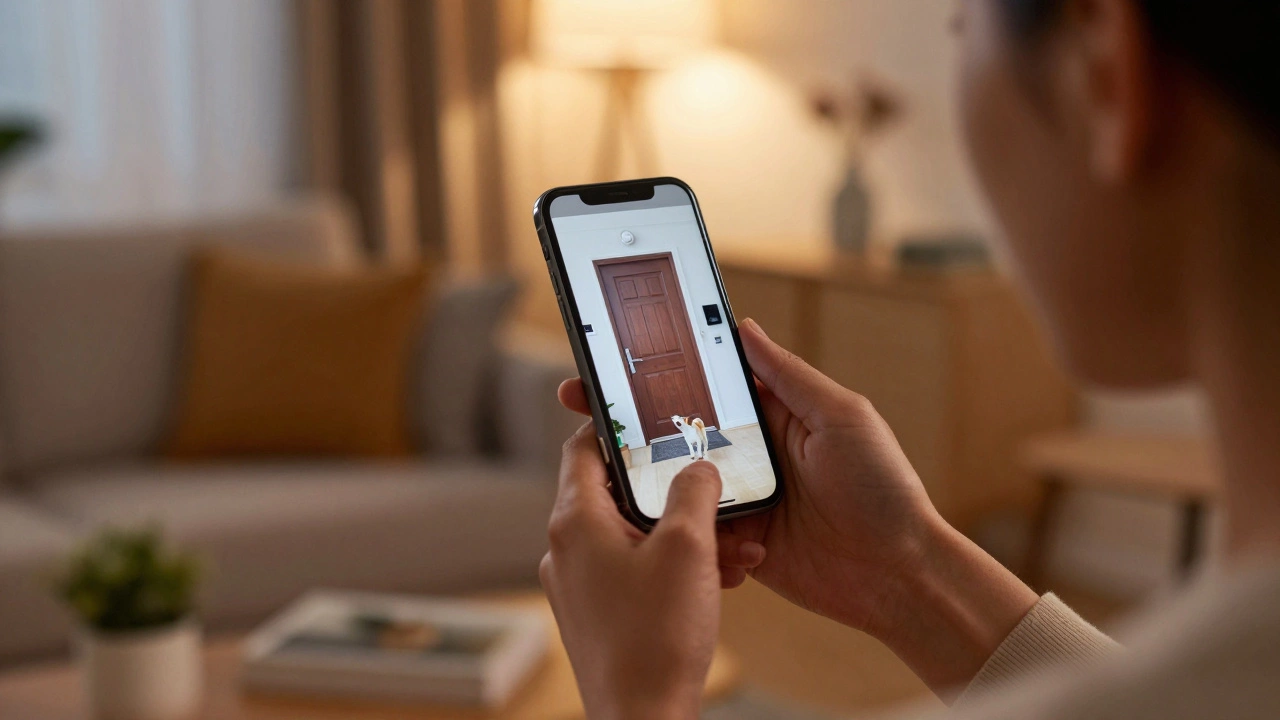
While these cameras don’t require monthly fees, there are still considerations. First, hardware fails. SD cards can corrupt, and hard drives die. It’s wise to back up important footage occasionally to a computer or external drive. Second, remote viewing usually requires an internet connection. If your ISP cuts out, you can still record locally, but you won’t be able to check the feed from your phone until service returns.
Also, be wary of "freemium" traps. Some brands, like Wyze and SimpliSafe, offer very cheap hardware but aggressively push subscriptions for features like color night vision or extended history. Always read the fine print. Eufy, Lorex, and Reolink are generally more transparent about what you get for free.
Installation Tips for DIY Users
You don’t need to hire a pro for most of these systems. Wi-Fi cameras with SD cards take less than 30 minutes to set up. Just mount them, plug them in (or charge the battery), and follow the app instructions. For NVR systems, plan your cable routes carefully. Use conduit to protect wires from weather and pests. Label your cables before tucking them into walls. Most NVRs come with detailed manuals and online guides that walk you through IP configuration and channel mapping.
If you’re unsure about wiring, consider hybrid systems. Reolink, for example, lets you start with a few Wi-Fi cameras and add wired ones later, connecting them all to one NVR. This flexibility makes scaling your security system much easier.
Do security cameras really work without a subscription?
Yes. Many cameras use local storage methods like microSD cards, USB drives, or internal hard drives in NVRs. Brands like Eufy, Reolink, and Lorex provide full functionality-live view, motion alerts, and video playback-without requiring a monthly payment. You pay once for the hardware and storage media.
Which brand is best for no-subscription security cameras?
Eufy is widely regarded as the best for wireless, easy-to-install systems with high-end features like 4K video and AI detection. Lorex is the top choice for wired, professional-grade multi-camera systems. Reolink offers the best balance of price and versatility for both indoor and outdoor needs.
How long do recordings last on local storage?
It depends on the storage capacity and recording frequency. A 128GB microSD card might hold 1-2 weeks of motion-triggered footage for a single camera. An NVR with a 2TB hard drive can store 24/7 footage from 4-8 cameras for several weeks. Older files are automatically overwritten when the storage is full.
Can I view my local security camera footage remotely?
Yes, as long as your home has an internet connection. The camera records locally, but the app connects to your home network to stream the live feed or retrieve stored clips to your phone. If the internet goes down, recording continues, but remote access will be unavailable until connectivity is restored.
Are subscription-free cameras less secure?
No. In many ways, they are more secure because your data never leaves your home. Cloud services can be hacked or suffer outages. Local storage keeps your footage physically isolated. However, you must ensure your home Wi-Fi network is protected with a strong password to prevent unauthorized local access.