
Motion Sensor Bug Alert Risk Calculator
Configure your setup and click calculate to see your risk level.
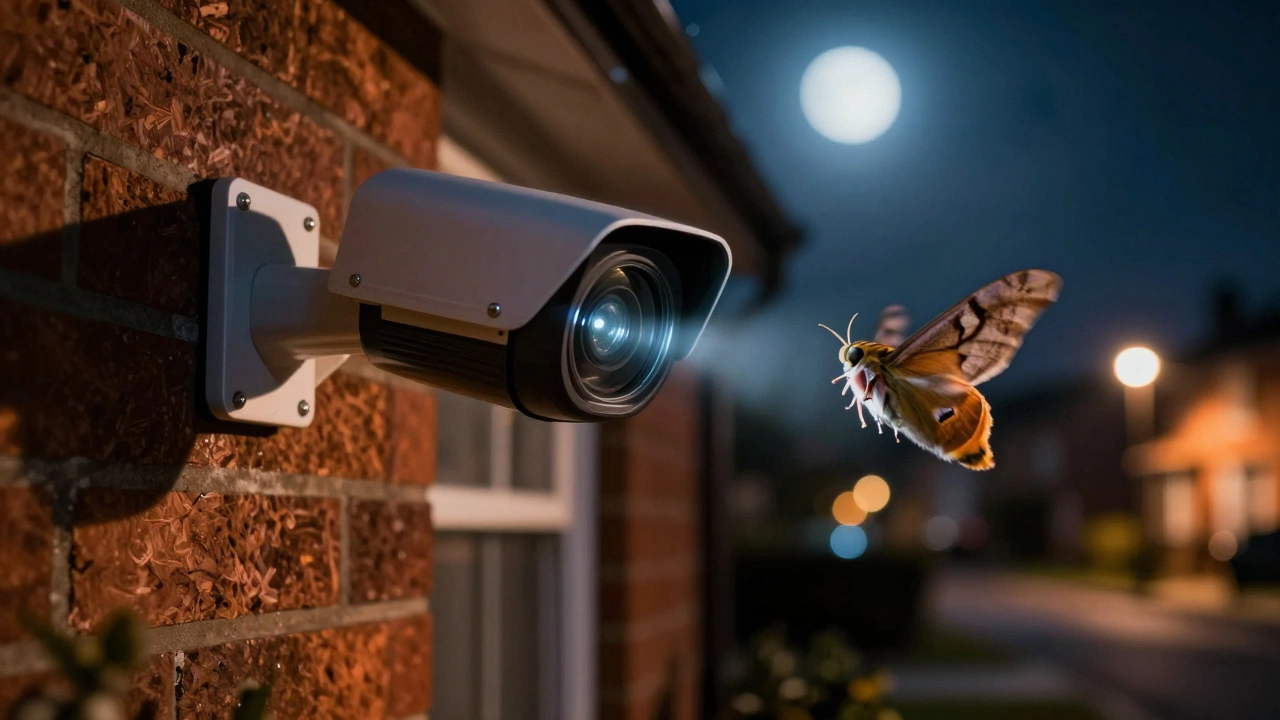
It is 2 a.m., your phone buzzes with a "Motion Detected" alert, and you grab it expecting an intruder. Instead, the video shows nothing but a moth fluttering in front of the lens or a spider crawling across the housing. You are not alone in this frustration. The short answer to whether bugs can set off motion sensor lights is yes, absolutely. In fact, it is one of the most common complaints among homeowners using outdoor security cameras and automated lighting.
Whether you are dealing with a standalone light fixture or a smart security system, insects interact with the technology in ways that trigger false alarms. Understanding why this happens-and how to fix it without disabling your security-is key to getting a good night's sleep.
Why Do Bugs Trigger Motion Sensors?
To stop the problem, you first need to understand the mechanism. Most outdoor devices use one of two technologies: Passive Infrared (PIR) sensors or camera-based video analytics. Both have blind spots when it comes to tiny, fast-moving creatures.
PIR Sensors are devices that detect changes in infrared radiation (heat) emitted by objects within their field of view. They do not "see" images; they sense heat signatures moving across zones created by a Fresnel lens. Typically, these are tuned to ignore small temperature shifts from distant objects like swaying trees. However, if a bug lands directly on the sensor lens or crawls very close to it, it alters the infrared energy reaching the detector. This sudden change mimics the heat signature of a person walking by, causing the light to flash or the camera to record.
For camera-based systems, the issue is different. These devices analyze pixel changes. When a camera switches to night vision, it emits invisible infrared (IR) light, usually around the 850 nm wavelength. Insects are naturally attracted to this light, mistaking it for moonlight or warmth. As they swarm near the lens, they create high-contrast movement against the dark background. To the camera’s algorithm, a bug flying inches from the lens looks like a massive object because it occupies a large portion of the frame. The software registers this rapid pixel fluctuation as significant motion, triggering the alert.
The Culprits: Which Bugs Are the Worst?
Not all insects cause equal trouble. Based on user reports from communities like Ring, Wyze, and SmartThings, three types of pests are the primary offenders:
- Flying Insects (Moths, Midges, Flies): These are the most frequent triggers, especially on warm nights. They circle the IR LEDs or visible floodlights, darting in and out of the detection zone. Their erratic flight patterns create constant motion events, leading to dozens of alerts per hour.
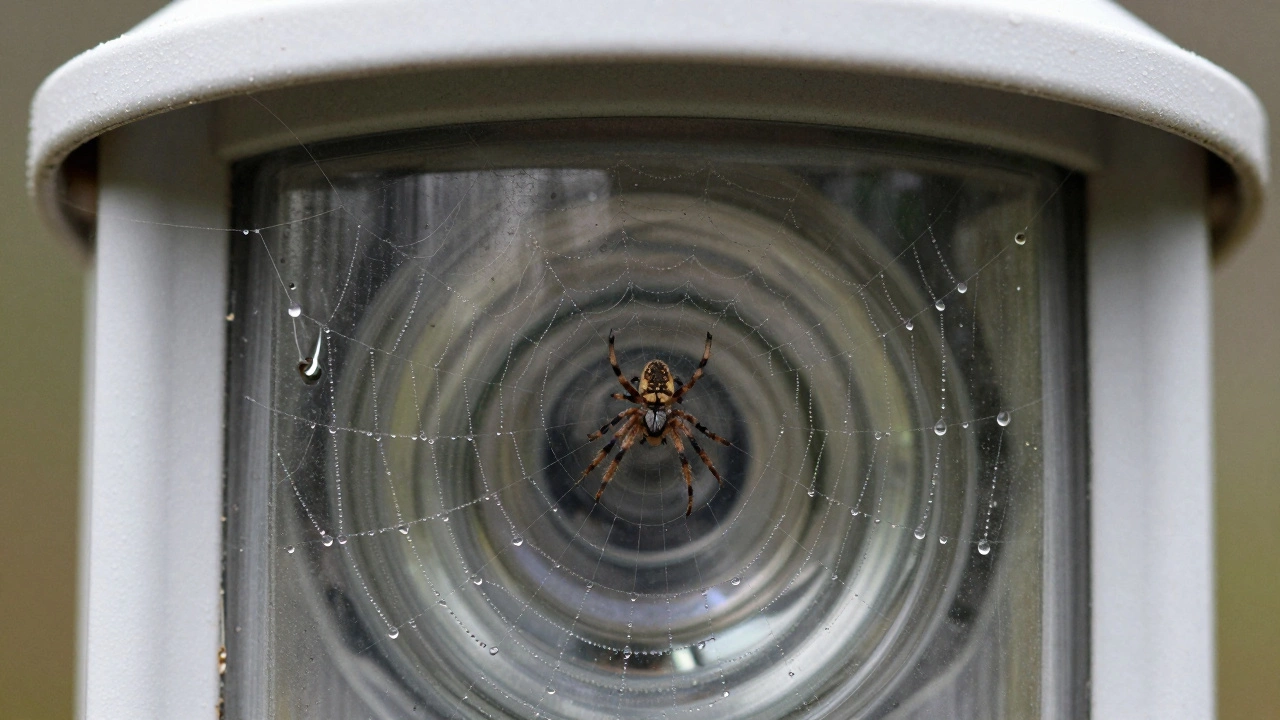
- Spiders: Spiders are drawn to the vibrations and shelter provided by camera housings. They often spin webs directly over the lens or crawl across the face of the device. Because they move slowly but cover the sensor area, they consistently trigger motion detection algorithms that look for any change in the image.
- Wasps and Nesting Insects: Wasps may build nests near camera mounts. While they don't always fly directly into the lens, their presence increases general insect activity around the device. Additionally, debris from nests can block sensors, altering how they read the environment.
How to Stop Bugs From Triggering Your Lights
You cannot simply turn off your security system, so you need targeted solutions. Here are the most effective strategies, ranging from simple settings adjustments to physical deterrents.
1. Adjust Sensitivity and Detection Zones
Most modern cameras and lights allow you to tweak sensitivity. Lowering the motion sensitivity threshold can help filter out the small, quick movements of insects. However, be careful: setting it too low might miss actual intruders. A better approach is to define specific detection zones. In your app, draw boxes around the areas where you expect human traffic (like a driveway or front door) and exclude the immediate area around the camera lens. Since bugs usually stay close to the light source, ignoring the foreground often solves the problem.
2. Use AI-Based Filtering
If your device supports it, enable features like "People Only Mode" or "Human Detection." These algorithms use machine learning to distinguish between the shape of a human and other moving objects. While a bug might trigger raw motion detection, it rarely matches the silhouette of a person. Note that this may delay alerts for vehicles or pets, so weigh the trade-offs based on your security needs.
3. Manage Night Vision Settings
Infrared light is a magnet for bugs. If your camera has a "Color Night Vision" mode or if there is sufficient ambient street lighting, try turning off the built-in IR emitters. Without the IR glow, fewer insects will swarm the lens. Alternatively, install an external IR illuminator several feet away from the camera. This lures the bugs to a separate location, keeping the main camera lens clear.
4. Physical Deterrents and Maintenance
Sometimes, you need to keep the bugs physically away. Applying a thin layer of petroleum jelly around the base of the camera mount (not on the lens!) can prevent spiders from anchoring webs. For flying insects, consider placing a bug zapper or UV trap nearby, but ensure it is not directly in front of the camera, as this could just move the swarm closer to the lens. Regular cleaning of the lens and housing removes dust and residue that attract pests.
| Solution | Effectiveness | Pros | Cons |
|---|---|---|---|
| Lower Sensitivity | Medium | Easy to adjust via app | May miss small intruders |
| Detection Zones | High | Precise control over alerts | Requires setup time |
| AI People Detection | Very High | Filters almost all non-human motion | Requires compatible hardware |
| External IR Illuminator | High | Lures bugs away from lens | Additional cost and installation |
| Petroleum Jelly Barrier | Medium | Stops spiders/webbing | Needs regular reapplication |
Alternative Sensor Technologies
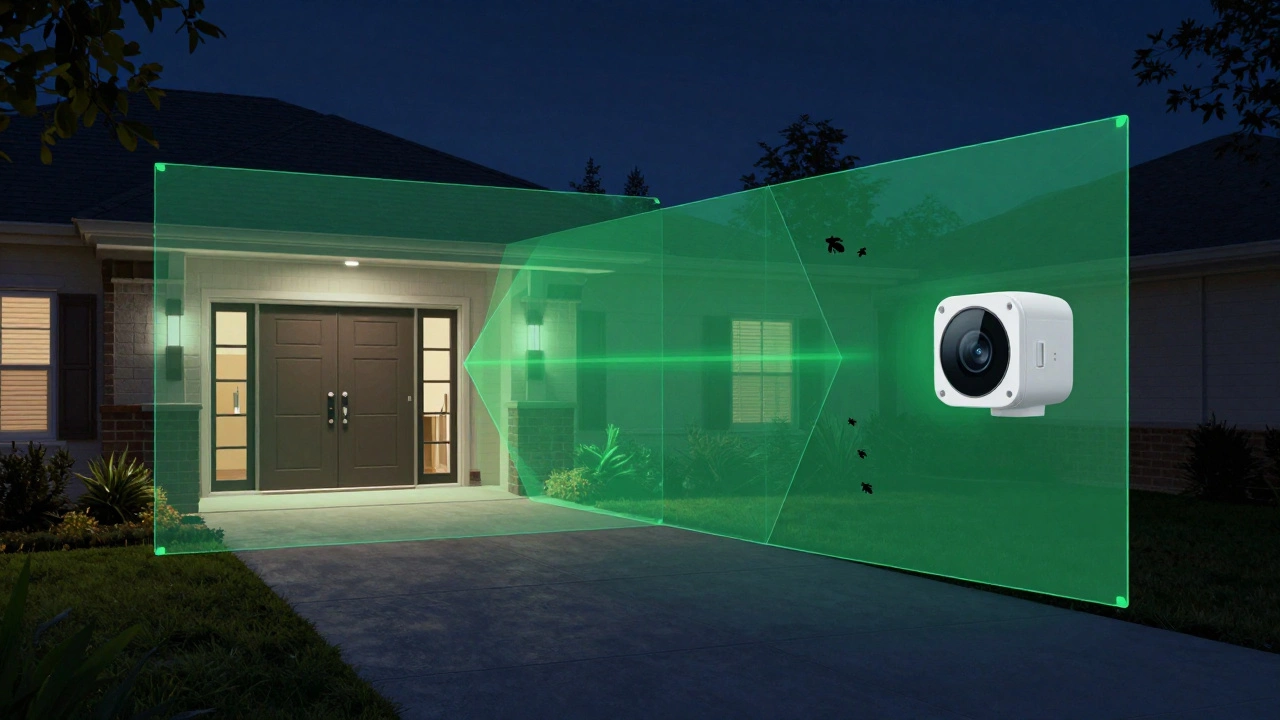
If standard PIR or camera sensors continue to fail, consider alternative technologies. Some users report success with beam-break sensors. These emit a narrow infrared beam across a specific path (like a deck entrance). A small insect is unlikely to fully interrupt the beam, whereas a person walking through will. While less common for general lighting, they offer high precision for specific entry points.
Another option is switching to lights with microwave radar sensors. Unlike PIR, which detects heat, microwave sensors emit radio waves and measure the reflection. They are more sensitive to movement but can also be triggered by rain or wind-blown leaves. However, some models allow fine-tuning to ignore small masses, potentially filtering out insects better than basic PIR units.
Maintenance Tips for Long-Term Reliability
Prevention is easier than cure. Schedule quarterly inspections of your outdoor devices. Check for:
- Spider webs blocking the lens or sensor window.
- Nests built in the corners of the housing.
- Accumulated dirt or pollen, which can retain moisture and attract bugs.
Do all motion sensor lights get triggered by bugs?
Not necessarily. Basic PIR sensors are less prone to triggering from distant flying insects but can still react if a bug lands on the lens. Camera-based systems with night vision are much more susceptible because the IR light attracts bugs directly to the detection zone. Systems with AI human-detection filters are the least likely to trigger falsely.
Can I use insect repellent spray on my motion sensor light?
You should avoid spraying chemical repellents directly onto the lens or electronic components, as this can damage the coating or circuitry. Instead, apply repellents like citronella or peppermint oil around the mounting bracket or nearby vegetation. Always protect the lens with tape before spraying nearby.
Why do bugs trigger my camera only at night?
At night, your camera activates its infrared (IR) night vision LEDs. Many insects are attracted to this specific wavelength of light, mistaking it for natural sources like the moon. During the day, the visible light is often not bright enough or attractive enough to draw swarms close to the lens.
Does lowering sensitivity stop bugs from triggering alerts?
It helps, but it is not a perfect solution. Lowering sensitivity makes the system ignore small movements, but if a bug flies very close to the lens, it creates a large visual change that may still exceed the threshold. Combining lower sensitivity with detection zones is more effective.
Will a bug zapper solve the problem?
A bug zapper can reduce the overall number of insects in the area, but if placed incorrectly, it might actually attract more bugs toward your camera. Place the zapper at least 10-15 feet away from the sensor, ideally upwind, to pull insects away from the detection zone rather than concentrating them near the lens.