
Outdoor Sensor Light Troubleshooter & Cost Calculator
Why is my light stuck on?
Likely Cause:
Recommended Fix:
Energy Waste Calculator
Estimate how much a stuck light costs you annually.
Estimated Annual Waste:
$0.00
0 kWh/year
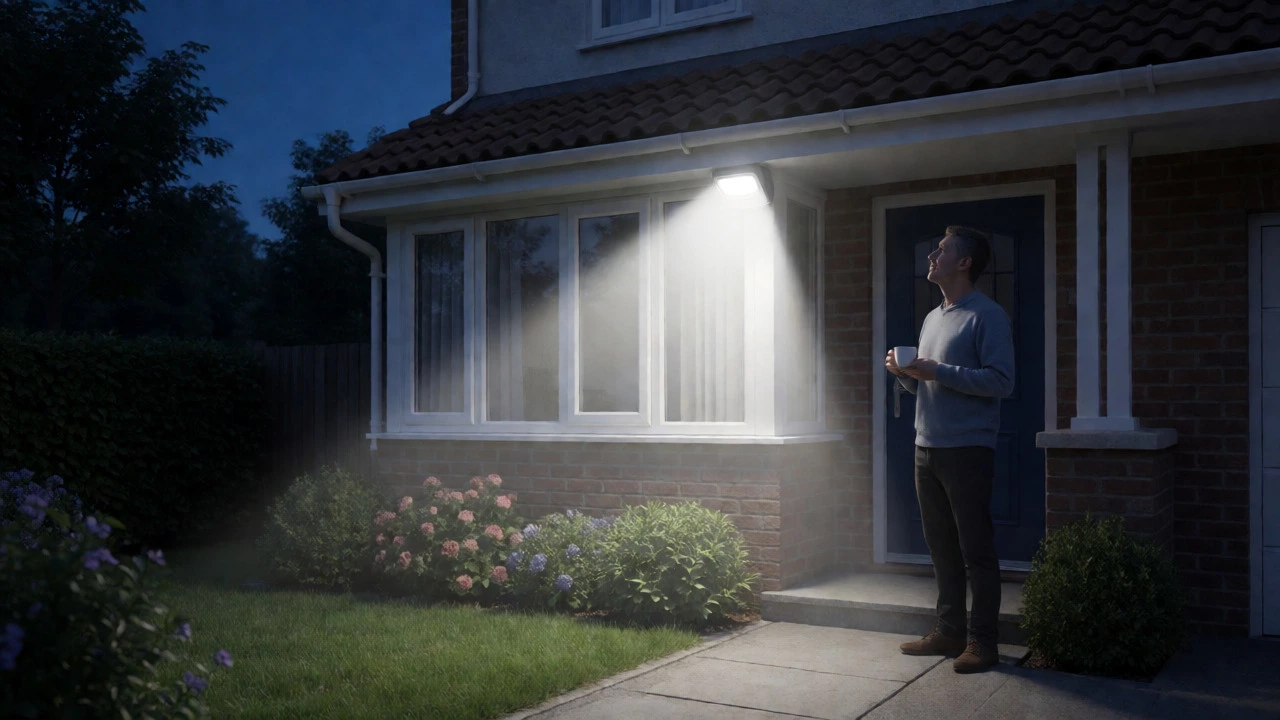
You just installed a new motion-activated security light on your porch. It’s supposed to snap on when someone walks by and fade out after a minute. But now it’s been glowing like a lighthouse since sunset, draining your electricity bill and annoying the neighbors. You’re wondering: can outdoor sensor lights stay on? The short answer is yes, absolutely. In fact, most modern fixtures are designed with features that allow them to do exactly that. But if yours is stuck in "always-on" mode unexpectedly, it’s usually down to one of three things: you accidentally engaged a manual override, the sensitivity settings are too high, or there’s a hardware fault.
The Three Ways Your Light Can Stay On
Before you call an electrician, understand that "staying on" isn't always a bug. It can be a feature. Manufacturers build these modes in so you can use the fixture as standard floodlighting when needed. There are three primary scenarios where this happens, and knowing which one applies to you saves hours of frustration.
- Manual Override Mode: This is the most common cause of accidental "always-on" behavior. Many fixtures allow you to force the light to stay on continuously by toggling the wall switch in a specific sequence (often flipping it off and on rapidly). Once engaged, the motion sensor is bypassed entirely until you reset it.
- Dusk-to-Dawn Mode: Some units have a dedicated setting that ignores motion detection during the night and simply turns on when it gets dark. If your LUX (daylight) sensor is misconfigured or covered, the light might think it’s permanently nighttime.
- Continuous Triggering: The light isn’t technically "stuck"; it’s being re-triggered repeatedly. If your sensitivity dial is maxed out, passing cars, swaying trees, or even heat from an AC unit can keep resetting the timer before it has a chance to turn off.
How to Force Your Sensor Light to Stay On (Intentionally)
If you want your light to act as a regular security floodlight for a party or late-night work, you don’t need a separate switch. Most residential fixtures have a built-in override function. While procedures vary slightly by brand, the logic is remarkably consistent across major manufacturers like those sold at Home Depot or Lowe's.
Here is the standard sequence to engage manual override mode, based on typical 2023-2026 manufacturer guidelines:
- Turn the wall switch controlling the light to the OFF position.
- Wait about 5 seconds.
- Flip the switch back to ON.
- Immediately flip it to OFF again for 2-3 seconds.
- Flip it back to ON. If the light stays illuminated without motion, you’ve successfully engaged override mode.
To exit this mode and return to automatic sensing, simply turn the switch off for 5-10 seconds and then back on. The fixture’s internal logic will reset, re-engaging the passive infrared (PIR) sensor. Note that some smart-connected models may require you to change this setting via their companion app instead of physical switch toggles.
Troubleshooting: Why Is My Light Stuck On All Night?
If you didn’t intentionally set the light to stay on, but it refuses to shut off, you likely have a configuration error or a minor hardware issue. Don’t replace the fixture yet. Try these diagnostic steps in order, as they resolve about 80% of reported cases according to electrical trade guides.
1. Check the Timer and Sensitivity Dials
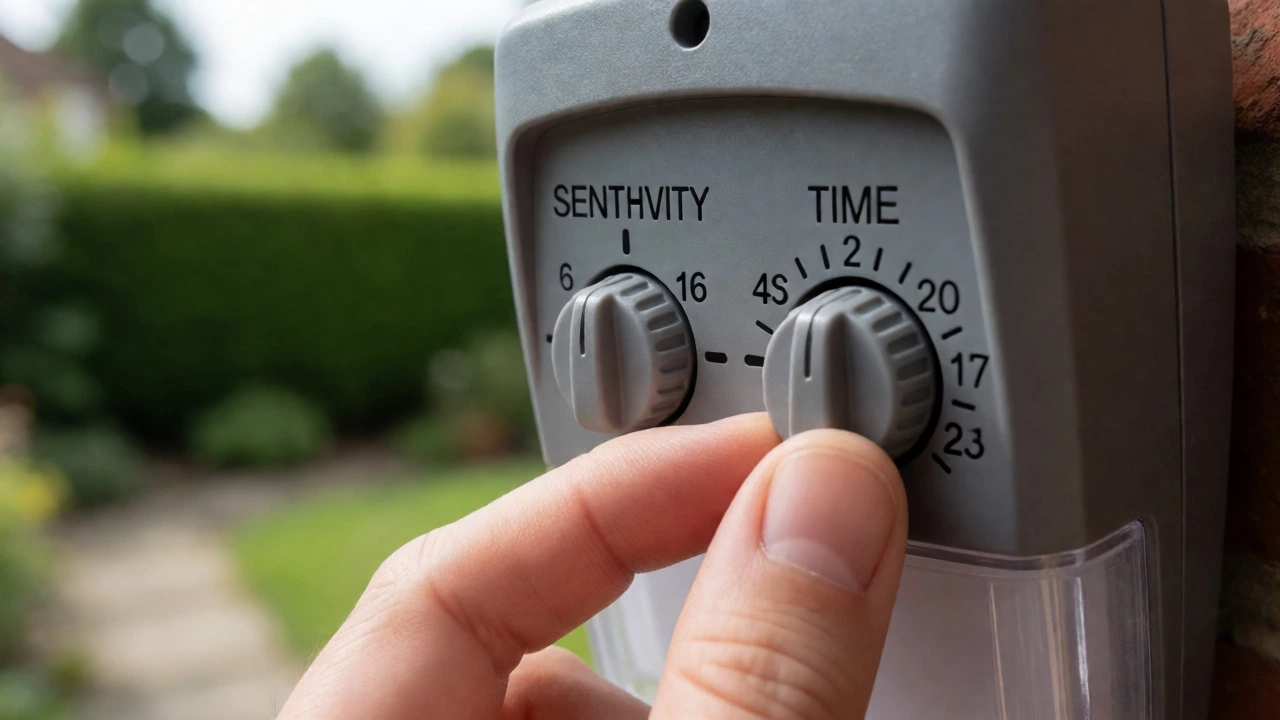
Most outdoor sensors have two small rotary dials labeled "TIME" and "SENS." If the TIME dial is set to its maximum (often 10 minutes or more), the light will appear to stay on all night because any minor movement resets the long countdown. Similarly, if SENSITIVITY is at 100%, the sensor might pick up thermal changes from a nearby dryer vent or moving leaves.
Action: Turn the TIME dial down to 1-2 minutes and reduce SENSITIVITY by 25%. Test the light at night. If it shuts off properly, your previous settings were just too aggressive for your environment.
2. Inspect the Photocell (LUX Setting)
The photocell determines whether it’s day or night. If this component is dirty, painted over, or facing another bright light source (like a streetlamp), it may fail to detect daylight. Consequently, the light remains active because it thinks it’s still dark.
Action: Clean the photocell lens with a soft cloth. Ensure no other artificial lights are shining directly into the sensor. If your unit has a LUX adjustment dial, ensure it’s not set to "Day" mode, which forces the light to operate regardless of ambient brightness.
3. Perform a Hard Reset
Electronics glitch. Sometimes the control board gets confused by a power surge or a quick flicker. A hard reset clears the temporary memory.
Action: Cut power to the fixture completely. You can do this by flipping the circuit breaker for the outdoor lighting circuit or turning off the wall switch. Wait at least 30 seconds-this allows capacitors in the circuit to discharge fully. Restore power. The light should flash once and enter standby mode. If it immediately turns on and stays on, the issue is likely hardware-related.
Common Hardware Faults That Cause "Always-On" Behavior
If adjustments and resets don’t work, the problem is physical. Here are the most frequent culprits found by electricians in field service calls.
| Fault Type | Symptoms | Solution |
|---|---|---|
| Stuck Relay | Light stays on continuously, even during the day. No response to motion tests. | Replace the fixture. Relays are rarely repairable in low-cost units. |
| Moisture Damage | Intermittent sticking after rain. Visible condensation behind the lens. | Check seals. If water ingress occurred, replace the unit. |
| Wiring Short | Light is on regardless of switch position. Hot wire touching ground. | Inspect junction box. Tighten connections or repair insulation. |
| Failed PIR Sensor | Light never turns off, or triggers randomly without visible motion. | Replace sensor module or entire fixture. |
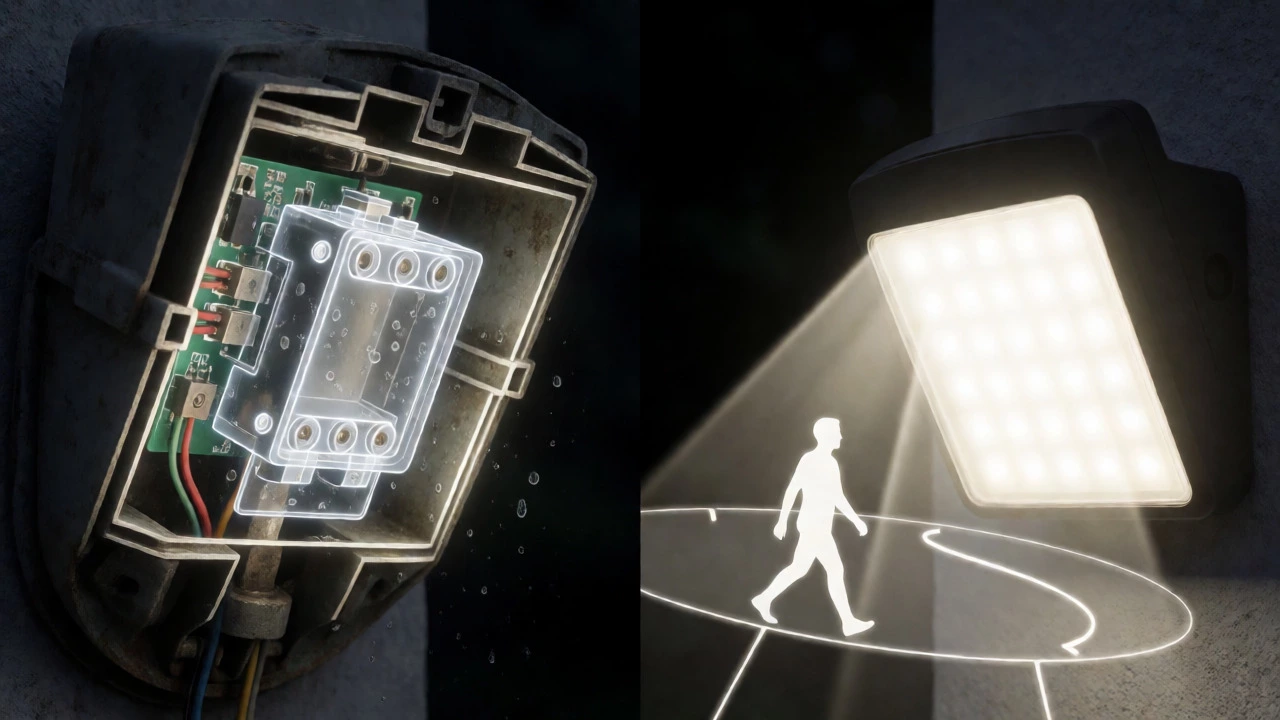
A stuck relay is particularly common in older fixtures. The relay is an electromechanical switch inside the housing that completes the circuit to the bulb. Over time, the contacts can weld together due to arcing, leaving the circuit permanently closed. When this happens, the light ignores all signals from the sensor board. Since replacing a relay requires soldering skills and specific parts, swapping the whole fixture is usually cheaper and faster.
Environmental Triggers: What Else Is Turning Your Light On?
Sometimes the light is working perfectly, but your yard is full of invisible motion detectors. Passive Infrared (PIR) sensors detect heat signatures, not just movement. This means they can be fooled by temperature differentials rather than actual objects.
Consider these hidden triggers:
- HVAC Exhaust: Warm air blowing from a dryer vent or AC unit can mimic a human body walking past the sensor.
- Reflective Surfaces: Glass doors or shiny siding can reflect the sensor’s own beam, causing self-triggering.
- Small Animals: Raccoons, cats, or squirrels moving through bushes near the sensor zone.
- Moving Foliage: Large branches swaying in the wind within the sensor’s range.
Pro Tip: Aim the sensor head downward toward walkways rather than outward toward streets or large open yards. Narrowing the detection zone reduces false positives significantly.
Energy Costs of Leaving Sensor Lights On
Why does this matter? If your light is stuck on for 12 hours a night, you’re wasting energy. Let’s look at the math. A typical modern LED security light draws between 15 and 50 watts. Assume a 30-watt fixture.
If left on continuously for 12 hours every night:
- 30 watts × 12 hours = 360 watt-hours per day.
- 360 Wh × 365 days = 131,400 Wh (or 131.4 kWh) per year.
- At an average US rate of $0.16/kWh, that costs roughly $21 per year per fixture.
While $21 doesn’t sound like much, multiply that by four fixtures around your home, and you’re burning nearly $100 annually for lights that should only run for a few minutes total each night. Fixing the issue pays for itself quickly.
When to Replace vs. Repair
For most residential outdoor sensor lights under $50, replacement is almost always better than repair. These units are sealed against weather, making internal component access difficult. Finding a specific replacement capacitor or relay often costs more in labor and part hunting than buying a new, more efficient LED model.
However, if you have a high-end smart fixture integrated into a home automation system, check the warranty first. Many premium brands offer 3-5 year warranties covering electronic failures. Also, consider upgrading to newer models with adjustable detection zones, which physically block certain areas of the sensor’s view to prevent triggering from known nuisances like busy roads.
How do I turn off my motion sensor light permanently?
To stop a motion sensor light from turning on automatically, you can either cover the sensor with opaque tape (a temporary fix) or install a separate switch that bypasses the sensor entirely. For a permanent solution, replace the fixture with a standard non-sensor light or use a smart plug that overrides the sensor’s logic via scheduling.
Why is my motion light staying on during the day?
If your light stays on during daylight hours, the photocell (day/night sensor) is likely malfunctioning or misconfigured. Check if the LUX setting is turned all the way to "Day," which forces operation regardless of sunlight. Also, inspect the photocell lens for dirt, paint, or obstructions that prevent it from detecting natural light.
Do outdoor sensor lights use a lot of electricity?
No, not when functioning correctly. Modern LED sensor lights draw very little power (15-50 watts) and typically run for less than 2 minutes per activation. However, if the light is stuck in "always-on" mode due to a fault or override, it consumes continuous power, leading to higher energy bills compared to normal intermittent use.
Can rain damage my motion sensor light?
Yes, water ingress is a common cause of failure. If the seal around the lens or wiring entry points degrades, moisture can enter the control board, causing short circuits or corrosion. Symptoms include erratic switching or the light remaining permanently on. Replacing the gasket or the entire fixture is usually required.
How do I reset a motion sensor light that won't turn off?
Perform a hard reset by cutting power to the fixture at the circuit breaker or wall switch for at least 30 seconds. This drains residual power from the capacitors and clears the control board’s memory. After restoring power, wait for the initial startup flash, then test the sensor with motion. If it remains on, check for manual override mode or hardware faults.