
Camera Security Checker
How Secure Is Your Camera?
Answer these questions to assess your camera privacy protection.
It’s a quiet moment. You’re alone in your bedroom, changing clothes, or just relaxing after a long day. Then it hits you: could someone be watching you through your phone camera right now? It’s not a paranoid fantasy. This isn’t just a movie plot - it’s a real, documented threat that’s happened to real people. And the scary part? You don’t need to be a target of a nation-state to be at risk. All it takes is one malicious app, one outdated update, or one misconfigured setting.
How Your Phone Camera Gets Hacked
Your phone’s camera isn’t secretly connected to some global surveillance network. But it can be turned into a spying tool - and it’s easier than you think. The most common way this happens is through spyware. These aren’t fancy hacker tools. They’re often disguised as harmless apps: a game, a flashlight, a battery saver, even a fake system update. Once you install it, the spyware quietly asks for permission to use your camera. If you tap "Allow," you’ve just handed over your private space.Even legitimate apps can become dangerous. Think about a weather app. Why would it need your camera? It doesn’t. But if that app gets hacked or its developer gets compromised, the camera permission you granted months ago suddenly becomes a backdoor. Researchers have found apps that collected screenshots, recorded audio, and activated the camera without any visible sign - all while pretending to be a normal utility.
There’s also the risk of remote exploitation. If your phone’s operating system has an unpatched flaw, a hacker could send you a malicious link or file - maybe through a text message or email - and gain full control without you clicking anything. This is rare, but it’s happened. In 2023, a vulnerability in iOS allowed attackers to activate the camera remotely using just a specially crafted iMessage. Apple patched it fast, but it proves the door is open if you’re not updated.
How to Tell If Your Camera Is Being Used
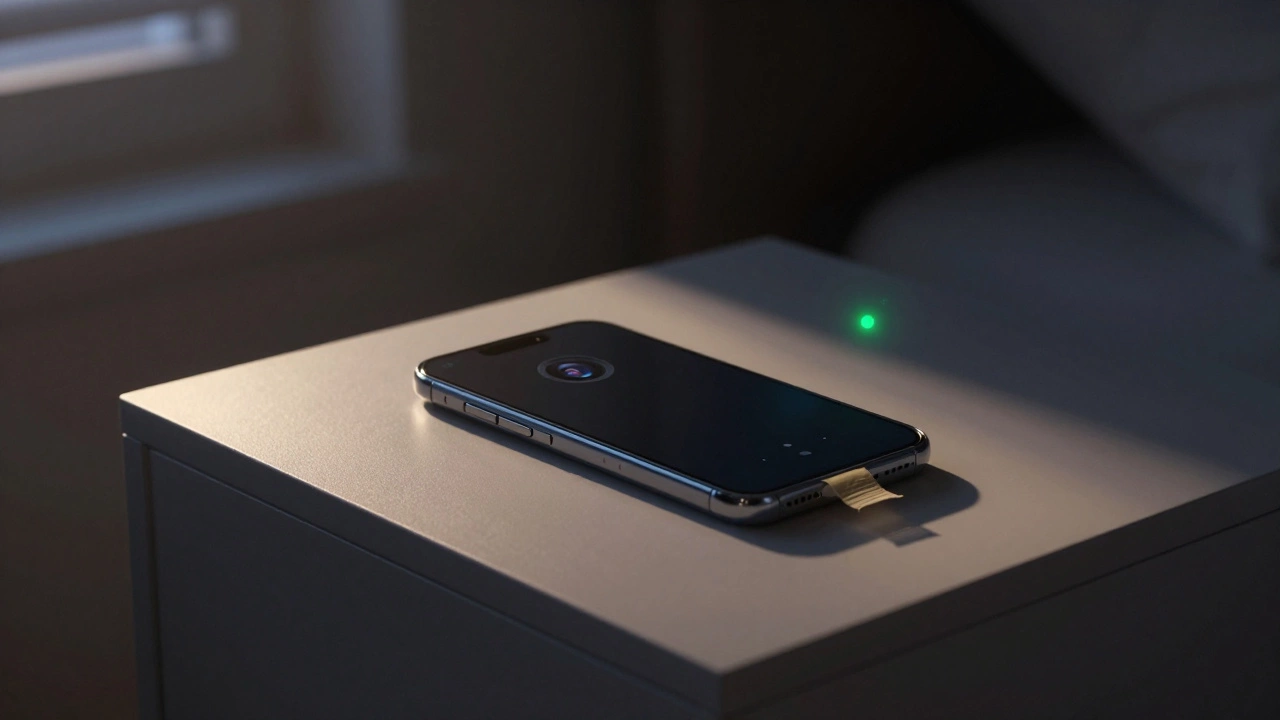
Modern phones have built-in alerts - if you know where to look. On iPhones running iOS 14 or later, a green dot appears in the top-right corner whenever an app uses the camera. A nearby orange dot means the microphone is active. On Android phones with Android 12 or newer, you’ll see a small camera or microphone icon in the status bar when either is in use. These aren’t optional settings - they’re automatic. If you don’t see them, your phone might be outdated.Test it yourself. Open a video call app like Zoom or FaceTime. Watch the dot. Now, close the app. The dot should disappear. If it doesn’t - or if it appears when you’re not using any app - that’s a red flag. Don’t ignore it. It could mean spyware is running in the background.
There’s also a simple trick: look at your phone’s behavior. Does the camera light turn on when you’re not using it? Does the phone get unusually hot when idle? Does your battery drain faster than normal? These aren’t foolproof signs, but they’re worth investigating - especially if they happen together.
Check and Control App Permissions
Most people never check their app permissions. That’s the biggest mistake. You gave a game access to your camera because it asked. You didn’t think twice. But now, that same app could be silently recording.On iPhone: Go to Settings > Privacy & Security > Camera. You’ll see a list of every app that’s ever asked for camera access. Tap each one and turn off the toggle if you don’t need it. Same for Microphone. You don’t need your calendar app to hear you. You don’t need your calculator to see you.
On Android: Go to Settings > Apps > Permissions Manager > Camera. You’ll see a list of apps with camera access. Tap each one and change the permission from "Allow all the time" to "Allow only while in use" - or better yet, "Don’t allow." If you’re not actively using the camera, the app shouldn’t have access.
One security expert in Adelaide told me he revokes camera access for apps he hasn’t used in over a month. "If I don’t need it, why give it power?" he said. It’s a simple habit - but it cuts your risk in half.
Physical Protection: The Best Defense
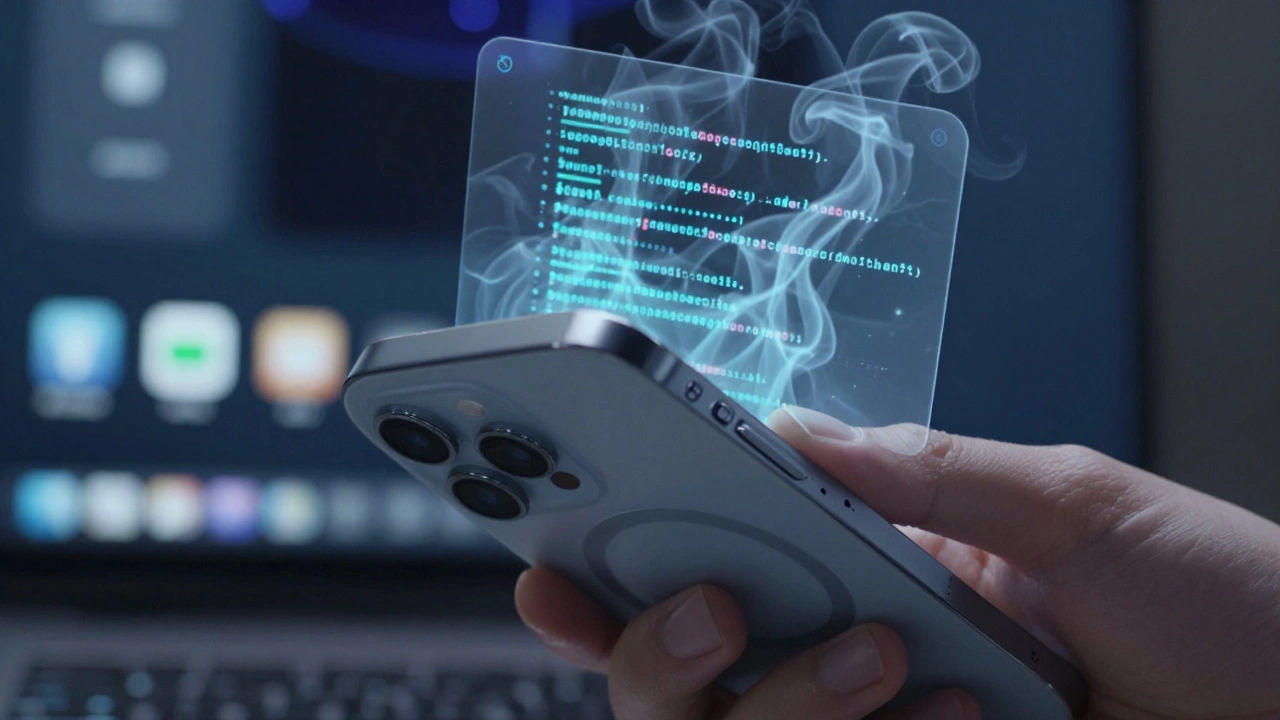
No software is perfect. Hackers find new ways in every week. That’s why the most reliable protection is physical: a camera cover.Companies like Spy-Fy make slim, MagSafe-compatible cases for iPhones with sliding covers for both front and rear cameras. You slide them open when you want to take a photo. You slide them shut when you don’t. It’s that simple. Even if a hacker gets full access to your phone, they can’t see anything - because the lens is blocked.
These covers don’t interfere with Face ID or wireless charging. They’re made of durable thermoplastic polyurethane and include air cushioning for drops. And they cost less than $20. For a fraction of what you’d spend on antivirus software, you get total peace of mind.
Don’t have a special case? A piece of electrical tape over the camera works too. It’s low-tech, but it’s 100% effective. You can peel it off when you need the camera. Put it back on when you don’t. No app, no update, no setting can bypass a physical barrier.
Strong Passwords and Updates Are Non-Negotiable
Your phone is only as secure as its weakest link. If you use a simple PIN like "1234" or your birthday, you’re inviting trouble. Hackers use automated tools that try thousands of combinations in seconds. Use an 8-digit PIN with letters and numbers - or better yet, use biometrics: Face ID or fingerprint.And never skip updates. Every iOS and Android update includes security fixes. A patch might close a flaw that lets hackers turn your camera on remotely. If you’re still on Android 10 or iOS 15, you’re running outdated software that’s known to be vulnerable. Update now.
Same goes for apps. Outdated apps are the #1 entry point for spyware. Go to your app store and check for updates. Turn on automatic updates if you haven’t already. It’s one click. It’s worth it.
What About Your Laptop Camera?
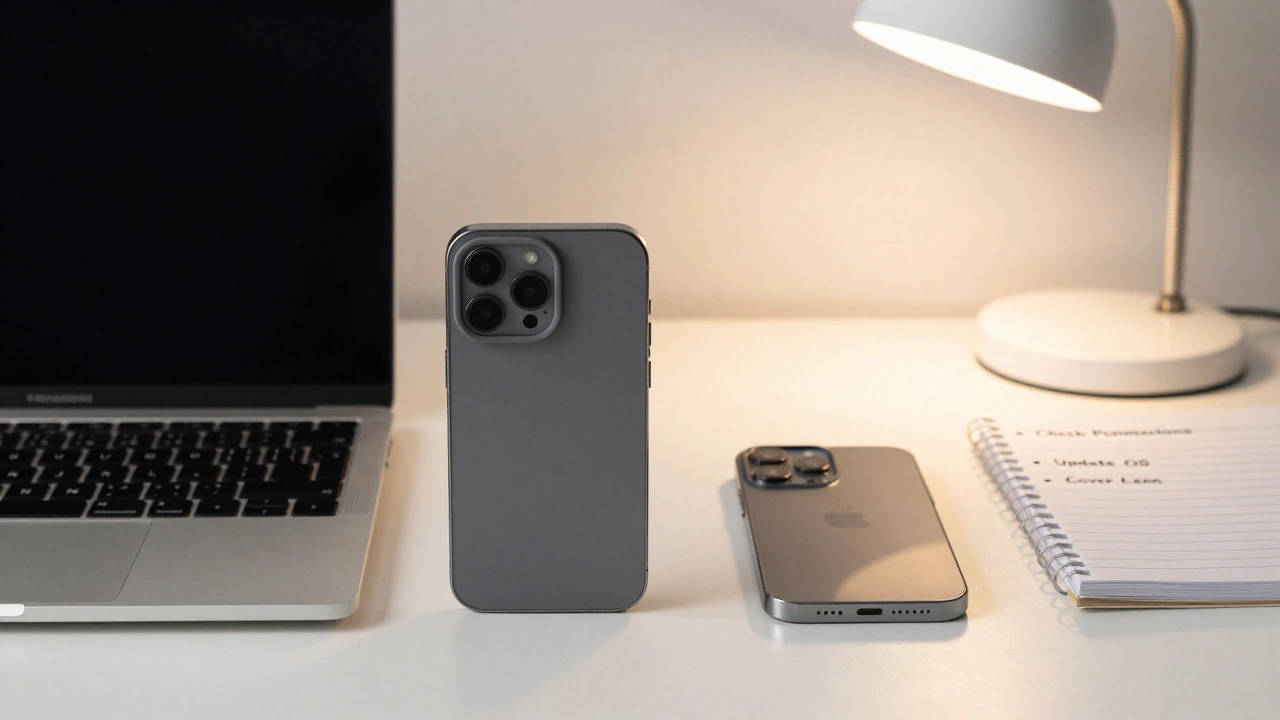
This isn’t just a phone problem. Laptops have cameras too. On Windows, go to Settings > Privacy > Camera and toggle off access for apps you don’t trust. On Mac, go to System Settings > Privacy & Security > Camera and uncheck every app that doesn’t need it. Again - you don’t need Zoom to have access when you’re not in a meeting.And yes, there are physical covers for laptop cameras too. They’re cheap. They’re easy. And they’re the only way to be 100% sure no one’s watching.
Final Reality Check
Yes, someone can see you through your phone camera. It’s happened. It’s documented. It’s not a myth.But here’s the good news: you don’t need to be a tech expert to protect yourself. You just need to do three things:
- Check your app permissions - turn off camera access for anything that doesn’t need it.
- Update your phone and apps - every time.
- Put a physical cover on your camera - front and back.
That’s it. No expensive software. No complicated settings. Just common sense. If you do those three things, your risk drops to almost zero. You’re not just safer - you’re in control.
Can someone see me through my phone camera without me knowing?
Yes, if spyware is installed on your phone or if a malicious app has camera permissions. Modern phones show visual indicators (like a green dot on iPhone or Android) when the camera is active, but spyware can sometimes bypass these. Physical camera covers are the only foolproof way to prevent unseen access.
How do I know if my phone camera has been hacked?
Look for unusual behavior: the camera light turning on when you’re not using it, the phone heating up for no reason, or the green/orange dot appearing without an active app. Check your app permissions - if an app you don’t use has camera access, that’s a red flag. Run a scan with trusted antivirus or anti-spyware software like Malwarebytes or Norton.
Do I need to install antivirus software to protect my phone camera?
It helps, but it’s not the first line of defense. The best protection is managing app permissions and using physical camera covers. Antivirus apps like Bitdefender or Kaspersky can detect and remove spyware, but they can’t block camera access if you’ve already granted permission. Use them as a backup, not a replacement.
Can a hacker access my camera if my phone is locked?
If your phone is locked with a strong passcode and biometrics, it’s very hard - but not impossible. Some advanced spyware can persist even after a reboot. That’s why keeping your OS updated and avoiding suspicious apps is critical. A physical camera cover eliminates this risk entirely.
Is it safe to use FaceTime or video calls?
Yes, because these apps are built into the operating system and use encrypted connections. The camera is only active during the call, and the green dot will appear to show it’s in use. Just make sure you’re not using third-party video apps from unknown developers - stick to trusted ones like FaceTime, Zoom, or Google Meet.
Can turning off Wi-Fi or Bluetooth prevent camera hacking?
Not really. Most camera hacks happen through installed apps or software exploits - not remote connections. Turning off Wi-Fi or Bluetooth might stop some types of attacks, but it won’t stop spyware already on your phone. Focus on permissions and physical covers instead.
Should I cover my laptop camera too?
Absolutely. Laptop cameras are just as vulnerable - and often less monitored. Many people forget they even have one. A simple sliding cover or piece of tape is all you need. It’s cheap, easy, and eliminates the risk completely.
Are Android phones more at risk than iPhones?
Android phones have more apps from unknown sources, which increases exposure. But iPhones aren’t immune - they’ve had camera exploits too. The real difference is Apple’s tighter control over app distribution. Still, both platforms are vulnerable if you install shady apps or skip updates. Protection steps are the same for both.
Can I completely disable my phone camera?
You can’t fully disable it without rooting or jailbreaking - and that’s risky. But you can revoke camera access for every app, then use a physical cover. That’s the safest approach. It lets you use the camera when you want, and blocks it completely when you don’t.
What should I do if I think my phone is already hacked?
First, don’t panic. Back up your data, then do a factory reset. This removes all apps and malware. After resetting, only reinstall apps you trust. Update the OS. Then, review every permission. Finally, put a camera cover on. That’s the full reset: clean device, locked down permissions, physical barrier.