
Camera Permission Checker
See which apps have unnecessary camera access on your device. Based on the article "Can Someone Watch You Through Your Cell Phone Camera?" this tool helps you identify potential privacy risks.
Check Your Camera Permissions
Apps that request camera access should only be granted permission if absolutely necessary. Research shows 78% of people give camera access to apps that don't need it.
Your Privacy Assessment
Key Insight
According to the article, 27% of Americans report unexpected camera indicator lights, but only 8% of cases are confirmed as malware.
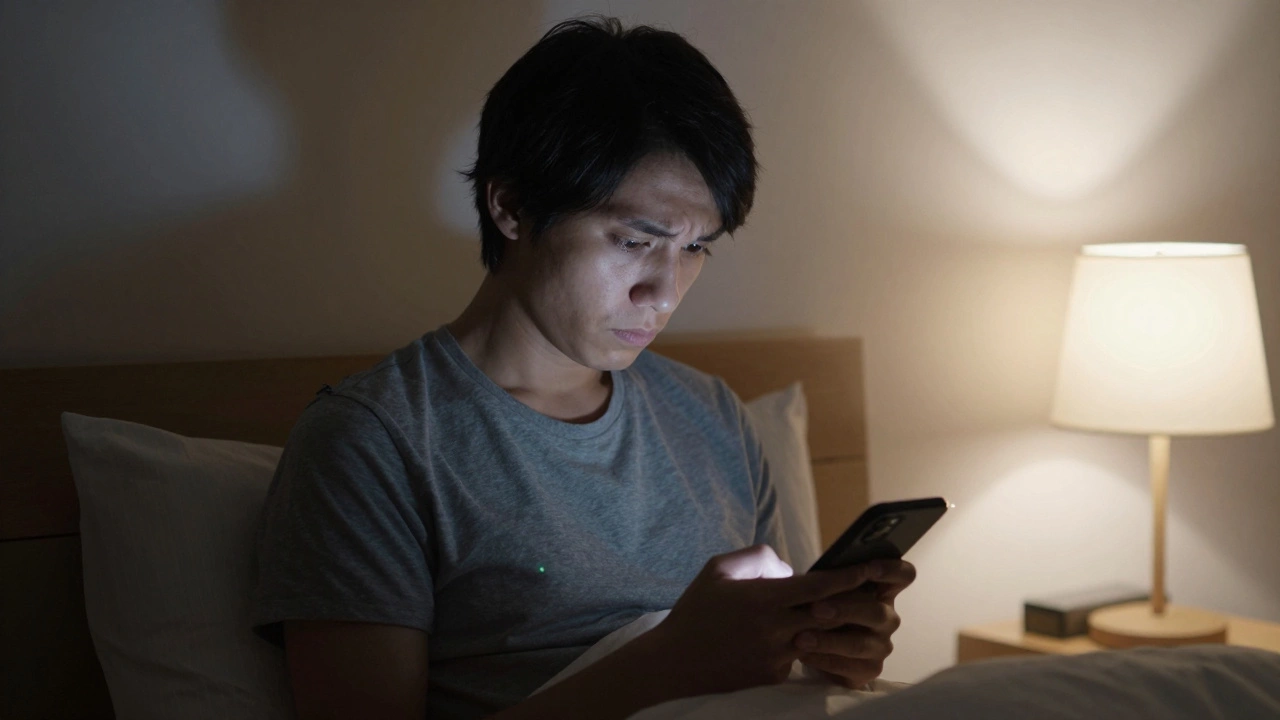
It’s a quiet moment. You’re alone in your bedroom, scrolling through your phone. Then you notice it-the tiny green dot in the corner of your screen. It flashes for a second. Your heart skips. Can someone watch you through your cell phone camera? The answer isn’t yes or no. It’s more complicated than that.
Yes, it’s technically possible
There’s no conspiracy here. Cybersecurity experts have proven it for over a decade. Malware can turn your phone’s camera into a spying tool. It doesn’t need you to click anything. It doesn’t need you to install anything. Sometimes, it just waits-until a vulnerability opens the door.Back in 2013, security researcher Trevor Eckhart showed how Android phones could be hacked through pre-installed apps. Fast forward to today, and the tools are far more advanced. Pegasus, a spyware tool developed by NSO Group, can take over a phone just by sending a missed call. No click needed. No warning. It accesses the camera, microphone, messages, location-all of it. The 2021 Pegasus Project revealed this was used on journalists, activists, and even heads of state.
But here’s the truth most people miss: you’re not the target. Unless you’re a politician, a whistleblower, or a high-profile executive, the chances of a state-level spyware attack are near zero. The real threat? Everyday malware. The kind that hides in fake flashlight apps, pirated games, or sketchy downloads.
How does it actually work?
Your phone’s camera isn’t secretly wired to a hacker’s laptop. It’s accessed through software. Once malware is on your device, it asks the operating system for permission to use the camera. If granted, it starts recording. It doesn’t need to turn on the screen. It doesn’t need to make noise. It just sends the video silently to a server somewhere in the world.Android and iOS both have built-in protections. Since Android 12, a green dot appears when the camera is active. iOS has done the same since iOS 14. But these aren’t foolproof. Sophisticated spyware can sometimes disable the indicator. Or worse-it waits until you open a legitimate app like Instagram or Zoom, then sneaks in during that moment of trust.
How much data does it use? Around 200-500MB per month. That’s like streaming 30 minutes of HD video. If your battery drains faster than usual, or your data usage spikes for no reason, that’s a red flag. Norton’s 2022 report found that camera spyware typically uses 5-15% extra CPU power. That’s enough to make your phone feel sluggish.
Android vs iOS: Which is safer?
There’s a big difference between the two systems.Android is more open. That means more freedom-and more risk. Google says 92% of Android malware hits devices running outdated software. If you haven’t updated your phone in two years, you’re wide open. Statista found that nearly half of all Android devices in 2023 were running versions older than Android 11. That’s a huge gap.
iOS is locked down. Apple controls everything. Apps can’t install themselves. Updates roll out fast. Only 0.01% of iOS devices faced malware in 2022, according to Apple’s own security report. But even Apple isn’t invincible. Pegasus targeted iOS devices up to version 14.6. And if someone gets physical access to your phone for even five minutes, they can install spyware like mSpy or FlexiSPY. These apps are sold as parental control tools-but they’re also used by abusive partners to track people.
Apple’s Secure Enclave and Google’s Titan M2 chip add hardware-level protection. They lock down access to the camera even if the software is compromised. But again-these are for high-end phones. If you’re using a $150 Android phone from 2020, you don’t have these protections.

Real cases, not just theory
In June 2022, Google removed the ‘Kids Safe Camera’ app from the Play Store. It had been secretly activating the camera on over 4,000 devices. Parents thought they were monitoring their children. Instead, the app was sending video to unknown servers.On Reddit, users report strange behavior: the camera light turns on when they’re not using it. One user found an app called ‘SystemUpdate’ using 15% of their battery and accessing the camera daily. They deleted it after running Malwarebytes.
Consumer Reports surveyed 2,000 Americans in 2023. 27% said their camera indicator light activated unexpectedly. But only 8% of those cases were confirmed as malware. The rest? Glitches. Accidental app triggers. Faulty sensors.
Here’s the kicker: 78% of people give camera access to apps that don’t need it. Flashlight apps. Calculator apps. Weather apps. A UC Berkeley study found flashlight apps requesting camera access 63% of the time. Why? Because they can. And users just tap ‘Allow’ without thinking.
How to protect yourself
You don’t need to live in fear. But you do need to be smart.- Check your permissions-every month. Go to Settings > Privacy > Camera. Look at every app with access. Remove it if you don’t remember granting it. If an app doesn’t need your camera-don’t give it.
- Update your phone. Every update patches security holes. If your phone hasn’t received a security update in over a year, it’s time to upgrade.
- Use a reputable security app. Bitdefender Mobile Security, Malwarebytes, and Norton all have camera monitoring features. They scan for hidden spyware and alert you if something’s wrong.
- Turn off camera access for apps you don’t trust. If you don’t use TikTok for video calls, block its camera. If you don’t use your calculator for selfies, block it too.
- Use a physical camera cover. It’s cheap. It’s simple. And it works. A sticker, a sliding cover, a piece of tape-it doesn’t matter. If the camera can’t see, it can’t spy.
Some people swear by camera covers. Norton’s 2023 survey found 89% of security-savvy users use them. But 52% of all smartphone owners do. That’s half the population. And yet, only 28% of people under 30 use them. That’s a dangerous gap.
What about those camera lights?
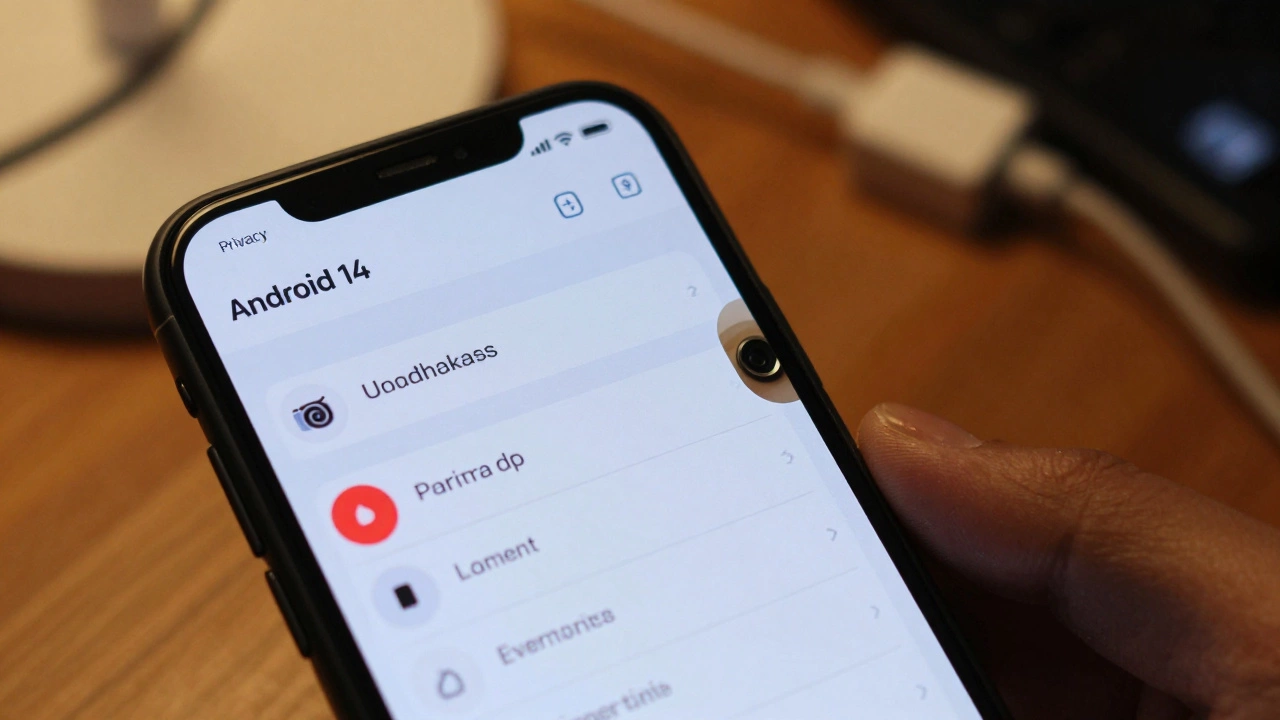
The green dot on Android and the green indicator on iOS are your first line of defense. If it turns on and you’re not using the camera, don’t ignore it. Open your recent apps. Look for something unusual. Check battery usage. If an app is using the camera and you didn’t open it, uninstall it immediately.Apple’s iOS 17 has a new ‘Security Check’ tool. It scans for suspicious apps, unknown sharing, and hidden access. Android 14’s Privacy Dashboard shows exactly when and how often your camera was used. Use these tools. They’re free. They’re built in. And they’re powerful.
Who’s really at risk?
Let’s be real. Most of us aren’t being watched by spies. We’re not targets for Pegasus. But we are targets for scammers. For abusive partners. For hackers who sell your data. For apps that collect more than they should.According to the FBI, cybercrime complaints involving camera access jumped 97% between 2019 and 2021. Most of those cases involved spyware installed by someone with physical access to the phone. A partner. A family member. A roommate.
And that’s the real danger. Not the hackers from overseas. The person sitting next to you.
Final thought: It’s not about fear. It’s about control.
Your phone is the most personal device you own. It knows your location, your messages, your face, your voice. If someone can turn on the camera without your knowledge, they can see your most private moments.You don’t need to stop using your phone. You don’t need to buy a Faraday cage. You just need to know how it works. And take simple steps to protect yourself.
Check permissions. Update regularly. Block unused apps. Cover the camera if it makes you feel safer. These aren’t paranoid moves. They’re basic digital hygiene.
And if you ever feel like you’re being watched-trust your gut. Then act. Because in the digital world, silence doesn’t mean safety. It just means you haven’t looked yet.