
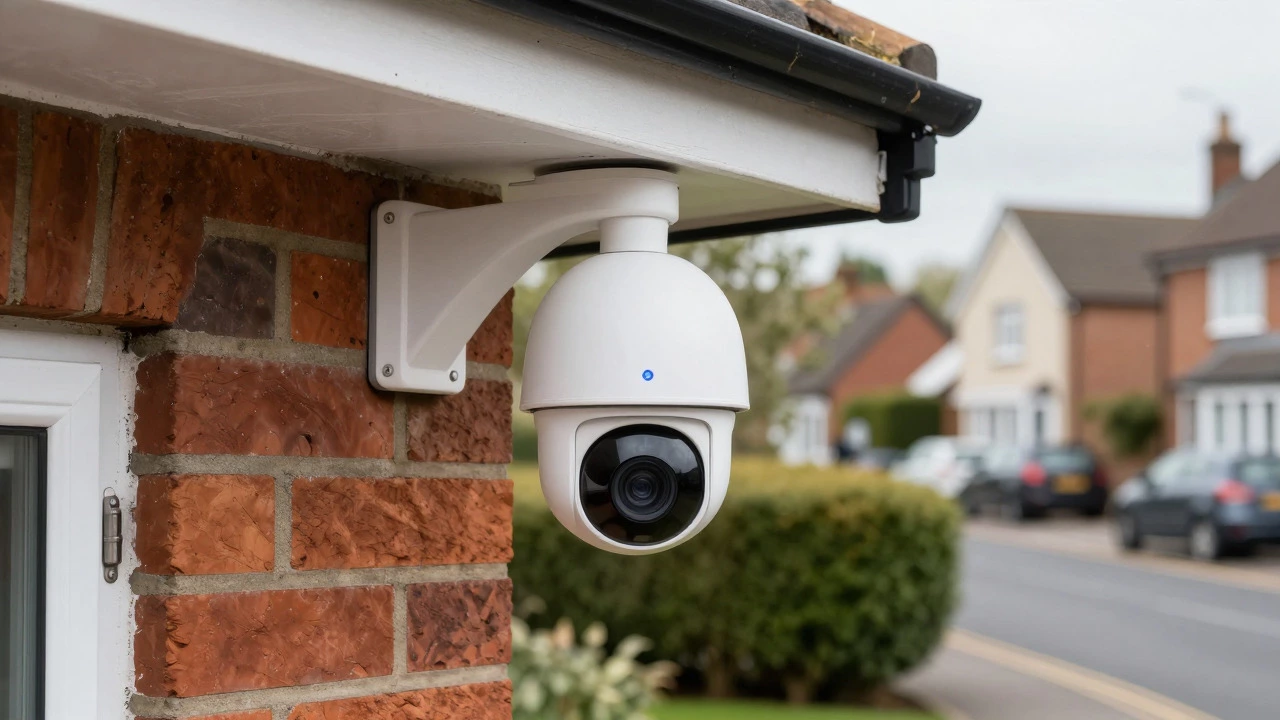
CCTV Offline Recording Estimator
1. Select Your Storage Configuration
Choose the method used to store footage locally when the internet is down.
In-camera storage
Dedicated recorder
No local backup
Select a storage option above to begin estimation.
You’re standing in your driveway, phone in hand, trying to check if the dog is still chewing on that expensive shoe. You open your security app, and it just says “Connecting…” or “Camera Offline.” Your internet went down twenty minutes ago, but you need to know if everything is secure right now. Does your wireless CCTV system actually record footage when the connection drops? The short answer is yes, but only if you set it up correctly. Many people assume that because a camera is wireless, it needs the cloud to save video. That’s a common misconception. In reality, the ability to record without internet depends entirely on where the video goes: a local hard drive, an SD card, or a remote server. If your system saves data locally, it keeps recording even when your router dies. If it relies solely on the cloud, you lose footage until the connection returns.
The Core Mechanism: Why Local Storage Matters
To understand how this works, you have to look at the path the video takes. A standard IP camera captures video and converts it into digital packets. These packets need a destination. In a traditional wired setup, they go over Ethernet cables to a recorder. In a wireless setup, they travel over Wi-Fi or cellular data. The critical factor isn't the transport method (wireless vs. wired) but the storage endpoint.
When you use a system with local storage, the camera sends data to a device physically located in your home or business. This could be a Network Video Recorder (NVR), a Digital Video Recorder (DVR), or a microSD card inserted directly into the camera. Once the data hits that local hardware, it is saved. The internet connection is only used for two things: sending alerts to your phone and allowing you to view the feed from outside your property. Remove the internet, and those two functions stop, but the recording continues uninterrupted on the local device.
This distinction is vital. If you bought a camera that streams exclusively to a vendor's cloud servers, you are at risk. When your internet cuts out, there is no local copy of the video. The camera tries to send data, fails, and often buffers nothing. For most homeowners and small businesses, choosing a hybrid approach-local recording first, cloud backup second-is the safest bet for reliability.
Storage Options Compared
Not all local storage options are created equal. Each has its own strengths, limitations, and ideal use cases. Here is how the main methods stack up:
| Storage Type | Capacity | Reliability | Best For | Limitations |
|---|---|---|---|---|
| microSD Card | 32GB - 512GB | Moderate | Budget setups, doorbells, single cameras | Limited history, requires manual retrieval |
| NVR Hard Drive | 1TB - 8TB+ | High | Multi-camera systems, 24/7 continuous recording | Higher upfront cost, requires power |
| Cloud-Only | Subscription-based | Low (Offline) | Users who prioritize remote access over local archives | No recording during internet outages |
microSD cards are the simplest option. Most modern wireless cameras, like those from Reolink or Eufy, have a slot for these cards. You insert the card, enable local recording in the app, and the camera starts saving motion clips or continuous video directly to the chip. This is great for privacy-conscious users who don’t want their footage leaving the house. However, capacity is limited. A 128GB card might only hold a few days of high-definition footage depending on the bitrate. If you forget to download the clips, older events get overwritten.
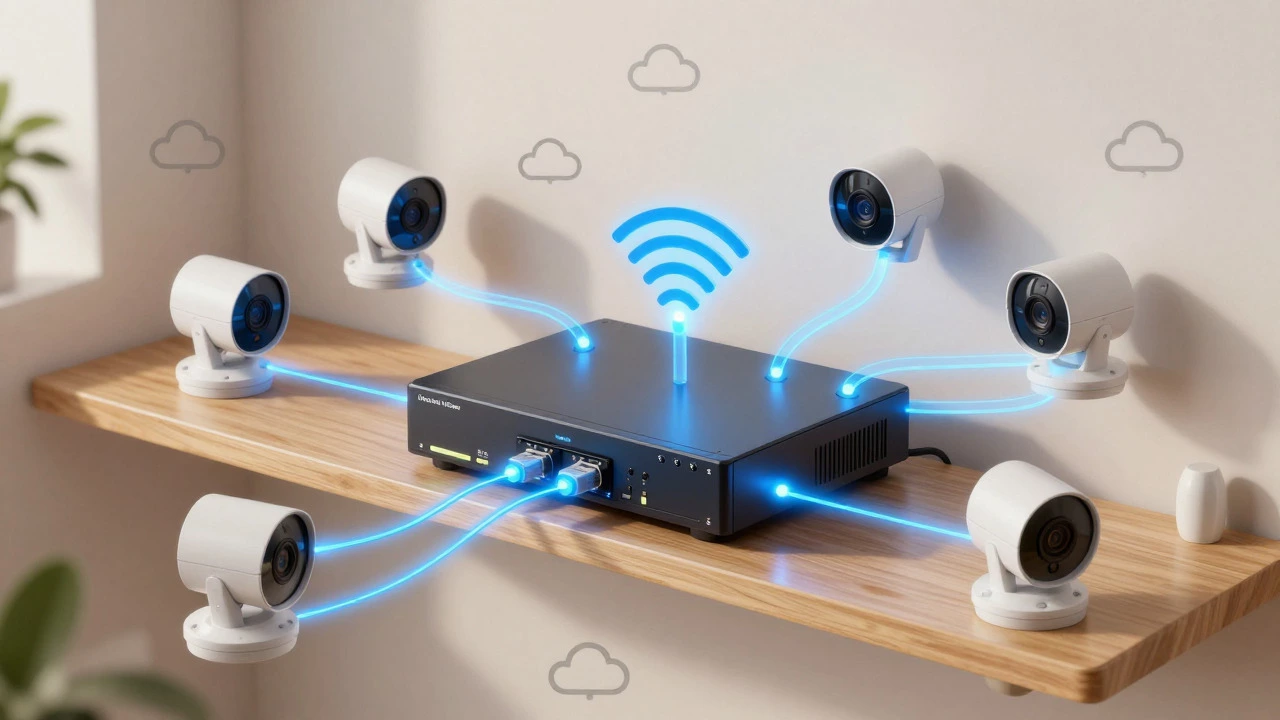
Network Video Recorders (NVRs) offer a more robust solution. An NVR is a dedicated computer-like device that connects to multiple cameras via Wi-Fi or PoE switches. It contains one or more surveillance-grade hard drives designed for 24/7 writing. These drives can store weeks or even months of footage. Because the NVR sits on your local network, it doesn’t care if your ISP is down. As long as the NVR has power and the cameras can reach it via Wi-Fi, recording continues. This is the gold standard for serious security setups.
What Stops Working When Internet Is Down?
Just because the camera records doesn’t mean everything works normally. When your internet connection drops, several features become unavailable. Knowing what to expect helps you plan for outages.
- Remote Viewing: You won’t be able to see live feeds from your phone while away from home. The app will likely show the camera as offline or buffering.
- Push Notifications: Motion alerts won’t reach your phone. If someone breaks in while you’re at work, you won’t get an immediate ping unless you return home to check the NVR.
- Cloud Backup: Any footage meant for cloud storage won’t upload. It may stay on the local device temporarily, but it won’t be safe in the cloud until connectivity returns.
- AI Analytics: Many advanced features, like person detection or license plate recognition, run on cloud servers. These features usually stop working offline. Basic motion detection on the camera itself usually remains active.
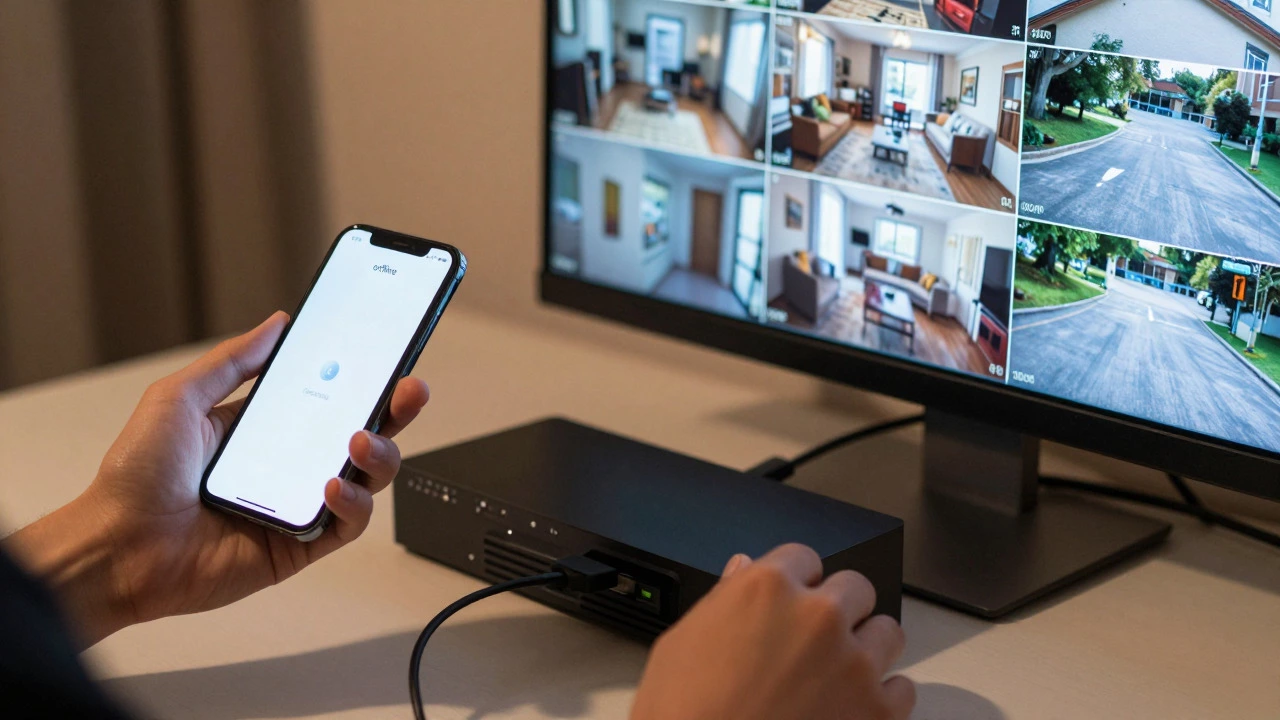
The core security function-capturing video evidence-remains intact. You can still plug a monitor directly into the NVR to view live feeds or play back recorded clips locally. This direct connection bypasses the internet entirely, relying only on the local area network (LAN).
Setup Tips for Reliable Offline Recording
If you want to ensure your system survives an internet outage, follow these practical steps during installation.
- Enable Local Recording First: Don’t rely on the default settings. Go into each camera’s settings and explicitly turn on “Local Storage” or “SD Card Recording.” Verify that the status indicator shows the card is active.
- Use Surveillance-Grade Drives: If using an NVR, avoid cheap desktop hard drives. They aren’t rated for constant writing and may fail within a year. Look for drives labeled for CCTV or NVR use, such as WD Purple or Seagate SkyHawk.
- Test the Connection: Unplug your router’s WAN cable (the one going to the wall) for 30 minutes. Check if the cameras still record. You should see new files appearing on the NVR or SD card. This simple test confirms your offline capability.
- Keep Firmware Updated: Manufacturers frequently release updates that improve stability. While updates often require internet, doing them regularly ensures your local recording logic is bug-free.
- Monitor Disk Health: A failed hard drive is a bigger threat to your footage than an internet outage. Use your NVR’s software to check disk health monthly. Replace drives before they fail completely.
Common Misconceptions
There are a few myths that trip people up. Let’s clear them out.
“Wireless means Cloud.” Not necessarily. Wireless refers to the transmission medium (Wi-Fi or cellular), not the storage location. A wireless camera can record to a local SD card just as easily as a wired one.
“If the App Doesn’t Work, Nothing Works.” The app is just a viewer. The camera and recorder are independent devices. If the app can’t connect, it’s usually because it’s trying to reach the cloud. Switching to a local network connection or viewing via a direct LAN IP address often solves the issue.
“Battery Cameras Can’t Record Offline.” Some battery-powered cameras are cloud-only. However, many newer models support local SD card storage. Always check the spec sheet for “local storage” support before buying a battery-operated unit.
Choosing the Right System for Your Needs
Your choice depends on your priorities. If you live in an area with frequent internet outages, prioritize local NVR storage. The peace of mind knowing your footage is safe on a physical drive outweighs the convenience of cloud backups. If you travel frequently and need real-time alerts, a hybrid system with both local and cloud storage is ideal. It gives you the best of both worlds: reliable offline recording and convenient remote access when online.
For renters or those with minimal technical skills, a wireless camera with a large SD card is the easiest entry point. It requires no wiring, no NVR configuration, and minimal setup. Just insert the card, enable recording, and you’re good. Remember to retrieve the card periodically to back up important clips.
In the end, wireless CCTV technology is mature enough to handle offline scenarios gracefully. The key is understanding that the internet is a feature, not a requirement, for basic recording. By focusing on local storage solutions, you build a security system that stands on its own, regardless of your connectivity status.
Do all wireless CCTV cameras record without internet?
No. Only cameras with local storage capabilities (such as microSD cards or connections to a local NVR) record without internet. Cloud-only cameras stop recording when the connection drops because they have no local place to save the video.
How long can a wireless CCTV system record without internet?
Indefinitely, as long as it has power and sufficient local storage space. Once the local hard drive or SD card is full, it typically overwrites the oldest footage (loop recording), so the system never stops due to lack of space, but history length depends on capacity and video quality.
Can I view my footage if my internet is down?
Yes, but only locally. You can connect a monitor directly to the NVR or access the camera’s IP address from a device on the same local Wi-Fi network. Remote viewing from outside your home will not work until the internet is restored.
Is an NVR better than an SD card for offline recording?
Generally, yes. NVRs offer much larger storage capacities, allowing for weeks of continuous recording. SD cards are limited in size and require manual management. However, SD cards are cheaper and easier to set up for single-camera systems.
Does the camera need Wi-Fi to record to a local NVR?
Usually, yes. Wireless cameras need a Wi-Fi connection to send data to the NVR. If the Wi-Fi router is on but the internet (WAN) is off, the camera can still talk to the NVR over the local network. If the Wi-Fi router itself is powered off, the wireless camera cannot communicate with the NVR unless it has a direct Ethernet connection.