
You might have noticed that your phone's camera struggles the moment the lights go out. You get grainy photos or just a black screen, while professional security cameras seem to see everything in crisp detail. The short answer is: yes, you can turn your phone into a night vision camera, but how you do it depends on whether you want a temporary software trick or a permanent hardware transformation.
Most people think they need to buy expensive gear to see in the dark, but the sensor already inside your smartphone is actually capable of seeing infrared light. The only reason it doesn't is because manufacturers put a tiny piece of glass-an infrared filter-over the sensor to keep your daytime photos looking natural. If you're willing to get your hands dirty with an old device, you can unlock a hidden world of visibility. If you'd rather keep your phone intact, there are digital shortcuts that can help, though they aren't nearly as powerful.
Quick Summary of Your Options
| Method | Difficulty | Effectiveness | Risk |
|---|---|---|---|
| Software Apps | Very Low | Low (Low-light only) | None |
| Hardware Mod | High | High (True Night Vision) | Permanent Damage |
The Hard Way: Physical Infrared Filter Removal
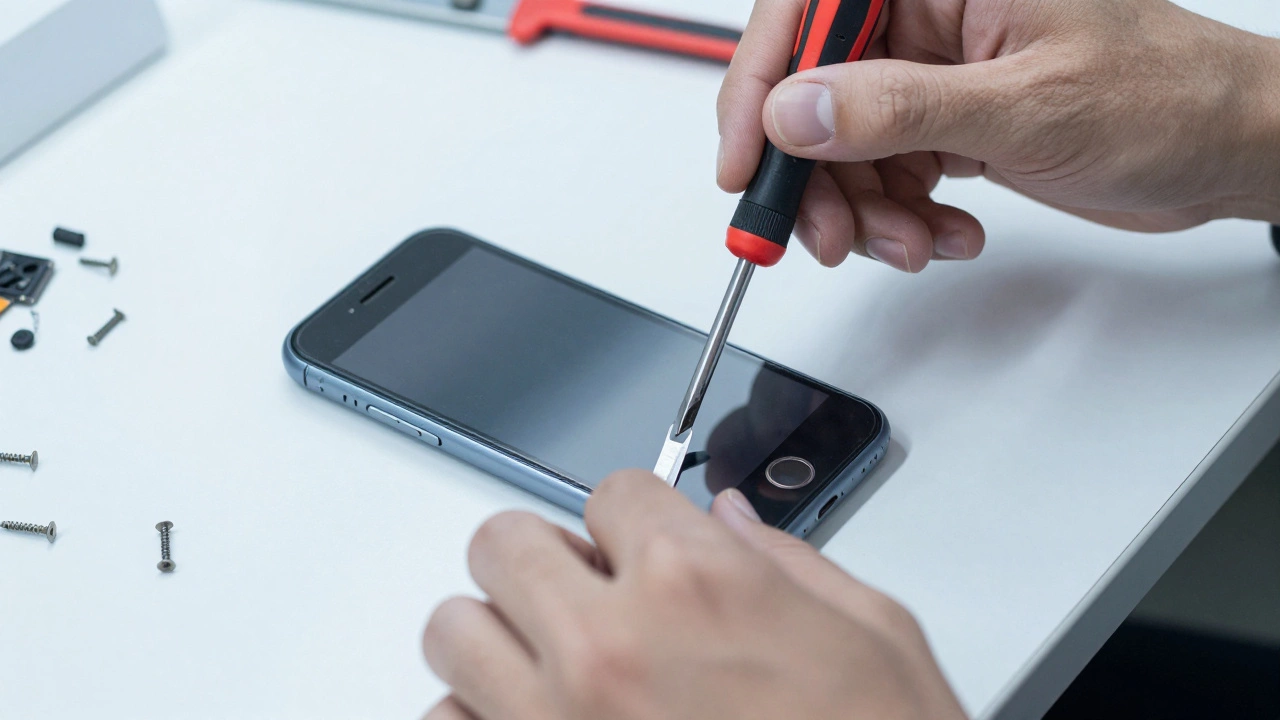
If you have an old smartphone gathering dust in a drawer, you can turn it into a legitimate surveillance tool. This process is called "full spectrum conversion." You aren't just adding a filter; you are physically removing the Infrared (IR) Filter is a specialized piece of glass placed over a camera sensor to block infrared light from entering the lens. Once that glass is gone, the sensor can "see" the light that humans cannot.
To do this, you'll need a few basic tools: a small screwdriver set, a sharp hobby blade, and an old phone with a fixed-focus camera. The process involves opening the phone casing and carefully disconnecting the camera module. The riskiest part is using the blade to cut around the lens thread to reach the adhesive and pop out the IR filter. If you scratch the sensor during this step, the camera is ruined. But if you succeed, you've effectively turned your phone into a sensor that captures the infrared spectrum.
Here is the catch: once the filter is gone, your phone can no longer take normal color photos. Everything will look washed out or pinkish in daylight because the sensor is now overwhelmed by infrared light. This is why you should only do this to a device you no longer use for daily photography.
Making It Work: Adding Infrared Illumination
Removing the filter is only half the battle. While the phone can now detect infrared light, it still needs a light source to see in total darkness. This is where Infrared LEDs are light-emitting diodes that produce light in the infrared spectrum, invisible to the human eye but visible to IR-sensitive cameras come into play. Without these, you'll only see things if there's some ambient IR light (like moonlight).
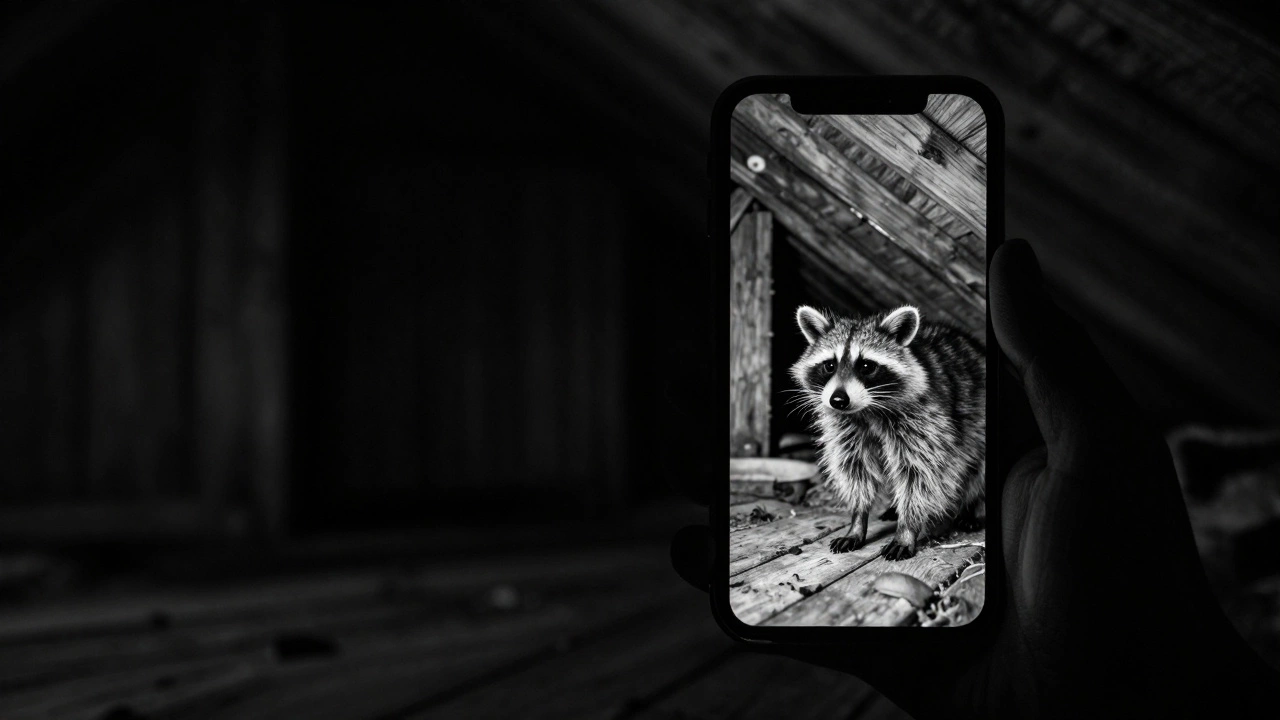
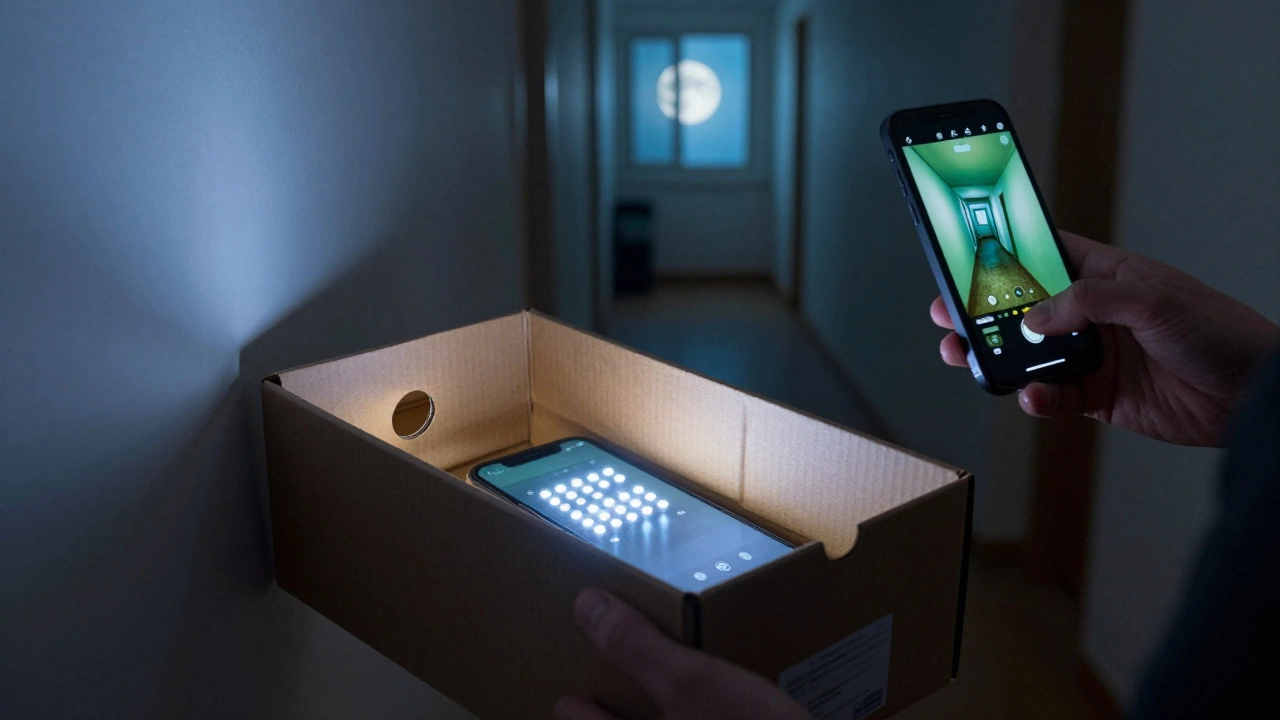
By wiring a few IR LEDs to a power source and pointing them in the same direction as your lens, you create an invisible flashlight. To the human eye, the room is pitch black. But on your smartphone screen, the area will look bright and clear. This setup is perfect for monitoring nocturnal animals in a garden or setting up a discreet security point in a dark hallway.
The Easy Way: Using Night Vision Software
Not everyone wants to perform surgery on their electronics. If you just need a bit more visibility during a midnight walk, software is your best bet. Apps like "Night Camera Mode HD Photo & Video" don't actually change how the hardware works; instead, they use digital image processing to boost the signal from the sensor.
These tools work by applying color gradients based on image intensity. They essentially take the very faint light the sensor is picking up and "crank up the volume," often adding a green or blue tint to make the edges of objects easier to distinguish. While this is helpful in low-light scenarios, it won't work in a room with zero light. A software app cannot see through walls or find a cat in a sealed closet because it is still limited by the physical IR filter blocking the lens.
Turning Your Modded Phone Into a Security System
Once you've successfully removed the filter and added LEDs, you have a powerful tool. But holding a phone all night isn't practical. You can transform this modified hardware into a permanent IP Camera is a digital video camera that sends a digitized video signal over an IP network.
A great DIY trick is to house the modified phone and the LED array inside a simple shoebox. Cut small holes for the lens and a charging cable. By installing a free app like Alfred, you can stream the night vision feed to your current phone from anywhere in the world. This gives you a high-end security setup for almost zero cost-some DIY enthusiasts have managed to build these for as little as $1 USD if they already have the spare phone.
Comparing Hardware vs. Software Results
If you're still undecided, consider your actual goal. Are you trying to find a lost earring under the bed, or are you trying to catch a raccoon in the attic?
- Software approach: Best for "low light." It's great for taking a photo in a dim restaurant or navigating a dark room. It requires zero risk and zero money.
- Hardware approach: Best for "total darkness." It allows you to see things that are physically invisible to humans. It is the only way to achieve true night vision.
Keep in mind that the quality of your result depends heavily on the original camera sensor. A phone with a high-end sensor from a few years ago will likely outperform a cheap, budget phone even after the modification. The larger the sensor, the more infrared light it can capture, leading to a cleaner image with less noise.
Will removing the IR filter void my warranty?
Yes. Opening your phone and physically removing internal components will void any manufacturer warranty. Only perform this on old devices you no longer intend to keep under warranty.
Can I put the IR filter back once I remove it?
Technically, it's possible, but practically, it's almost impossible to reseal it perfectly without introducing dust or misalignment. Consider this a permanent modification to the device.
Do I need special LEDs for the hardware mod?
Yes, you need LEDs that emit light in the infrared spectrum (typically around 850nm or 940nm). Standard white LEDs will not provide the "invisible" night vision effect and will just light up the room for everyone to see.
Why do some night vision apps make the screen green?
The green tint is largely a stylistic choice based on old military night vision goggles. Digitally, green is a color the human eye is very sensitive to, making it easier to spot movement and shapes in low-contrast images.
Can this be done with a front-facing camera?
Yes, you can remove the filter from the front camera as well. However, it is often much harder to access and the sensors are usually smaller, which means the image quality won't be as good as the rear camera.
Next Steps for Your Project
If you're a beginner, start with the apps. Try a few different low-light enhancers to see if that meets your needs. If you find the software too limiting, look for an old Android or iOS device with a removable back cover to make the hardware mod easier.
For those attempting the hardware route, practice your steady hand. If you've never opened a phone before, watch a few teardown videos of your specific model first. Once you've removed the filter, test the camera by pointing it at a TV remote; the small LED at the front of the remote emits infrared light, and your modified phone should see it as a bright glowing bulb.