
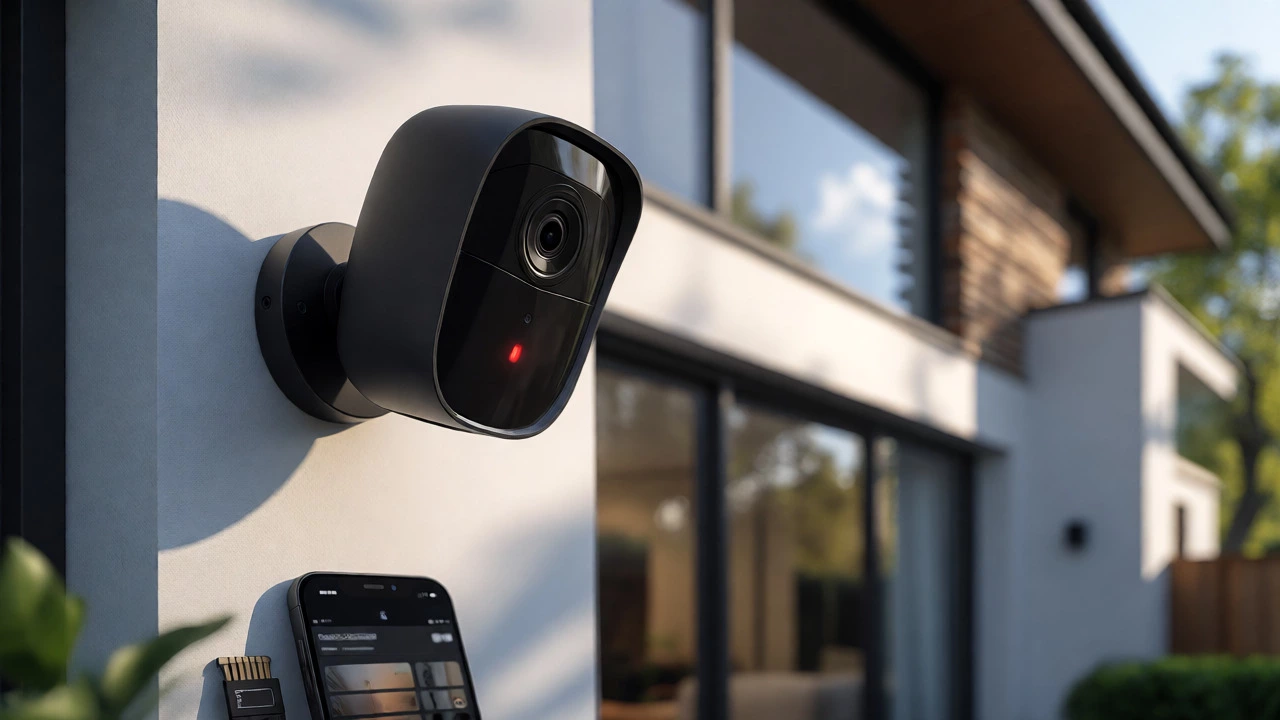
Wi-Fi Camera Cost & Storage Estimator
Compare Cloud vs. Local Storage Costs
Adjust the sliders to estimate your long-term savings by choosing local storage (SD Card/NVR) versus a monthly cloud subscription.
Quick Feature Reference
| Feature | Cloud-Based (Ring/Nest) | Local-Based (Eufy/Reolink) |
|---|---|---|
| Live View | Free | Free |
| Recorded History | Paid Plan | Included (SD/NVR) |
| AI Detection | Often Paid | On-Device Free |
| Privacy Control | Vendor Server | Your Home |
| Maintenance | None | Manage SD/NVR |
You just bought a sleek new Wi-Fi camera for your front porch. It looks great, the app is easy to use, and you’re ready to monitor your package deliveries. Then comes the nagging question: do you have to pay every month just to see what happened yesterday? For years, major brands like Ring and Arlo made it seem like a subscription was mandatory for any decent security footage. But here’s the reality check: No, not all Wi-Fi cameras require a subscription. In fact, a massive segment of the market in 2026 is designed specifically to work without monthly fees, using local storage instead of the cloud.
The confusion stems from how different companies make their money. Some sell you the hardware cheaply but lock the best features behind a recurring payment plan. Others charge more upfront for the device but let you own your data outright. Understanding this split saves you hundreds of dollars over the life of your security system. Whether you care about privacy, budget predictability, or just hate another bill on your credit card statement, knowing which cameras play by the "no-subscription" rules is key.
How Wi-Fi Cameras Store Your Footage
To understand why some cameras need subscriptions and others don’t, you have to look at where the video goes. There are two main architectures in modern home security: cloud-based and local-based.
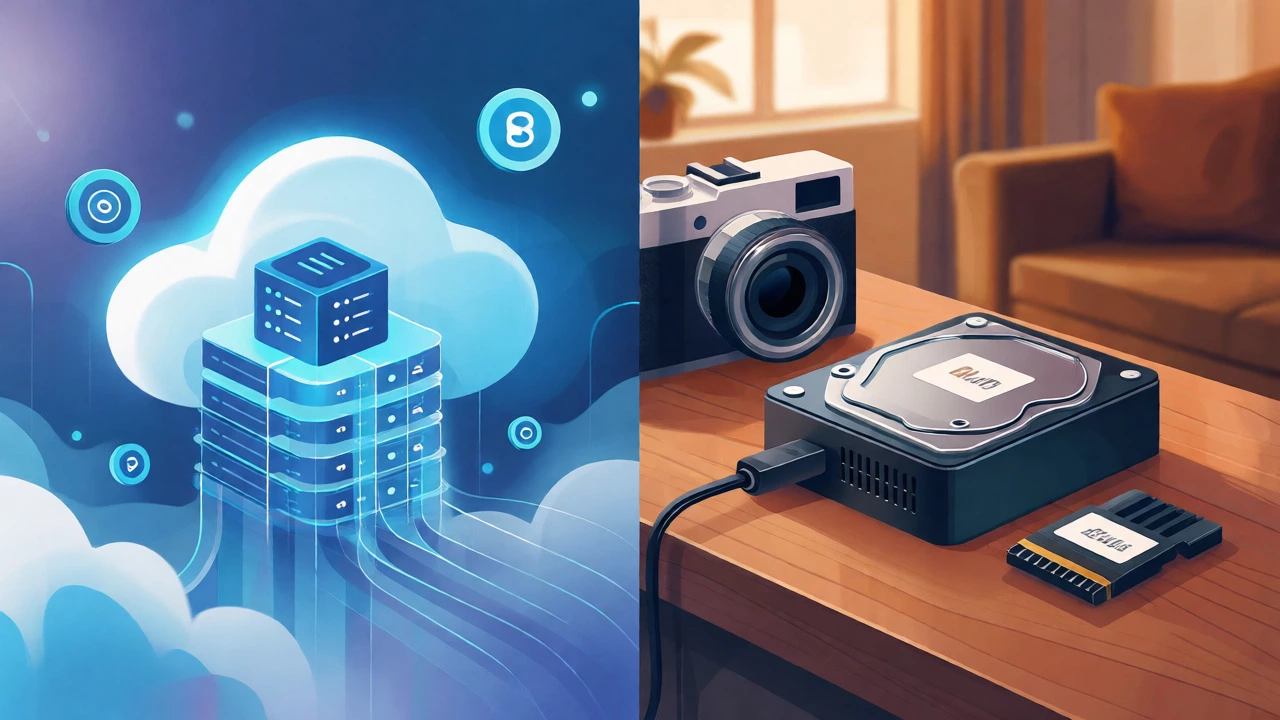
Cloud storage means your camera sends video clips to a remote server owned by the manufacturer. Think of it like Netflix for your security feed. When motion is detected, the clip uploads to the vendor’s data center. This allows for easy access from anywhere, robust backup if someone steals the camera, and powerful AI processing that happens on big servers rather than inside the tiny camera. However, maintaining these servers costs money, so companies charge a monthly fee-typically between $3 and $20 per device-to keep your history accessible.
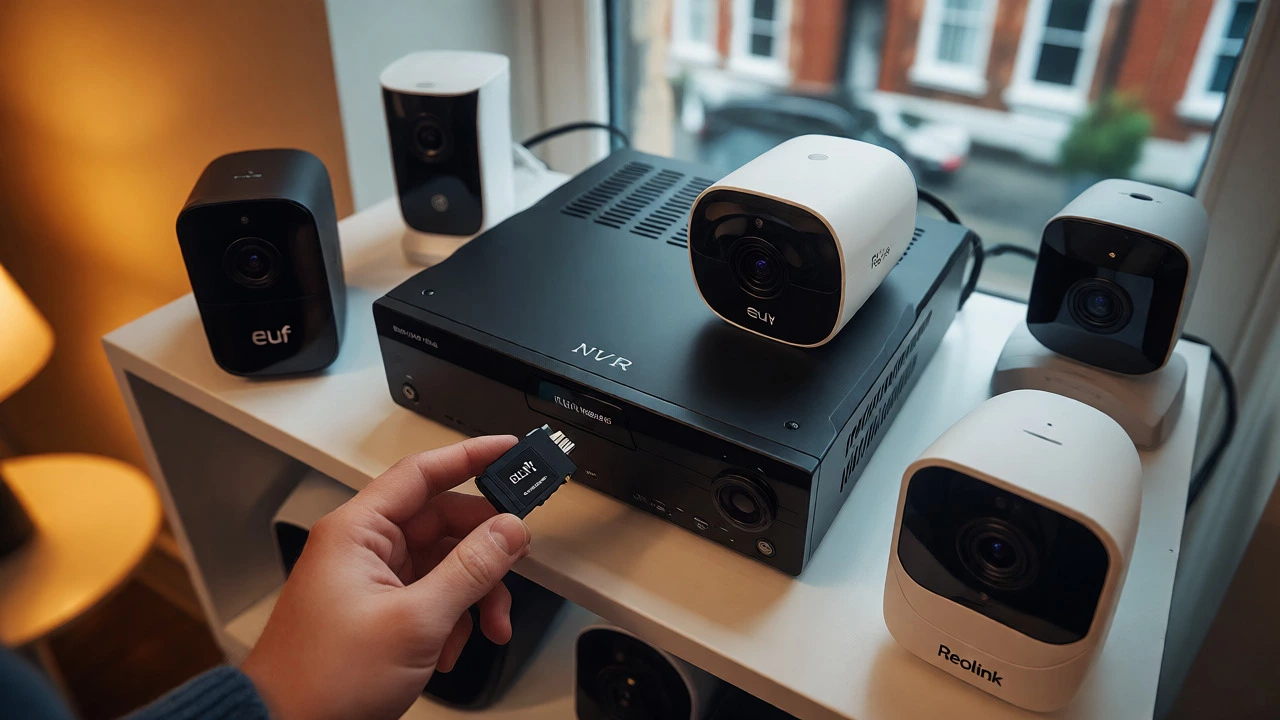
Local storage, on the other hand, keeps the footage right there in your house. This might be a small microSD card slotted into the camera itself, a USB drive plugged into a hub, or a dedicated Network Video Recorder (NVR) with a hard drive. Because the data never leaves your network unless you explicitly stream it, there’s no ongoing service cost. You buy the storage once, and it’s yours. Brands like Reolink, Eufy, and Camius have built entire product lines around this model, proving that you don’t need the cloud to get clear, usable security video.
The Hidden Costs of "Free" Features
Many users assume that if they don’t subscribe, the camera won’t record anything at all. That’s often true for specific brands, but not all. Let’s break down what you actually lose when you skip the subscription on popular cloud-centric platforms versus what you get with local-storage models.
| Brand Ecosystem | Live View Without Sub? | Recording Without Sub? | AI Detection Without Sub? | Typical Monthly Cost |
|---|---|---|---|---|
| Ring / Nest / Arlo | Yes | No (or very limited) | Limited or None | $5 - $20+ |
| Eufy / Reolink / Tapo | Yes | Yes (via SD/NVR) | Yes (on-device) | $0 |
| Blink | Yes | Yes (with Sync Module 2) | Basic only | $0 - $12 |
With Ring or Google Nest, you can watch live video for free. If someone walks past your door, you’ll get a notification. But if you want to scroll back and see who knocked three hours ago, you’re stuck. On Ring, for example, basic plans start around $4.99/month for a single device, while advanced tiers with 24/7 recording and professional monitoring can hit $20 or more. These fees aren’t optional if you want a functional history log.
Contrast this with a camera like the Eufy Indoor Cam S350. It stores recordings directly onto a user-supplied microSD card (up to 128 GB). You plug it in, pair it with Wi-Fi, and you’re done. No account linking required for recording, no monthly bill. If the internet goes down, the camera keeps recording locally. When the connection returns, you can review the footage via the app or pull the card out. The trade-off? You have to manage the storage yourself. If the card fills up, old footage gets overwritten. If the card fails, you lose that week’s data unless you backed it up.
Why Manufacturers Push Subscriptions
If local storage works fine, why do big tech companies insist on subscriptions? It’s simple economics. Hardware margins are thin. Selling a $50 camera doesn’t generate much profit after manufacturing, shipping, and marketing. Recurring revenue, however, is gold. A subscription turns a one-time buyer into a long-term customer. According to industry analyses from 2026, subscription plans cluster between $2 and $20 per month, creating a steady income stream that funds server maintenance and software development.
There’s also the AI factor. Advanced features like person detection, package recognition, and face identification require significant computing power. Doing this analysis in the cloud allows manufacturers to offer smarter alerts without putting expensive processors in every cheap camera. Arlo Secure, for instance, locks its best AI features behind a paywall starting at $7.99/month. Without it, you might get generic "motion detected" alerts that trigger for swaying trees or passing cars, leading to alert fatigue.
However, this model has downsides beyond cost. Privacy is a major concern for many homeowners. With cloud storage, your intimate family moments are hosted on third-party servers. Data breaches happen. Server outages happen. And sometimes, employees at these companies might view your clips for quality assurance. Local storage puts you in control. Your footage stays on your premises, encrypted on your own hardware. For privacy-conscious users, this autonomy is worth far more than the convenience of cloud syncing.
Top Picks for No-Subscription Wi-Fi Cameras
If you’ve decided to ditch the monthly fees, you have plenty of options. Here are a few standout models and strategies that dominate the no-subscription market in 2026.
- Eufy Security: Known for its HomeBase ecosystem, Eufy cameras store footage locally on the base station or internal memory. The Eufy SoloCam series offers battery-powered outdoor coverage with built-in storage. While the initial hardware cost is higher (often including a ~$100 HomeBase), the lack of recurring fees pays off within two years compared to a $10/month plan.
- Reolink: A favorite among DIY enthusiasts, Reolink cameras support microSD cards and connect easily to NVRs. Their Argus line provides wireless flexibility with local recording capabilities. Reolink’s apps are straightforward, offering direct access to files without forcing a cloud upgrade.
- Tapo by TP-Link: Budget-friendly and reliable, Tapo cameras allow local recording via microSD. Models like the Tapo C120 offer solid 2K resolution and smart home integration without demanding a subscription for core functions.
- Blink (with Sync Module 2): Blink is unique because it bridges the gap. By purchasing the Sync Module 2 and a USB flash drive, you can enable unlimited local recording for free. This bypasses the standard cloud subscription entirely, making it a clever hack for existing Blink owners who want to cut costs.
When shopping, look for keywords like "local storage," "microSD compatible," or "NVR included." Avoid devices that say "cloud recording required" or have asterisks next to "recording" in the feature list. Also, consider the total cost of ownership. A $30 camera plus $10/month for five years equals $630. A $100 camera plus a $20 SD card equals $120. The math usually favors local storage for long-term users.
Privacy and Reliability Trade-offs
Choosing local storage isn’t just about saving money; it’s about risk management. With cloud cameras, if your internet cuts out during a burglary, you might miss the upload. The camera records locally temporarily, but if it runs out of buffer space before the net comes back, those critical seconds vanish. Local storage systems, especially those with large NVR drives, keep rolling continuously regardless of internet status. You can even view the footage later by connecting a monitor directly to the recorder.
On the flip side, local storage requires physical maintenance. MicroSD cards wear out. They have a limited number of write cycles. If you set your camera to record 24/7, an SD card might fail in 12-18 months. Most modern cameras warn you when health degrades, but it’s another thing to track. NVRs with mechanical hard drives are more durable but consume more power and take up shelf space. Cloud services handle this maintenance invisibly, which is part of what you’re paying for.
Security experts note that local systems are generally harder to hack remotely because they don’t always maintain an open outbound connection to a central server. However, weak passwords on your Wi-Fi router remain the biggest vulnerability for both types. Regardless of your choice, always change default passwords and update firmware regularly.
Making the Right Choice for Your Home
So, should you go subscription-free? It depends on your lifestyle. If you travel frequently and want instant access to history from anywhere in the world, a cloud plan might still be worth it. If you rarely review footage and just want a deterrent with occasional checks, local storage is perfect.
Consider hybrid approaches too. Some users buy a high-end cloud camera for the front door (where theft is most likely) and fill the rest of the property with cheap, local-storage cams for general monitoring. This balances cost and coverage effectively. Remember, the technology has matured. You no longer have to choose between functionality and affordability. The market now offers robust, feature-rich cameras that respect your wallet and your privacy.
Can I view my Wi-Fi camera live without a subscription?
Yes, almost all Wi-Fi cameras allow free live viewing through their mobile apps. You can see what's happening in real-time and receive motion alerts without paying. The restriction usually applies to reviewing recorded history or accessing advanced AI features.
What happens if my internet goes out with a local storage camera?
The camera continues to record footage to the local microSD card or NVR. You won't be able to view the live feed remotely until the internet returns, but no data is lost. Once connectivity is restored, you can review the recorded events from the time of the outage.
Are no-subscription cameras less secure?
Not necessarily. In fact, they can be more private since footage stays on your local network. However, they are vulnerable to physical theft. If a burglar takes the camera, they take the storage card too. Cloud cameras upload clips instantly, so even if the device is stolen, the evidence remains in the cloud.
How much storage do I need for a no-subscription camera?
It depends on resolution and recording mode. For event-based recording (only when motion is detected), a 64GB microSD card can last several weeks. For continuous 24/7 recording at 1080p, you might need 128GB or more for just a few days. Always check the manufacturer's retention calculator.
Do I need special SD cards for security cameras?
Yes, use "High Endurance" microSD cards. Standard cards are designed for intermittent use (like photos) and can fail quickly under the constant write cycles of video surveillance. High Endurance cards are built to withstand continuous recording and heat.