
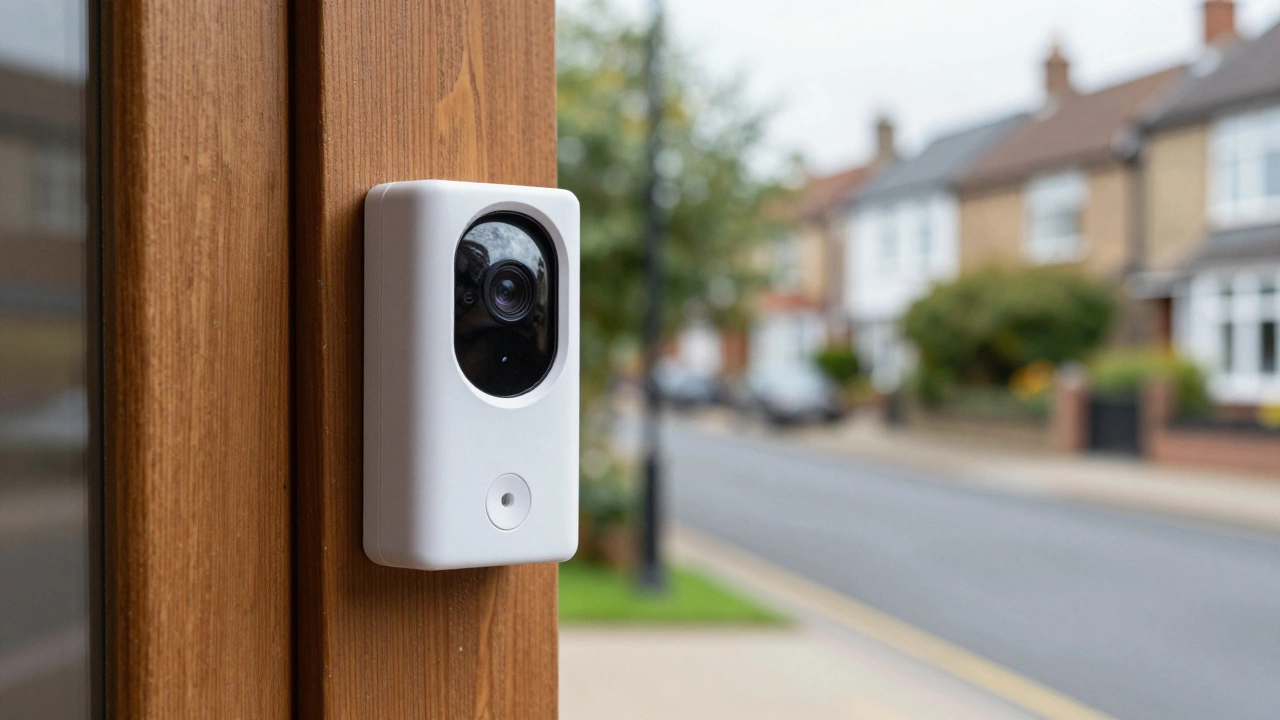
Doorbell Recording Mode Finder
Answer these questions to find the best recording setup for your home.
You might assume that once you install a camera at your front door, it's watching every single second of the day. In reality, most doorbell camera recording is not continuous. If you buy a standard battery-powered model, it isn't filming the empty street for hours on end. Instead, these devices spend most of their time "sleeping" and only wake up when something specific happens.
The core problem is power and space. Recording high-definition video every second would kill a battery in hours and fill up a cloud server in days. That is why the vast majority of these devices rely on motion-triggered events. You get a clip when someone walks up your path, but you don't get a 24-hour movie of your driveway.
How motion-triggered recording actually works
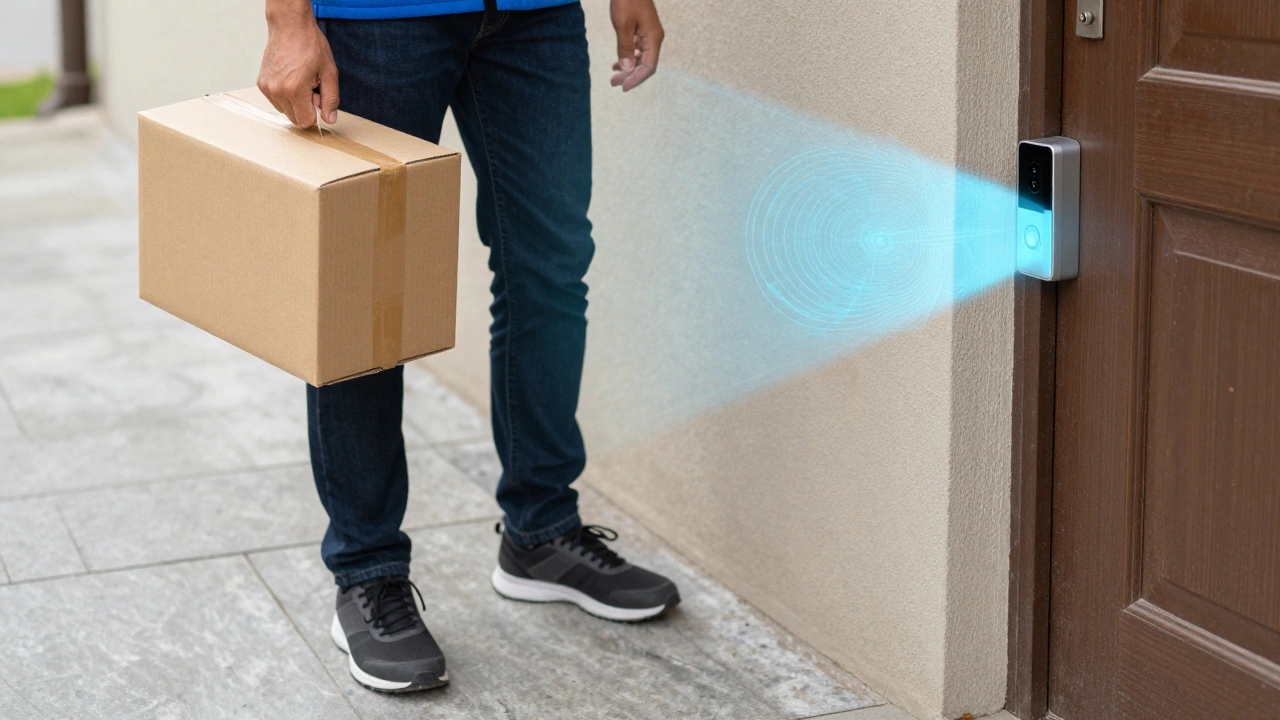
Most devices, like the Vivint Doorbell Camera Pro, use a trigger system. The camera waits for a change in pixels or a heat signature (via PIR sensors) to tell it to start filming. Once the motion stops, the camera stops. Usually, these clips last about 30 seconds, which is plenty to see who is at the door without wasting gigabytes of data.
This method is a lifesaver for battery-powered units. If a camera recorded everything, you'd be climbing a ladder to recharge it every single morning. By only capturing "events," the device can last weeks or months on a single charge. It also makes it way easier to find a specific moment-like when a courier dropped off a package-without scrubbing through ten hours of footage of a blowing leaf.
When you can actually get 24/7 coverage
If you really want a constant stream of evidence, you can't just buy any model. You need two things: a permanent power source and usually a paid plan. Continuous Video Recording (CVR) is a premium feature. For instance, if you use a Google Nest Doorbell, you'll need the Nest Aware Plus subscription to get that 24/7 history, which typically stores footage for about 10 days.
Wired connections are the secret here. A camera hardwired into your home's electrical system doesn't have to worry about a battery dying, so it can keep the sensor running constantly. Ring cameras can be set up for this, but again, you need that wired power. If you're looking for a setup that never misses a frame, skip the battery-operated versions entirely and go for a professional wired installation.
| Feature | Motion-Triggered | Continuous (24/7) | Scheduled |
|---|---|---|---|
| Power Source | Battery or Wired | Wired Only | Battery or Wired |
| Storage Usage | Low | Very High | Moderate |
| Battery Impact | Minimal | Impossible | Variable |
| Best For | General Security | High-Risk Areas | Specific Times (e.g. Night) |
Other ways these cameras capture video
It isn't just a choice between "on" and "off." Many systems offer a middle ground. Scheduled recording lets you tell the camera to be extra vigilant during specific hours-like from midnight to 5 AM-while staying in a low-power mode during the day. This is great if you have a quiet street but want maximum security while you're asleep.
Some high-end models also integrate with other smart home sensors. You can set your doorbell to trigger a recording not just when it sees motion, but when a Smart Lock is engaged or a door sensor is tripped. This creates a more complete picture of what's happening at your entry point, linking the "who" (the camera) with the "what" (the door opening).
Where the footage actually goes
Once the camera records a clip, it has to put it somewhere. Most modern doorbells use Cloud Storage. This means your video is sent over your Wi-Fi to a remote server. It's convenient because you can see the video from anywhere, but it usually comes with a monthly fee. Without a subscription, some brands only give you a few hours of free history.
If you hate the idea of a monthly bill, look for cameras with local storage. These use an SD card or a hard drive inside the house. The big upside? No monthly fees and better privacy. The downside? If a thief steals the entire doorbell unit (and the SD card inside it), your evidence goes right along with the hardware.
Can a battery doorbell record 24/7?
No, almost certainly not. Recording 24/7 consumes a massive amount of energy. If a battery-powered doorbell tried to record every second, the battery would drain in a matter of hours, making the device useless. For continuous recording, you must have a wired connection to your home's electricity.
What happens if my Wi-Fi goes down?
If you rely solely on cloud storage, you'll likely lose the ability to view live feeds or save clips until the internet returns. However, models with local storage (like an SD card) can keep recording events even without Wi-Fi, allowing you to review the footage later once you're back online.
Does continuous recording require a subscription?
In most cases, yes. Even if you have a wired camera, companies like Google or Ring typically lock the "24/7 history" feature behind a paid subscription plan (like Nest Aware Plus) because storing that much data on their servers is expensive.
How long are the typical motion clips?
Most motion-triggered clips last around 30 seconds. Some cameras allow you to extend this or will continue recording as long as motion is detected, but 30 seconds is the industry standard for balancing detail with storage efficiency.
Can I customize when my camera records?
Yes, most modern apps allow you to set "Activity Zones." This means the camera will ignore motion from a busy sidewalk but trigger a recording if someone steps onto your actual porch, which reduces the number of annoying false alerts.
Next steps for your setup
If you're still undecided on which recording style to go with, start by looking at your power options. If you rent your home and can't drill holes for wires, stick with a battery model and accept motion-triggered clips. It's usually more than enough for package theft protection.
If you own your home and want maximum security, invest in a wired installation. This opens the door to CVR and removes the chore of charging batteries. Finally, decide on your storage. If you're tech-savvy and want to avoid subscriptions, search specifically for "local storage" or "ONVIF compatible" doorbells that let you keep your data on your own hardware.