
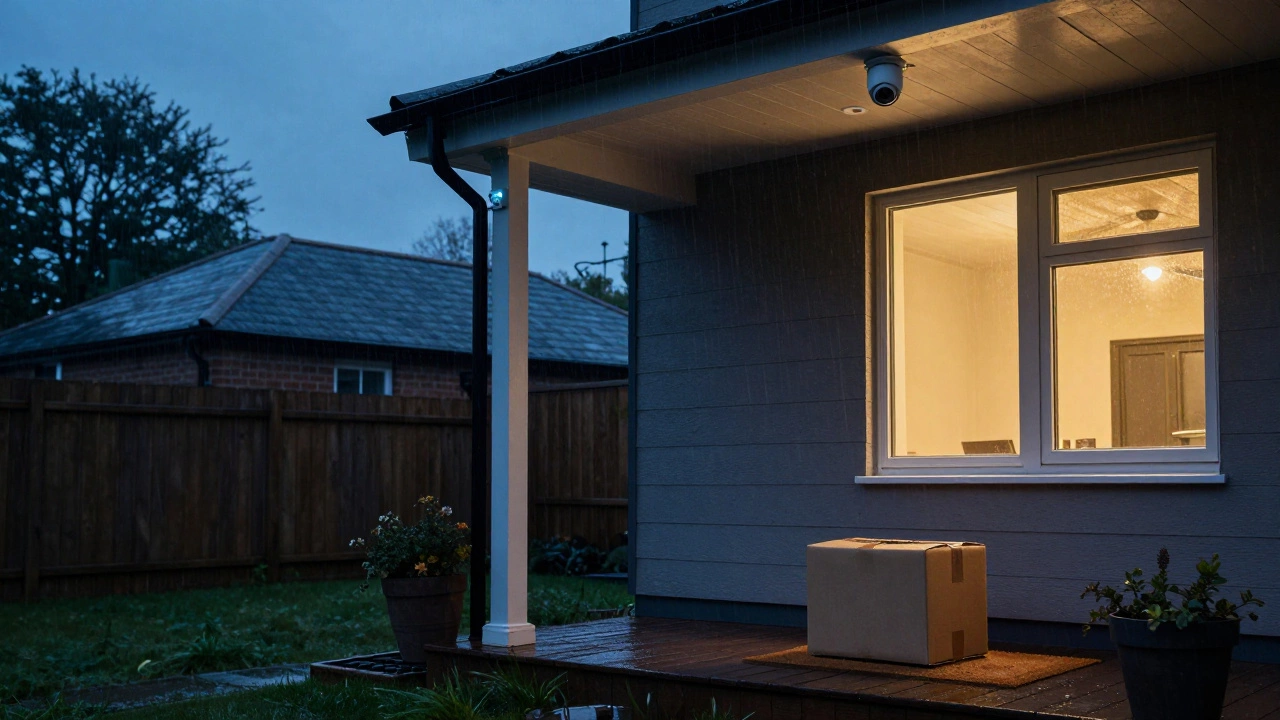
The short answer is: it depends entirely on where your camera saves its data. If your system relies on a cloud server, you're likely out of luck. But if you have local storage, your camera is probably still working hard in the background. To make sure your home stays protected when the network fails, you need to understand the difference between home security cameras that are internet-dependent and those that are truly autonomous.
How Storage Determines Your Recording Status
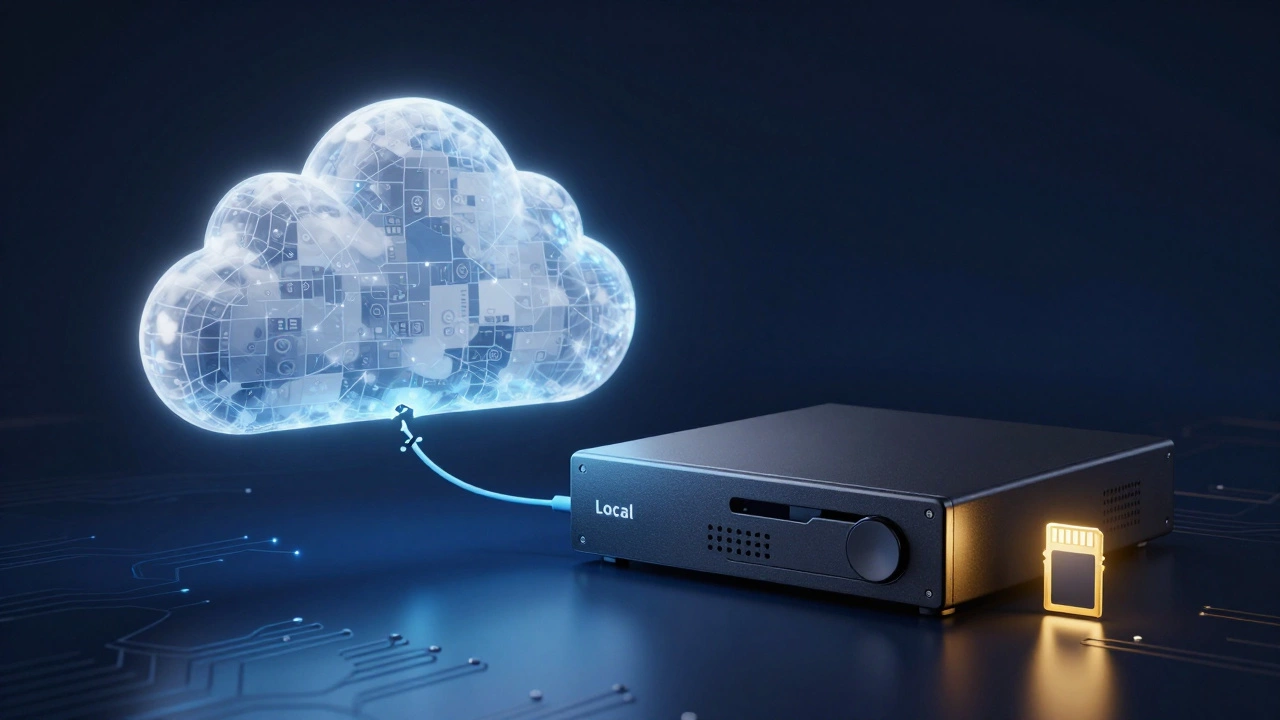
The internet is just a bridge. It's how the video gets from the camera to your phone, but it isn't necessarily what makes the camera "record." Recording is the act of writing data to a physical disk. If that disk is inside your house, the internet is irrelevant. If that disk is in a data center three states away, the internet is everything.
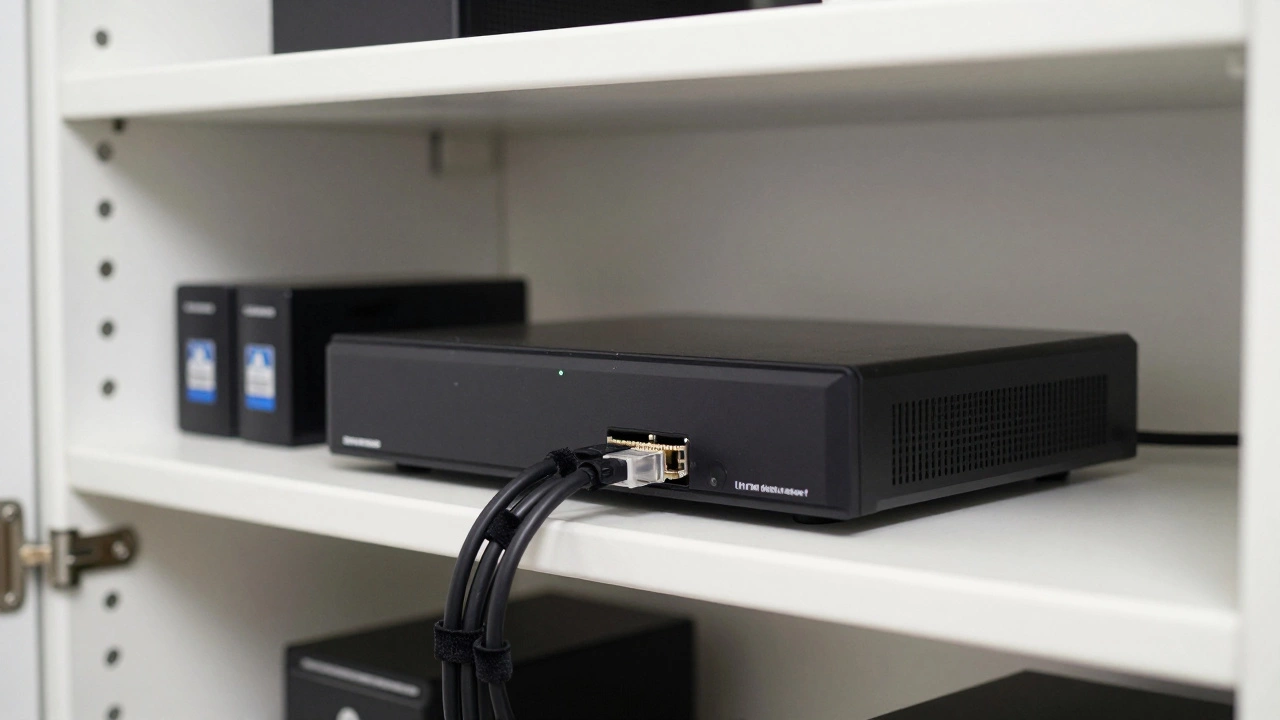
Most modern systems fall into three architectural buckets. First, there are NVR (Network Video Recorder) systems. These are the gold standard for reliability. An NVR is a dedicated local server that manages and stores footage from multiple cameras. Because the cameras and the recorder are on the same local network, they don't need an outside internet connection to talk to each other. If your ISP goes down, the NVR keeps spinning, and the footage keeps saving.
Then you have cameras with onboard storage. Many Wi-Fi cameras come with a small slot for a MicroSD card. In this setup, the camera writes the video directly to the card. Even if the Wi-Fi is completely offline, the camera can still detect motion and save the clip locally. Once the internet kicks back in, some of these systems automatically upload those "missing" clips to the cloud so you can see them on your phone.
Finally, there are cloud-only cameras. Popular brands like Nest or Wyze often lean heavily on the cloud. In these setups, the camera doesn't have a "brain" or a hard drive of its own; it's essentially a lens and a transmitter. If there is no internet to transmit the data to the company's servers, the recording process simply cannot happen. There is no one to "catch" the video, so it's gone forever.
| System Type | Records Without Internet? | Storage Location | Remote Access (Offline) |
|---|---|---|---|
| NVR/DVR Systems | Yes | Local Hard Drive | No (Local Only) |
| SD Card Cameras | Yes | On-board Flash Memory | No (Local Only) |
| Cloud-Only Cameras | No | Remote Servers | No |
| Cellular Cameras | Yes (via LTE/5G) | Cloud or Local | Yes |
What Actually Happens When the Connection Drops?
Even if your camera keeps recording, you'll notice a significant drop in functionality. You aren't just losing the "cloud"-you're losing the communication layer that makes a smart camera "smart."
The first thing to go is remote viewing. You can't check your live feed from your office or while you're at the grocery store. The bridge between your home network and the wider web is broken. If you have an NVR, you can still walk over to the physical box in your garage and watch the footage on a connected monitor, but your smartphone app will likely show a "Device Offline" message.
Next are the notifications. Since Push Notifications rely on a cloud server to send a signal to your phone, you won't get an alert that someone is at the door. Your camera might be recording the intruder in crystal clear 4K, but you won't know about it until you manually check the footage later.
There is also a hidden issue: time drift. Many cameras use NTP (Network Time Protocol) to keep their internal clocks accurate. When the internet is off for a long time, the timestamp on your video might start to drift or reset. While this doesn't stop the recording, it can make the footage less useful if you ever need to provide a precise timeline to the police.
The Absolute Requirement: Power
Here is a mistake a lot of people make: they confuse "internet" with "power." If your internet goes out because of a storm, there's a high chance your electricity is out too. No amount of local storage can help if the camera has no power. A camera without power is just a piece of plastic on your wall.
For those using wired NVR systems, the recorder and the cameras both need juice. If the NVR loses power, the entire system dies. To prevent this, it's a smart move to plug your NVR and your router into a UPS (Uninterruptible Power Supply). A UPS provides a battery backup that keeps the system humming for a few hours after the grid goes down, ensuring that a strategic power cut by a burglar doesn't disable your security.
Battery-powered cameras are a bit different. They don't care about the grid, but they do care about their own charge. If an internet outage lasts for days and your camera is constantly trying (and failing) to reconnect to the Wi-Fi, it can actually drain the battery faster than usual. This "searching" behavior is a known power killer in some cheaper wireless models.
Choosing a System for Maximum Reliability
If you live in an area with spotty internet or you're securing a remote location like a jobsite or a farm, you can't risk a cloud-only setup. You need a strategy that prioritizes offline resilience. Many pros now recommend a hybrid approach: local recording for reliability, with cloud backup for convenience.
If you're shopping for a new system, look for these specific features to ensure you aren't left blind during an outage:
- Local Storage Slots: Ensure every camera has a MicroSD slot. This acts as a fail-safe.
- NVR Compatibility: Choose a system that allows you to add a physical recorder later if you find the cloud too limiting.
- Cellular Failover: Some high-end systems can switch to a 4G or 5G connection if the primary fiber or cable line is cut.
- Continuous Recording Options: Check if the camera can record 24/7 locally. Some cameras only record "events" (motion) to save space, which means you might miss the seconds leading up to an incident.
For those in truly remote areas, Cellular Security Cameras are the way to go. These don't use your home Wi-Fi at all; they have their own SIM card and connect directly to cell towers. While they are still technically using the "internet," they aren't dependent on your home router, making them far more resilient to local hardware failures.
Will my camera stop recording if my Wi-Fi router is unplugged?
If your camera has local storage (like an SD card or connects to an NVR), it will keep recording. However, if it is a cloud-only camera, it will stop recording immediately because it has no way to send the footage to the server.
Can I watch my cameras while the internet is down?
You cannot use a mobile app to view cameras from a remote location. However, if you have an NVR system, you can plug a monitor directly into the recorder to see your live feeds and past recordings.
What is the difference between an NVR and a DVR?
A DVR (Digital Video Recorder) usually works with analog cameras via coaxial cables. An NVR (Network Video Recorder) works with IP cameras over an Ethernet network. Both provide local storage that works without internet.
Do SD card cameras upload missed footage after the internet returns?
Many do, but not all. Some systems will automatically sync local event clips to the cloud once connectivity is restored, while others require you to manually extract the SD card to see the offline footage.
Is a UPS necessary for my security system?
It is highly recommended. Since local recording still requires electricity, a UPS ensures that your cameras and NVR keep working even if a burglar cuts the power lines to your house.