
Security Camera Power Estimator
Confused by "wireless" vs. "wire-free"? Select your installation scenario below to find the most reliable power solution for your specific needs.
Select a scenario above to see recommendations.
You just bought a "wireless" security camera, excited to mount it anywhere without drilling holes for cables. Then the box arrives, and you find a long power cord with a plug. Confused? You’re not alone. The term "wireless" in home security is misleading. It usually refers to how the camera sends video data-via Wi-Fi-not how it gets electricity. Most so-called wireless cameras still need a power cable plugged into a wall outlet. If you want true freedom from wires, you need a different category: wire-free or battery-powered cameras.
This distinction matters because your choice dictates installation effort, maintenance, and recording capability. A camera that needs an outlet might give you 24/7 continuous recording but limits where you can put it. A battery model lets you stick it on a tree branch but might only record when motion is detected. Let’s break down exactly how these devices get their juice, what drains them, and which setup fits your home.
The Big Misconception: Wireless Data vs. Wireless Power
Manufacturers use "wireless" to mean one thing: no Ethernet cable needed for internet. But electricity is still required. There are four main ways security cameras get power, each with distinct pros and cons. Understanding these helps you avoid buying a device that doesn’t fit your location.
First, there are Plug-in Wi-Fi cameras. These connect to your home network wirelessly but draw power from a standard AC outlet via a low-voltage adapter. Second, Battery-powered cameras (often called wire-free) run on internal rechargeable lithium-ion batteries. Third, Solar-assisted cameras combine a small solar panel with a battery to extend runtime. Finally, while not truly wireless, PoE (Power over Ethernet) systems deliver both data and power through a single cable, offering a stable alternative for fixed installations.
Option 1: Plug-in Power (AC Adapter)
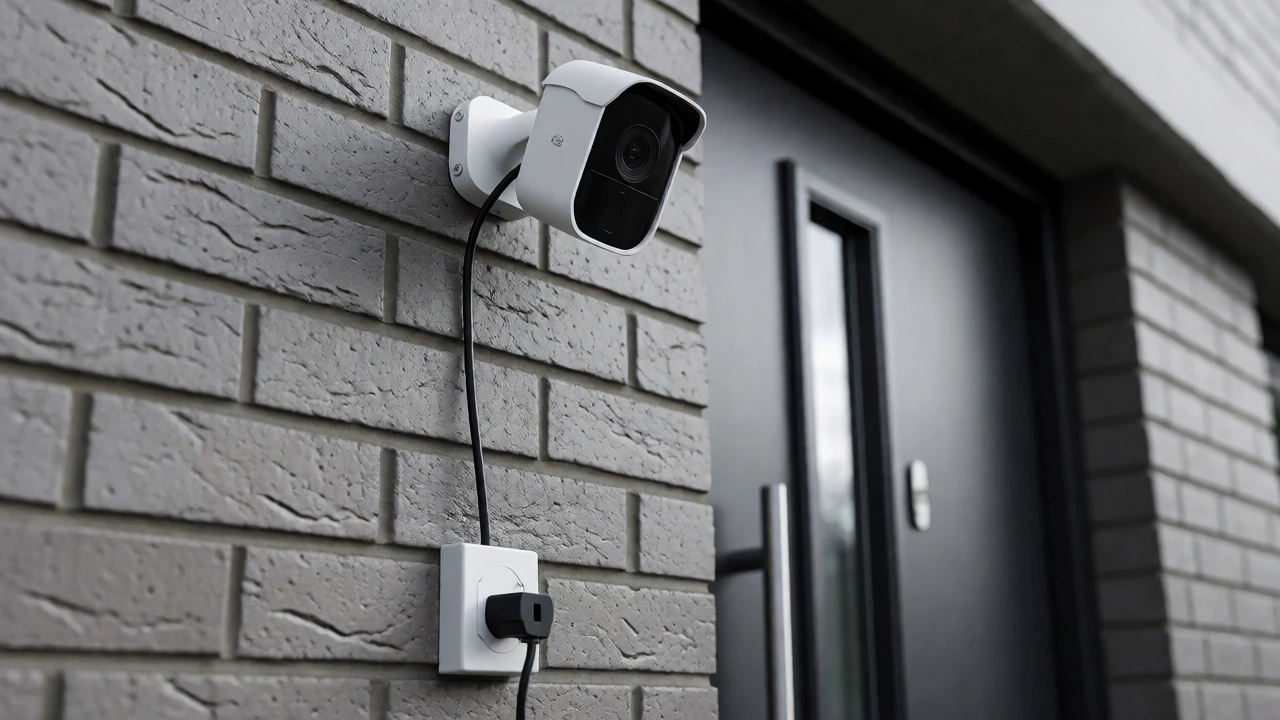
This is the most common method for indoor and many outdoor Wi-Fi cameras. You plug the camera’s adapter into a wall socket, and a thin cable runs to the camera. The adapter converts high-voltage household electricity (100-240V AC) into low-voltage DC (usually 5V, 9V, or 12V) safe for the camera’s electronics.
Why choose this? Continuous power means continuous recording. If you need footage of every second, like monitoring a baby or a busy front door, this is your best bet. Features that consume lots of energy-like infrared night vision, floodlights, or pan-tilt motors-work reliably here because the power supply is unlimited.
The downside: You need an outlet nearby. Outdoors, you must weatherproof the connection and hide the cable from prying eyes or curious pets. If someone unplugs it, you lose coverage. Also, running extension cords outdoors requires careful planning to avoid voltage drop or safety hazards.
Option 2: Battery-Powered (Wire-Free)
These cameras contain internal lithium-ion batteries. They don’t run constantly. Instead, they stay in a deep sleep mode, waking up only when a sensor detects motion. Once triggered, they record a short clip, send it to your phone via Wi-Fi, and go back to sleep. This "wake-on-event" strategy saves massive amounts of energy.
Why choose this? Placement flexibility. Stick them on eaves, gates, sheds, or even inside closets without worrying about outlets. They are ideal for renters who can’t drill holes or homeowners wanting temporary setups.
The reality check: Battery life varies wildly based on usage. A camera watching a quiet backyard might last six months. One facing a busy street with constant car movements might die in two weeks. Manufacturers often quote "up to 6 months" under lab conditions (e.g., 30 seconds of activity per day). Real-world performance depends on:
- Motion frequency: More triggers = more power drain.
- Live viewing: Watching the feed manually consumes significant battery.
- Temperature: Cold weather reduces lithium-ion efficiency significantly.
- Wi-Fi strength: Weak signals force the radio to work harder, draining battery faster.
Most battery cameras cannot record continuously. If the battery dies, you have a gap in coverage until you climb a ladder and swap or charge it. Some models allow swapping batteries; others require removing the whole unit.
Option 3: Solar-Assisted Power
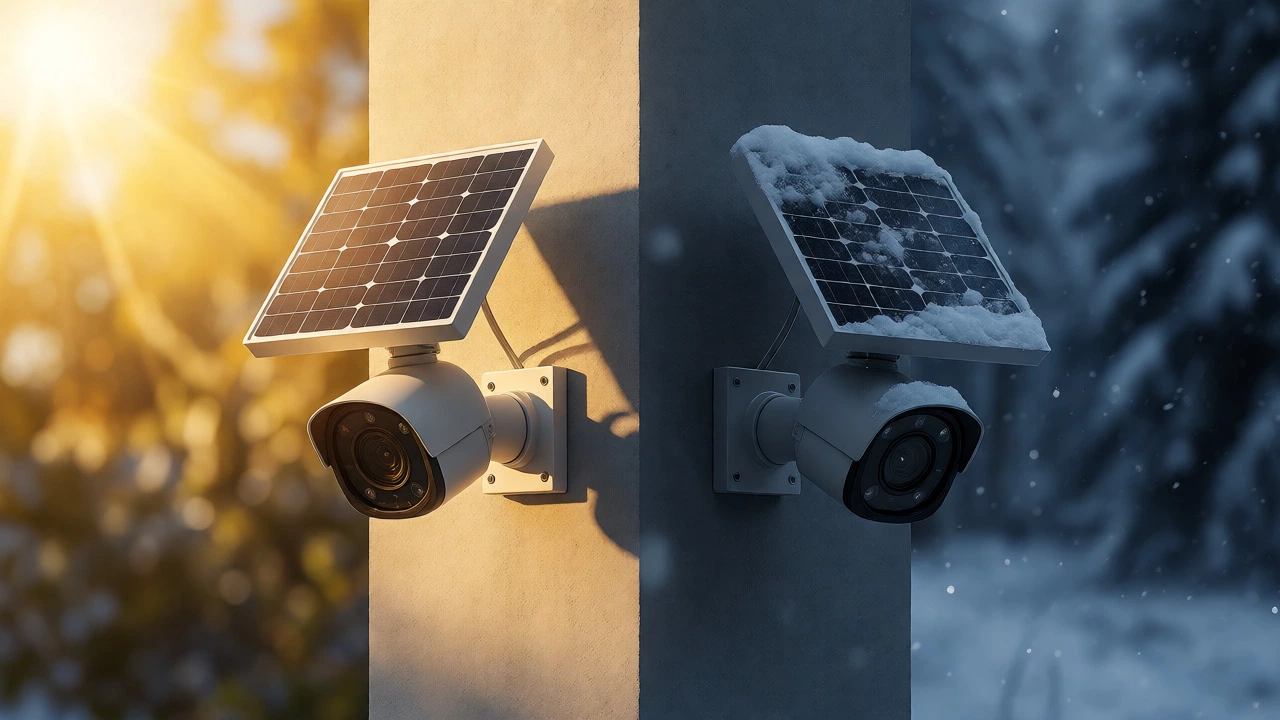
A solar panel doesn’t replace the battery; it recharges it. The panel captures sunlight during the day, stores energy in the internal battery, and the battery powers the camera at night or during cloudy spells. Think of it as extending your battery life rather than eliminating charging entirely.
When it works well: In sunny climates with unobstructed exposure. If your camera faces south (in the Southern Hemisphere, north-facing panels catch sun), and you keep the panel clean, you might rarely need manual charging. Brands like Ring and Arlo offer kits where the panel plugs directly into the camera’s charging port.
When it fails: Shady areas, winter months with short days, or dusty environments. A small 2W-5W panel generates limited power. If your camera records frequent clips, the panel might not generate enough energy to keep up, leading to gradual discharge. Snow covering the panel stops charging completely. Always check the manufacturer’s recommended sunlight hours; some claim 1 hour of direct sun equals 1 day of operation, but this assumes minimal activity.
Option 4: Power over Ethernet (PoE)
While technically wired, PoE deserves mention because people often confuse "wireless" with "no messy cables." PoE uses a single Ethernet cable to carry both data and electrical power from a switch or injector to the camera. No separate power adapter is needed near the camera.
Why consider it? Reliability. PoE provides stable, uninterrupted power for 24/7 recording and supports high-power features like PTZ (Pan-Tilt-Zoom) or bright spotlights. It’s less prone to interference than Wi-Fi and easier to troubleshoot. If you’re building a new system or renovating, running Cat5e/Cat6 cable might be worth the upfront effort for zero maintenance later.
The trade-off: Installation complexity. You need to run cables through walls or ceilings and ensure your router or NVR has PoE ports or add a PoE switch/injector.
What Drains Your Camera’s Battery?
If you go the battery route, understanding consumption helps you manage expectations. Here’s what eats power fastest:
| Feature | Impact on Battery Life | Pro Tip |
|---|---|---|
| Infrared Night Vision | High | Use color night vision if available; IR LEDs draw significant current. |
| Floodlights | Very High | Limit brightness settings or use timer-based activation. |
| AI Person Detection | Moderate | Reduces false alerts (saving power) but requires processor wake-ups. |
| Live View Frequency | High | Check notifications first; only open live view when necessary. |
| Weak Wi-Fi Signal | Moderate-High | Add a mesh node closer to the camera to reduce transmission power. |
Note that resolution matters too. Recording in 4K uses more processing power and storage bandwidth than 1080p. However, modern codecs (like H.265) help mitigate this. Still, if battery life is critical, consider lowering the frame rate from 30fps to 15fps in app settings.
Which Power Source Fits Your Scenario?
Let’s match solutions to real-life situations:
- Front Door: Plug-in. You want continuous recording of visitors and package deliveries. An outlet is usually nearby, and reliability is key.
- Backyard/Garden: Battery + Solar. Hard to reach outlets. Activity is sporadic. Solar keeps it topped up in summer.
- Garage/Shed: Battery. Often no easy access to power. Motion events are infrequent (cars leaving/entering).
- Driveway: Plug-in or PoE. High traffic means frequent motion triggers. A battery would drain quickly. Continuous recording helps capture license plates accurately.
- Rental Apartment: Battery. No permission to drill or run visible cables. Easy to remove when moving out.
Installation Tips for Maximum Efficiency
Regardless of power type, small tweaks improve performance:
- Check Voltage Specs: Never mix adapters. Using a 5V/1A charger on a device requiring 5V/2A can cause instability or slow charging. Google Nest and Reolink specify exact requirements; adhere to them.
- Weatherproof Connections: For outdoor plug-ins, use IP-rated junction boxes or silicone sealant around connectors. Water ingress is the #1 killer of outdoor electronics.
- Optimize Motion Zones: Don’t let the camera trigger on swaying trees or passing cars. Draw tight zones around entry points to reduce unnecessary recordings.
- Clean Solar Panels: Dust and pollen block light. Wipe panels monthly with a damp cloth. In snowy regions, brush off accumulation immediately.
- Winter Prep: Bring battery cameras indoors if temperatures drop below -10°C (14°F), unless rated for extreme cold. Lithium-ion capacity drops sharply in freezing temps.
Do wireless security cameras need batteries?
Not always. "Wireless" typically refers to the data connection (Wi-Fi). Many wireless cameras are actually plug-in models that require a power adapter connected to a wall outlet. Only "wire-free" or battery-powered models operate without a permanent power cable.
Can I use any USB charger for my battery camera?
It depends on the amperage. While the voltage (usually 5V) matches, the current (Amps) must meet the camera's requirement. Using a weak charger (e.g., 1A for a 2A device) may result in slow charging or failure to charge while the camera is active. Always check the manual for specified input ratings.
How long do battery security cameras last?
Manufacturer claims range from 1 to 6 months, but real-world usage varies. Heavy traffic, frequent live views, and cold weather can reduce this to 2-4 weeks. Low-traffic areas with optimized settings may achieve the advertised lifespan.
Do solar panels power the camera directly?
No. Solar panels charge the internal battery. The camera draws power from the battery, not directly from the panel. This ensures consistent operation during cloud cover or nighttime when the panel isn't generating electricity.
Is PoE better than Wi-Fi for security cameras?
For stability and continuous recording, yes. PoE provides reliable power and data over one cable, avoiding Wi-Fi congestion issues. However, it requires running physical cables, making it less flexible for retrofitting compared to wireless options.