
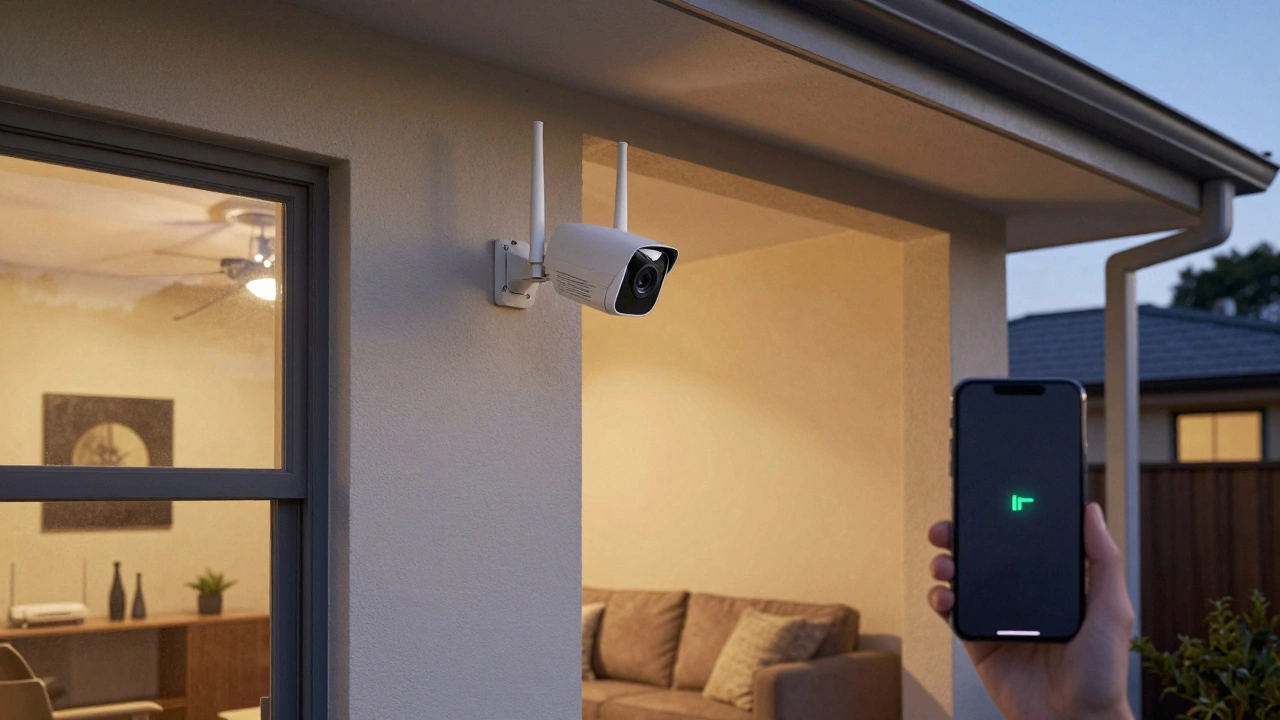
Wireless Camera Range Calculator
How Far Will Your Camera Work?
Calculate real-world range based on your camera type and environment
Estimated Range
Typical range for Wi-Fi camera in open space
Real-World Tips
Your actual range may be lower than calculated. Always test your setup before installation.
When you buy a wireless security camera, you imagine it working perfectly - day and night, inside or outside, no matter how far it is from your router. But here’s the truth: wireless security camera range isn’t a single number. It’s a moving target shaped by your house, your Wi-Fi, and even your neighbor’s microwave.
Most people think their camera should work 500 feet away. In reality? If you’re using a standard Wi-Fi camera in a typical home, you’re lucky to get 150 to 300 feet of reliable signal. Beyond that, the video stutters, drops frames, or vanishes entirely. So what actually determines how far your camera can reach? Let’s break it down.
Wi-Fi Cameras: The Most Common, But Not the Longest
Over 80% of wireless security cameras sold today use Wi-Fi. They’re easy to set up, connect to your phone, and don’t need extra hardware. But their range is tied to your router - not the camera itself. A camera with a great sensor and 4K resolution won’t help if the signal can’t make it back.
Most Wi-Fi cameras operate on the 2.4GHz band because it penetrates walls better than 5GHz. Models like the Wyze Cam v3, Arlo Pro 4, and AlfredCam all use 2.4GHz for this reason. But here’s the catch: every wall, metal pipe, or concrete floor cuts that signal. A single drywall wall might knock off 20% of your range. A brick exterior wall? That could kill it entirely.
In an open field with a direct line of sight, a Wi-Fi camera might reach 300 feet. Inside a typical Australian home? You’re looking at 100 to 200 feet max. If your camera is on the back porch and your router is in the living room, with three walls and a ceiling between them? Don’t be surprised if the video freezes every time someone uses the microwave.
RF Cameras: The Hidden Powerhouse
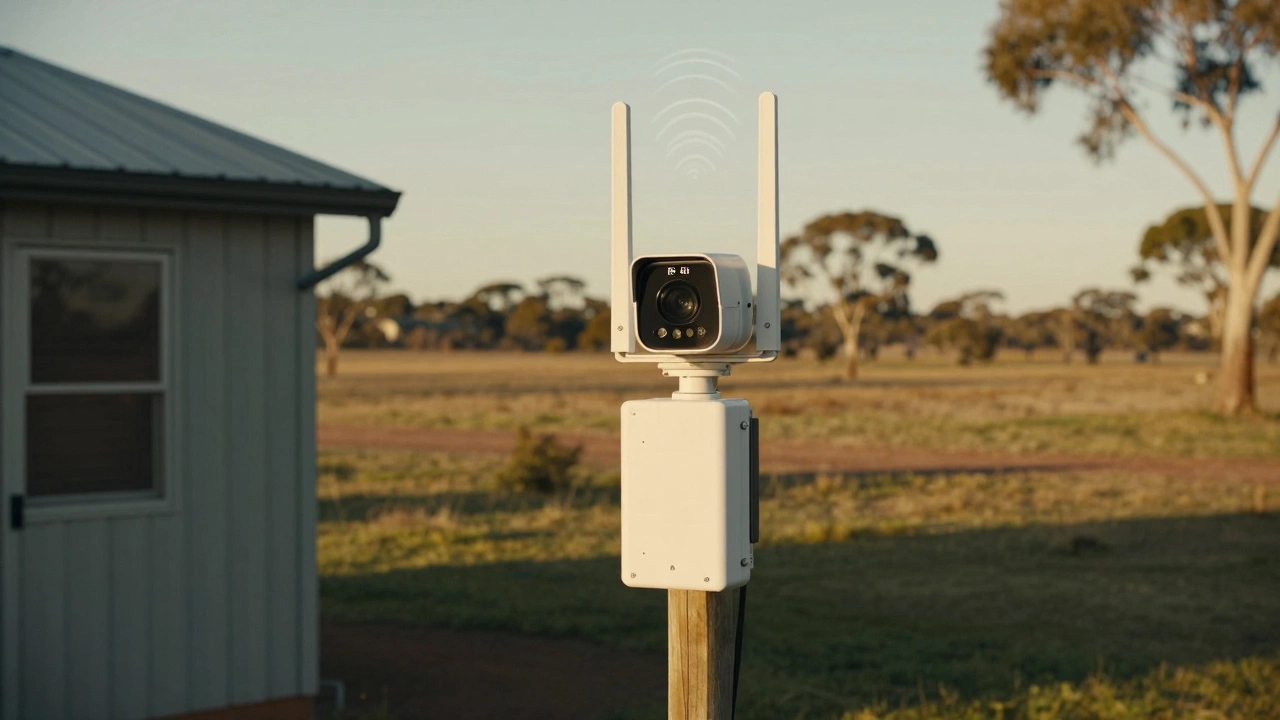
Not many people know about RF (Radio Frequency) security cameras - but they’re the real deal for long-range monitoring. Unlike Wi-Fi, which relies on your home network, RF cameras use dedicated radio signals to send video directly to a receiver. Think of them like walkie-talkies for video.
Standard RF systems can easily cover 500 to 1,000 feet, even through multiple walls. High-end commercial models, like those used for farms or large properties, can reach up to 6,500 feet under ideal conditions. That’s over a mile. No Wi-Fi needed. No router. Just a clear signal path.
RF cameras are perfect if you have a big backyard, a shed 300 feet from the house, or a detached garage. They’re also less prone to interference from other devices. But there’s a trade-off: they usually require a separate monitor or DVR unit, and they don’t connect to your phone like Wi-Fi cameras do. You lose the convenience of cloud alerts - but you gain serious range.
Cellular Cameras: When Wi-Fi Just Isn’t There
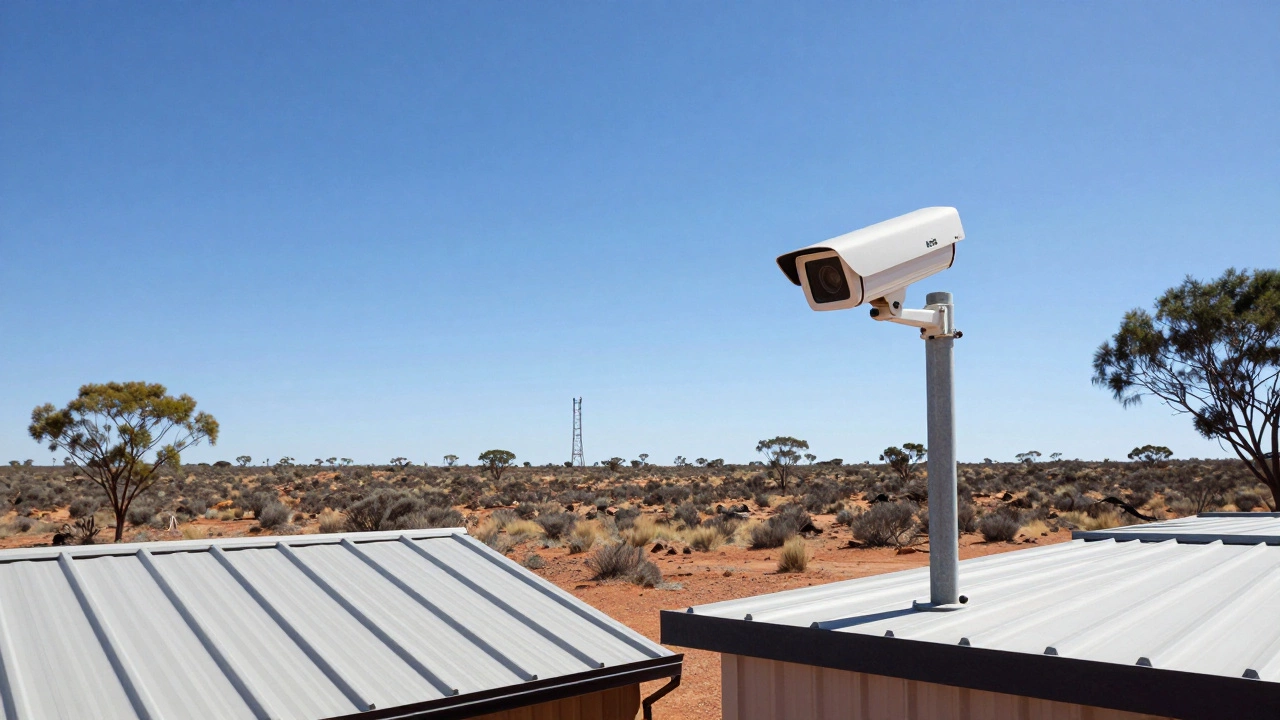
If you’re monitoring a remote cabin, a rural property, or a construction site with no internet, cellular cameras are your only option. These cameras have built-in SIM cards and connect directly to mobile networks - just like your smartphone.
Range? It’s not about distance from your house. It’s about coverage from your mobile provider. If you have 4G or 5G signal where the camera is, it works. That means some cellular cameras can operate reliably over three miles away - as long as the tower can hear them.
Brands like Reolink and Arlo offer cellular models that use LTE networks. They’re more expensive (you pay for data plans), and battery life is shorter. But if you need to monitor a property with no Wi-Fi, this is the only way to get live video without running cables.
Bluetooth Cameras: Don’t Even Bother for Distance
Some budget cameras advertise "wireless" but only use Bluetooth. These are meant for tiny spaces - like a baby’s room or a pet’s crate. Bluetooth maxes out at 30 feet. Even with a clear line of sight, you won’t get past 50 feet.
These aren’t for outdoor surveillance. They’re for quick checks. If you’re trying to watch your driveway or front gate with a Bluetooth camera? It won’t work. Skip these unless you’re setting up a single room monitor.
What’s Really Limiting Your Range? (It’s Not the Camera)
Most people blame the camera when the video cuts out. But 90% of the time, it’s not the camera’s fault. It’s the environment.
- Walls and floors: Concrete, brick, and metal block signals like a wall of lead. Drywall? It’s bad, but survivable.
- Interference: Your Wi-Fi router, smart fridge, microwave, baby monitor, and even LED lights all compete for the same radio space. In a modern home, dozens of devices are broadcasting at once.
- Distance from the router: If your camera is farther from the router than your phone is, it’s already in trouble. Phones get better antennas.
- Weather: Heavy rain, snow, or thick fog can weaken RF and Wi-Fi signals - especially outdoors.
One homeowner in Adelaide installed a camera 250 feet from the house. It worked fine during setup. Two weeks later, it dropped every time the neighbor’s new smart sprinkler system turned on. Why? The sprinkler used a 2.4GHz wireless controller - same frequency as the camera. Same problem, different cause.
Viewing Range vs. Transmission Range
Don’t confuse how far the camera can see with how far its signal can travel. A camera might have a 200-foot night vision range - meaning it can spot a person at that distance. But if the wireless signal only reaches 120 feet, you’ll never see that person clearly.
High-end PTZ cameras with 12x optical zoom can capture license plates from 270 feet away during the day. But if the Wi-Fi signal dies at 150 feet, you’re just watching blurry motion. The lens doesn’t help if the signal doesn’t make it back.
How to Maximize Your Wireless Camera’s Range
If you’re struggling with dropouts, here’s what actually works:
- Place the camera closer to the router. Even 50 feet closer can make a huge difference.
- Use a 2.4GHz network. Avoid 5GHz unless you’re within 50 feet. 5GHz is faster but doesn’t travel.
- Install a Wi-Fi extender. Not just any extender - one with an Ethernet port. Plug it into a power outlet halfway between the router and camera, then connect the camera via cable. This turns a wireless camera into a wired one - with zero signal loss.
- Upgrade your router. Older routers (pre-2020) often have weak antennas. A modern mesh system like TP-Link Deco or Google Nest Wi-Fi improves coverage significantly.
- Choose RF over Wi-Fi for long distances. If you need over 300 feet, skip Wi-Fi entirely. Go RF.
- Check for interference. Use a Wi-Fi analyzer app on your phone to see which channels are crowded. Switch your router to channel 1 or 11 on 2.4GHz for less noise.
What’s the Real Maximum Range?
Let’s cut through the marketing:
- Wi-Fi cameras: 150-300 feet in homes. 50-100 feet through thick walls.
- RF cameras: 500-1,000 feet standard. Up to 6,500 feet with high-end gear.
- Cellular cameras: Unlimited - if your phone works there.
- Bluetooth cameras: 30 feet. Period.
There’s no such thing as a "500-foot wireless camera" that works everywhere. That’s a lab number. Real life is messy. Your walls, your neighbors’ devices, and your router’s age matter more than the camera’s specs.
Final Answer: How Far Can a Wireless Security Camera Work?
For most people in a typical house: 150 to 300 feet is the realistic range for a Wi-Fi camera. If you need more, you need a different solution - RF, cellular, or a wired extender.
Don’t buy a camera based on its advertised "maximum range." Buy based on your layout. Measure the distance from your router to where you want the camera. Add in walls, metal, and interference. If it’s over 200 feet? Consider RF or cellular. If it’s under 150 feet with clear line of sight? Wi-Fi is fine.
And if you’re still not sure? Test it. Install the camera. Walk to the farthest spot you need to monitor. Check the live feed. If it’s smooth, you’re good. If it freezes? You’ve found your real limit - and it’s probably shorter than you thought.
Can a wireless security camera work through walls?
Yes, but not well. Drywall cuts signal by about 20%, brick or concrete can block it completely. For best results, keep the camera within line of sight of your router or use an RF system designed for wall penetration.
Do I need Wi-Fi for a wireless security camera?
Not always. Wi-Fi cameras need it. But RF cameras use their own radio signal, and cellular cameras use mobile networks. So if you don’t have Wi-Fi, you still have options - just not the ones you find in most stores.
Why does my camera work fine when I’m home but drop outside?
Your router’s signal weakens as it moves away, and outdoor materials like siding, metal gutters, or even wet grass absorb the signal. If the camera is more than 150 feet from the router, especially with walls in between, it’s likely outside the reliable range.
Can I extend the range of my Wi-Fi camera with a booster?
Yes - but not with a wireless repeater. They add delay and cut speed. Instead, use a Wi-Fi extender with an Ethernet port. Plug it into power halfway between your router and camera, then connect the camera with a cable. That gives you full signal strength without wireless limits.
Are cellular security cameras worth the cost?
Only if you don’t have internet at the location. They’re expensive to buy, and you’ll pay monthly data fees. But if you’re monitoring a remote shed, cabin, or farm, they’re the only way to get live video without running cables. For most homes, Wi-Fi or RF is cheaper and easier.