Ring Doorbell Battery Life Calculator
Estimate Your Battery Life
Estimated Battery Life
Ever wonder why your Ring doorbell keeps dying after just a few weeks? You’re not alone. Many users expect their Ring doorbell to last months on a single charge - and sometimes it does. But other times, it drains in days. The truth? Ring doorbell battery life isn’t a fixed number. It’s a wild ride shaped by how you use it, where you live, and what settings you leave on.
What Ring Says vs. What Really Happens
Ring advertises battery life between 6 to 12 months for most models. That sounds great - until you check your app and see your battery at 10% after two weeks. What gives? The 6-12 month range is based on moderate use: 3 to 5 motion events per day, no Live View sessions, and average weather. But real life doesn’t follow those rules. If your front walk sees constant foot traffic, your dog runs back and forth, or you check the Live View every time someone walks by, you’re burning through power way faster. Here’s how different models stack up:- Ring Video Doorbell (2nd Gen): 6-12 months with normal use. Takes 5-8 hours to fully charge.
- Ring Video Doorbell 3: Same 6-12 month range. Uses a removable battery that swaps in seconds.
- Ring Video Doorbell 4: Also rated for 6-12 months. Charges in about 8 hours on average.
- Ring Battery Doorbell Plus: Ring claims up to three times longer life than the original. But real users report anything from 6 weeks to 6 months - it all depends on settings and climate.
And don’t forget: some Ring doorbells don’t use batteries at all. The Ring Video Doorbell Pro and Elite are hardwired. They pull power from your existing doorbell wiring and never need charging. If battery anxiety is a problem for you, these are the way to go.
Why Your Battery Dies So Fast (The Real Culprits)
Battery life isn’t just about the battery. It’s about what’s draining it. Here are the top five reasons your Ring doorbell keeps dying:- Too much motion: If your doorbell sees 20+ events a day - delivery drivers, kids playing, passing cars - it’s recording, uploading, and sending alerts nonstop. Each event uses power. A single 30-second video clip can drain 2-3% of the battery.
- Live View abuse: Every time you tap “Live View” in the app, the camera turns on, the mic activates, and the video streams. That’s like running a mini surveillance station. Do it 5 times a day? You’re killing your battery in days.
- Extreme temperatures: Cold? Below freezing? Your battery will drain twice as fast. Heat? Over 95°F? The internal components overheat and suck power just to stay cool. Ring doorbells are built for weather, but not for extremes.
- Weak Wi-Fi: If your doorbell struggles to connect, it keeps trying. That constant searching uses way more energy than a solid signal. Check your Wi-Fi signal strength in the Ring app. If it’s below “good,” you’ve got a problem.
- Over-sensitive settings: If your motion zones cover the whole street, or sensitivity is set to “high,” your doorbell is triggered by leaves, shadows, and passing trucks. Default settings are fine for quiet neighborhoods. Busy streets? Dial it back.
How to Make Your Battery Last Longer
You don’t have to live with a dying doorbell. A few smart tweaks can stretch your battery life from weeks to months.1. Adjust Motion Zones
Open the Ring app. Go to Device Settings > Motion Settings. Redraw your motion detection zones. Instead of covering your whole driveway, limit it to the porch and front steps. This cuts out 70% of false triggers.2. Lower Motion Sensitivity
Slide the sensitivity down from “High” to “Medium” or even “Low.” You’ll still get alerts for people - just not for squirrels or passing cars.3. Turn Off Live View Unless Needed
Ask yourself: Do I really need to check the doorbell 10 times a day? If you’re just curious, wait for the alert. Live View is the #1 battery killer.4. Use Power Settings
In the Ring app, go to Device Health > Power Settings. It shows you exactly what’s using power. If “Motion Detection” is draining 80%, you know where to fix things.5. Charge with a Wall Outlet
Don’t plug into a USB port on your TV or computer. Use a wall charger. It charges faster and more efficiently. The Ring doorbell can take up to 10 hours to charge fully - a wall outlet gets you there quicker.6. Get a Second Battery
Ring sells extra batteries for most models. Buy one. Swap them out when one dies. Charge the spare while the other is in use. You’ll never miss a delivery again.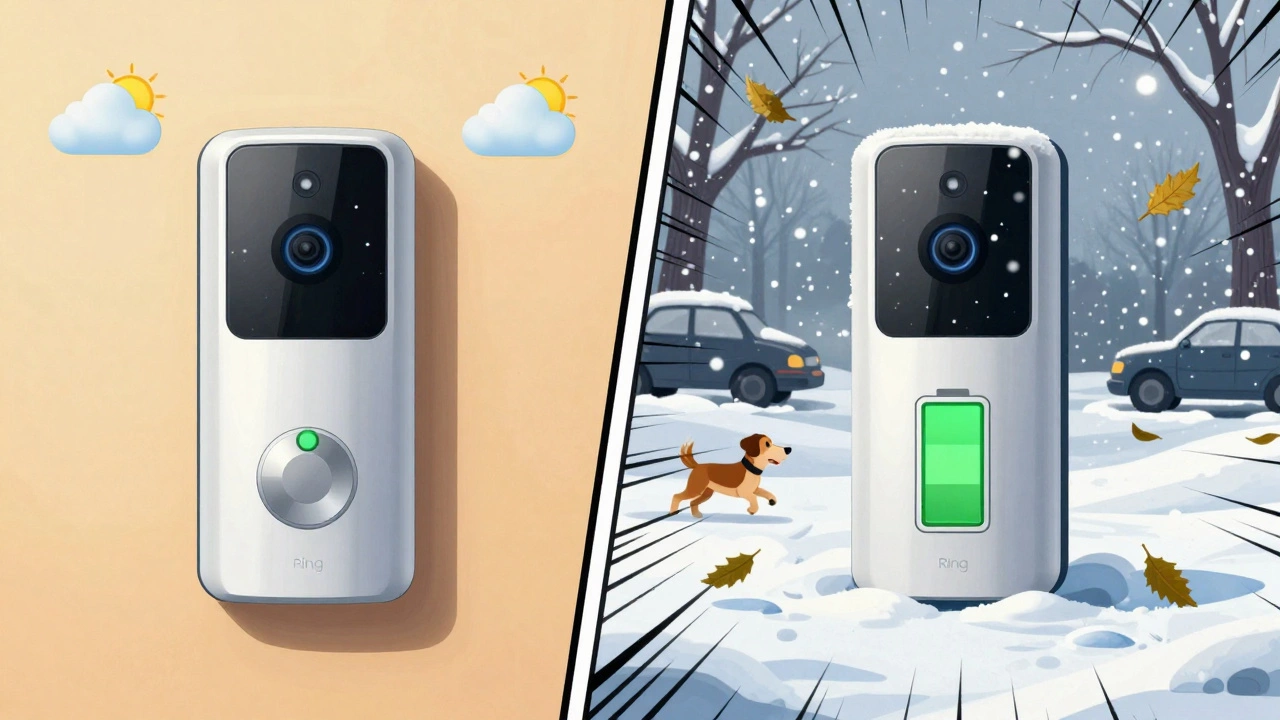
What About the Ring Battery Doorbell Plus?
Ring marketed the Battery Doorbell Plus as a game-changer. “Lasts three times longer!” they said. But real users are split. Some report 6 months. Others say 6 weeks. Why the gap? Settings. If you leave motion sensitivity high, enable person detection, and use Live View daily - you’re not getting three times. You’re getting maybe 1.5 times. The Plus model has better energy management. It sleeps deeper between events. But if you’re constantly waking it up, you’ll still drain it fast. Bottom line: The Plus is better - but only if you use it wisely.How Long Do Ring Doorbells Last Overall?
The battery isn’t the only thing that wears out. The whole device? Most users report 3-4 years of solid use before things start to go wrong. But here’s the twist: it’s rarely the camera or the speaker that fails. It’s the battery. Lithium batteries degrade over time. After 18-24 months, even if you never use it, the battery holds less charge. That’s normal. You can replace the battery - Ring sells them - or upgrade to a hardwired model. If you’ve had your doorbell for over 2 years and it’s dying every 2 weeks, it’s probably the battery. Not your Wi-Fi. Not your settings. Just age.