
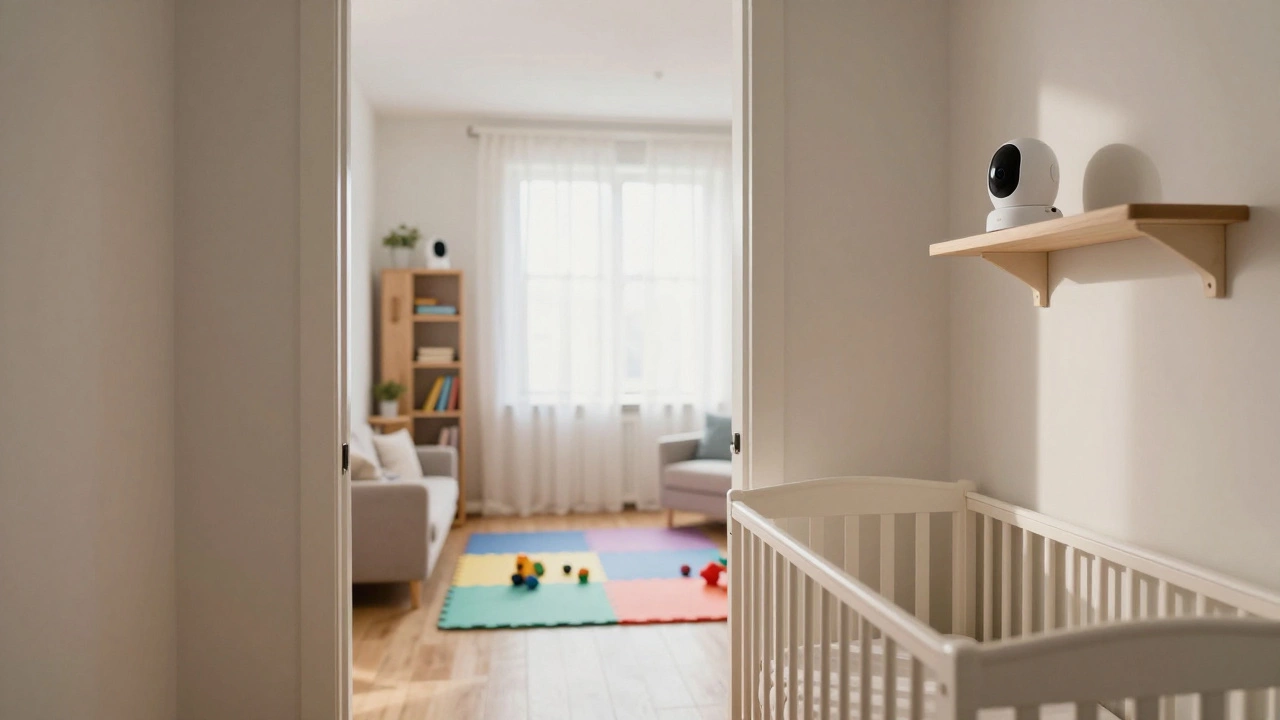
Baby Monitor Camera Estimator
The Quick Answer for Your Household
If you want a direct rule of thumb, most families find that a dual-camera setup is the sweet spot. It eliminates the "musical chairs" game with hardware and gives you peace of mind across the two most common areas: the crib and the play zone. If you have multiple children in different rooms, you will likely need one camera per child, plus an extra for high-traffic common areas.
| Family Setup | Recommended Cameras | Primary Reason |
|---|---|---|
| Single Child (Nursery only) | 1-2 | One for sleep, one for play area. |
| Twins or Multi-Child | 2-4 | Simultaneous viewing of separate rooms. |
| Large Open-Plan Home | 3+ | Covering multiple blind spots/zones. |
Why One Camera is Usually a Mistake
It is tempting to buy the cheapest single-camera kit and figure it out as you go. However, a single-camera system forces you to choose between seeing your child sleep or seeing them play. When your baby transitions from the crib to the floor, you have to physically unplug the camera and move it. This not only wears out the cables but often means you lose sight of the child during the transition.
Industry standards have shifted toward multi-camera systems because parents need 360-degree awareness. Many contemporary setups, such as the Momcozy BM04, now include two cameras in the base package. This reflects a market realization that single-point monitoring is inadequate for the way modern families actually live.
The Magic of Split-Screen Monitoring
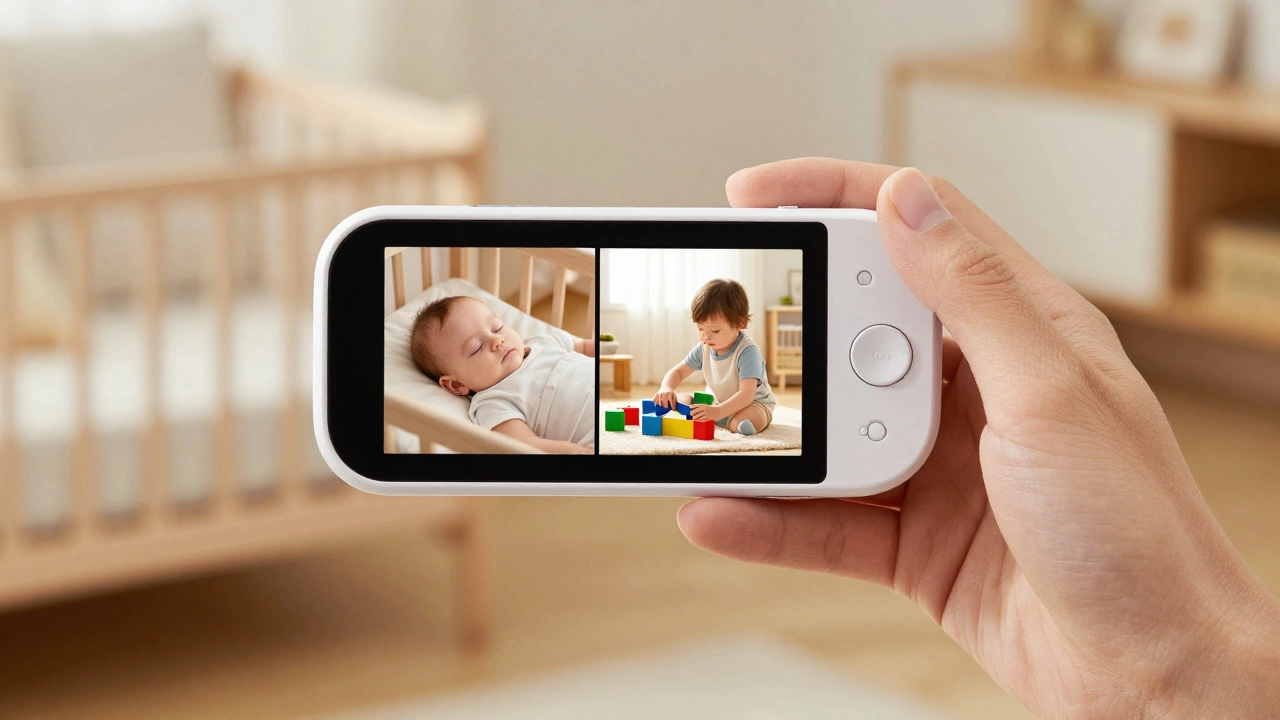
If you are leaning toward multiple cameras, you absolutely need a split-screen baby monitor. Without this feature, you are stuck toggling between different feeds, which means you are effectively blind to one child while watching the other. A split-screen display allows you to see two, three, or four feeds at once on a single parent unit or smartphone.
Imagine a scenario where your toddler is playing in the living room while the baby is napping in the nursery. With a split-screen view, you can spot the toddler attempting to climb a bookshelf while simultaneously confirming the baby is still sound asleep. This removes the anxiety of "what am I missing?" that comes with single-feed monitors.
Brands like Babysense design systems specifically for this. Their multi-room monitors pair out of the box, meaning you don't have to spend an hour fighting with the settings just to get two rooms on one screen.
How to Place Your Cameras Safely
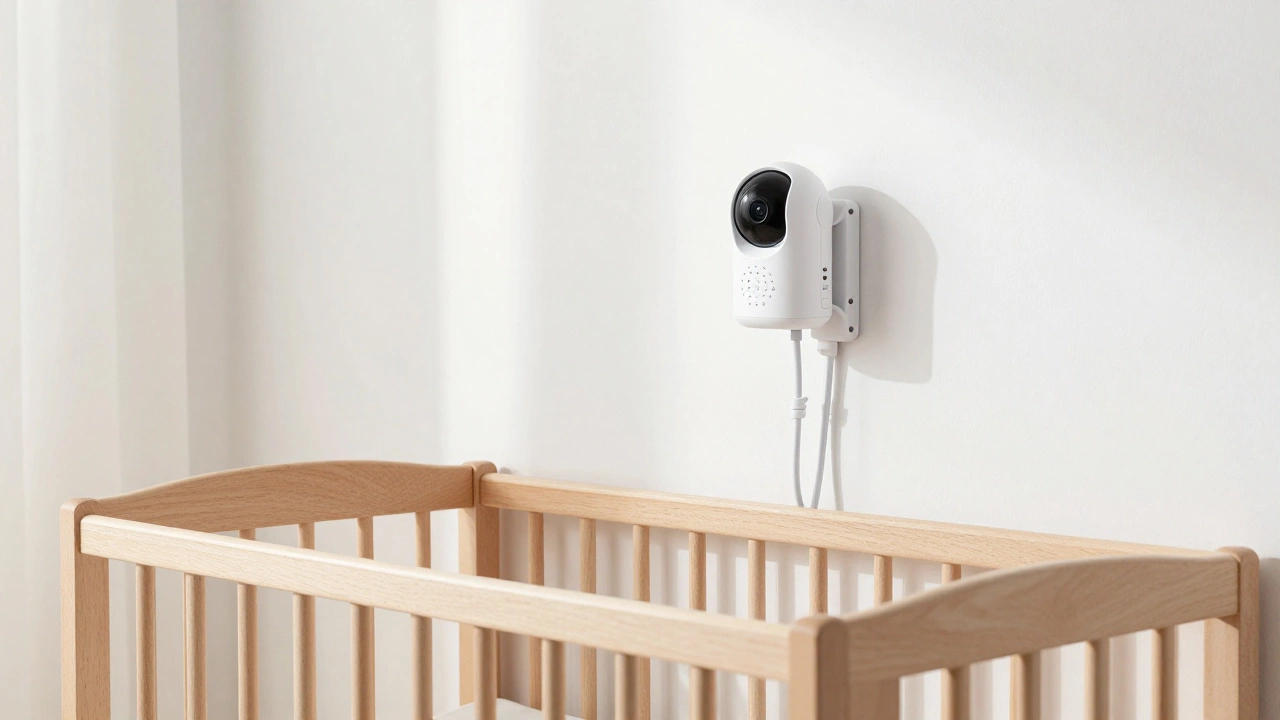
Adding more cameras doesn't mean you can just stick them anywhere. Safety is the priority here. A common mistake is placing a camera too close to the crib for a "better view," but this creates a significant strangulation hazard with the power cords.
- The 3-Foot Rule: Keep all cameras and cables at least 3 feet away from the crib or bed.
- High Ground: Mount cameras on high shelves or use wall mounts. This gives you a downward angle that covers more floor space and keeps the device out of reach of curious toddlers.
- Zone Planning: Place one camera focused on the sleep area and another in the "danger zone" where toys and furniture are located.
Technical Limitations to Keep in Mind
Before you buy four additional cameras, check the capacity of your parent unit. Most high-end systems, including those from VAVA, support up to 4 cameras. If you try to add a fifth, the system simply won't recognize it.
You should also consider the connection type. Local, non-WiFi links (like those found in some Babysense models) are often more stable and private because they don't rely on your home internet. On the other hand, WiFi-enabled monitors allow you to check in from work, but they can lag or drop the feed if your router is in another part of the house. If you're using WiFi cameras in a large home, you might need a WiFi extender to keep the video smooth.
Cost vs. Convenience: Expanding Your System
Expanding a system can get expensive. Many manufacturers sell a base kit with one camera and then charge $100 to $200 for each additional unit. If you know you have a multi-room household or twins, it is almost always cheaper to buy a "dual-pack" or a bundle from the start.
Beyond just the image, look for features that add value to each room. For example, having independent temperature and humidity monitoring for each camera allows you to realize the nursery is too hot while the playroom is freezing, without having to walk into both rooms and wake the baby.
Can I use a baby monitor camera as a security camera?
Yes, many parents use a second or third baby monitor camera to keep an eye on the front door or a backyard play area. However, remember that baby monitors have a limited range (usually around 1,000 feet) and aren't designed for the same high-security encryption as dedicated home security systems.
Will adding more cameras slow down the video feed?
If you are using a local FHSS (Frequency Hopping Spread Spectrum) monitor, adding cameras usually doesn't slow the feed, but it may split the screen into smaller boxes. For WiFi monitors, yes-more cameras streaming high-def video simultaneously can put a strain on your bandwidth, leading to lag or buffering.
Can two different parent units monitor the same camera?
Usually, no. Most dedicated baby monitor systems are designed so that one camera pairs with one parent unit. If you need multiple people to see the feed, you'll need a WiFi-based system where multiple users can log into the same app on different smartphones.
What is the best way to mount multiple cameras?
Wall-mounting is the gold standard. It prevents the cameras from being knocked over by pets or toddlers and ensures the angle remains consistent. If you can't drill into walls, use a high, stable bookshelf, but ensure the cord is securely fastened to the wall with cable clips so it cannot be pulled.
Do I really need a camera in every room?
Not necessarily. You only need cameras in areas where your child spends significant time unsupervised. Focus on the sleep area, the main play zone, and any room with potential hazards (like a kitchen or bathroom area if the child is a crawler). Over-monitoring can actually make parents more anxious rather than less.
Final Tips for Success
If you are still unsure, start with two. One for the crib and one for the living area. You can always buy an expansion camera later, but starting with the basics prevents you from spending money on tech you'll never use. Just make sure the system you buy is "expandable," meaning the parent unit can handle at least 4 cameras, so you aren't locked into a system that you'll outgrow in six months.