
CCTV Installation Time & Cost Estimator
Project Details
Estimated Results
Enter your project details and click calculate to see the estimated time and cost breakdown.
You’re staring at a quote from a security installer, and the clock is ticking. You want your cameras up and running before the weekend, but the technician says it’ll take "a day or two." Is that honest, or are they padding the hours? The short answer is: it depends entirely on whether you’re plugging in a battery-powered puck or drilling through concrete to run Ethernet cables across a warehouse.
For most homeowners, a standard CCTV installation takes between 4 and 8 hours. That’s one solid workday. But if you’re running a large commercial site with complex wiring needs, you could be looking at 24 to 32 hours of labor spread over several days. Let’s break down exactly where those hours go, so you can plan your schedule (and budget) without surprises.
The Quick Answer: Time Estimates by Property Size
If you just need the numbers to put on your calendar, here is what industry data from 2025 and 2026 shows for typical jobs:
- Small Home (2-4 Cameras): 4-6 hours. This is usually done in half a day.
- Large Home (5-8 Cameras): 8 hours. Expect a full working day.
- Small Business/Office (8-12 Cameras): 8-16 hours. Typically 1-2 days.
- Large Commercial/Warehouse (12+ Cameras): 16-32 hours. Often requires 2-4 days.
- Simple Wireless Setup (DIY-friendly): 2-4 hours. Minimal drilling, mostly app configuration.
These estimates assume a professional crew with standard access to attics, crawl spaces, and mounting points. If your building is a historic retrofit with thick stone walls and no attic space, add another 25-50% to these times.
Wired vs. Wireless: The Biggest Time Factor
The single biggest variable in installation time is how the cameras get power and data. Are we talking about a clean, wireless plug-and-play system, or a hardwired PoE (Power over Ethernet) network?
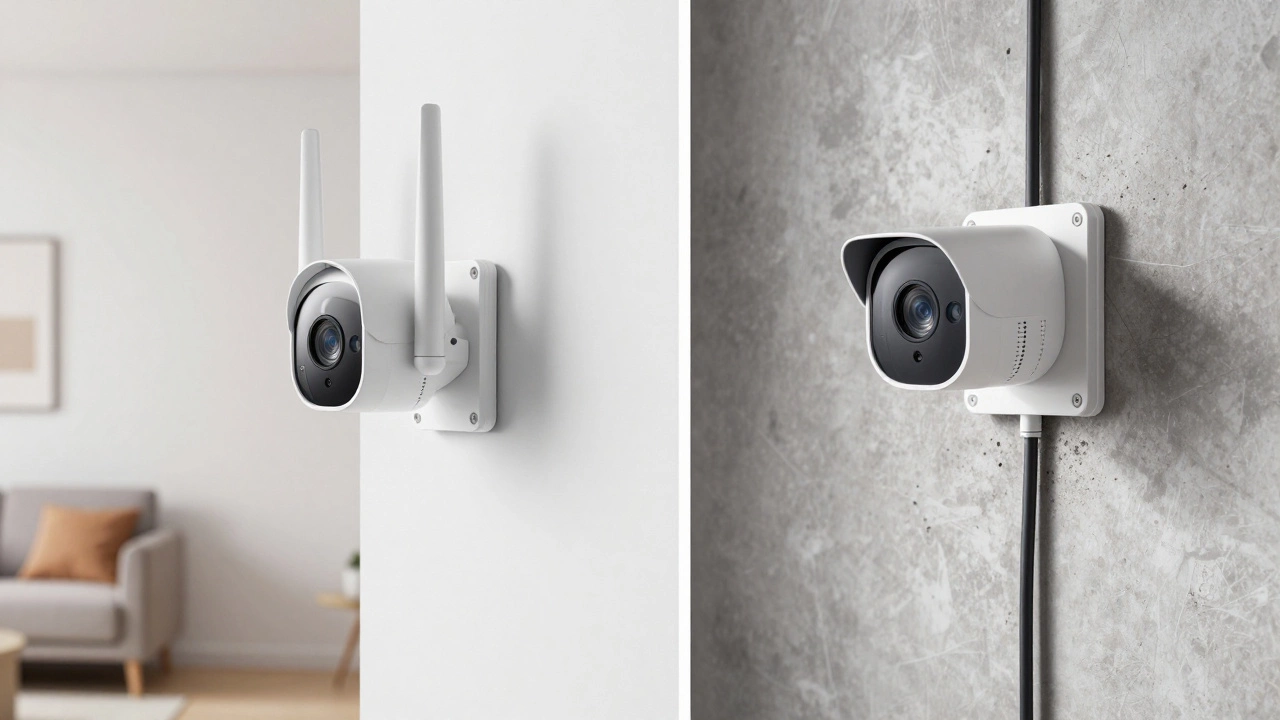
Wireless CCTV systems are camera setups that transmit video via Wi-Fi and often run on batteries or local power outlets, eliminating the need for long cable runs. Because there’s no trenching or fishing wires through walls, a basic wireless kit can be mounted and configured in as little as 2-4 hours. A YouTube tutorial from mid-2026 showed a user physically mounting and connecting a wireless unit in under five minutes once the location was chosen. The bulk of the time here goes into aiming the lens and syncing the app on your phone.
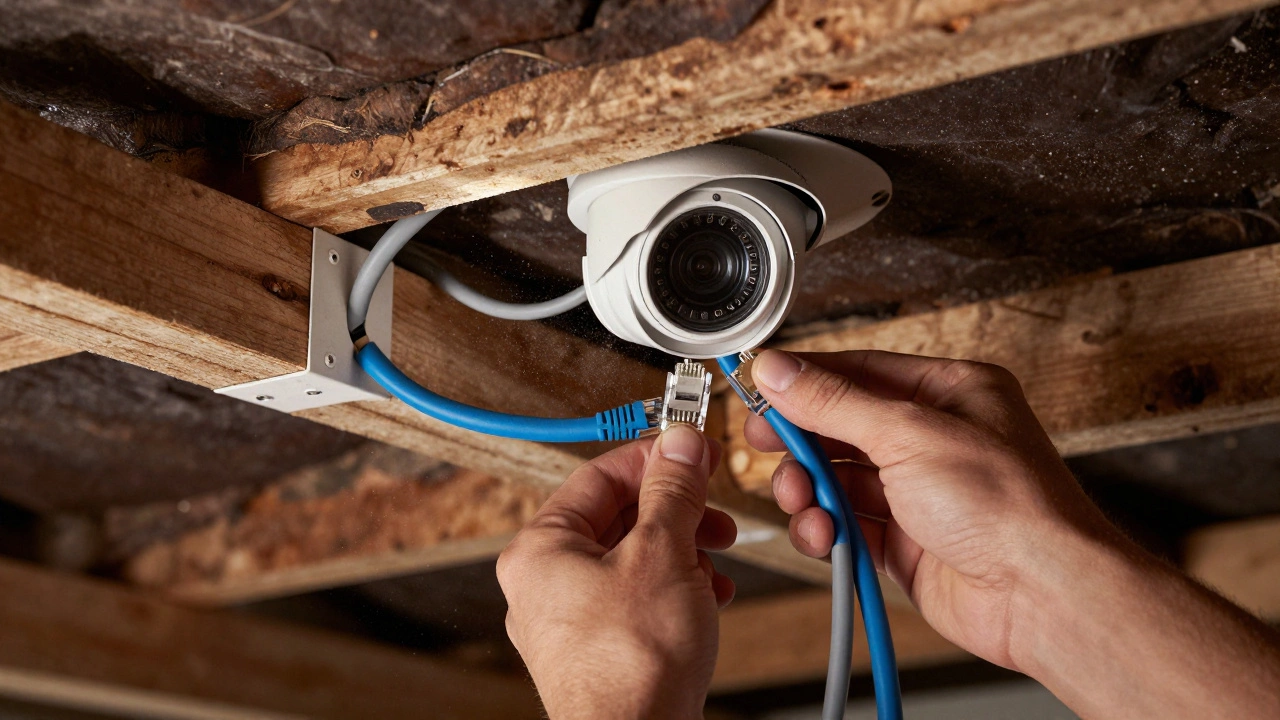
In contrast, Wired CCTV systems are security networks that use physical Ethernet or coaxial cables to connect cameras to a central recorder, offering higher reliability and continuous power. Running these cables is labor-intensive. You have to drill pilot holes, feed fish tape behind drywall or ceiling joists, terminate BNC or RJ45 connectors, and manage power distribution boxes. For a four-camera wired home system, this process typically eats up 4-8 hours. In commercial settings, routing cables through risers and ceilings can turn a simple job into a multi-day project.
| Feature | Wireless System | Wired (PoE/Coax) System |
|---|---|---|
| Avg. Install Time (4 Cams) | 2-4 hours | 4-8 hours |
| Drilling Required | Minimal (mounting only) | Extensive (cable routing + mounting) |
| Complexity Level | Low (DIY friendly) | High (Professional recommended) |
| Reliability | Dependent on Wi-Fi signal | High (dedicated connection) |
Breaking Down the Job: Where Do the Hours Go?
It’s easy to think installers spend all their time screwing brackets into walls. In reality, the physical mounting is just one part of the puzzle. Here is how a professional breaks down an 8-hour residential day:
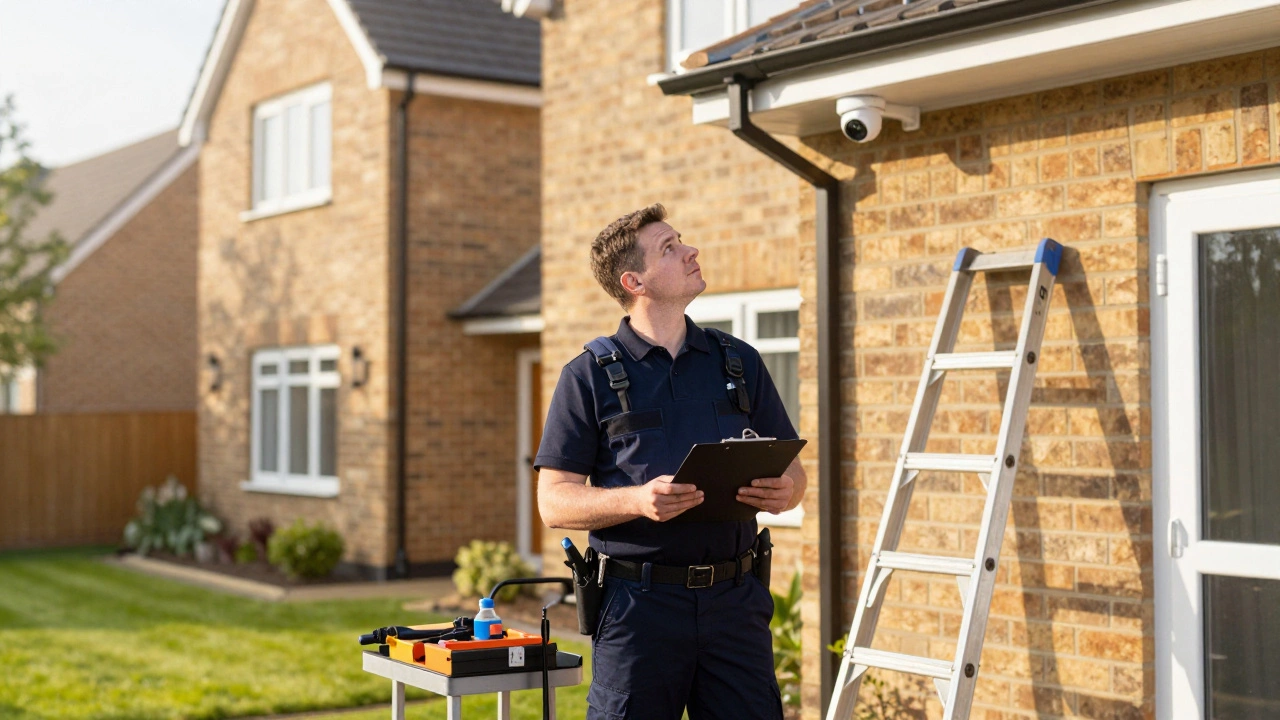
- Initial Consultation & Site Survey (1-2 hours): Before any tools come out, the installer walks the property. They measure cable runs, identify blind spots, check for obstructions like trees or gutters, and decide where the NVR (Network Video Recorder) will live. This step prevents costly mistakes later.
- Equipment Planning (1-2 hours - often off-site): Selecting the right lens focal lengths, calculating storage capacity for your desired retention period (usually 30 days), and configuring network switches happens in the office, but it dictates the on-site workflow.
- Cable Routing & Termination (3-5 hours): This is the heavy lifting. Fishing cables through attics, drilling through soffits, and securing lines to prevent sagging. In older homes without attic access, this stage can double in time as installers must surface-mount conduit along exterior walls.
- Mounting & Aiming (1-2 hours): Attaching the cameras, leveling them, and adjusting the field of view to capture license plates or faces clearly. Per-camera, this takes 30-60 minutes for a skilled tech.
- Testing & Handover (1-2 hours): Verifying each camera’s feed, checking motion detection zones, ensuring recording retention works, and teaching you how to view footage on your phone. Skipping this leads to support calls later.
Per-Camera Reality Check
If you’re trying to estimate costs based on hourly rates, knowing the per-camera time helps. On forums like CCTVForum and Reddit’s r/homesecurity, experienced installers share real-world metrics:
- Ideal Conditions: 15-30 minutes per camera. This assumes pre-run cables, easy attic access, and simple mounting surfaces.
- Standard Residential: 30-60 minutes per camera. Includes ladder setup, drilling into brick or siding, and terminating both ends of the cable.
- Difficult Retrofits: 2+ hours per camera. Think two-story houses with no attic, concrete walls requiring diamond drills, or cameras mounted high on facades requiring scaffolding.
One DIY user reported installing nine wired cameras in a single day, averaging about an hour per unit. Another installer noted that in extreme cases-like a historic building with no cable pathways-they’ve spent nearly 10 hours on a single camera due to the complexity of routing. These outliers prove why getting a site survey is crucial; photos don’t always reveal the structural nightmares inside the walls.
Why Time Equals Money (and Security)
In 2026, professional labor for CCTV installation typically ranges from $80 to $200 per camera, or $90-$150 per hour depending on your location. In major cities like New York or Sydney, rates can climb higher. So, a 4-hour wireless job might cost $360-$600 in labor, while an 8-hour wired job could run $720-$1,200.
Is it worth paying for those extra hours? Absolutely. Studies cited by security suppliers show that well-installed CCTV reduces crime significantly-a 51% drop in parking lot crimes and a 32% decline in robberies in monitored transit areas. But those stats rely on the system actually working. Proper installation ensures cameras aren’t blinded by sun glare, cables aren’t pinched, and recordings are stored reliably for the required 30-90 days. Cutting corners on installation time often means cutting corners on functionality.
Planning Your Project: Pro Tips
To keep your installation within the expected timeframe, follow these steps:
- Clear Access Paths: Move furniture away from walls where cables will run. Clear out the attic or basement where the recorder will sit. Every minute the installer spends moving your stuff is a minute not spent on wiring.
- Decide Locations Early: Know exactly which doors, driveways, and entry points you want covered. Changing your mind mid-install adds hours of re-drilling and re-aiming.
- Check Building Plans: If you own a commercial property, provide blueprints. Knowing where conduits already exist can save hours of guessing and destructive testing.
- Budget for the Survey: Don’t skip the initial site visit. A $100-$200 survey fee can prevent a $500 surprise when the installer realizes your brick walls require specialized drilling tools.
Whether you’re protecting a suburban home or a bustling warehouse, understanding the time investment helps you choose the right system. Wireless gets you up and running fast, but wired gives you the robustness that justifies the longer labor hours. Plan for the average, prepare for the complications, and you’ll have a secure property without the stress.
How long does it take to install 4 security cameras?
For a standard residential setup, installing 4 security cameras typically takes 4 to 6 hours. This includes mounting, wiring (if applicable), and system configuration. If it's a wireless system with existing power outlets nearby, it could be done in 2-3 hours. For a wired system in a new build with attic access, expect around 4 hours. In older homes with difficult access, it may take up to 8 hours.
Can CCTV be installed in one day?
Yes, most small to medium-sized residential CCTV installations are completed in one day (8 hours). Even larger homes with up to 8 cameras can often be finished in a single day by a professional team. Only very large commercial properties or complex retrofits with significant cabling challenges usually require multiple days.
Is it faster to install wired or wireless cameras?
Wireless cameras are significantly faster to install because they don't require running Ethernet or power cables through walls. A wireless setup can take 2-4 hours total, whereas a comparable wired system takes 4-8 hours due to the labor involved in drilling, fishing cables, and terminating connections.
What factors increase CCTV installation time?
Key factors that slow down installation include: lack of attic or crawl space access, thick concrete or brick walls requiring special drilling, long cable runs across large properties, high mounting points needing scaffolding or lifts, and complex network configurations for large commercial sites. Older buildings with outdated electrical infrastructure also add time.
Do I need to be home during the installation?
You should be present for the initial consultation and site survey to discuss placement preferences. During the actual installation, you don't necessarily need to stay the whole time, but being available for the final handover and training session (usually the last 1-2 hours) is highly recommended so you learn how to use the system.