
SimpliSafe Pet Mode & Sensor Strategy Calculator
System Details
Result Title
Summary goes here.
Configure Your Setup
Enter your sensor details and pet information on the left to see if your current setup will trigger false alarms and how to fix them.
Living with a security system and a high-energy dog or a curious cat used to be a recipe for disaster. You’d arm the house, your pet would jump on the sofa, and *boom*-the alarm screams while you scramble to cancel it before the neighbors call the police. But things have changed. If you are wondering how does SimpliSafe work with pets, the short answer is that its newer hardware and software are specifically engineered to ignore animals up to 60 pounds, provided you set them up correctly.
SimpliSafe has moved away from the old "hacky" solutions of flipping sensors upside down. Instead, they now use advanced infrared algorithms and a dedicated "Pet Mode" in their app. This guide breaks down exactly how the technology works, which sensors handle pets best, and how to configure your system so your furry friends can roam free without triggering a panic.
The Science Behind Pet-Immune Motion Sensors
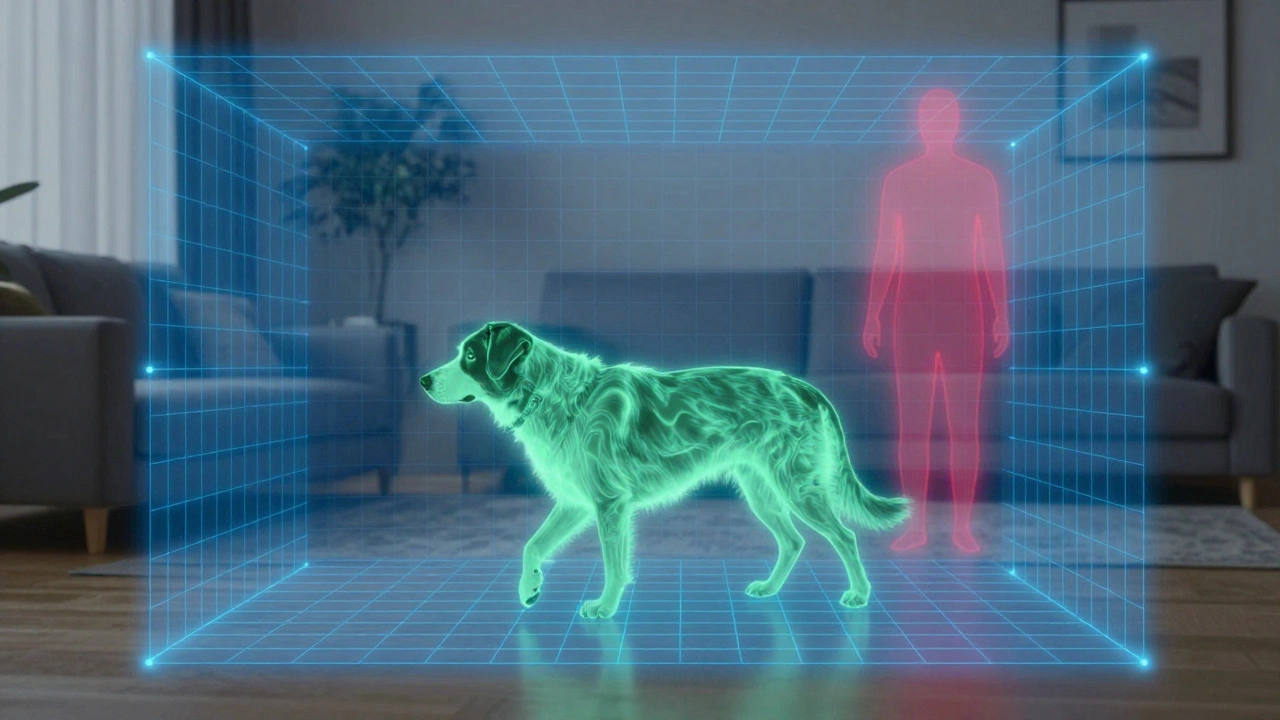
To understand why SimpliSafe doesn’t go off when your cat walks by, you need to look at what the sensor is actually detecting. It isn’t seeing movement like a video camera; it is sensing heat changes. Specifically, SimpliSafe uses Passive Infrared (PIR) technology.
A PIR sensor detects changes in infrared radiation within its field of view. Humans emit a specific amount of body heat and move in a distinct pattern. Animals do too, but their heat signature and size are different. The core challenge for any security company is teaching the sensor to tell the difference between a 180-pound human walking across the room and a 40-pound Labrador doing the same.
The latest generation of SimpliSafe motion sensors takes this concept further. They don’t just look for heat blobs; they use a "precision human-form detection algorithm." This software analyzes the shape, size, and movement pattern of the heat source. If the heat signature matches the dimensions of a standing or walking human, it triggers. If it looks like a low-to-the-ground animal moving quickly, the algorithm filters it out.
This is why weight matters. The heavier the pet, the larger its heat signature. SimpliSafe’s current specifications state that their sensors are tuned to ignore pets under roughly 50 to 60 pounds (about 23 kg). This puts them ahead of many competitors whose sensors max out at 30 or 40 pounds.
Gen 1 vs. Gen 2: Why Hardware Generation Matters
If you bought a SimpliSafe system five years ago, your experience might differ from someone who buys one today. The way the system handles pets depends heavily on whether you have Gen 1 or Gen 2 hardware.
Gen 1 Motion Sensors: These older units rely entirely on physical placement to avoid false alarms. There is no software toggle to make them "pet-friendly." Instead, SimpliSafe instructs users to change the mounting height and orientation based on pet size:
- Small Pets: Mount the sensor 6-10 feet high with the test button facing up. This shifts the detection zone upward, ignoring the floor where small cats and dogs run.
- Large Pets: Mount the sensor lower, around 4 feet high, with the test button facing down. This creates a detection bubble higher up, assuming large dogs won’t trigger the sensor if it’s angled away from their head height.
Gen 2 Motion Sensors: Released more recently, these sensors are marketed as SimpliSafe’s "most accurate." They feature a more advanced PIR element and, crucially, a software setting called Pet Mode. With Gen 2, you mount the sensor at the standard recommended height of 6 feet in a corner. You then enable Pet Mode via the app. The sensor’s internal algorithm handles the filtering, allowing pets under 60 lbs to move freely without requiring you to play interior designer with your sensor placements.
Setting Up Pet Mode in the SimpliSafe App
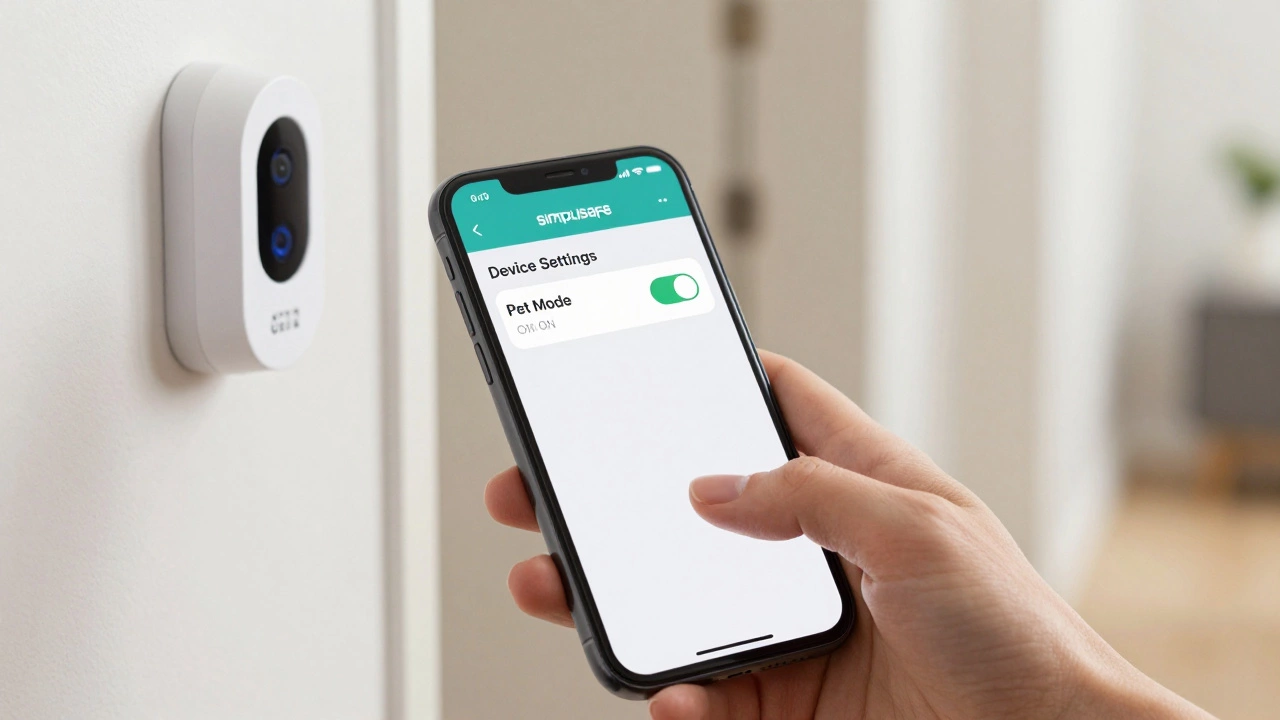
Having the right hardware is only half the battle. You must activate the features designed to protect your peace of mind. If you have a Gen 2 motion sensor, here is how you enable Pet Mode:
- Open the SimpliSafe mobile app on your phone.
- Select "My System" from the main menu.
- Tap on "Device Settings".
- Choose the specific Motion Sensor Gen 2 you want to configure.
- Scroll down to find "Motion Sensitivity".
- Tap on "Pet Mode" and toggle it ON.
- Tap "Save" or "Send to base" to apply the settings immediately.
This process takes less than a minute. Once enabled, the sensor adjusts its sensitivity thresholds. It becomes slightly less reactive to small, fast-moving heat signatures near the ground while remaining highly sensitive to human-sized figures. Note that this setting applies per sensor, so if you have mixed generations of hardware, you’ll need to check each device individually.
Glassbreak Sensors: The Alternative for Active Pets
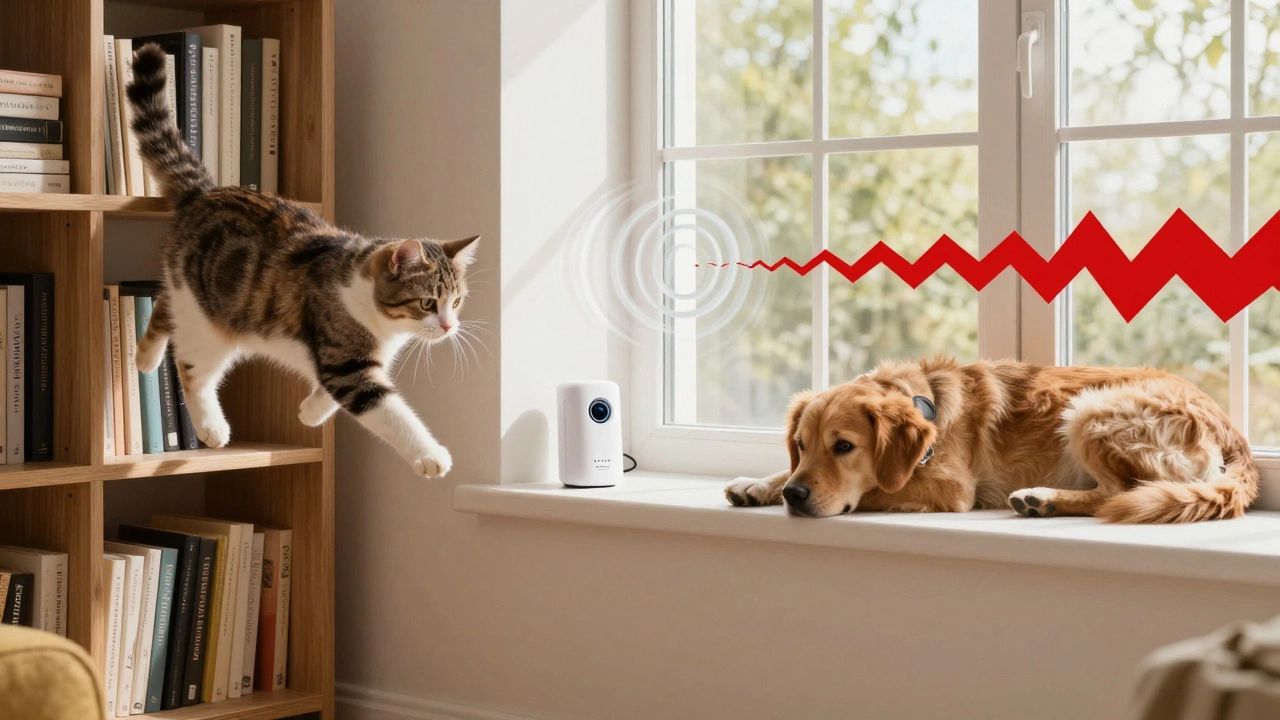
Even with Pet Mode, some pets are just too active. A hyperactive border collie jumping over the couch or a cat leaping onto a high shelf can still breach the detection zone of a motion sensor, especially if they get within a few feet of the device. For rooms where your pets spend most of their time, SimpliSafe offers a different solution: the Glassbreak Sensor.
Unlike motion sensors, glassbreak sensors do not care about heat or movement. They listen. Specifically, they are tuned to detect the unique acoustic frequency pattern of breaking glass-a sharp, high-pitched sound that occurs within milliseconds of impact. They have a detection range of up to 20 feet from a window.
Why is this better for pet owners? Because it ignores everything else. Barking, meowing, toy squeaks, and even a dog running across the room produce sounds that do not match the frequency of shattering glass. By placing a glassbreak sensor in a living room or den where your pets hang out, you eliminate the risk of motion-triggered false alarms entirely. You still get protection against intruders breaking windows or glass doors, but your pets can act like pets without consequence.
Installing a glassbreak sensor is quick. It pairs with the base station in under three minutes and requires no complex alignment. Just stick it on a wall or shelf near a window, and you’re done.
Common Pitfalls and How to Avoid False Alarms
Despite the advanced tech, false alarms still happen. Understanding why helps you fix them. Here are the most common reasons SimpliSafe triggers falsely in homes with pets:
- Proximity to the Sensor: Even in Pet Mode, if a small dog or cat gets within a few feet of the motion sensor, it may trigger. The PIR lens sees a large heat source very close up. Fix: Ensure sensors are mounted in corners and away from pet beds, climbing trees, or favorite napping spots.
- Vertical Movement: Algorithms are good at distinguishing horizontal walking patterns. Vertical jumps-like a cat vaulting onto a counter-can sometimes confuse the sensor because the heat signature moves rapidly through the detection zones. Fix: Use a glassbreak sensor in rooms with high vertical activity.
- Heat Sources: PIR sensors detect heat. Radiators, space heaters, or direct sunlight hitting the sensor lens can cause false triggers. While not pet-related, this is a common confusion point. Fix: Keep sensors away from HVAC vents and direct sunbeams.
- Multiple Large Pets: If you have two large dogs running together, their combined heat signature and chaotic movement might mimic a human form. Fix: Lower the sensitivity or switch to glassbreak sensors in high-traffic pet areas.
Comparison: SimpliSafe vs. Other Pet-Friendly Systems
Is SimpliSafe the best option for pet owners? Industry reviews from 2025 and 2026 suggest it ranks highly, particularly for medium-sized dogs. Let’s compare it to other popular DIY systems.
| Feature | SimpliSafe (Gen 2) | Ring Alarm | Frontpoint |
|---|---|---|---|
| Pet Immunity Limit | Up to 60 lbs | Up to 40-50 lbs | Up to 40-50 lbs |
| Detection Technology | PIR + Human-Form Algorithm | PIR + Video AI | PIR + Microwave (optional) |
| Configuration Method | App-Based "Pet Mode" | Mounting Height / Zone Bypass | Sensitivity Adjustment |
| Glassbreak Sensor Included? | Optional Add-on | Optional Add-on | Optional Add-on |
| Best For | Medium dogs (40-60 lbs) | Small pets + Video Verification | Professional Installation Preference |
SimpliSafe’s edge lies in its higher weight threshold. Many competitors cap out at 40 pounds, which excludes breeds like Bulldogs, Corgis, or Beagles. SimpliSafe’s 60-pound limit covers a wider range of medium-sized dogs. Additionally, Ring relies heavily on video verification to reduce false alerts, meaning you might get a notification every time your dog runs past the camera, whereas SimpliSafe tries to filter it out at the sensor level.
Practical Tips for Multi-Pet Households
If you live with multiple animals, strategy is key. Don’t rely on a single approach. Here is a recommended setup plan:
- Audit Your Pets’ Weights: Know exactly how much each pet weighs. If you have a 70-pound Golden Retriever, no motion sensor will reliably ignore him. Plan to bypass those zones or use glassbreak sensors exclusively.
- Map High-Traffic Zones: Identify where your pets sleep, eat, and play. Avoid placing motion sensors directly above these areas. Place them in hallways or entry points where pets pass through but don’t linger vertically.
- Use Glassbreak Sensors in Living Areas: In the living room or family room, replace motion sensors with glassbreak sensors if your pets are active there. This eliminates motion-based false alarms entirely.
- Test Before Arming: After installing new sensors or enabling Pet Mode, walk through your home with your pets present. Trigger the sensors manually to ensure they are working, then observe if your pets cause any alerts during normal activity. Adjust heights or sensitivities as needed.
- Leverage Camera Alerts: If you have SimpliSafe cameras, use them for monitoring rather than arming. Cameras can send you notifications when they detect motion, but since they aren’t part of the armed alarm circuit, a false alert is just a notification, not a siren.
Frequently Asked Questions
Will SimpliSafe motion sensors detect my cat?
Generally, no. SimpliSafe Gen 2 motion sensors with Pet Mode enabled are designed to ignore cats and small dogs under 60 pounds. However, if your cat jumps directly in front of the sensor or climbs into its detection zone, it may still trigger. For high-activity cats, consider using a glassbreak sensor instead.
What is the weight limit for SimpliSafe pet immunity?
SimpliSafe states that its Gen 2 motion sensors can ignore pets up to 60 pounds (approximately 27 kg) when Pet Mode is enabled. Older Gen 1 sensors rely on mounting height and typically handle pets under 50 pounds more effectively if installed correctly.
Do I need to mount SimpliSafe sensors differently if I have a dog?
For Gen 2 sensors, no. You should mount them at the standard 6-foot height in a corner and enable Pet Mode in the app. For Gen 1 sensors, yes. You may need to adjust the height (4-10 feet) and orientation (button up or down) based on your dog's size to shift the detection zone away from the floor.
Can barking or meowing trigger a SimpliSafe alarm?
No. SimpliSafe motion sensors detect heat and movement, not sound. Glassbreak sensors detect specific acoustic frequencies of breaking glass, not general household noises like barking, meowing, or TV volume. Neither sensor type will trigger due to pet vocalizations.
Is SimpliSafe better than Ring for pet owners?
It depends on your needs. SimpliSafe generally supports larger pets (up to 60 lbs) compared to Ring (often capped at 40-50 lbs). SimpliSafe filters pets at the sensor level, while Ring often uses video AI to verify alerts. If you have a medium-sized dog, SimpliSafe’s higher weight threshold makes it a stronger choice for preventing false alarms.
How do I enable Pet Mode on SimpliSafe?
Open the SimpliSafe app, go to My System > Device Settings, select your Gen 2 Motion Sensor, scroll to Motion Sensitivity, tap Pet Mode, toggle it on, and save. This setting allows pets under 60 lbs to move freely without triggering the alarm.