
Burglar Alarm System Cost Estimator
Your System Details
Your Insurance Details
Results will appear here after calculation
Choosing a burglar alarm isn’t about picking the shiniest box on the shelf. It’s about matching the right system to your home, your risk, and your budget. Too many people buy an alarm because it looks cool or because a salesperson pushed it - only to find out months later that it doesn’t protect what matters. The truth? Not all alarms are created equal. Some won’t even trigger when a window breaks. Others cost hundreds every year just to stay active. Here’s how to cut through the noise and pick one that actually works.
Know the Two Main Types: Bells-Only vs Monitored
Before you even look at brands or features, decide between two basic setups: bells-only and monitored.
Bells-only alarms make noise when triggered. That’s it. A siren blares inside, a flashing light goes off outside, and hopefully, a neighbor hears it. These systems cost less upfront - often under £150 - and don’t require monthly fees. But here’s the catch: if no one’s home, or if the neighborhood’s quiet, the alarm might not do anything. According to UK insurance data, over 5% of homes with alarms use this type. Insurance policies for these systems average £216 per year.
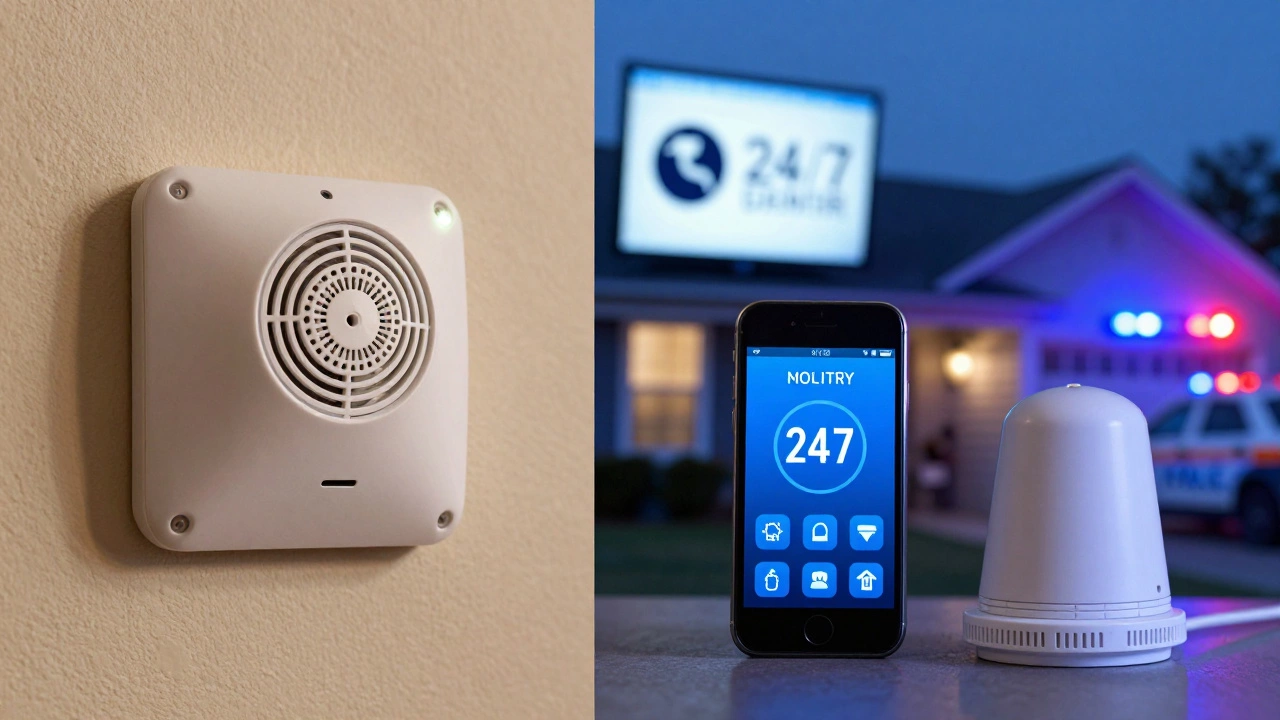
Monitored alarms connect to a 24/7 security center. When the alarm goes off, someone calls your home. If you don’t answer or can’t give the right password, they dispatch a key holder or even the police. This isn’t just a perk - it’s a game-changer. Burglars avoid homes with monitored systems. Studies show a monitored alarm reduces break-in risk by up to 60%. But it comes at a price: £20-£50 per month, depending on the provider.
Wired or Wireless? The Real Difference
Wired systems run on cables. Wireless systems run on batteries and Wi-Fi. Sounds simple, right? But the trade-offs matter.
Wired alarms are rare in homes today. Why? Because they need electricians to run wires through walls. Installation can cost £800+ and take days. But once installed? They’re rock-solid. No dead batteries. No Wi-Fi outages. No signal interference. They’re ideal for large homes, older buildings with thick walls, or if you live near radio interference sources like cell towers. Most commercial properties use wired systems for this reason.
Wireless alarms are what 90% of homeowners choose. Sensors stick to windows with adhesive. The control panel plugs into an outlet. You install it in an afternoon. Batteries last 1-3 years, and most systems send low-battery alerts. They’re easy to move if you relocate. Plus, you can add sensors later - like a door contact for the garage or a motion sensor for the basement. Modern wireless systems use encrypted radio signals that can’t be jammed easily. For most people, wireless is the smart choice.
What Sensors Actually Matter?
An alarm is only as good as its sensors. Don’t fall for systems that brag about “smart features” but skimp on core detection.
- PIR (Passive Infrared) sensors detect body heat. These are the gold standard for indoor motion. They won’t trigger from pets under 20kg, so they’re safe for homes with cats or small dogs.
- Contact sensors go on doors and windows. They’re simple: magnet + sensor. When the door opens, the circuit breaks, and the alarm sounds. These are essential. Skip a system that doesn’t include them.
- Motion detectors use sound or ultrasonic waves. They’re good for open areas like living rooms but can false-trigger from curtains blowing. Use them as backups, not primary sensors.
- Outdoor sirens aren’t optional. A loud, flashing siren outside deters burglars before they even try. Many break-ins happen when the burglar sees no visible alarm. Don’t skip this.
Look for systems that let you mix and match. A basic setup should have at least: one control panel, two door/window sensors, one PIR sensor, and an outdoor siren. Add more as needed.
Insurance Matters - More Than You Think
Your insurance company doesn’t care if your alarm is “smart.” They care if it’s certified. Three UK-approved bodies set the standard: NUD (now branded as AVIVA), NACOSS, and SSAIB.
If your alarm isn’t certified by one of these, your insurer might refuse a claim. Some policies even require a monitored alarm with NACOSS or SSAIB certification to qualify for discounts. A monitored alarm with NACOSS certification might cut your premium by 10-15%. That’s £50-£100 a year saved. The upfront cost of a certified system? Usually £100-£200 more than a non-certified one. But the long-term savings? Often worth it.
Smart Features? Only If You Need Them
Smart home integration sounds great. But do you really need your alarm to turn on the lights when it detects motion? Or send you a notification every time the front door opens?
True smart systems - like Vivint, Ring, or Abode - let you control everything from your phone. They integrate with cameras, doorbells, and even thermostats. But they also lock you into monthly subscriptions. Ring Alarm, for example, costs £10/month for video storage and cellular backup. If you don’t use video, you’re paying for features you don’t need.
Only go smart if:
- You travel often and want real-time alerts
- You already have smart home devices and want them to work together
- You’re okay with paying £15-£30/month for monitoring + extras
If you just want to stop burglars? Skip the bells and whistles. A simple, certified wireless system with a siren does the job.
Who Actually Installs It?
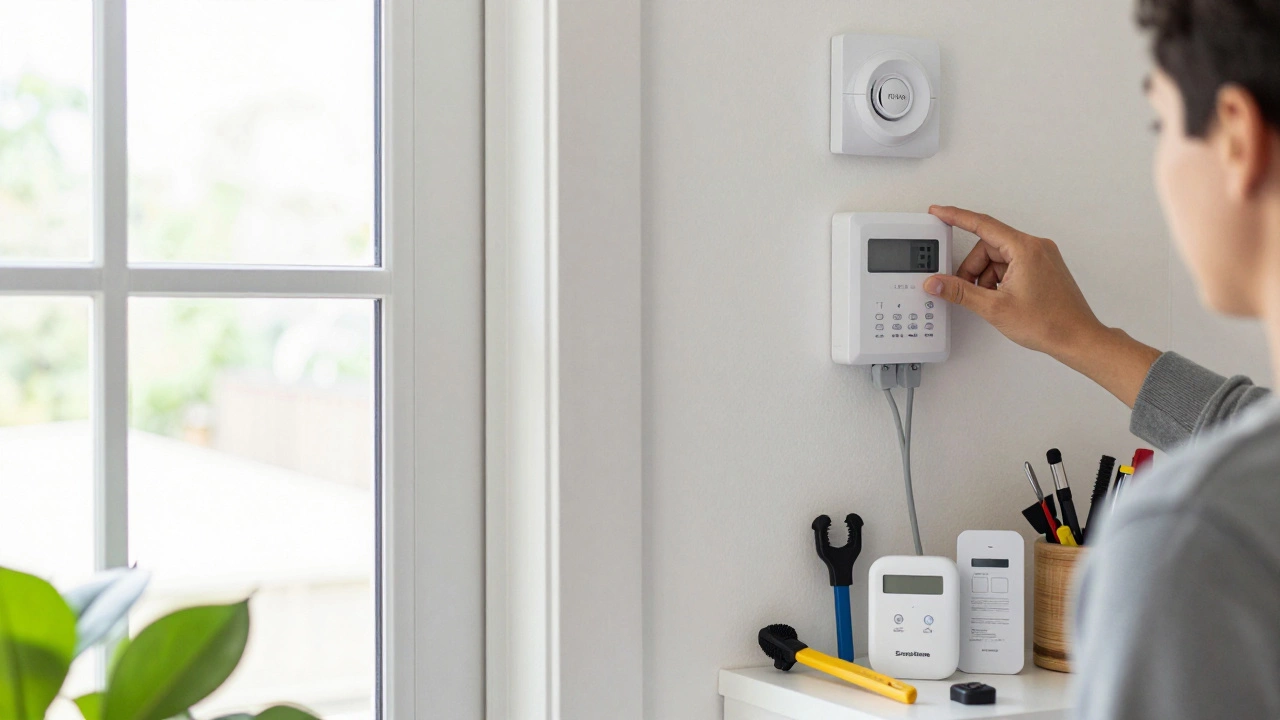
DIY systems are cheaper. Professional installs are more reliable.
DIY systems like Cove, SimpliSafe, or Ring let you install everything yourself. They’re great if you’re handy. Cove starts at £19.99/month for monitoring, with no contract. Their system uses RapidSOS technology - meaning emergency services get precise location data and trigger details. Average response time? Under 45 seconds.
Professional installs like ADT or Brinks handle everything. They run tests, configure sensors, and train you. But they lock you into 3-year contracts. Early termination fees can hit £300. They’re good if you want zero hassle - but not if you might move or change your mind.
For most homeowners, a good DIY system with professional monitoring is the sweet spot. No contract. No install fees. Just plug it in, set it up, and let the monitoring center do the rest.
Top 5 Systems for 2026 (Real-World Picks)
Here’s what’s actually working for real people right now:
- Cove - Best for budget-conscious buyers. £19.99/month. No contract. Cellular backup. Fast response. Easy setup.
- Ring Alarm - Best if you want cameras. Integrates perfectly with Ring doorbells and indoor cams. £10/month for video.
- SimpliSafe - Best for deterrence. Loud sirens, no contract, and police dispatch on alarm. Great for rural homes.
- ADT - Best for full-service. Professional install, 24/7 monitoring, and 3-year warranty. But expensive and contract-bound.
- Abode - Best for no-contract smart users. Works with Alexa, Google Home, and has local storage options. No monthly fee if you skip monitoring.
Don’t pick based on brand name. Pick based on what you need: monitoring? cameras? no contract? low monthly cost?
What to Avoid
- Dummy alarm boxes - They look real but do nothing. Burglars know the difference.
- Systems without outdoor sirens - You’re missing the biggest deterrent.
- Non-certified systems - Your insurance won’t cover you if it’s not NACOSS, SSAIB, or AVIVA certified.
- Overpriced smart features - You don’t need your alarm to text you when the cat walks by.
Your Action Plan
Here’s how to choose your alarm in five steps:
- Check your insurance policy. Does it require a certified alarm? If yes, pick NACOSS or SSAIB.
- Decide: do you want monitoring? If yes, budget £20-£40/month. If no, go for a loud, certified bells-only system.
- Choose wireless unless you have thick walls or a large property. Wired is rarely worth it for homes.
- Get at least: 2 door/window sensors, 1 PIR sensor, and an outdoor siren. Add motion sensors only if you have large open areas.
- Go with Cove, Ring, or SimpliSafe if you want no contract and solid performance. Skip ADT unless you want full-service and don’t mind the long-term cost.
Remember: the best alarm is the one you turn on every night. A cheap system you use is better than a fancy one gathering dust.
Do I need a monitored burglar alarm?
Not always, but it’s the most effective. Monitored alarms reduce break-in risk by up to 60% because burglars avoid homes with police response. If you’re away often, live in a high-risk area, or want peace of mind, yes. If you’re home most of the time and just want a loud siren, a bells-only system works too - but it’s less reliable.
Are wireless alarms reliable?
Modern wireless alarms are very reliable. They use encrypted radio signals, not Wi-Fi, so your internet outage won’t affect them. Batteries last 1-3 years, and most systems alert you before they die. The only downside is if your home has thick concrete walls or metal shielding - but even then, most systems can be boosted with signal repeaters.
Can I install a burglar alarm myself?
Yes, and most homeowners do. Systems like Cove, SimpliSafe, and Ring are designed for DIY. You stick sensors on doors and windows, plug in the control panel, and sync them via an app. No tools needed. Professional installation is only necessary for wired systems or if your home has complex wiring or multiple floors.
Do burglar alarms reduce insurance costs?
Yes, if they’re certified. Alarms approved by NACOSS, SSAIB, or AVIVA can cut your home insurance premium by 10-15%. A monitored alarm usually gives a bigger discount than a bells-only one. Always check with your insurer before buying - some require specific certifications.
What’s the cheapest reliable burglar alarm system?
Cove is the cheapest reliable option. It starts at £19.99/month for professional monitoring, with no contract. The equipment costs around £200 upfront. You get cellular backup, 24/7 monitoring, and live dispatch. For a bells-only system, a basic NACOSS-certified wireless alarm from a retailer like Screwfix or Amazon can cost under £150 with no monthly fees.