
Camera Spyware Risk Checker
Select the device you want to check and tick any symptoms you have noticed. The tool will calculate your risk level based on the indicators described in the article.
Risk Assessment
0/0
Have you ever looked at your laptop’s camera light and wondered if it was actually on? Or maybe your phone felt unusually warm in your pocket, and you couldn’t figure out why. It is a creepy thought: someone watching you through a screen you trust. Whether it is your work laptop, your smartphone, or that baby monitor sitting on the nursery shelf, camera spying is more common than most people think. But here is the good news: you don't need to be a tech genius to spot the red flags. By understanding how these devices behave when compromised, you can quickly tell if you are alone or being watched.
The First Thing to Check: The Light That Shouldn't Be On
The most obvious sign of unauthorized access is the indicator light. On almost every modern laptop, external webcam, and even some smartphones, there is a small LED next to the lens. This light is designed to turn on whenever the sensor is active. If this light is glowing, flickering, or turning on by itself while you are not using any video apps, that is your first warning bell.
However, do not panic just yet. Sometimes, background applications like Zoom, Teams, or even a browser tab with a live stream can keep the light on without you realizing it. Microsoft and other security experts recommend checking your open windows and running processes first. If you close everything and the light stays on, or if it blinks intermittently when no app is open, you likely have a software issue or potential spyware. On phones, Android 12 and newer versions show a green dot in the top corner, while iPhones use an orange or green dot. Swiping down from the notification area usually tells you exactly which app is using the camera. If you see a name you don't recognize, investigate immediately.
Battery Drain and Heat: The Silent Indicators
If the light isn't giving you away, look at your battery life. Recording video and streaming it over the internet takes power. If your laptop drains from 100% to 50% in three hours while you are barely typing, something is working hard in the background. The same goes for your phone. If your device feels hot to the touch even though you haven't been gaming or recording videos, the processor might be encoding and sending footage somewhere else.
This happens because continuous video transmission consumes significant CPU cycles and network radio power. Security firms like Norton and ESET note that abnormal battery drain combined with overheating is a classic symptom of hidden spyware. It is not always a sign of hacking, but when paired with other signs, it becomes a strong indicator that your camera is being used without permission.
Data Usage Spikes and Network Activity
Video files are large. Streaming live footage requires a steady upload connection. If you check your internet usage dashboard and notice a consistent spike in data transfer during times when you aren't downloading movies or backing up photos, pay attention. ExpressVPN and other providers highlight that unusual upload traffic is a major clue. You might not download much data when being spied on, but you will send a lot.
On mobile devices, this often shows up as a higher-than-expected data bill. If you are on Wi-Fi, you might see your router's activity lights blinking constantly at night. These patterns suggest that data is leaving your device continuously, which aligns with the behavior of remote surveillance tools.

Files, Folders, and Unexpected Apps
Spyware often leaves digital footprints. Check your default storage folders for recent photos or videos you don't remember taking. On Windows, this might be in the "Videos" or "Camera Roll" folder. On your phone, scan your gallery for timestamps that match moments when you were asleep or away. Finding a file you didn't create is direct evidence of unauthorized use.
Also, review your installed applications. Did you install a new app last week that you can't quite remember? Browser extensions are another sneaky place where malware hides. If you see unfamiliar programs or extensions, especially ones with broad permissions, remove them. Changing system settings, such as disabling your firewall or altering camera permissions, is also a sign that something has changed behind the scenes.
Special Case: Baby Monitors and Motorized Cameras
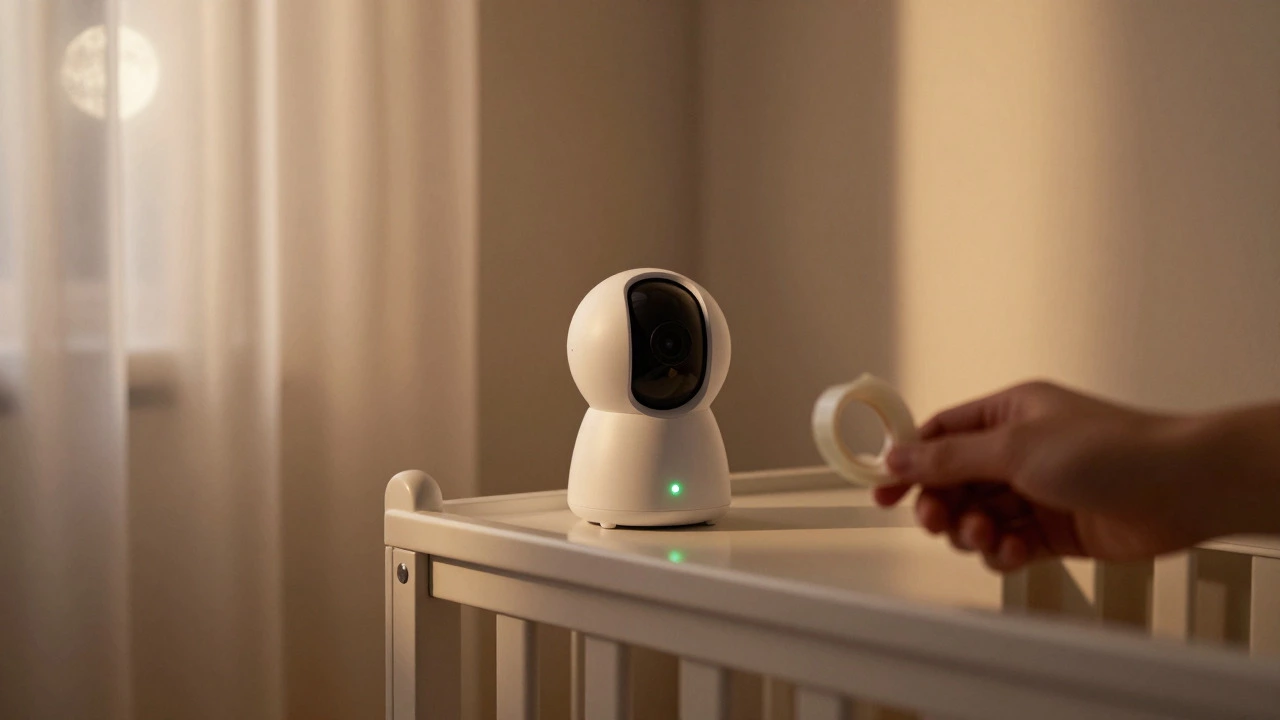
Since we are looking at home security, let's talk about those motorized cameras in your nursery or living room. Unlike a fixed laptop webcam, these devices can move. McAfee and other security guides point out that unexpected panning, tilting, or zooming is a huge red flag. If your baby monitor turns its head to look at a different corner of the room when nobody is touching it, someone likely has remote control.
These devices often connect to cloud services, making them vulnerable if passwords are weak. Check the app logs to see who accessed the feed recently. If you see logins from unknown locations or times, change your password immediately and enable two-factor authentication. The physical movement of the camera is one of the easiest ways to spot trouble because it is visible to the naked eye.
What to Do If You Suspect You're Being Watched
If you have noticed multiple signs, take action. First, run a full malware scan using reputable software like Bitdefender or ESET. Look specifically for spyware or remote-access trojans. Second, revoke camera permissions for any app that doesn't strictly need them. Third, cover your webcam with a physical shutter or piece of tape when not in use-it’s a simple, effective barrier. Finally, if you receive an extortion email claiming they have footage of you, don't pay immediately. Verify the technical signs first. Often, these emails are scams, but if your device is indeed compromised, contact IT support or a security professional.
| Device Type | Primary Visual Sign | Performance Indicator | File Evidence |
|---|---|---|---|
| Laptop/Desktop | LED light stays on/flickers | Fast battery drain, high CPU | Unknown videos in local folders |
| Smartphone | Green/Orange dot in status bar | Overheating, rapid battery loss | Unexplained photos in gallery |
| Baby Monitor | Unexpected pan/tilt/zoom | App lag, cloud sync errors | Cloud logs showing unknown access |
Frequently Asked Questions
Can spyware hide the camera indicator light?
Yes, advanced spyware can sometimes disable the OS-level indicator dot or hardware LED. However, this is difficult to do without leaving other traces like high data usage or battery drain. Therefore, never rely on the light alone; combine it with performance checks.
Is it worth covering my webcam with tape?
It is a very effective physical security measure. Even if software hacks your camera, the tape blocks the view. Just remember to remove it when you need to use video calls.
Why does my phone get hot if I'm not using it?
Heat is generated by the processor working. If the phone is hot while idle, it could be syncing large files, running heavy updates, or transmitting video via spyware. Check your battery usage details to see which app is consuming power.
Do baby monitors have microphones too?
Most modern baby monitors are two-way audio, meaning they have both a microphone and a speaker. If you suspect spying, check the microphone permissions in the companion app and ensure the firmware is up to date.
What should I do if I find an unknown app with camera access?
Uninstall the app immediately. Then, run a virus scan to ensure it didn't install other components. Change your passwords for accounts linked to that app, especially if it was a social media or cloud storage service.