
Ring Subscription Decision Calculator
Select your primary usage scenario to see the financial impact and recommended setup.
Just Live View
I only want to check who is at the door right now. I don't need history.
Security & History
I need recorded evidence for packages, incidents, and peace of mind.
No Subscriptions
I hate monthly fees. I prefer one-time hardware purchases with local storage.
Analysis Result
Financial Breakdown (3 Years)
- Hardware Cost (Est.) $130
- Total Subscription Fees $0
- Total Ownership Cost $130
What You Get
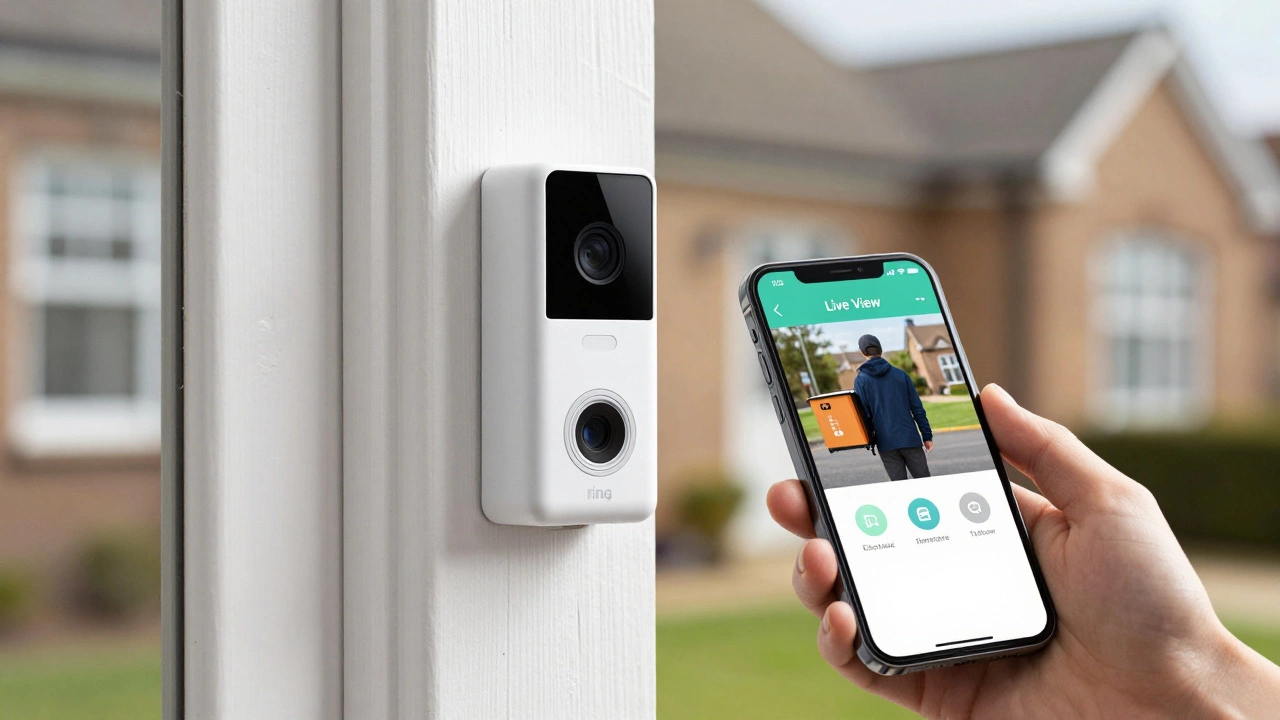
You just bought that sleek Ring Video Doorbell is a smart home security device that allows homeowners to see, hear, and speak to visitors from their smartphone. It promises peace of mind right at your front step. But then you open the app, and it hits you: half the features are locked behind a paywall. The big question on everyone’s mind in 2026 is simple-can you actually use this thing without paying for the Ring Protect Plan? The short answer is yes. The longer, more honest answer is that it depends entirely on what you expect from your security system.
Many people assume that buying the hardware means they own the experience. With Ring, that isn't quite true. You own the plastic and the sensor, but Amazon owns the cloud storage where your memories-and evidence-live. This guide breaks down exactly what you get for free, what you miss out on, and whether you should keep the Ring or switch to a truly subscription-free alternative like Eufy Security.
What Works Perfectly Fine Without Paying
If you view your doorbell as a digital intercom rather than a security camera, the free version works surprisingly well. Here is what remains fully functional when you skip the monthly fee:
- Live View: You can tap the button in the Ring app at any time to see what is happening outside right now. There is no delay, and no extra charge. If you are sitting on the couch wondering if the delivery driver has arrived, you can check instantly.
- Two-Way Audio: You can talk to visitors through the app. The microphone and speaker quality varies by model (the Ring Video Doorbell 4 handles noise better than older models), but the connection is clear enough for everyday conversations.
- Motion Alerts: When someone walks past your door, your phone buzzes. You get a notification that says "Motion Detected." It does not tell you *what* moved-a cat, a car, or a person-but it tells you that something happened.
- Doorbell Press Notifications: If someone physically rings the bell, you get an alert and can start a live video call immediately.
- Device Health Checks: You can monitor battery life, Wi-Fi signal strength, and firmware updates without any subscription.
For users who are mostly home during the day or who only want to know if someone is standing at their door *right now*, these features cover the basics. You are essentially using a high-tech peephole that fits in your pocket.
The Critical Limitations: Why "Free" Feels Expensive
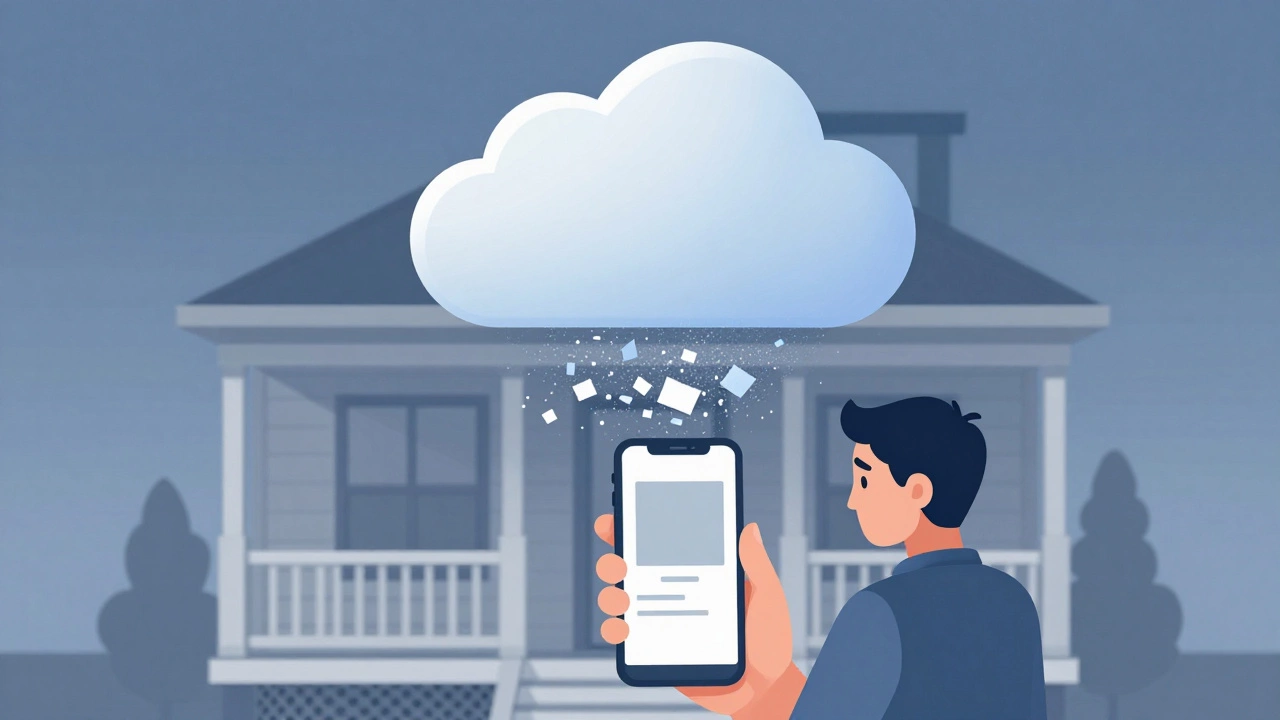
Here is where the freemium model gets tricky. The most significant feature missing from the free tier is cloud recording. Without a subscription, your Ring doorbell does not save video footage. Let me repeat that: it does not record anything.
This creates a major gap in security utility. Imagine this scenario: You are at work. Your phone buzzes with a motion alert. By the time you open the app, the person who triggered the alarm has already walked away. Because there is no saved clip, you see nothing but a static image of an empty driveway. You have been notified of an event, but you have zero context about what happened.
Without the Ring Protect Basic plan, you also lose access to:
- Video History: No ability to review past events. If a package goes missing on Tuesday, you cannot go back to Monday's footage to see who took it.
- Snapshot Capture: You cannot take still photos of visitors for later identification.
- Person Detection: The AI that distinguishes between a human and a swaying tree branch is part of the paid package. Free alerts trigger for everything, leading to "alert fatigue" where you ignore notifications because half are false alarms.
- Package Detection: Specific alerts for deliveries are disabled. You won't know if a box was dropped off unless you happen to be watching Live View at that exact second.
- Shared Videos: You cannot share clips with family members or neighbors easily.
From a legal standpoint, this is a dealbreaker for many. If you need evidence for an insurance claim or police report, a Ring doorbell without a subscription provides none. It is a witness that forgets everything the moment the interaction ends.
The Cost Breakdown: Is the Subscription Worth It?
To decide if you should subscribe, let's look at the numbers. As of 2026, Ring offers two main tiers:
| Plan Name | Monthly Cost | Coverage | Best For |
|---|---|---|---|
| Ring Protect Basic | $3 USD/month | One device | Solo doorbell users |
| Ring Protect Plus | $10 USD/month | All devices + Alarm | Full ecosystem homes |
At $36 per year, the Basic plan is cheaper than a single fast-food meal each month. However, this cost compounds over time. Over three years, you spend $108 on software alone. When you add that to the initial hardware cost (often $100-$250 depending on the model), the total ownership cost rises significantly.
New buyers usually get a 30-day free trial. Some retailers, like Costco, occasionally offer extended trials up to six months. Use this period wisely. Test the person detection. See how often you need to review old footage. If you find yourself constantly wishing you had recorded that strange van parked outside, the subscription is worth it. If you rarely open the "Events" tab, you might save money by skipping it.
Ring vs. True No-Subscription Alternatives
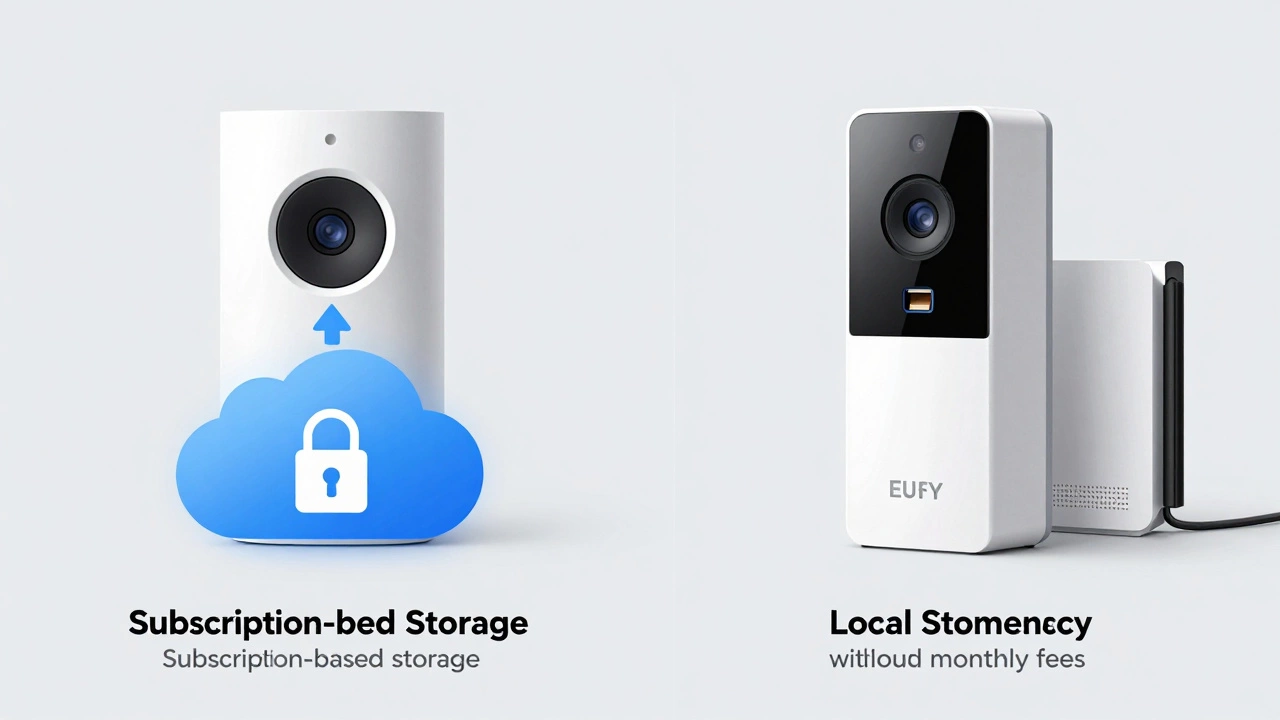
If the idea of monthly fees makes you angry, you are not alone. Many consumers prefer a one-time purchase model. In this case, brands like Eufy Security and Arlo (with local storage options) become strong competitors.
Eufy doorbells, for example, process data locally on the device or via a home base hub. They do not require a cloud subscription for basic recording. You can store videos on an SD card inside the doorbell or the hub. This means you keep all your footage forever, as long as you have storage space. However, there is a trade-off. Local processing limits advanced AI features. While Eufy has improved its person detection, it generally lacks the sophisticated package tracking and neighbor-sharing integrations that Ring offers through its cloud infrastructure.
Consider this decision matrix:
- Choose Ring without subscription if: You only need real-time monitoring, you are always available to check alerts immediately, and you don't care about historical records.
- Choose Ring with subscription if: You want a seamless ecosystem, advanced AI detection, and easy sharing of clips with authorities or family.
- Choose Eufy or Reolink if: You hate recurring fees, you want full control over your data privacy, and you are comfortable managing local storage (SD cards).
Practical Tips for Maximizing the Free Ring Experience
If you decide to stick with the free plan, you can tweak settings to make it more useful. Since you lack person detection, you will receive alerts for every movement. To reduce annoyance:
- Narrow the Motion Zones: In the Ring app, go to Device Settings > Motion Settings > Motion Zones. Draw boxes only around your doorstep and porch. Exclude the street and passing cars. This reduces false alerts significantly.
- Lower Sensitivity: Set motion sensitivity to "Low" or "Medium." High sensitivity triggers for shadows and leaves, which is frustrating without video proof.
- Use Scheduled Chimes: If you have a Ring Chime accessory, set it to ring only during specific hours. This helps filter out late-night noise that you might not want to investigate.
- Keep Firmware Updated: Regular updates improve battery efficiency and connection stability, ensuring your Live View loads quickly when you need it.
Remember, the free Ring doorbell is a tool for immediate awareness, not long-term documentation. Treat it like a baby monitor for your front yard. It tells you what is happening *now*, but it does not remember what happened *then*.
Final Verdict: Who Should Skip the Fee?
Is it worth having a Ring doorbell without a subscription? For a small subset of users, yes. If you live in a low-crime area, primarily use the device to screen delivery drivers while you are home, and have no interest in reviewing past activity, the free features provide solid value. You get a reliable intercom with a decent camera for the price of the hardware.
However, for most homeowners seeking genuine security, the lack of recording is a fatal flaw. Security is about evidence and deterrence. Without recorded clips, you lose the ability to prove incidents occurred. In that sense, a Ring doorbell without a subscription is like buying a car without a trunk-you can drive it, but you can't carry anything important. If you value peace of mind and documented safety, either budget for the $3 monthly plan or switch to a local-storage alternative from the start.
Can I watch old videos on Ring without a subscription?
No. Ring does not allow you to view or download past video footage without an active Ring Protect subscription. The free tier only provides Live View and instant motion alerts. Once a motion event passes, the video is discarded unless you have a plan that saves it to the cloud.
Does Ring doorbell work without Wi-Fi?
No. Ring doorbells require a stable Wi-Fi connection to function. They cannot operate offline. If your internet goes down, you will lose Live View, motion alerts, and two-way audio. Wired models need power, but both wired and battery models need Wi-Fi to connect to the Ring servers.
What happens to my Ring videos after I cancel my subscription?
When you cancel your Ring Protect plan, you retain access to your existing recorded videos for a limited grace period (usually 30 days). After that, Ring deletes all stored footage from their servers. New motion events will trigger alerts, but no new videos will be saved. Make sure to download any important clips before cancellation.
Is Eufy better than Ring for people who don't want subscriptions?
Yes, if avoiding monthly fees is your top priority. Eufy stores video locally on an SD card or HomeBase, meaning you pay once for the hardware and keep all recordings indefinitely. However, Eufy may lack some of the advanced cloud-based AI features and seamless integration with other smart home ecosystems that Ring offers.
How much does Ring Protect Basic cost in 2026?
As of 2026, the Ring Protect Basic plan costs $3 USD per month for a single device. This covers video recording, snapshot capture, and sharing for one Ring product. The Plus plan, which covers unlimited devices and includes Ring Alarm monitoring, costs $10 USD per month.
Can I use Ring doorbell as a standalone security camera without an account?
No. You must create a Ring account and link the device to the app to use any features, even the free ones. The device is designed to work exclusively within the Ring ecosystem and requires authentication for connectivity and security purposes.