
Smart Home ROI & Break-Even Calculator
Estimate whether a specific smart device pays for itself through energy savings or avoided costs. Enter your details below to see the financial reality.
Enter data to calculate ROI.
You’ve probably seen the ads: a house that thinks for you. Lights dim when you watch a movie, the thermostat drops before you get home from work, and your front door locks itself when you leave. It looks like magic. But is it actually worth the cash? The short answer is yes, but only if you’re solving a specific problem. If you just buy gadgets because they look cool on Instagram, you’ll likely end up with a pile of expensive paperweights and a monthly subscription bill you forgot about.
The Financial Reality Check
Let’s talk money, because that’s usually the first hurdle. A basic starter kit might cost you $50 to $150. That gets you a few smart bulbs, a plug, and maybe a voice assistant. But once you start adding a smart thermostat ($130-$250), video doorbells, and security sensors, the numbers climb fast. One study estimated the average homeowner investment at around $3,750 when including installation and setup. Does that pay off?
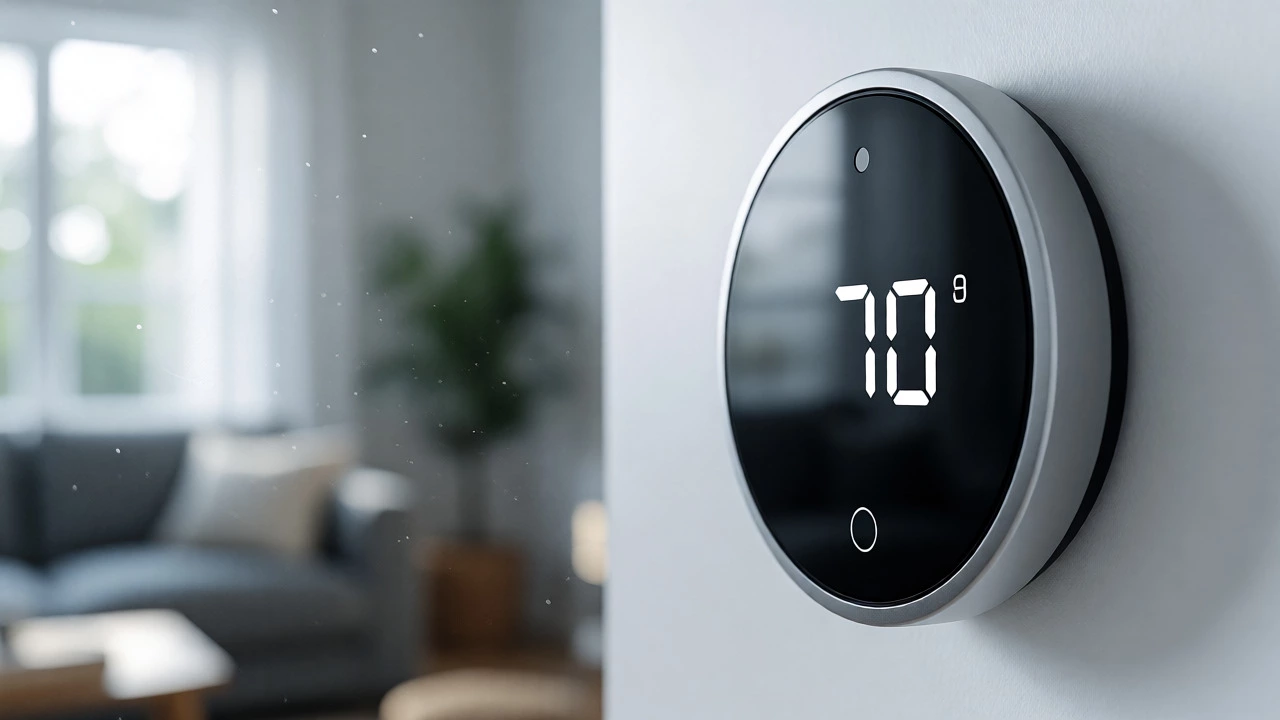
It depends on what you’re trying to save. Energy savings are real, but they aren’t as dramatic as marketing claims suggest. You won’t cut your electricity bill in half. Studies show smart thermostats typically reduce heating and cooling costs by about 10% to 15%. In a gas-heated home, that might mean saving $10 to $20 a month. If you spent $250 on a high-end thermostat, it could take years to break even just on energy bills alone. However, if you live in an area with extreme temperatures or have poor insulation, those savings stack up faster.
Where the financial case gets stronger is in prevention. A $30 water leak sensor can detect a burst pipe early, potentially saving you thousands in water damage repairs. Similarly, smart locks can eliminate the need for locksmith call-outs if you lock yourself out. These low-cost devices offer high-value insurance against disasters, making them much easier to justify than a $400 smart fridge that mostly just tells you when you’re out of milk.
Security and Peace of Mind
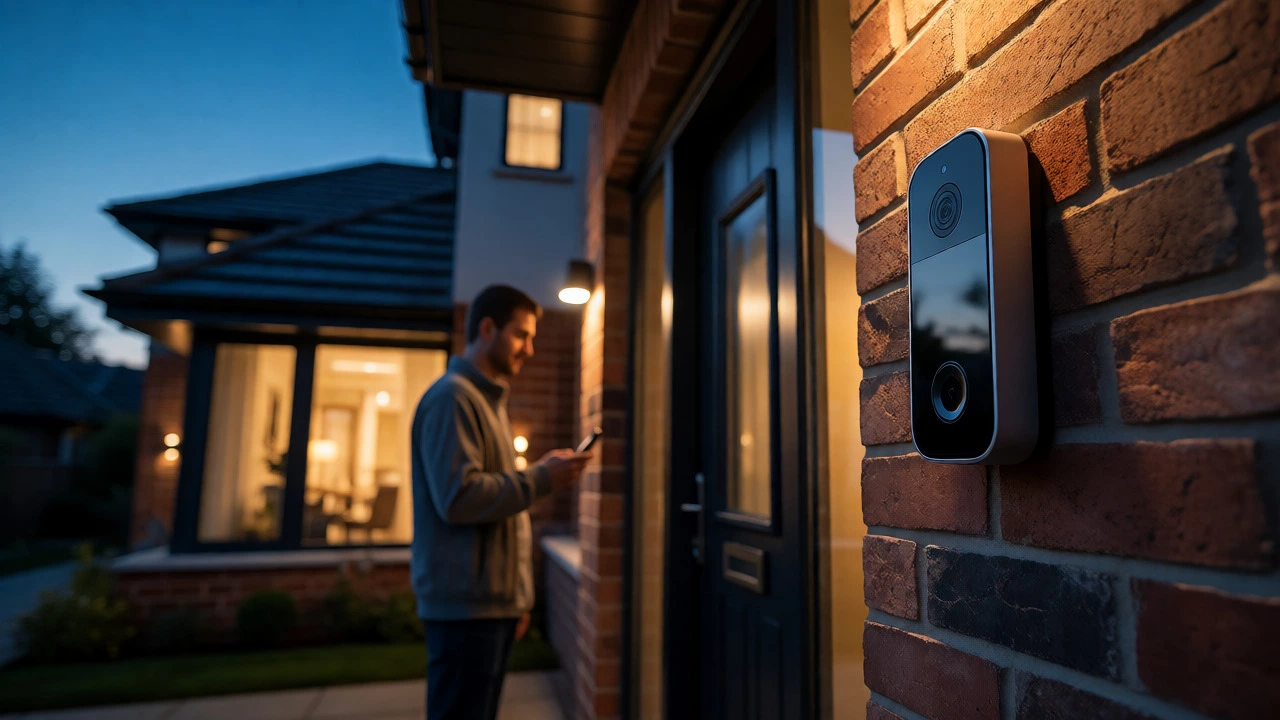
For many people, security is the primary driver. This is where the value becomes less about dollars and cents and more about risk mitigation. Traditional alarm systems are great, but smart security adds verification. Instead of just hearing a siren, you get a notification on your phone with a video clip showing who triggered the motion sensor. Was it the wind blowing a branch? Or was it someone testing your back window?
Remote access is another huge benefit. Did you forget to lock the front door? With a smart lock, you don’t need to drive back. You check the app, tap “lock,” and go back to sleep. For parents, baby monitors with AI detection can alert you if a blanket covers an infant’s face. For pet owners, indoor cameras let you check on your dog during the day, reducing guilt and anxiety. These features don’t always translate to direct monetary savings, but they significantly improve quality of life and peace of mind, which has its own worth.
Convenience vs. Complexity
Here is the trap: complexity. Setting up one device is easy. Setting up ten devices that talk to each other can be a nightmare. If you choose the wrong ecosystem, you might find that your Philips Hue lights don’t work well with your Amazon Echo, or your Google Home doesn’t recognize your smart switch. Interoperability has improved thanks to new standards, but friction still exists.
Consider the time investment. A simple system takes an hour. A complex, multi-room automated system can take days to configure, troubleshoot, and maintain. Are you willing to spend your Saturday afternoon debugging why your garage door opener stopped responding? If you hate tinkering with tech, a fully automated smart home might cause more stress than it solves. In this case, sticking to a few key devices-like a smart doorbell and a thermostat-is smarter than trying to automate every light switch in the house.
Privacy and Cybersecurity Risks
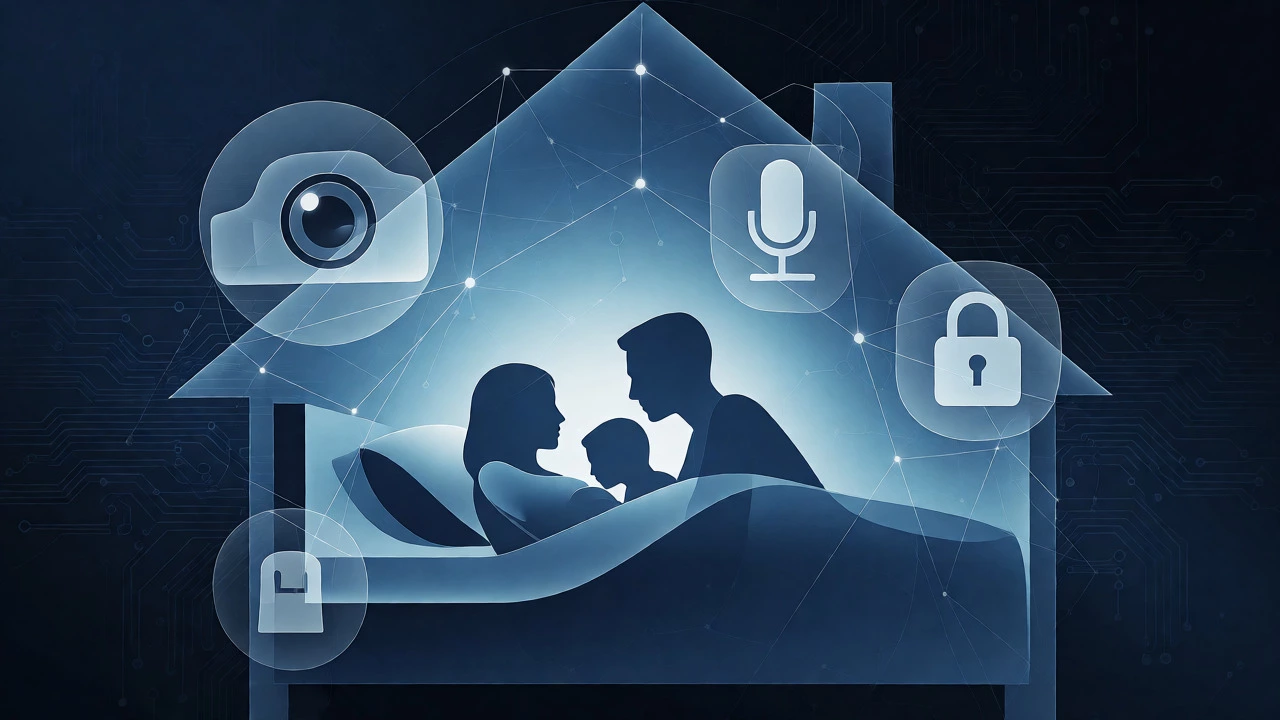
We have to address the elephant in the room: privacy. Every camera, microphone, and sensor collects data. Your smart speaker records snippets of conversation. Your thermostat knows when you’re asleep. Your lock knows when you come home. This creates a detailed behavioral profile of your household. Most major companies claim to protect this data, but breaches happen. Firmware updates sometimes break features, and older devices may stop receiving security patches, leaving them vulnerable to hackers.
To mitigate this, you need to be proactive. Change default passwords immediately. Enable two-factor authentication on all accounts. Keep your Wi-Fi router firmware updated. Consider putting smart devices on a separate guest network so that if a cheap smart bulb gets hacked, the attacker can’t easily jump to your laptop or phone. If you are deeply concerned about privacy, you might prefer local-control systems like Home Assistant, which process data on your own hardware rather than sending everything to the cloud. But be warned: these systems require more technical skill to set up and maintain.
Which Ecosystem Should You Choose?
Your choice of platform dictates what devices you can buy and how easy they are to use. There is no single "best" option; it depends on what you already own and how much effort you want to put in.
| Ecosystem | Best For | Key Strength | Weakness |
|---|---|---|---|
| Amazon Alexa | Voice control & budget devices | Huge compatibility, low cost | Data privacy concerns, ad-heavy interface |
| Apple Home | iPhone users & privacy focus | Seamless integration, strong security | Fewer compatible devices, higher entry cost |
| Google Home | Android users & Nest products | Excellent AI assistant, good Nest synergy | Inconsistent device support, frequent changes |
| Home Assistant | Tech enthusiasts & local control | Total privacy, works with almost anything | Steep learning curve, DIY maintenance |
If you are an iPhone user, Apple Home offers the smoothest experience. It just works, especially if you stick to Matter-certified devices. If you love talking to your house and want the cheapest gadgets, Alexa is hard to beat. Google Home is solid if you are already deep in the Android ecosystem. But if you want to avoid subscriptions and keep your data private, Home Assistant is the gold standard, provided you are comfortable with networking concepts.
The Verdict: Who Is This For?
A smart home is worth it if you have a specific pain point. Do you constantly forget to turn off lights? Get smart switches. Do you worry about leaks while on vacation? Get sensors. Do you want to see who is at the door without opening it? Get a video doorbell. Start small. Buy one or two devices, use them for a month, and see if they actually change your behavior. If you ignore them after three weeks, return them.
However, a fully automated home is rarely worth it for everyone. If you rent, moving complex setups can be a hassle. If you have unreliable internet, cloud-dependent devices will frustrate you. And if you hate subscriptions, be careful with cameras that charge monthly fees for video storage. The sweet spot is incremental adoption: solve one problem, then move to the next. Don’t try to build a sci-fi movie set overnight.
Frequently Asked Questions
Do smart home devices increase my electric bill?
Generally, no. Most smart devices consume very little power-often less than 1 watt when idle. While there are dozens of devices, their combined standby power is negligible compared to large appliances like fridges or HVAC systems. In fact, smart controls usually lower overall consumption by optimizing usage patterns.
What happens if my internet goes down?
It depends on the device. Cloud-based devices (like most video cameras) will lose remote access and recording capabilities. However, locally controlled devices (using Zigbee, Z-Wave, or Matter over Thread) often continue to function within your home. For example, a smart light switch paired with a local hub will still turn on/off via physical buttons or local apps, even without Wi-Fi. Always ensure critical functions have manual overrides.
Are smart locks safe?
Yes, reputable smart locks are generally as secure as traditional deadbolts, with added encryption for digital access. However, they introduce new failure modes: battery death or software glitches. Most models include a physical key override for emergencies. To maximize safety, choose brands with regular firmware updates and enable two-factor authentication on the companion app.
Can I mix different brands in one smart home?
Yes, thanks to the Matter standard. Matter allows devices from different manufacturers to communicate with various hubs (Apple, Google, Amazon). Before buying, check if the device is "Matter Certified." If not, you may be locked into that brand's specific ecosystem, limiting your flexibility later.
Is it cheaper to install smart home devices myself or hire a pro?
DIY is significantly cheaper for plugs, bulbs, and wireless sensors. However, hardwired devices like smart thermostats, lighting dimmers, or wired security cameras often require professional installation to ensure safety and code compliance. Hiring a pro ensures correct wiring and prevents voiding warranties, which is worth the extra cost for complex electrical tasks.