
Ajax Pet Immunity & Setup Checker
System Configuration
Ready to Analyze
Enter your detector model and pet details on the left to see if your Ajax system is compatible.
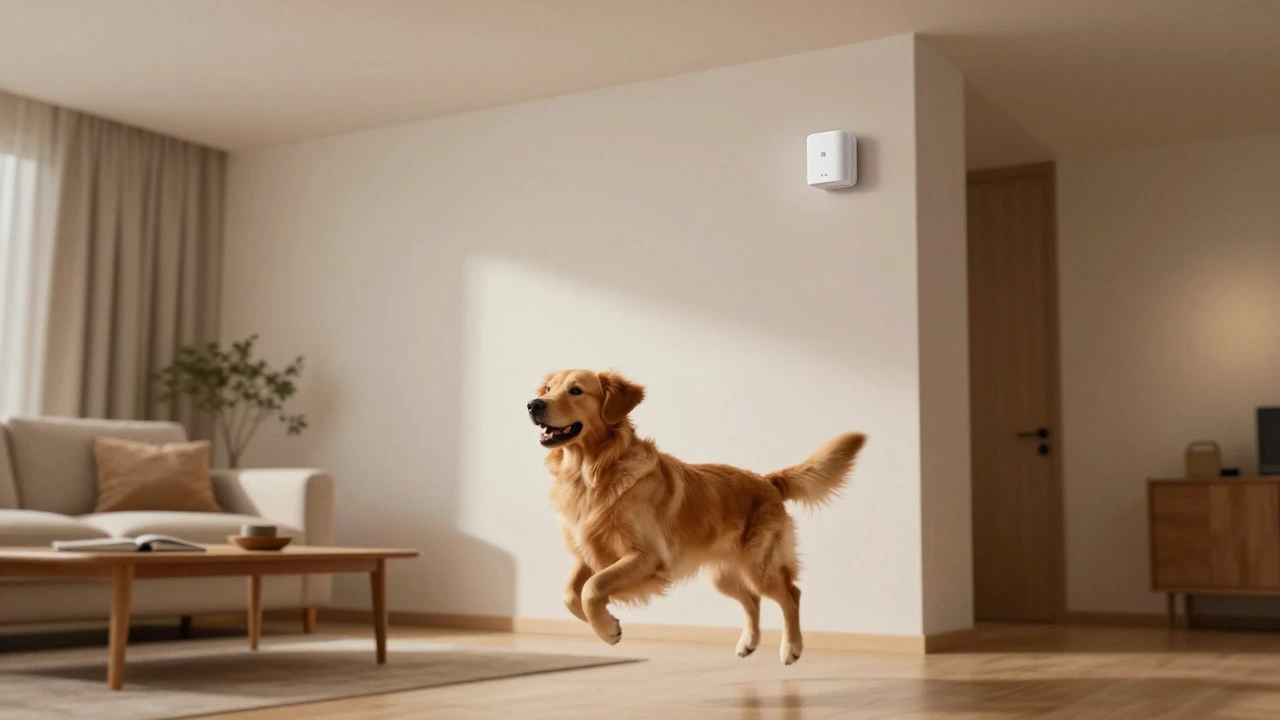
You know that sinking feeling when your phone buzzes with an alert saying "Intrusion detected," only to realize it’s just your cat knocking over a vase or your dog chasing a shadow. For pet owners, home security systems often feel like a double-edged sword: you want protection against burglars, but you don’t want to live in fear of triggering a siren every time Fido trots through the living room. If you are considering Ajax Systems, you might be wondering if their wireless ecosystem is actually pet-friendly or if it will drive you crazy with false alarms.
The short answer is yes, the Ajax alarm system is highly pet-friendly, provided you choose the right detectors and install them correctly. Most of their indoor motion sensors, including the popular MotionProtect and wireless PIR motion detector designed for residential use, are engineered to ignore animals up to 20 kg (44 lbs) and 50 cm (19.7 inches) in height. However, "pet-friendly" isn't just a marketing buzzword here; it relies on specific installation heights, sensitivity settings, and understanding the difference between Grade 2 and Grade 3 security standards. Let's break down exactly how this works so you can keep your home secure without stressing your furry friends.
How Ajax Detectors Ignore Pets
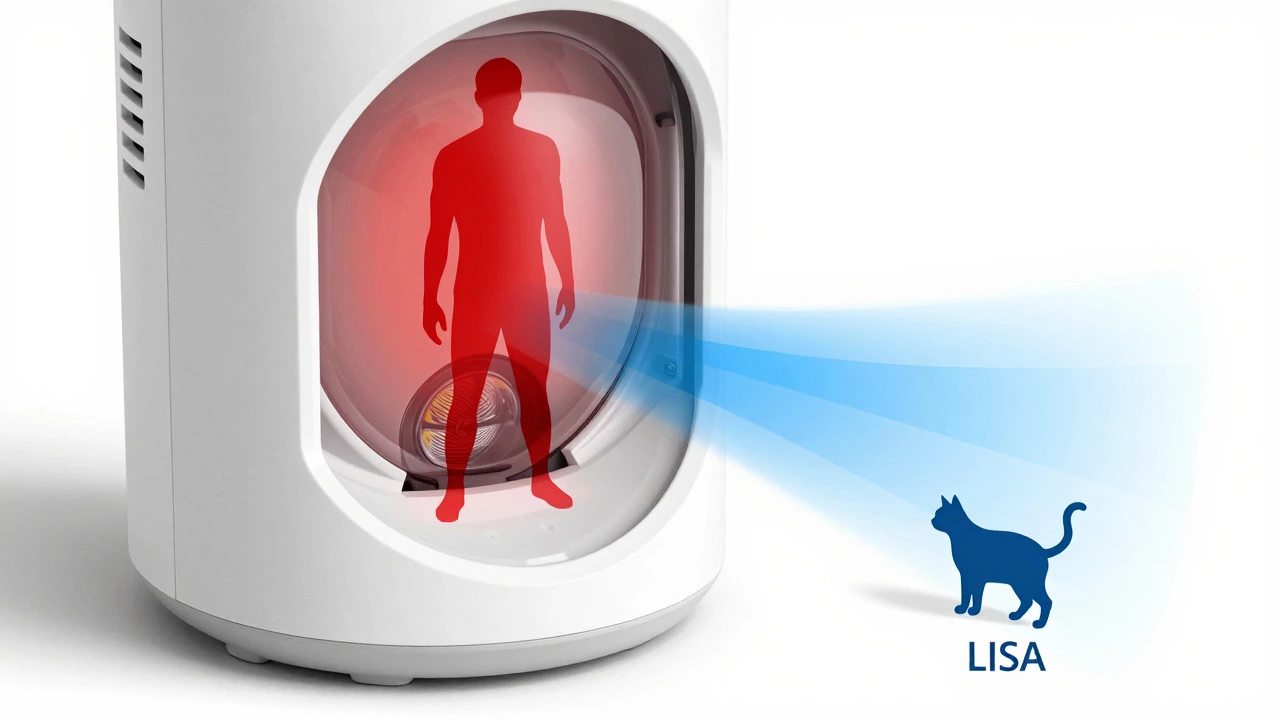
To understand why your dog won't trigger the alarm, we need to look at how these sensors see the world. Ajax detectors primarily use Passive Infrared (PIR) technology. Instead of seeing images like a camera, they detect changes in heat signatures. Humans have a large, distinct thermal profile. Small pets, however, present a much smaller "heat spot."
The magic happens through a combination of physical lens design and software algorithms. Inside devices like the MotionProtect Plus and dual-technology PIR and microwave radar detector, there is an intelligent digital algorithm called LISA and digital signal processing algorithm that filters out interference from animals and environmental noise. LISA analyzes the shape, speed, and duration of the infrared change. If the heat signature is small and moving close to the floor, LISA marks it as non-threatening. This means that typical house cats and small-to-medium dogs can roam freely without setting off the alarm, as long as they stay below the detection zone's primary focus area.
It is important to note that weight and height are guidelines, not absolute laws. The sensor reacts to the size of the infrared hotspot. A compact, dense-furred animal might register differently than a lean one of the same weight. But for the vast majority of households, the 20 kg / 50 cm threshold covers the common breeds perfectly.
Indoor vs. Outdoor Pet Immunity
Your setup needs to change depending on whether the detector is inside your house or outside in the garden. Indoor environments are controlled, while outdoor spaces introduce variables like wind, rain, and larger wildlife.
| Detector Model | Environment | Pet Weight Limit | Pet Height Limit | Recommended Install Height |
|---|---|---|---|---|
| MotionProtect | Indoor | Up to 20 kg | Up to 50 cm | 2.4 m (7.9 ft) |
| MotionProtect Plus | Indoor | Up to 20 kg | Up to 50 cm | 2.4 m (7.9 ft) |
| MotionCam | Indoor | Up to 20 kg | 25-50 cm (adjustable) | 2.4 m (7.9 ft) |
| MotionProtect Outdoor | Outdoor | N/A | Up to 80 cm | 0.8-1.3 m (2.6-4.3 ft) |
| Curtain Outdoor Jeweller | Outdoor | N/A | Up to 100 cm | ~1 m (3.3 ft) |
For indoor use, mounting your MotionProtect at exactly 2.4 meters is crucial. At this height, the infrared diagram creates a separation between human movement zones (which are higher up) and pet movement zones (which are near the floor). If you mount it too low, the sensor looks directly into the pet's path, increasing the risk of false alarms. Conversely, outdoor detectors like the MotionCam Outdoor PhOD are mounted much lower, between 0.8 and 1.3 meters. This lower angle allows them to ignore animals up to 80 cm tall, which is great for larger dogs that might wander around your patio or driveway.
Configuring Sensitivity in the App
Hardware is only half the battle; configuration is the other. Ajax gives you control through their mobile app, allowing you to fine-tune how sensitive each detector is. This is particularly useful if you have a very active pet or a very quiet house.
Take the MotionCam, for example. It has three distinct sensitivity levels:
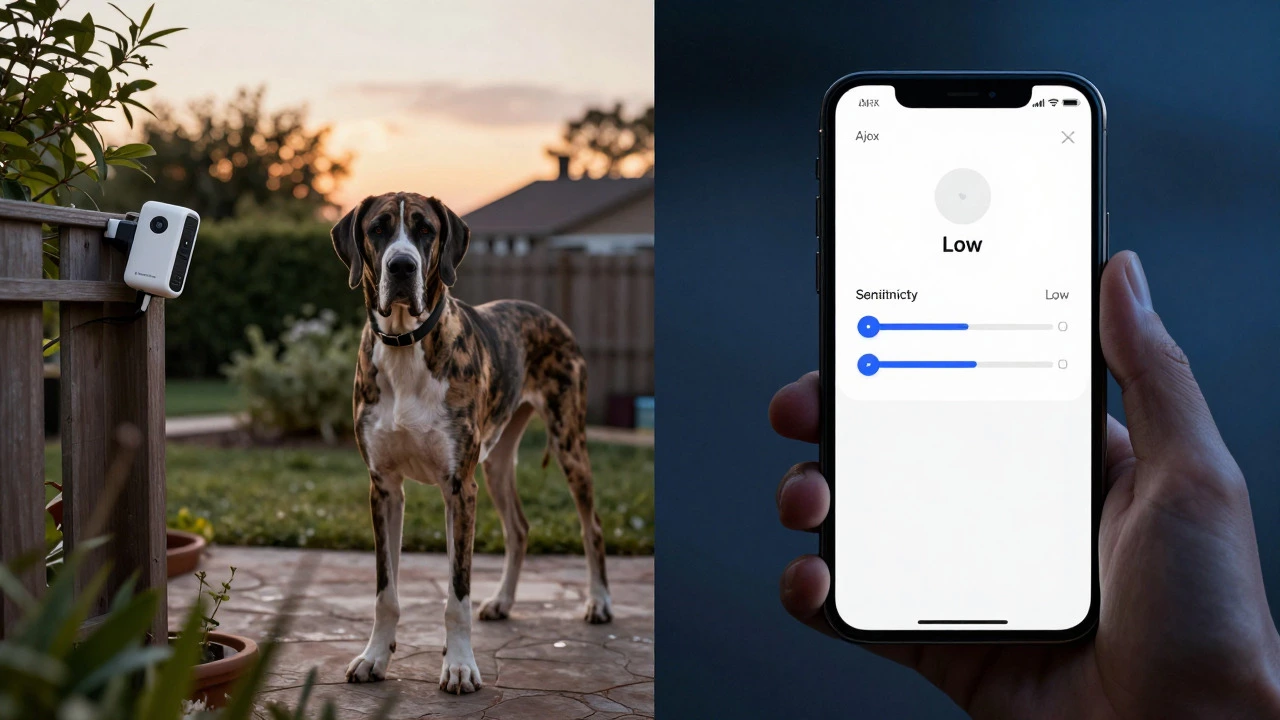
- Low Sensitivity: Best for homes with active pets. It ignores animals up to 50 cm tall. Use this if your dog runs around frequently.
- Medium Sensitivity: The default setting. It ignores small dogs up to 35 cm tall. Good for standard household activity.
- High Sensitivity: Tuned primarily to ignore cats up to 25 cm tall. Use this in rooms where pets rarely go, or if you want maximum detection range for humans.
If you find your pet is still triggering the alarm, drop the sensitivity to Low. If you feel the system is missing actual intruders (rare, but possible), bump it up. For standard MotionProtect units, the process is similar within the app settings. Lowering the general sensitivity makes the detector less reactive to minor thermal shifts, effectively giving your pet more freedom of movement.
The Grade 2 vs. Grade 3 Trap
Here is where many users get tripped up. Not all Ajax detectors are created equal regarding pet immunity. You need to understand the concept of "Grades" in security standards (EN 50131).
Most residential installations use Grade 2 detectors. These are designed for low-to-medium risk sites and include the pet immunity features we discussed. They are smart enough to filter out small animals. However, if you are securing a high-risk area-like a jewelry store or a server room-you might opt for Grade 3 (G3) detectors. Grade 3 devices are required by law in some commercial contexts to detect any movement. Because of this strict requirement, Grade 3 detectors do not have pet immunity. They will trigger if a mouse sneezes, let alone a Golden Retriever walks by.
If you are installing an Ajax system in your home, stick to the standard Grade 2 models like MotionProtect and MotionProtect Plus. Unless you are running a bank vault from your garage, you don't need Grade 3, and switching to it would ruin your pet-friendly setup.
Special Cases: Large Dogs and Curtain Detectors
What if you have a Saint Bernard? Or a Great Dane? The standard 50 cm height limit might seem restrictive. This is where Ajax's curtain-type detectors shine. Devices like the MotionProtect Curtain Jeweller work differently. Instead of scanning a wide room, they create a vertical "laser-like" beam across a window or doorway.
Because the beam is narrow and vertical, it doesn't care about the pet's height as much as its position relative to the beam. If installed correctly, these curtain detectors can ignore pets even if they are massive, provided the animal doesn't cross the specific plane of the beam. For outdoor perimeters, the Curtain Outdoor Mini Jeweller can ignore animals up to 70 cm, and the full-size Curtain Outdoor Jeweller can ignore animals up to 100 cm. This makes them ideal for properties with large dogs that roam the yard.
Common Mistakes That Cause False Alarms
Even with the best technology, user error is the number one cause of false alarms. Here are the most common pitfalls to avoid:
- Incorrect Mounting Height: As mentioned, indoor sensors must be at 2.4 m. Outdoor sensors at 0.8-1.3 m. Deviating from these ranges disrupts the infrared geometry that separates pets from humans.
- Pointing Downwards: Never point a motion sensor steeply downwards towards the floor. This puts the pet directly in the center of the detection zone. Aim perpendicular to the expected intrusion path.
- Heating Sources: PIR sensors hate heat fluctuations. Don't install a detector pointing directly at a radiator, fireplace, or air conditioning vent. The hot air rising can mimic a human's heat signature, causing false alarms regardless of pet immunity.
- Climbing Pets: If your cat loves jumping onto high shelves right next to the sensor, it might briefly present a heat signature at human height. While rare, this can trigger an alarm. Keep pets away from the immediate vicinity of the sensor if they are acrobats.
Why Ajax Stands Out Against Competitors
In the broader market, many traditional wired alarms and cheaper wireless kits lack sophisticated filtering. They often rely on basic PIR tech that triggers on any significant heat movement. This leads to the classic scenario where you have to disable the alarm because your pet is home, leaving your house unprotected.
Ajax differentiates itself by making pet immunity a standard feature rather than an expensive add-on. The integration of the LISA algorithm and the ability to adjust sensitivity via the app provides a level of customization that older systems simply don't offer. Installers consistently report fewer false alarms with Ajax compared to legacy systems, largely due to this dual-layer approach of hardware geometry and software intelligence.
Frequently Asked Questions
Will my cat trigger the Ajax MotionProtect?
Generally, no. The MotionProtect is designed to ignore animals up to 20 kg and 50 cm in height. As long as it is installed at the recommended height of 2.4 meters, your cat should be able to walk freely without triggering the alarm.
Can I use Ajax alarms if I have a large dog like a German Shepherd?
Yes, but you may need to adjust your setup. Standard indoor sensors ignore pets up to 50 cm tall. For larger dogs, consider using Curtain detectors for doorways/windows, or ensure your dog stays below the main detection zone. Outdoor detectors can ignore animals up to 80 cm tall.
How do I adjust the sensitivity for my pet?
Open the Ajax app, go to the Devices tab, select your motion detector (e.g., MotionCam), and access the settings. You can choose between Low, Medium, or High sensitivity. Low is best for active pets, while High is for rooms with no animals.
What is the difference between Grade 2 and Grade 3 detectors regarding pets?
Grade 2 detectors (standard for homes) have pet immunity features. Grade 3 detectors are for high-security areas and detect all movement, meaning they do NOT have pet immunity and will likely trigger for any animal.
Why is my Ajax alarm still triggering for my pet?
The most common reasons are incorrect installation height (indoor sensors must be at 2.4m) or the sensor pointing directly at a heat source like a heater. Ensure the sensor is mounted correctly and try lowering the sensitivity in the app.
Does the MotionCam take pictures of my pet?
If configured correctly with appropriate sensitivity and installation height, the MotionCam should ignore your pet and not take photos. If it does, check that the sensitivity is set to Low or Medium and that the device is mounted at the correct height.
Are outdoor Ajax detectors pet-friendly?
Yes. Models like MotionProtect Outdoor and MotionCam Outdoor PhOD can be configured to ignore animals up to 80 cm in height. They must be installed between 0.8 and 1.3 meters above ground for this feature to work effectively.