
Nest Doorbell Fit Calculator
Answer these questions to see if the Nest Doorbell's limitations (subscriptions, ecosystem lock-in, battery life) are deal-breakers for you.
Your Home Profile
Your Recommendation
Key Factors Considered:
Fill out the form to get your personalized Nest Doorbell compatibility score.
You’ve probably seen the ads. A sleek, square camera on your front door, seamlessly integrated into your Google Home setup. It looks modern, it promises security, and if you’re already deep in the Android or Google ecosystem, it seems like a no-brainer. But here’s the thing: the Nest Doorbell is not just a piece of hardware; it’s a subscription trap wrapped in a slightly clunky app experience.
If you are considering buying one of these-whether it’s the battery-powered model, the newer wired version, or the older Nest Hello-you need to know what you’re signing up for beyond the initial purchase price. While Google markets these devices as premium security solutions, real-world usage reveals several significant drawbacks that can turn convenience into frustration. From hidden costs to missing features that competitors offer for free, let’s break down exactly why the Nest Doorbell might leave you wanting more.
The Subscription Wall: Paying for Basic Features
Let’s address the elephant in the room immediately: you cannot get full value out of a Nest Doorbell without paying Google every month. This isn’t just about saving clips forever; it’s about basic functionality. On the free tier, you only get three hours of event history. That’s it. If you miss an alert while you’re at work or asleep, and you don’t check within three hours, that footage is gone forever unless you pay for Nest Aware.
This limitation creates a constant low-level anxiety. Did the delivery person drop off the package? Did someone try the handle? If you didn’t look at your phone within that narrow window, you have no way to verify it later without upgrading to a paid plan. Even then, advanced features like facial recognition (which Google calls "familiar faces") and 24/7 continuous recording are locked behind higher-tier subscriptions like Google Home Premium. For many users, this feels less like buying a product and more like renting access to your own security camera.
| Feature | Free Plan | Nest Aware Standard | Google Home Premium |
|---|---|---|---|
| Event History | 3 Hours | 30 Days | 60 Days |
| Continuous Recording | No | No | Yes |
| Familiar Faces | No | No | Yes |
| Smart Alerts | Limited | Enhanced | Enhanced |
No Continuous Recording (Even When Wired)
This is a deal-breaker for security purists. Unlike some competitors that record everything all day long, the Nest Doorbell only records when it detects motion or a button press. And here is the kicker: even if you wire it directly into your electrical system so it has unlimited power, it still won’t record 24/7 by default. You have to pay for the top-tier subscription to unlock continuous recording.
Why does this matter? Because events are often isolated moments. If a car drives past your house, stops, and then leaves, the Nest might catch the stop but miss the approach or the departure context. With continuous recording, you can scrub through the timeline to see exactly who was driving by or what happened ten minutes before the motion alert triggered. The lack of this feature, especially on a device marketed as a premium security tool, feels like a deliberate restriction to force subscription adoption rather than a technical necessity.
Ecosystem Lock-In: The Walled Garden Problem
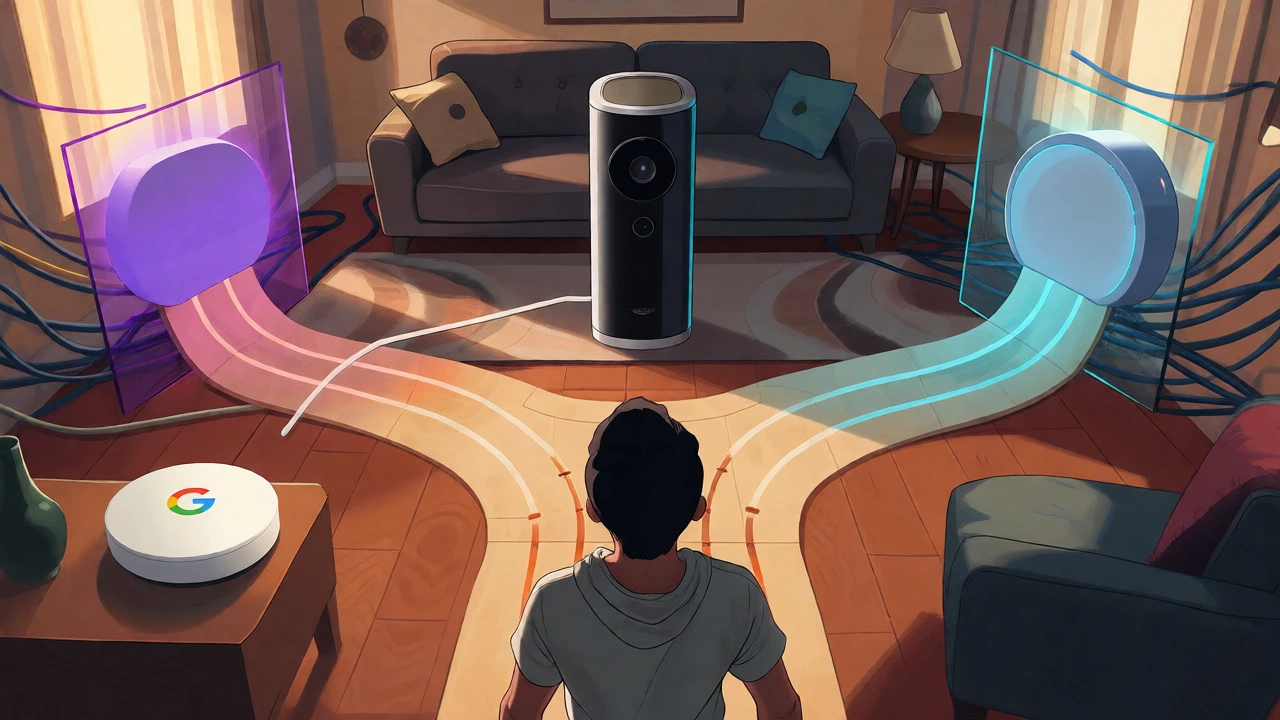
If you are a die-hard Apple user with HomeKit everywhere, or if you rely heavily on Amazon Alexa routines, the Nest Doorbell will isolate you. It does not support Apple HomeKit, Amazon Alexa, or Samsung SmartThings. It lives exclusively in the Google Home ecosystem.
This means you can’t ask Siri to show you the front door on your iPad, nor can you easily trigger complex automation sequences involving non-Google devices without third-party hacks that often break. Furthermore, the device does not currently support Matter, the new universal smart home standard. So, while other brands are opening up to cross-platform compatibility, Nest remains firmly closed. If you ever decide to switch from Android to iPhone, or vice versa, you aren’t just changing phones; you’re potentially stranded with a doorbell that doesn’t play nice with your new primary assistant.
App Frustrations and Latency Issues
Hardware is only half the battle; software determines daily usability. Many long-time Nest users complain that the transition from the old Nest App to the Google Home App was a downgrade. The interface is often described as clunky or slow. There is a noticeable delay between pressing the doorbell button and receiving a notification on your phone. In tests, this lag can range from a few seconds to over a minute depending on network conditions.
Worse yet, there are reported bugs where tapping a notification too quickly fails to load the live view, requiring you to close and reopen the app. When you finally do connect, the app sometimes shows the battery percentage first rather than jumping straight to the live feed. These small friction points add up. A doorbell should be instant and intuitive. If you find yourself fighting the app to see who is at your door, the convenience factor diminishes rapidly.
Battery Life Realities and Charging Hassles
For the battery-powered model, Google claims up to six months of runtime. In reality, this number is highly optimistic and depends entirely on how busy your street is. If you live in a quiet cul-de-sac, you might hit those numbers. But if you live near a road or have frequent visitors, expect closer to two or three months.
And when it dies, you can’t just swap the battery out like a AA pack. You have to physically remove the entire unit from its mount, bring it inside, plug it into a USB-C charger, and wait hours for it to recharge. During this time, your front door is unprotected. There is no swappable battery option, which is a significant design flaw for a security device that needs to be always-on. Cold weather also drains the battery faster, a common issue with lithium-ion cells, meaning winter months might require more frequent charging cycles.
Video Quality and Night Vision Limitations
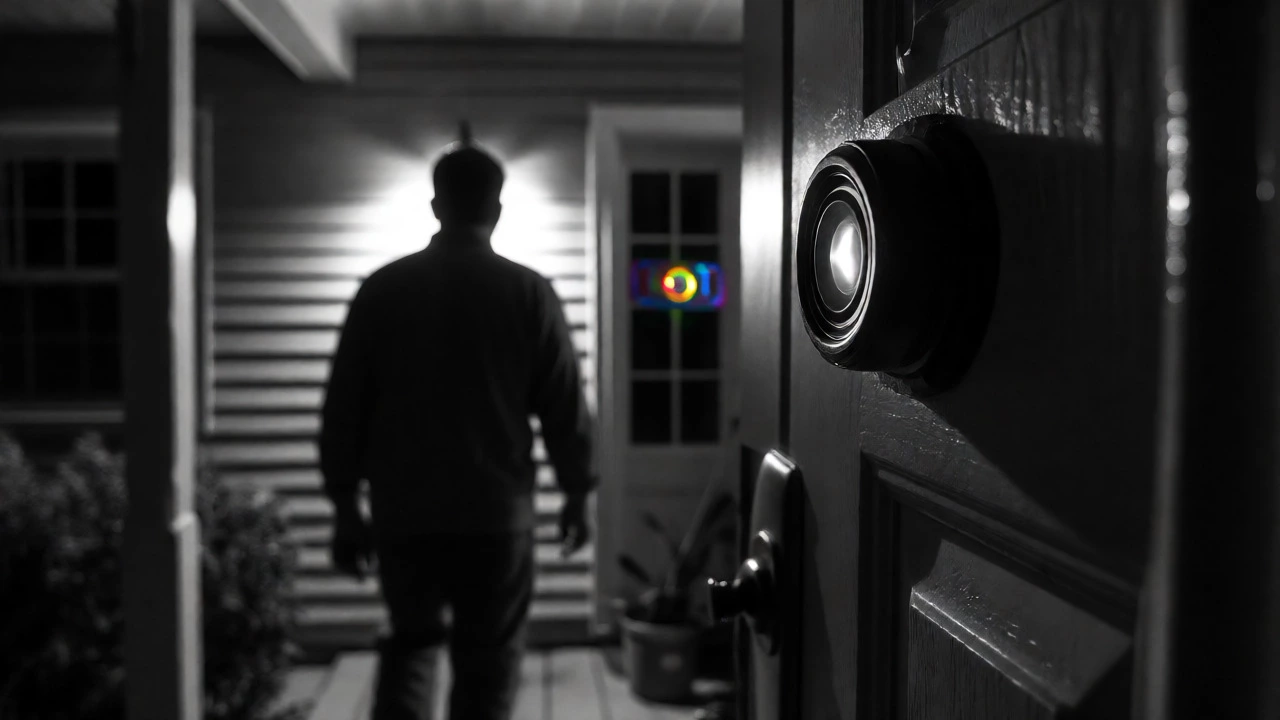
The video quality is decent, but it’s not best-in-class. The field of view is 145 degrees, which is wide, but the aspect ratio is narrower than some rivals, meaning you might miss details at the far edges of your porch. More critically, night vision is black-and-white only. Competitors like Arlo or certain Ring models offer color night vision, which helps distinguish clothing colors or vehicle paint jobs after dark. Seeing a grayscale image makes it harder to identify specific individuals or cars at night, reducing the evidentiary value of your footage.
Detection accuracy is another mixed bag. While it distinguishes between people, vehicles, and packages reasonably well, it struggles with smaller animals beyond five meters. False positives are also a complaint, particularly with wind-blown trees or shadows triggering alerts that require manual dismissal.
Reliability Concerns and Hardware Failures
We can’t ignore the history of the Nest Hello, the original wired model. Many users reported internal battery failures causing the device to go offline whenever the doorbell button was pressed. The housing on some units cracked or bubbled shortly after warranty expiration. While newer models have improved, the reputation for fragility lingers. Users report that the newer wired models can also suffer from connectivity drops or require frequent resets. For a device costing over $100 plus monthly fees, unexpected downtime is frustrating.
Who Should Avoid the Nest Doorbell?
- Apple HomeKit Users: If your smart home revolves around iOS, the lack of native integration is a major hurdle.
- Budget-Conscious Buyers: If you refuse to pay monthly subscriptions for core features, look elsewhere.
- Security Purists: If you need 24/7 continuous recording without extra fees, Nest restricts this behind a paywall.
- Mixed-Ecosystem Households: If your family uses both Android and iPhones, or Alexa and Google Assistant, the lock-in causes friction.
Does the Nest Doorbell work without a subscription?
Yes, but with severe limitations. Without a subscription, you only get 3 hours of event history, no facial recognition, and no 24/7 recording. You can still receive motion alerts and talk to visitors, but you lose most historical data quickly.
Is the Nest Doorbell compatible with Alexa?
No, the Nest Doorbell does not natively support Amazon Alexa voice commands or routines. It is designed to work exclusively within the Google Home ecosystem.
How long does the Nest Doorbell battery actually last?
Real-world battery life typically ranges from 1.5 to 3 months depending on traffic volume and weather conditions. Google's claim of up to 6 months assumes very low activity (2-5 events per day), which is rare for most homes.
Can I charge the Nest Doorbell without removing it?
No. To charge the battery-powered model, you must detach the main unit from its wall mount and bring it indoors to connect to a USB-C charger. There is no swappable battery option.
Does the Nest Doorbell have color night vision?
No, the current Nest Doorbell models use infrared sensors that produce black-and-white footage at night. This limits the ability to distinguish colors such as clothing or vehicle paint in low-light conditions.