
CCTV Setup Advisor: Find Your Ideal Offline Solution
Answer these two questions to find the most reliable surveillance method for your specific location and needs.
The short answer is: yes, but it depends on what you mean by "remote." If you want to see what's happening on your porch while you're sitting in your living room, you don't need the internet. But if you're in another city and want to check your cameras without a web connection, you've hit a wall-unless you use cellular data. The big misconception is that a wireless cctv kit requires an internet connection to function. In reality, "wireless" often just means the cameras don't use a physical data cable to talk to the recorder, not that they need a cloud connection to work.
The Local Loop: Viewing Onsite Without a Connection
For most people, "remote" just means not standing right under the camera. If you are physically at the property, you can view your footage without a single byte of internet data. This is the essence of CCTV is Closed Circuit Television, a system where signals are transmitted wirelessly or via cable to a specific, limited set of monitors. Because it is a "closed" circuit, it doesn't need to open up to the wider web to operate.
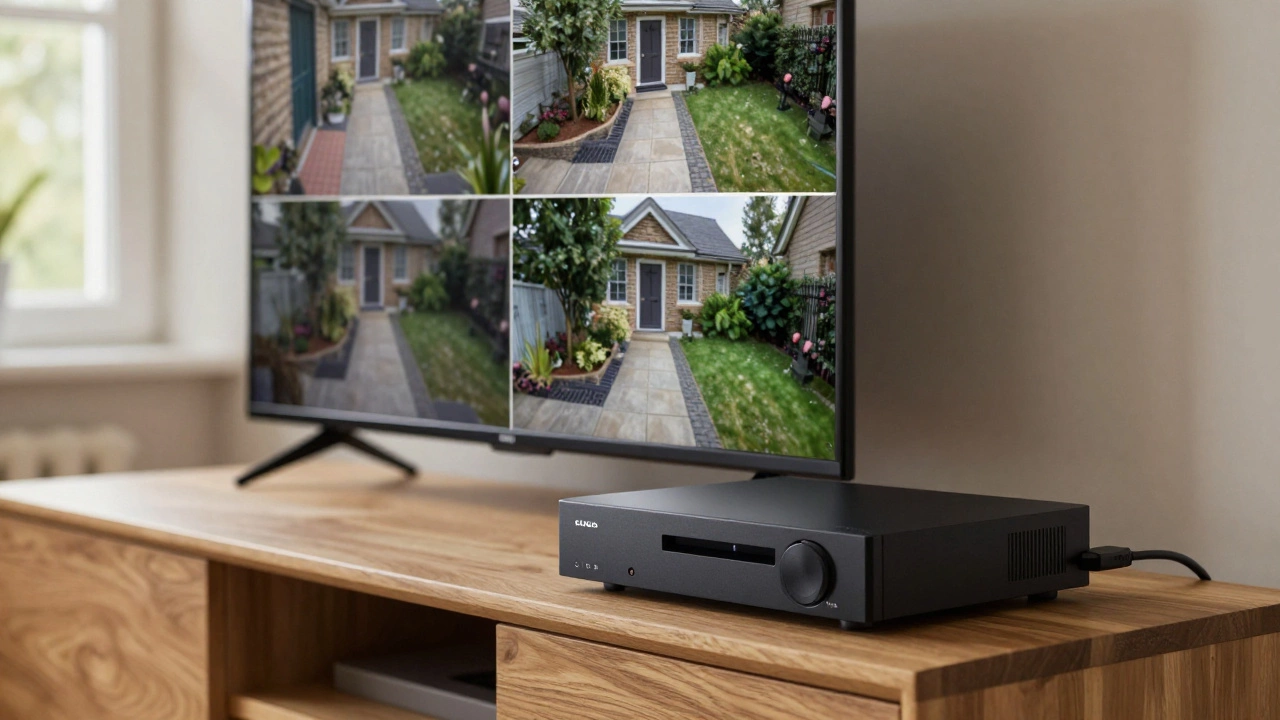
The most dependable way to do this is by plugging a monitor or a television directly into your recorder using an HDMI or VGA cable. You use a USB mouse to navigate the menus, play back recorded clips, and manage your settings. It's fast, there's zero lag, and it's impossible for a remote hacker to intercept the feed because there is no gateway to the outside world.
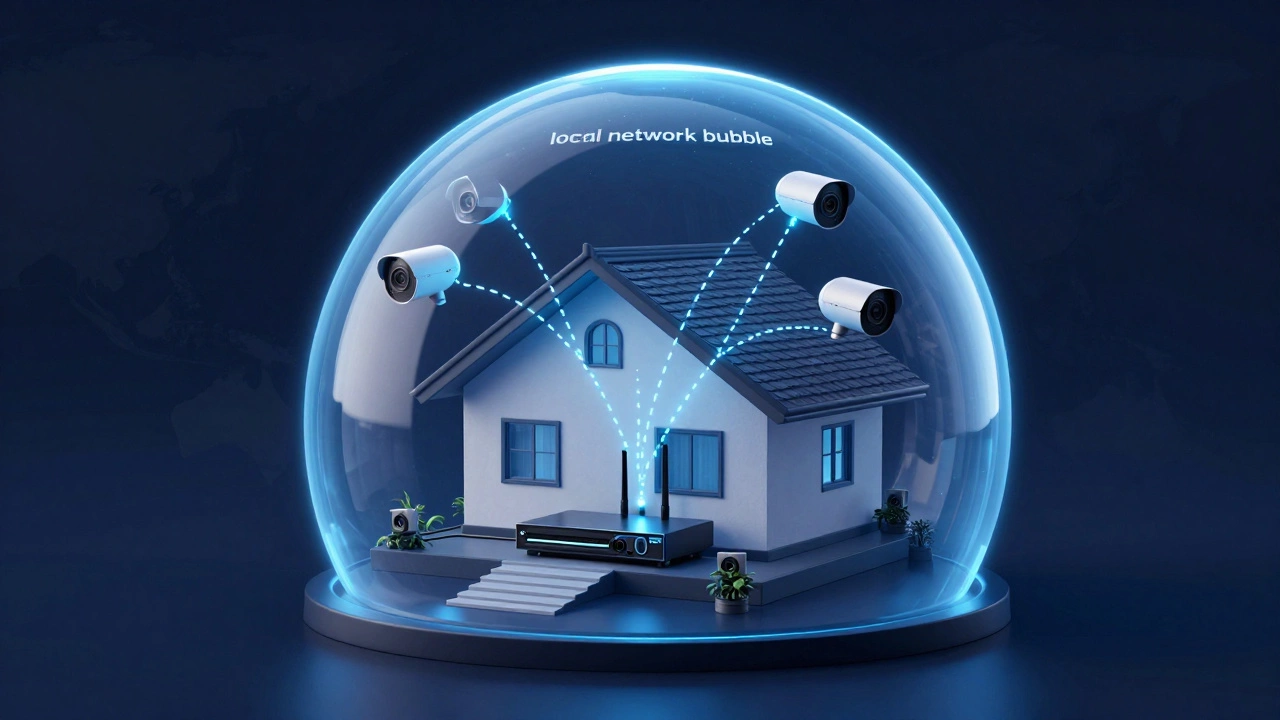
Interestingly, you can even use your phone or tablet to view the feed locally. By connecting your device to the local wireless network generated by your router-even if that router isn't plugged into an internet service provider-you can access the system's IP address. You're essentially creating a private bubble of connectivity that only exists within your walls.
Hardware That Works Offline
Not all surveillance gear is created equal. Some cameras are "cloud-only," meaning they are useless bricks without the internet. To avoid this, you need hardware designed for local autonomy.
First, there's the NVR is a Network Video Recorder that manages and stores video files from IP cameras on a local hard drive. In an NVR setup, the recorder acts as the brain. Whether the cameras connect via Wi-Fi or Ethernet, the footage is saved right there on the machine. If your internet goes down, the NVR doesn't care; it keeps recording 24/7.
Then you have PoE is Power over Ethernet, a technology that allows a single cable to provide both electricity and data to a camera. These are a dream for people who want a stable, offline system. Since the power and data both flow back to the NVR, you don't need to worry about Wi-Fi signal drops or cloud subscriptions.
For those who want something even simpler, DVR is a Digital Video Recorder typically used with analog cameras to convert video signals into a digital format for storage. These are often found in older systems or standalone kits where the camera is hardwired directly to the recorder. Finally, there are SD card-based cameras. These are the "set it and forget it" option, recording directly to a small chip inside the camera. The only downside? You have to physically take the card out to watch the footage.
| System Type | Storage Method | Remote Access (No Internet) | Setup Complexity |
|---|---|---|---|
| NVR (IP Cameras) | Local Hard Drive | Local Network Only | Medium |
| DVR (Analog) | Local Hard Drive | Local Monitor Only | Low |
| Cellular Cameras | Cloud or SD Card | Anywhere via LTE/5G | Low |
| SD Card Cameras | Internal Memory | Physical Retrieval Only | Very Low |
The Cellular Loophole: True Remote Access
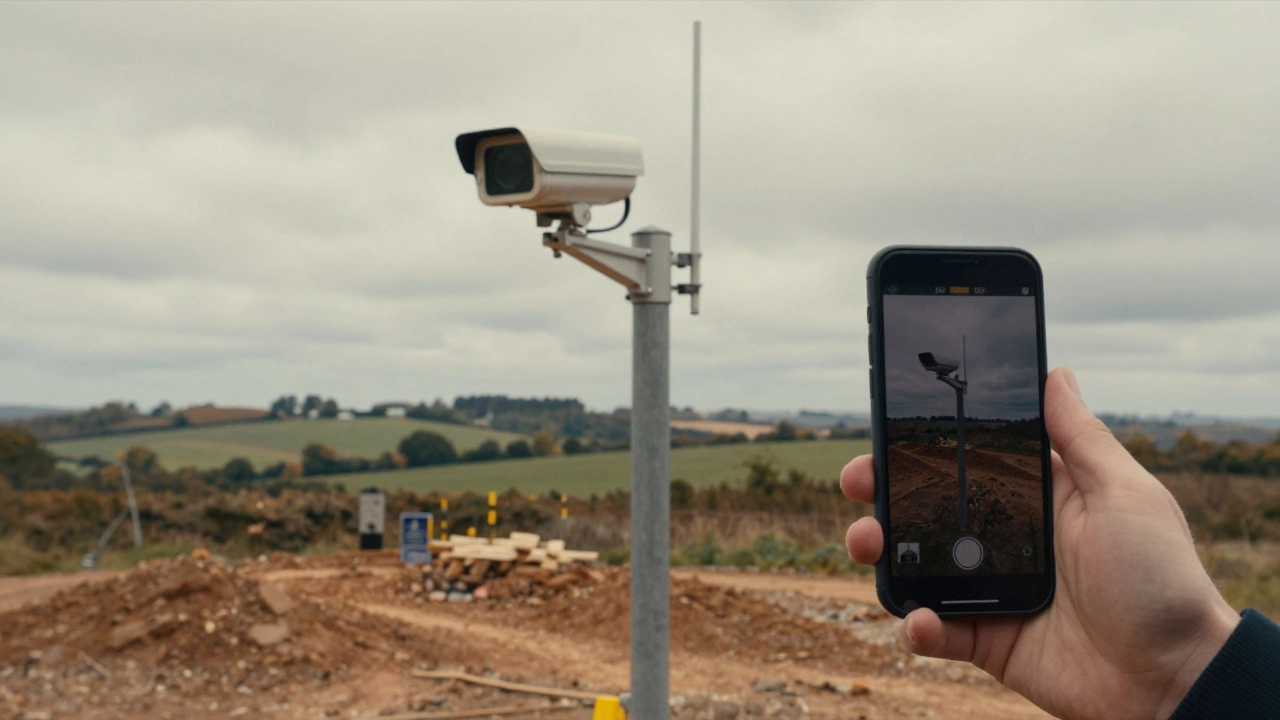
What if you're monitoring a remote farm, a construction site, or a boat in the harbor where there's no Wi-Fi? This is where Cellular Security Cameras is cameras equipped with a SIM card that use mobile data networks (LTE/5G) instead of Wi-Fi to transmit data come into play. These cameras don't need a router or a home internet connection. They behave exactly like a smartphone.
By inserting a SIM card and paying for a monthly data plan, the camera sends its feed directly to the cellular tower. You can then view that feed on your phone from anywhere in the world. While this technically uses "the internet" (via cellular data), it bypasses the need for a home broadband connection entirely. It's the only way to get true remote viewing in "the middle of nowhere."
Keep in mind that this isn't free. You'll face monthly costs and potential data caps. If you're streaming high-definition video 24/7, you'll burn through your data plan quickly. Most users stick to motion-triggered clips to save money and bandwidth.
Why Go Offline? The Perks of a Dark System
You might wonder why anyone would intentionally avoid the internet. For many, it's about privacy and reliability. When your footage stays on a local hard drive, it isn't sitting on a server in another country. This eliminates the risk of cloud hacks or your data being used for targeted ads.
Reliability is another huge factor. Internet outages happen. If your security depends on the cloud and your router resets or the ISP has a blackout, you might lose critical footage or lose the ability to see your cameras. A local NVR system keeps humming along regardless of what's happening with your web provider.
Then there's the cost. Cloud storage subscriptions are a recurring drain on your wallet. By investing in a kit with a large local hard drive, you pay once and own your data forever. No monthly fees, no "premium" tiers for longer clip histories.
Common Pitfalls and Trade-offs
Going offline isn't without its headaches. The biggest loss is real-time interaction. Without an internet or cellular connection, you won't get a push notification on your phone the second a intruder steps onto your property. You won't know something happened until you physically check the monitor or the footage.
Retrieving footage can also be a chore. If you're using a simple SD card camera, you can't just click a button on an app to find a clip from last Tuesday. You have to walk over to the camera, pop out the card, and plug it into a computer. For many, this manual process is a deal-breaker.
There's also the technical hurdle of the Local Area Network (LAN). Setting up a router without internet to manage multiple IP cameras requires a basic understanding of IP addresses. If you've never configured a network, you might find yourself staring at a "Connection Failed" screen for a few hours before you get it right.
Best Use Cases for Internet-Free Kits
Some scenarios are practically built for offline systems. Think about a cabin in the woods where the only connection is a spotty radio. A PoE system with a solar panel and a local NVR is the only logical choice here.
Construction sites are another perfect example. These sites often have temporary power but no established data lines. A cellular-based kit allows a foreman to check on equipment from home without waiting for a technician to run a fiber line to the middle of a dirt lot.
Even for suburban homeowners, a hybrid approach is often best. Use an NVR for your primary recording to ensure 24/7 reliability and privacy, but connect that NVR to your router only for the occasional remote check-in. If the internet dies, your house is still being recorded; you're just temporarily offline.
Can I use a security camera without any WiFi or internet at all?
Yes. You can use PoE cameras, NVR systems, or cameras with local SD card storage. These systems record footage directly to a physical drive rather than the cloud, meaning they don't need an active internet connection to capture and store video.
How do I view my cameras if I don't have internet?
The easiest way is to connect a monitor or TV directly to your NVR or DVR via HDMI or VGA. Alternatively, you can connect a laptop or phone to the system's local WiFi router; this allows you to view the feed locally even if the router isn't connected to the web.
Can I get motion alerts on my phone without internet?
Generally, no. To send a notification to your phone, the system needs a way to reach the internet. If you have no WiFi, you must use a cellular security camera with a SIM card to receive real-time alerts.
What is the best option for a remote off-grid location?
For off-grid sites, cellular cameras (LTE/5G) are the gold standard for remote viewing. For those who don't need remote access but want high reliability, a PoE system powered by solar panels and stored on a local NVR is the best bet.
Will my NVR stop recording if the internet goes down?
No. An NVR stores footage locally on its own hard drive. The internet is only needed for remote access (viewing from away from home) or cloud backups. The recording process itself is entirely independent of your internet connection.
Next Steps: Choosing Your Setup
If you're just starting, ask yourself one question: "Do I need to see this footage while I'm away from the property?" If the answer is no, save your money and go with a PoE NVR kit. It's the most stable, private, and cost-effective route.
If you do need remote access but can't get a stable internet line, look into cellular-enabled cameras. Just be sure to check the signal strength at your site first-a 4K camera is useless if it only gets one bar of LTE signal. For those in the middle of a transition, start with a local NVR and simply plug it into your router when you're ready for the convenience of mobile apps.