
Remote Work Readiness & Security Check
Answer the questions below to calculate your "Remote Work Score" and receive personalized recommendations for your home office setup.
Remote Work Score
Max Score: 30
Analyzing...
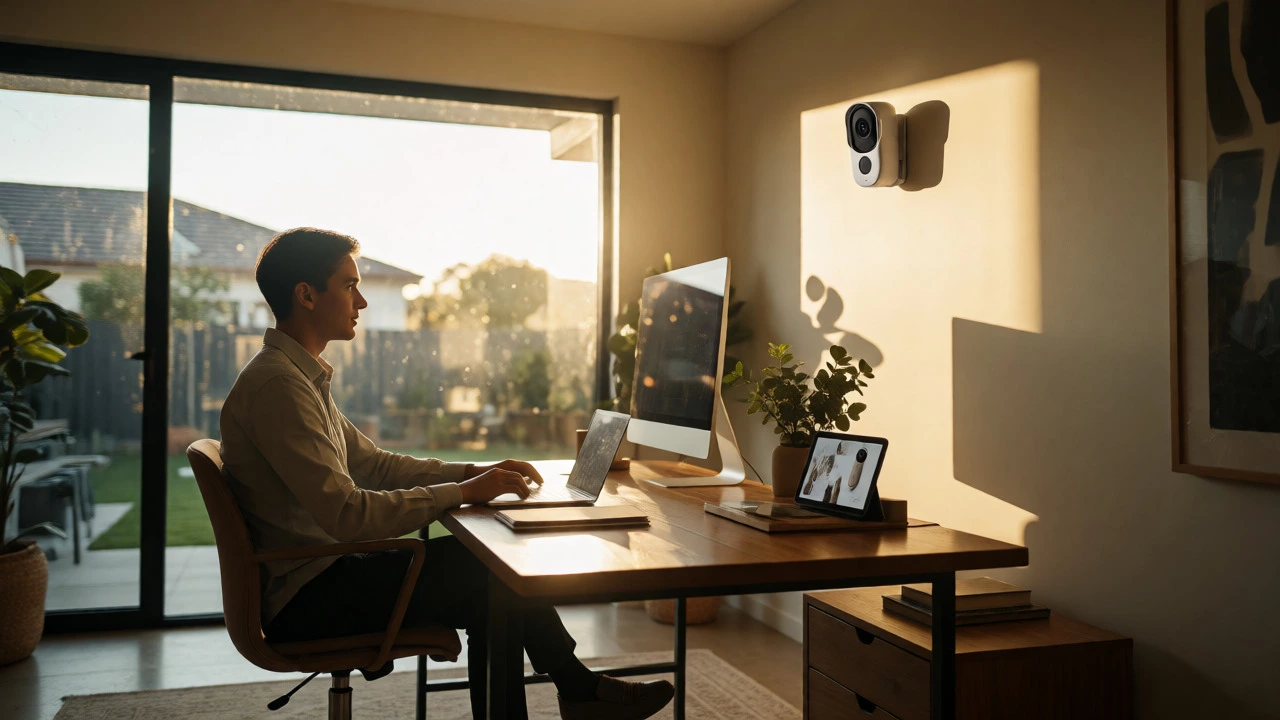
You’re sitting at your desk in Adelaide, the sun is streaming through the window, and you’ve just skipped the usual 45-minute drive to the CBD. It feels great, doesn’t it? But then you notice the motion sensor light flickering on the back porch. Is it a neighbor’s cat? A delivery driver? Or something more serious? When your office is also your home, the line between professional focus and personal security gets blurry fast.
Remote work isn’t just about saving gas money or wearing pajamas until noon. It fundamentally changes how we interact with our living spaces, especially when those spaces are equipped with home monitoring systems. With over 20% of private workers in Australia now teleworking part-time, understanding the trade-offs is crucial. You need to know what you gain and what you risk before you commit to working from the kitchen table.
The Freedom Factor: Less Commuting, More Control
Let’s start with the obvious win: time. Eliminating the daily commute is arguably the biggest perk of remote work. For an average Australian commuter, cutting out even a 30-minute round trip twice a day returns nearly five hours to their week. That’s time you can spend exercising, cooking a proper meal, or simply resting.
But there’s a hidden benefit here that often gets overlooked: control over your environment. In an open-plan office, you’re at the mercy of noisy colleagues and poor lighting. At home, you set the rules. You can adjust the thermostat, choose your background noise, and-crucially-keep an eye on your property. If you have a video doorbell or security cameras linked to your phone, you can check who’s at the gate without leaving your chair. This autonomy boosts productivity for tasks requiring deep concentration, like coding or writing reports.
However, this freedom comes with a caveat. The same flexibility that lets you dodge traffic also means you’re always "on." Without the physical act of leaving the office, many people find themselves answering emails at 9 PM or checking Slack during dinner. The boundary dissolves. To make this pro work, you need strict discipline. Set clear start and end times, and treat your workspace like a real office-even if it’s just a corner of your lounge room.
Productivity Paradox: Focus vs. Friction
Does working from home actually make you more productive? The answer is nuanced. Research from Stanford suggests that hybrid workers-those splitting time between home and office-often perform just as well as their full-time office counterparts, with significantly lower quit rates. Why? Because home environments allow for uninterrupted flow states. No one taps you on the shoulder for a quick chat that turns into a 30-minute meeting.
Yet, this efficiency has a flip side. Remote work thrives on asynchronous communication, which can slow down decision-making. In an office, you walk over to a colleague’s desk, ask a question, and get an answer in seconds. Remotely, you send a message, wait for a reply, schedule a call, and maybe resolve the issue by tomorrow. For creative brainstorming or complex problem-solving, this lag can be frustrating.
| Factor | Remote Work | Office Work |
|---|---|---|
| Deep Focus Tasks | High (fewer interruptions) | Moderate (noise/distractions) |
| Quick Collaboration | Low (requires scheduling) | High (instant access) |
| Communication Speed | Slower (asynchronous) | Faster (synchronous) |
| Work-Life Boundary | Blurred | Clear |
If your job involves heavy collaboration, pure remote work might feel isolating. This is where hybrid models shine. They offer the best of both worlds: focused work at home and collaborative energy in the office. If you’re fully remote, invest in good tools. High-quality audio, reliable internet, and clear documentation practices can bridge the gap. Remember, technology should enable connection, not replace it entirely.
Talent Access and Retention: The Employer’s View
From a business perspective, remote work opens up a global talent pool. Companies no longer need to hire only within commuting distance. This means they can find specialized skills faster and often at competitive rates. For employees, this translates to better opportunities. You don’t have to move to Sydney or Melbourne to land a top-tier tech job; you can stay in Adelaide and keep your lifestyle intact.
Retention is another major plus. Gallup data shows that fully remote employees often report higher engagement levels than their on-site peers. When workers feel trusted and autonomous, they’re less likely to leave. Lower turnover saves companies money on recruiting and training, creating a stable environment for everyone.
But stability doesn’t mean stagnation. Remote employees sometimes worry about "out of sight, out of mind" syndrome. Will my manager notice my hard work if they never see me? Career advancement relies heavily on visibility and informal networking, things that happen naturally in hallways but require effort online. Proactively share your wins, schedule regular check-ins, and use video calls to maintain personal connections. Don’t let digital distance hinder your career growth.

The Isolation Trap: Loneliness and Mental Health
Here’s where things get tricky. Humans are social creatures, and offices provide built-in community. Working alone can lead to profound isolation. Gallup found that while remote workers are engaged, fewer of them report "thriving" compared to hybrid or on-site workers. Loneliness, sadness, and anger are more prevalent among fully remote staff.
This isn’t just a feeling-it impacts performance. Isolated employees miss out on informal learning opportunities. You don’t overhear a senior colleague explaining a project nuance, nor do you get casual feedback during lunch. Over time, this can stall professional development. If you live alone, the silence can become deafening after a few months.
To combat this, you must be intentional about social interaction. Join co-working spaces occasionally, attend industry meetups, or simply invite friends over for coffee breaks. Some companies implement "virtual water cooler" chats or team rituals to mimic office camaraderie. As a worker, take ownership of your social life. Don’t rely solely on work colleagues for human connection. Your mental health depends on it.
Security Risks: When Home Becomes HQ
Since this article lives in the Home Monitoring category, we have to talk about security. Bringing work home expands your attack surface. Cybersecurity risks increase when you connect company devices to home Wi-Fi networks that may lack enterprise-grade protection. A simple misconfigured router could expose sensitive data.
Physical security is equally important. If you work from home, you’re present during traditional "empty house" hours. While this deters some burglars, it also means you’re responsible for managing deliveries, visitors, and pets throughout the day. A robust home monitoring system becomes essential. Features like two-way audio, motion detection zones, and instant alerts help you manage household disruptions without breaking concentration.
Consider this scenario: You’re in a critical client call, and the dog starts barking at the mailman. Without smart sensors, you’d have to mute yourself and run to the window. With a connected camera and app notification, you can quickly verify it’s just a routine delivery and resume your call seamlessly. Technology integrates into the workflow, reducing stress rather than adding to it.
Blurred Boundaries and Burnout
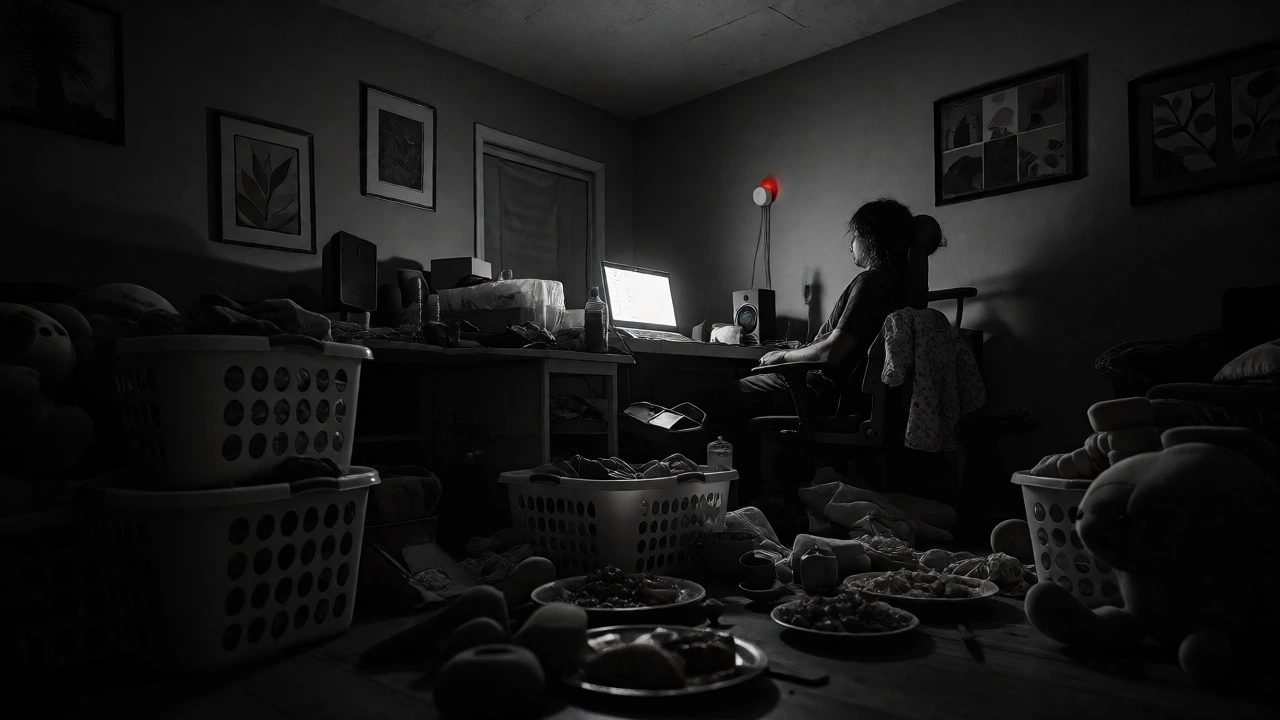
The final con is perhaps the most insidious: burnout. When your bedroom doubles as your office, psychological detachment becomes difficult. There’s no commute to decompress after a stressful day. The laptop sits on the dining table, constantly reminding you of unfinished tasks. Studies show that remote workers experience higher stress levels due to this inability to switch off.
Domestic interruptions compound the issue. Laundry pings, kids need attention, or the vacuum cleaner needs emptying-all these compete for your mental bandwidth. Unlike an office, where boundaries are enforced by architecture and social norms, home requires self-enforced discipline. Without clear separation, work bleeds into leisure, leading to exhaustion.
Solutions include creating a dedicated workspace-even if it’s just a specific desk-and sticking to a routine. Use smart home features to automate chores. Schedule "do not disturb" times on your devices. Treat your home environment with the same respect you’d give a corporate office. If you can’t separate work from life, neither will your employer.
Frequently Asked Questions
Is remote work better for productivity than office work?
It depends on the task. Remote work excels for individual, focused tasks requiring deep concentration. However, office work often facilitates faster collaboration and creative brainstorming. Hybrid models frequently offer the highest overall productivity by balancing both.
How does remote work affect career advancement?
There is a risk of reduced visibility, known as "proximity bias," where managers favor those they see physically. However, studies show that remote workers who actively communicate their achievements and maintain strong virtual relationships face no significant disadvantage in promotions.
What are the main security concerns for remote workers?
Key concerns include unsecured home Wi-Fi networks, shared devices, and physical distractions compromising data privacy. Using VPNs, enabling firewalls, and installing home monitoring systems to manage household interruptions helps mitigate these risks.
Can remote work cause loneliness?
Yes, social isolation is a common drawback. Fully remote employees often report higher rates of loneliness and fewer spontaneous interactions. Intentional efforts like co-working spaces, virtual social events, and regular in-person meetings can help combat this.
Do I need special equipment for remote work?
While not strictly mandatory, ergonomic furniture, a high-quality webcam, noise-canceling headphones, and reliable internet significantly improve comfort and professionalism. Smart home devices can also streamline daily routines, allowing for better work-life balance.
Next Steps for Your Home Office
If you’re considering going fully remote or adjusting your current setup, start small. Audit your current workspace. Is it quiet enough? Do you have good lighting? Next, evaluate your connectivity. Upgrade your internet plan if necessary and consider mesh Wi-Fi for consistent coverage. Finally, integrate security. Install smart locks and cameras that alert you to activity, ensuring peace of mind while you focus on your work.
Remember, remote work isn’t a one-size-fits-all solution. Test different configurations-fully remote, hybrid, or flexible hours-to see what suits your personality and job requirements best. Keep communicating openly with your employer about your needs and challenges. By proactively managing the pros and cons, you can build a sustainable, secure, and productive home office that supports both your career and your well-being.