
Ring Camera Light Decoder
Select the light pattern you are seeing on your Ring device to understand what it means and what action to take.
Meaning
Description will appear here.
Recommended Action:
Action steps will appear here.
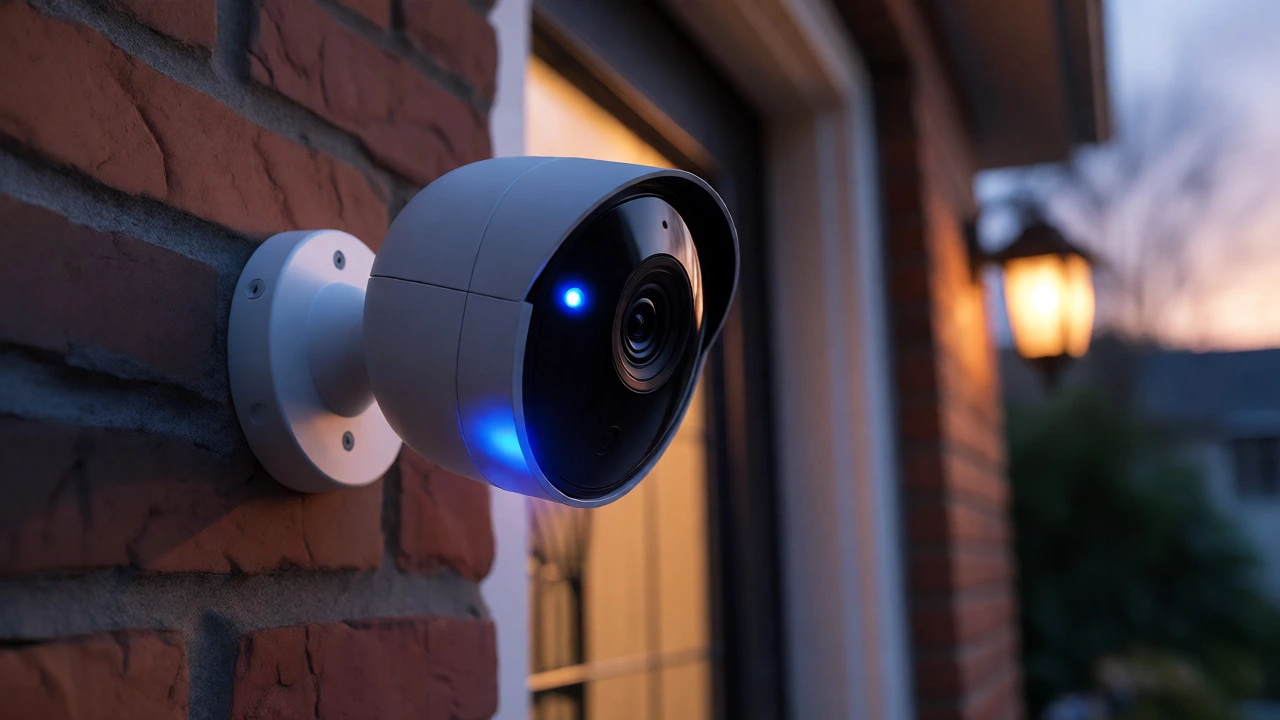
You walk past your front door and notice a steady blue glow on your Ring camera. Your heart skips a beat. Is someone watching you right now? Or is the camera just doing its job? This is one of the most common privacy concerns for homeowners using smart security devices. The short answer is tricky: that blue light usually means the camera is active, but it doesn't always mean a human is staring at your feed.
Understanding what these lights actually signal can save you from unnecessary anxiety. It also helps you spot when your device might be glitching or when a neighbor’s motion has triggered a recording instead of an actual intrusion. Let’s break down exactly what each color means, why the blue light appears, and how to know for sure if someone is live-viewing your property.
The Truth About the Blue Light
If you see a solid blue light on your Ring device, the most likely explanation is that the camera is recording. This includes situations where the camera detects motion and starts saving video to the cloud. However, this same blue light appears when a user opens the "Live View" feature in the Ring app. So, does blue mean someone is watching? Sometimes, yes. But often, no.
Ring’s official documentation states that a solid blue status light indicates the camera is recording. This state is triggered by three main events:
- Motion Detection: The camera sees movement and records the event automatically.
- Live View: A user (you, a family member, or a shared user) manually opens the live stream.
- Continuous Recording: If you have a subscription plan that supports 24/7 recording, the light may stay blue constantly because the camera never stops recording.
This ambiguity is frustrating. You cannot look at a glowing blue LED and definitively say, "A person is looking at my screen." You can only say, "The camera is working." To distinguish between automated recording and human viewing, you need to check the app itself, not just the hardware.
Decoding Other Status Light Colors
While blue gets the most attention, other colors tell you critical information about your device's health and setup status. Misinterpreting these can lead to false alarms or missed security gaps.
| Light Pattern | Meaning | Action Required |
|---|---|---|
| Solid Blue | Recording (Motion, Live View, or Continuous) | Check app for recent events or live sessions. |
| Flashing Blue (Slow) | Setup Mode / Provisioning | Complete Wi-Fi setup in the app. |
| Flashing Blue (Fast) | Wi-Fi Connection Issue | Restart router or move closer to source. |
| Red Light | Connection Error / Incorrect Password | Re-enter Wi-Fi credentials in settings. |
| No Light | Idle / Off / Disabled Indicator | Normal operation if not recording. |
Notice the difference between flashing and solid blue. Slowly flashing blue almost always means the device is trying to connect to your network during initial setup. If you see this after the camera was already working, it might indicate a firmware update or a reset. Fast flashing blue is a distress signal-it means the camera can’t find your Wi-Fi. Red lights are even more serious, typically pointing to authentication failures with your router.
Does Infrared Night Vision Look Like a Light?
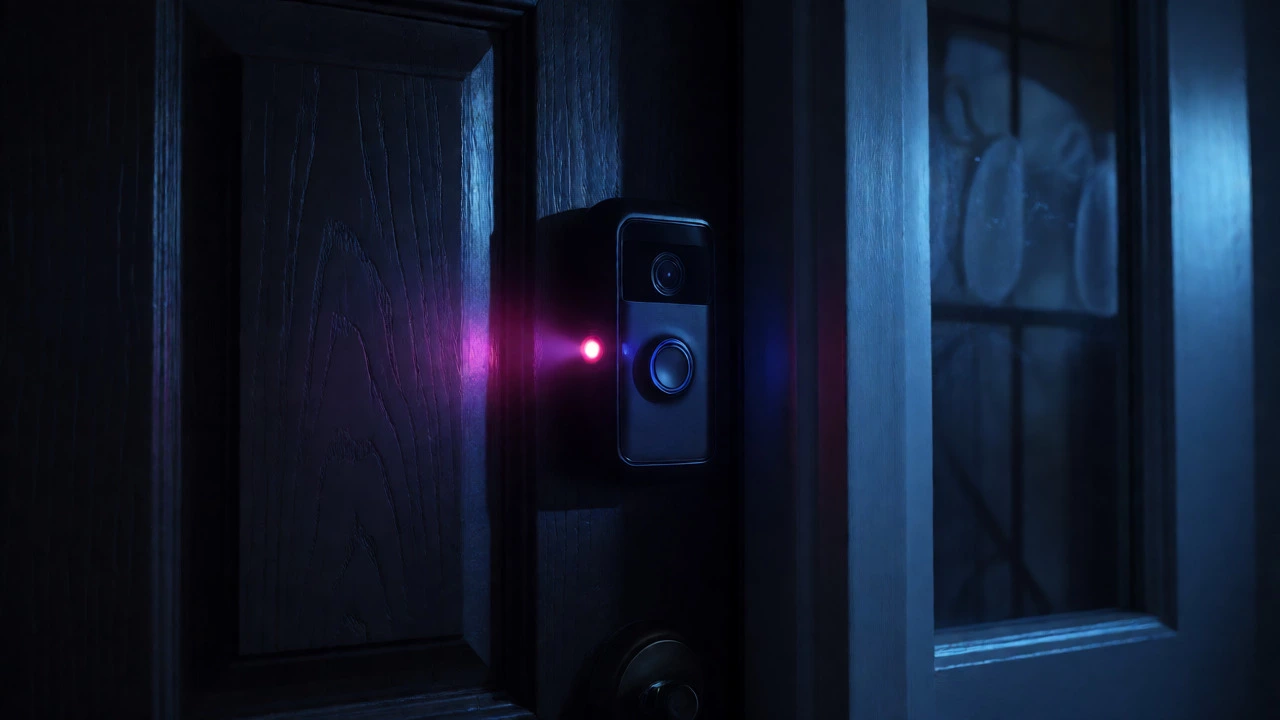
A common misconception involves night vision. At night, you might see a faint purple or red glow around the lens. This is not a status light indicating activity. It is the infrared (IR) illuminator working to capture black-and-white footage in the dark.
Many people mistake this IR glow for a recording indicator. It isn’t. The IR LEDs turn on whenever the ambient light drops below a certain threshold, regardless of whether anyone is watching or if motion has been detected. If you see a dim red/purple hue at night but no bright blue LED, your camera is simply seeing in the dark. It’s not necessarily recording an event unless the blue light is also present.
Doorbells vs. Cameras: Different Lights, Different Rules
If you have a Ring Video Doorbell, the rules change slightly. The large blue circle on the front of a doorbell serves a different purpose than the small LED on a stick-up cam.
On a doorbell, a spinning blue light usually means someone pressed the button and the call is connecting. A solid blue ring often indicates that two-way audio is active-meaning you are currently talking to the visitor through the app. This is distinct from silent surveillance. If you see a solid blue ring on your doorbell, it’s highly probable that a conversation is happening, whereas a blue light on a hidden corner camera could just be background noise triggering a clip.
How to Confirm Someone Is Actually Watching
Since the hardware light is ambiguous, how do you get certainty? You have to rely on software data, not visual cues from outside the house.
- Check the Event History: Open the Ring app and look at the timeline. If the blue light corresponds to a timestamped event labeled "Motion Detected," it was likely automated. If there is no event logged but the light is on, it might be a Live View session.
- Look for "Live View" Logs: Some higher-tier plans or specific account settings allow you to see who accessed the live feed. While standard accounts don’t always log every second of Live View, frequent access patterns can reveal if neighbors or family members are checking in often.
- Disable the Status Light: If the blinking bothers you or you want to hide activity from passersby, you can turn off the status light in the Device Settings. Note that this does not stop recording; it only hides the visual cue. An observer outside won’t know if the camera is active, which some users prefer for stealth.
Privacy Implications and Shared Users
Who has access to your camera? This is the real question behind the light color mystery. Ring allows you to share access with up to ten people without extra fees. These "Shared Users" can view Live Feed and recorded videos. They receive notifications too.
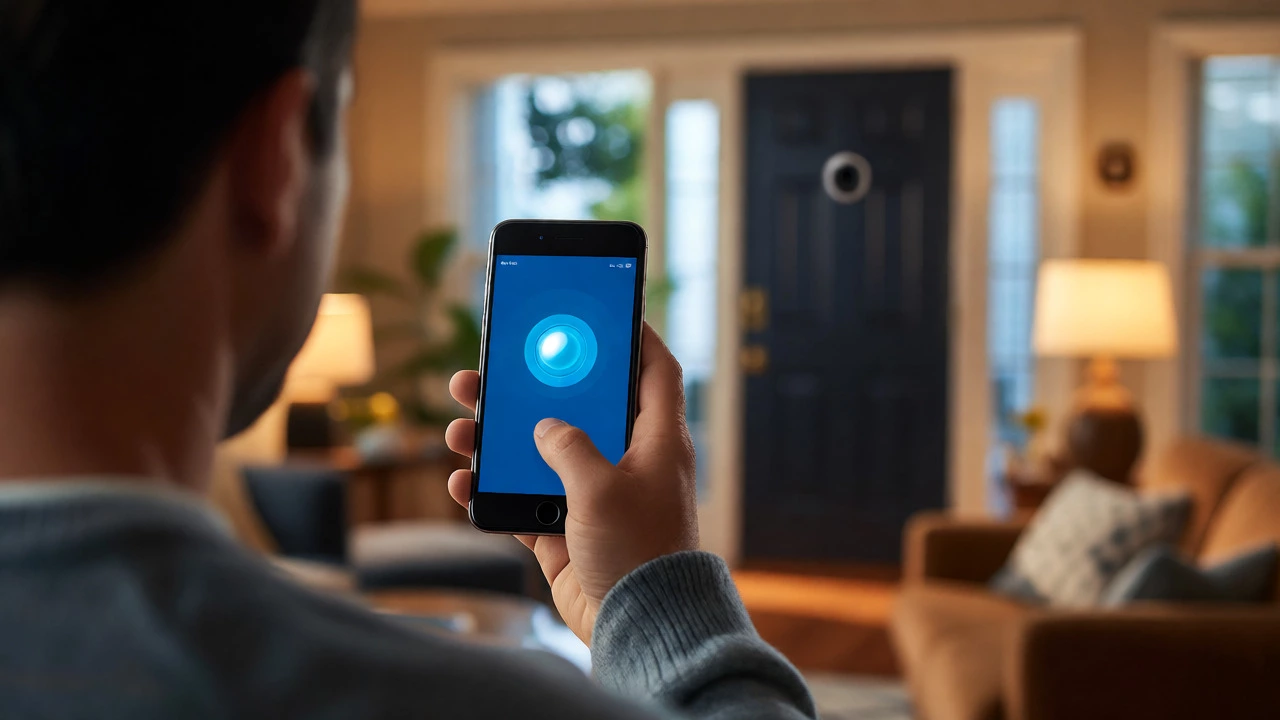
If you suspect someone else is watching your feed, audit your Shared User list. Go to Menu > Control Center > Shared Users. Remove anyone who shouldn’t have access. Remember, once a Shared User is added, they can initiate Live View anytime, causing that blue light to turn on. If you’re trying to keep your home life private from nosy relatives, limiting this list is crucial.
Also, consider Amazon’s ecosystem integration. If you use Alexa, voice commands like "Alexa, show Front Door" trigger a Live View session. If you have Echo Show devices in the house, anyone saying that command causes the camera to light up blue. It’s easy to forget that voice-activated viewing counts as "someone watching," even if it’s just your kid asking to see the dog in the yard.
Troubleshooting: When the Light Lies
Sometimes, the light behaves erratically due to technical glitches. Here are quick fixes for common issues:
- Stuck Blue Light: If the light stays blue for hours with no events, restart the camera. Unplug it (or remove the battery) for 10 seconds and plug it back in. This clears temporary cache errors.
- Blinking After Setup: If it flashes blue indefinitely, it’s failing to join the Wi-Fi. Check your password case-sensitivity. Ensure your router isn’t blocking new devices via MAC filtering.
- Firmware Updates: Occasionally, a forced update will cause the light to cycle through colors. Wait five minutes before intervening. Interrupting an update can corrupt the firmware.
By understanding these nuances, you stop guessing and start managing your home security system with confidence. The blue light is a tool, not a spy. Use the app to verify its meaning, manage your shared users, and enjoy the peace of mind that comes with knowing your cameras are working correctly.
Does a blue light on a Ring camera always mean someone is watching?
No. A solid blue light primarily indicates that the camera is recording. This can happen automatically due to motion detection or continuously if you have a 24/7 recording plan. It only means someone is actively watching if they have opened the Live View feature in the app.
Can I turn off the Ring camera status light?
Yes, for many models, you can disable the status light in the device settings within the Ring app. This prevents the blue LED from lighting up during recording, offering more privacy from outsiders, though it doesn't stop the recording itself.
What does a red light on a Ring camera mean?
A red light typically indicates a connection error, such as an incorrect Wi-Fi password or a failure to connect to the internet. Rapidly flashing red often points to authentication issues, while a solid red might indicate a hardware fault depending on the model.
Why is my Ring camera glowing purple at night?
The purple or deep red glow you see at night is from the infrared (IR) night vision LEDs. This is normal behavior when the environment is dark enough for the camera to switch to black-and-white mode. It does not indicate that someone is currently viewing the feed.
Do Ring doorbells have the same light meanings as cameras?
Not exactly. On a Ring Video Doorbell, a solid blue ring usually signifies an active two-way audio conversation or an ongoing call. Spinning blue indicates the call is connecting. This differs from security cameras, where blue generally denotes recording or Live View streaming.