
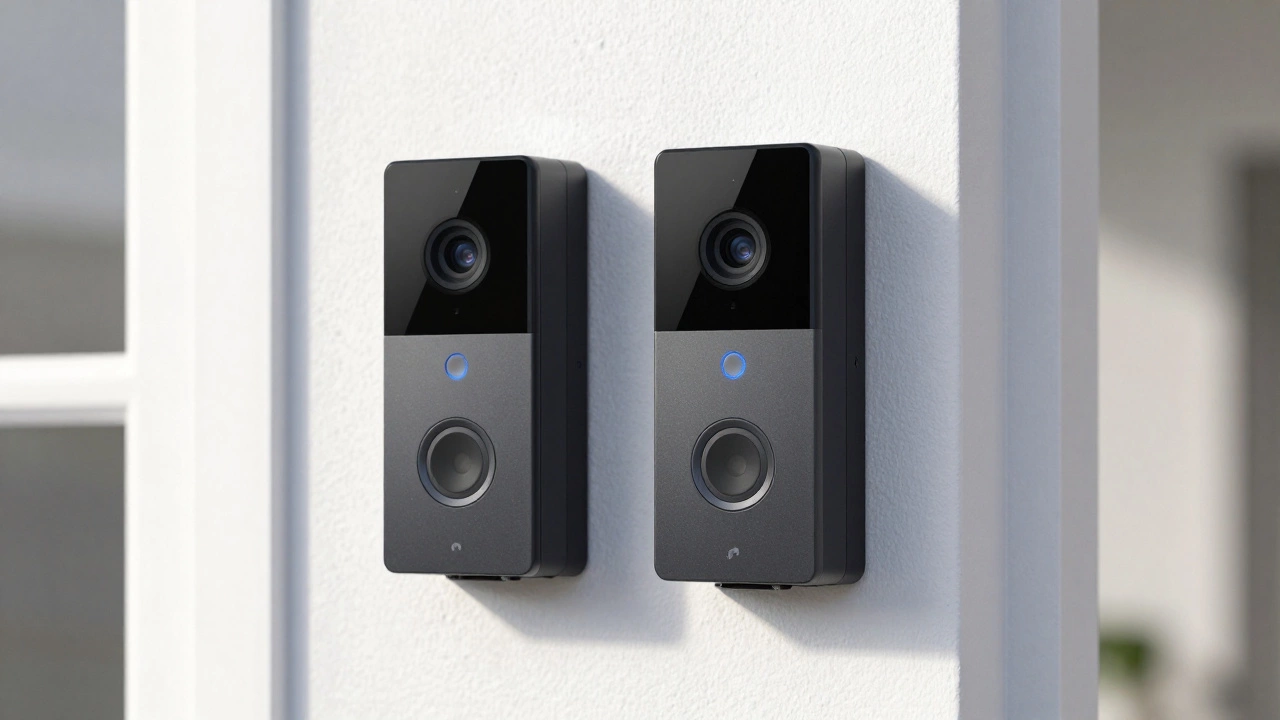
Ring Doorbell Upgrade Calculator
Find Your Best Match
Upgrade Suitability Score
Recommendation
Please answer all questions to see your result.
Buying a smart doorbell can feel like decoding a secret language. You see "Ring Video Doorbell" and "Ring Video Doorbell 3" side by side, and the price difference makes you pause. Is the extra cost for the number 3 actually worth it, or are you just paying for a new model name? The short answer is yes-the upgrades in the Ring Video Doorbell 3 address real pain points that older models struggle with, specifically regarding Wi-Fi stability, battery maintenance, and motion alert fatigue.
If you are trying to decide between sticking with the basic entry-level Ring model (often referred to as the original or 2nd generation) and stepping up to the 3, this breakdown will help you cut through the marketing jargon. We’ll look at exactly what changes under the hood, how it affects your daily experience, and whether those features justify the higher price tag in 2026.
Quick Summary: Key Takeaways
- Video Quality: Both the modern basic Ring Video Doorbell (2nd gen) and the Video Doorbell 3 offer 1080p HD video, but the 3 has a slightly wider field of view (160° vs 155°).
- Wi-Fi Connectivity: The Video Doorbell 3 supports dual-band Wi-Fi (2.4 GHz and 5 GHz), offering better stability in crowded networks compared to the 2.4 GHz-only basic model.
- Battery Convenience: The Video Doorbell 3 features a quick-release battery pack, allowing you to swap batteries without removing the entire device from the wall.
- Motion Control: The 3 includes advanced "Near Motion" detection and customizable privacy zones to reduce false alerts from street traffic.
- Audio Features: Two-way talk on the Video Doorbell 3 includes noise cancellation for clearer conversations with visitors.
Understanding the Lineage: What Are You Comparing?
Before diving into specs, it’s crucial to clarify which "basic" doorbell we’re talking about. When retailers list "Ring Video Doorbell" without a number, they usually mean one of two things: the very first generation launched in the mid-2010s, or the updated 2nd-generation model released around 2020.
The original Ring Video Doorbell is an older model that records in 720p resolution with a wide 180-degree field of view. It’s largely obsolete today. The more relevant comparison is against the Ring Video Doorbell (2nd Generation), which is the current budget-friendly option recording in 1080p HD.
So, when we compare "Video Doorbell" vs. "Video Doorbell 3," we are mostly looking at the difference between the 2nd-gen basic model and the mid-range 3. The core question isn't just about resolution anymore-it's about connectivity, convenience, and smart features.
Video Quality and Field of View
In terms of raw image clarity, you might be surprised to find that both the 2nd-gen Ring Video Doorbell and the Ring Video Doorbell 3 record in 1080p HD. If you were expecting the 3 to jump to 2K or 4K, you’d be mistaken; those resolutions are reserved for much more expensive wired models like the Ring Pro or newer flagship units.
However, there is a subtle but important difference in how much of your porch they can see. The Ring Video Doorbell 3 offers a 160-degree horizontal and 84-degree vertical field of view. The 2nd-gen basic model has a slightly narrower 155-degree horizontal field of view. While 5 degrees doesn’t sound like much, it can mean the difference between seeing a package dropped near the edge of your step versus missing it entirely because it fell outside the camera’s frame.
| Feature | Ring Video Doorbell (2nd Gen) | Ring Video Doorbell 3 |
|---|---|---|
| Resolution | 1080p HD | 1080p HD |
| Horizontal FOV | 155° | 160° |
| Night Vision | Infrared LEDs | Infrared LEDs |
| Pre-Roll | No | No (Only on 3 Plus) |
Note that neither the standard 2nd-gen nor the standard Video Doorbell 3 includes Pre-Roll technology. Pre-Roll captures four seconds of video before motion is detected, so you don’t miss the moment a thief runs away after dropping a package. This feature is exclusive to the Ring Video Doorbell 3 Plus, a higher-tier variant. If seeing the lead-up to an event is critical, you need to look at the 3 Plus or wired alternatives.
Wi-Fi Connectivity: The Hidden Game Changer
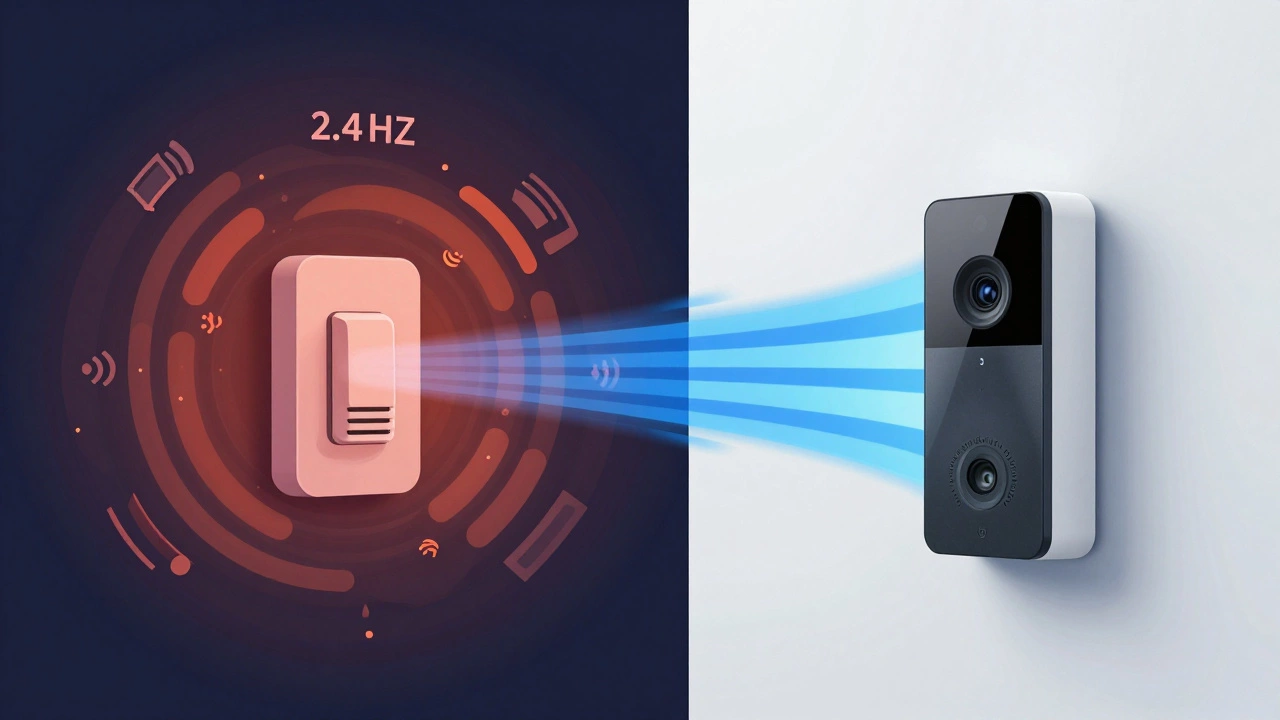
This is arguably the most significant technical upgrade in the Video Doorbell 3. The basic 2nd-gen model only connects to 2.4 GHz Wi-Fi networks. The Video Doorbell 3 supports dual-band Wi-Fi, meaning it can connect to both 2.4 GHz and 5 GHz networks.
Why does this matter? In many homes, especially apartments or dense neighborhoods, the 2.4 GHz band is congested. Your microwave, neighbor’s routers, and Bluetooth devices all fight for space on this frequency. This congestion can cause laggy live views, delayed notifications, or even dropped connections during a delivery.
By connecting to the 5 GHz band, the Video Doorbell 3 operates on a cleaner, faster channel. If you have a modern router that broadcasts both bands, the 3 will generally provide a more stable connection with less buffering. For users who have experienced their doorbell going offline randomly, this dual-band capability is often the fix.
Battery Life and Maintenance
One of the biggest complaints about early smart doorbells was the hassle of charging. With the original Ring Video Doorbell and the 2nd-gen model, the battery is built into the unit. To charge it, you have to unscrew the entire faceplate from the mounting bracket, bring it inside, plug it in, wait hours, and then reinstall it.
The Ring Video Doorbell 3 introduced a quick-release battery pack. You can simply slide the battery out from the bottom of the device while it remains mounted on your wall. If you keep a spare battery (sold separately for around $30), you can swap them in seconds. One goes back on the door, and the other charges indoors.
This design change makes maintenance significantly easier, especially if your doorbell is installed high up or in a hard-to-reach spot. It also ensures your security coverage never drops while a battery recharges.
Motion Detection and Privacy Zones
Getting notified every time a leaf blows across your lawn or a car passes on the street is annoying. All Ring doorbells allow you to set motion zones, but the Video Doorbell 3 adds a specific feature called Near Motion.
Near Motion allows you to prioritize alerts for activity happening within 5 to 15 feet of the camera. This is perfect for focusing on your porch and doorstep while ignoring the sidewalk further away. The basic 2nd-gen model lacks this granular control, relying on broader motion zones that can trigger more false positives.
Additionally, the Video Doorbell 3 supports Privacy Zones. These are areas within the camera’s field of view where you can block recording. If you want to avoid capturing your neighbor’s window or a public sidewalk, you can draw a zone to exclude it. While useful, note that these zones apply to recordings and snapshots, not necessarily the live view.
Audio Quality and Two-Way Talk
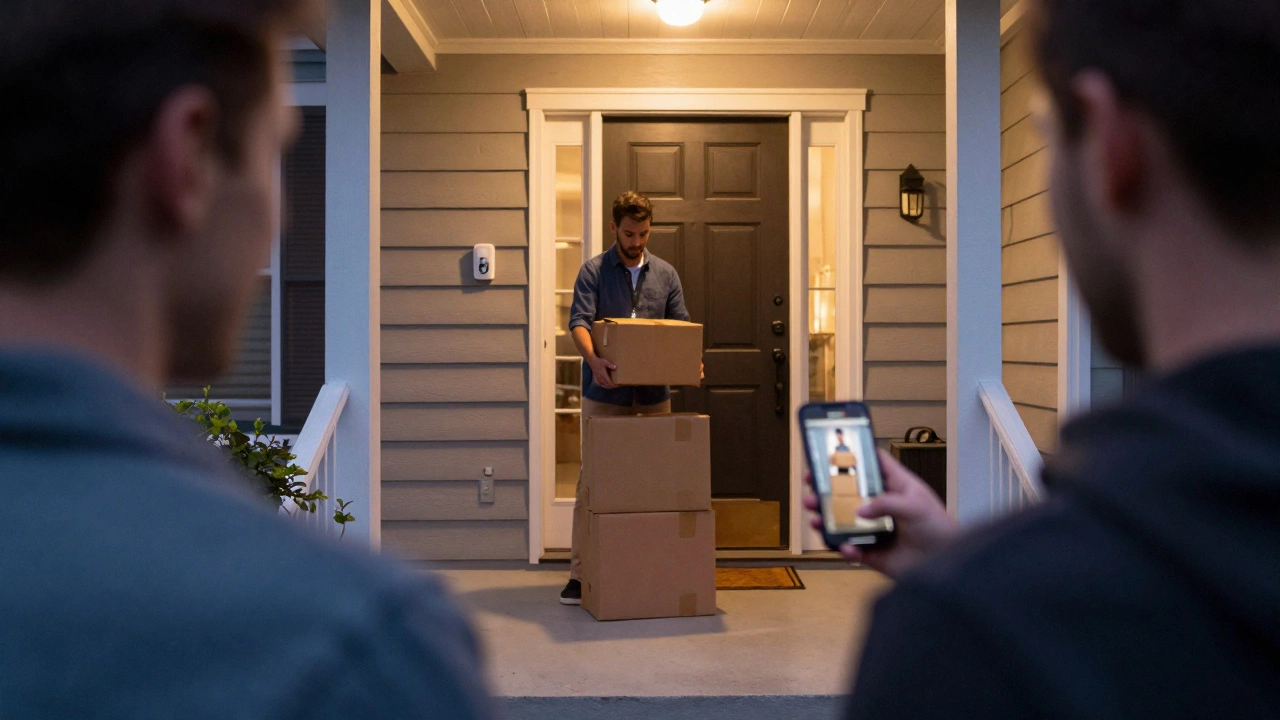
Both models offer two-way audio, letting you speak to visitors through the Ring app. However, the Video Doorbell 3 markets its audio system with noise cancellation. In practice, this means the microphone filters out background wind and ambient noise, making your voice clearer to the person standing at your door.
If you live in a windy area or near a busy road, this feature can make conversations less frustrating. The basic model works fine in quiet environments, but the noise cancellation on the 3 provides a noticeable improvement in challenging acoustic conditions.
Pricing and Value Proposition
Price is often the deciding factor. At launch, the Ring Video Doorbell (2nd-gen) was priced around $99.99, while the Ring Video Doorbell 3 Plus hit closer to $229.99. The standard Video Doorbell 3 typically sits in the middle, often retailing between $150 and $180 depending on sales.
Is the upgrade worth it? If you are on a tight budget and have a strong 2.4 GHz Wi-Fi signal, the 2nd-gen model is a perfectly viable option. It delivers clear 1080p video and reliable performance for most users.
However, if you value convenience, the Video Doorbell 3 justifies its cost. The ability to swap batteries quickly, the stability of dual-band Wi-Fi, and the reduced false alerts from Near Motion detection create a smoother user experience. You are paying for fewer headaches down the line.
Which One Should You Choose?
Your choice depends on your specific home environment and priorities.
- Choose the Ring Video Doorbell (2nd Gen) if: You want the best bang for your buck, your Wi-Fi network is simple and uncongested, and you don’t mind taking the whole unit inside to charge the battery occasionally.
- Choose the Ring Video Doorbell 3 if: You experience Wi-Fi dropouts, you want to minimize false motion alerts from the street, and you prefer the convenience of swapping batteries without tools or dismantling the device.
- Consider the Ring Video Doorbell 3 Plus if: Budget is less of a concern and you want the added security of Pre-Roll video to capture events leading up to motion detection.
Remember, both devices require a Ring Protect subscription to save and review video history. Without a subscription, you get live view and real-time alerts, but no recorded clips. This ongoing cost applies regardless of which hardware you choose.
Does the Ring Video Doorbell 3 have Pre-Roll?
No, the standard Ring Video Doorbell 3 does not include Pre-Roll. This feature, which records 4 seconds before motion is detected, is exclusive to the Ring Video Doorbell 3 Plus model. The standard 3 starts recording only after motion is triggered.
Can I use the Ring Video Doorbell 3 with existing wiring?
Yes, the Ring Video Doorbell 3 can be hardwired to your existing doorbell transformer for continuous power, or used wirelessly with its rechargeable battery pack. The quick-release battery pack allows for easy swapping if you choose the wireless option.
What is the difference between 2.4 GHz and 5 GHz Wi-Fi for a doorbell?
2.4 GHz Wi-Fi has longer range but is more prone to interference from other devices like microwaves and neighbors' networks. 5 GHz Wi-Fi offers faster speeds and less congestion but has shorter range. The Ring Video Doorbell 3 supports both, giving you flexibility to choose the most stable connection for your home.
Do I need a subscription to use the Ring Video Doorbell 3?
You do not need a subscription for live viewing, real-time motion alerts, and two-way talk. However, to save, share, or review video recordings after they happen, you must subscribe to the Ring Protect Plan.
Is the Ring Video Doorbell 3 weatherproof?
Yes, the Ring Video Doorbell 3 is designed to withstand rain, snow, sun, and temperatures ranging from -5°F to 120°F (-20°C to 48°C). It is built for outdoor installation year-round.