
When you buy a wireless CCTV, a surveillance system that transmits video without physical cables, often using WiFi or radio frequencies. Also known as wireless security camera, it lets you place cameras where wired ones can’t go—like the back gate, shed, or driveway. But the big question everyone asks: wireless CCTV distance—how far can the signal actually reach?
Most manufacturers claim 500 feet or more. That’s fine on paper. In real life? It’s rarely that simple. Walls, metal roofs, thick brick, even large trees can chop your signal in half. A camera 150 feet from your router with two brick walls between them might struggle to stay connected. And if your WiFi is weak to begin with? Forget live streaming. You’ll get frozen frames, dropped alerts, or a camera that just goes offline. This isn’t about fancy tech—it’s about physics. Radio waves don’t magic through obstacles. They weaken. And the farther they travel, the more they fade.
That’s why WiFi range, the distance a wireless network can reliably send data. Also known as WiFi signal reach, it’s the real limiting factor for most wireless CCTV systems. A camera that needs WiFi to send video to your phone won’t work if your router can’t reach it. Some cameras record locally to a microSD card when WiFi drops—that’s a lifesaver. But if you want to check your driveway from inside the house, you need a strong signal. And if your house is big or has thick walls? You might need a WiFi extender, a mesh network, or even a dedicated outdoor access point. Don’t assume your router covers your whole yard. Test it. Walk to where you plan to put the camera with your phone. If you get 1 bar of WiFi, your camera will struggle.
Then there’s the radio frequency, the wireless signal band used by some cameras that bypass WiFi entirely, often operating on 2.4GHz or 5.8GHz. Also known as RF camera, it’s common in systems that connect to a dedicated receiver instead of your home network. These can sometimes go farther than WiFi—up to 1,000 feet in open air. But they still get blocked by metal and concrete. And if you’re in a neighborhood full of other wireless devices, interference can mess with the signal. Plus, you need to plug in a receiver box near your router. It’s not magic. It’s just a different kind of wiring.
What about battery-powered cameras? They’re convenient, but they don’t solve the distance problem. If the signal can’t reach, the battery won’t help. You’ll still get no alerts, no live view, and no video saved to the cloud. And if you’re relying on solar? A weak signal means the camera keeps trying to reconnect—draining the battery faster.
So what actually works? First, know your home. Walk the route from your router to each camera spot. Note the walls, metal doors, or large appliances in the way. Second, pick cameras that record locally. That way, even if the signal drops, you’re not losing footage. Third, if your home is over 1,500 square feet or has multiple floors, invest in a mesh WiFi system. It’s not optional anymore—it’s basic infrastructure for modern security.
There’s no one-size-fits-all answer to wireless CCTV distance. It depends on your house, your router, your camera model, and what’s between them. But you don’t need to guess. The posts below break down real-world tests, common mistakes, how to extend your range without rewiring, and which cameras actually deliver on their promises. You’ll find out why some brands work in big homes and others don’t, what happens when WiFi goes out, and how to avoid buying a camera that looks great but leaves your backyard blind.
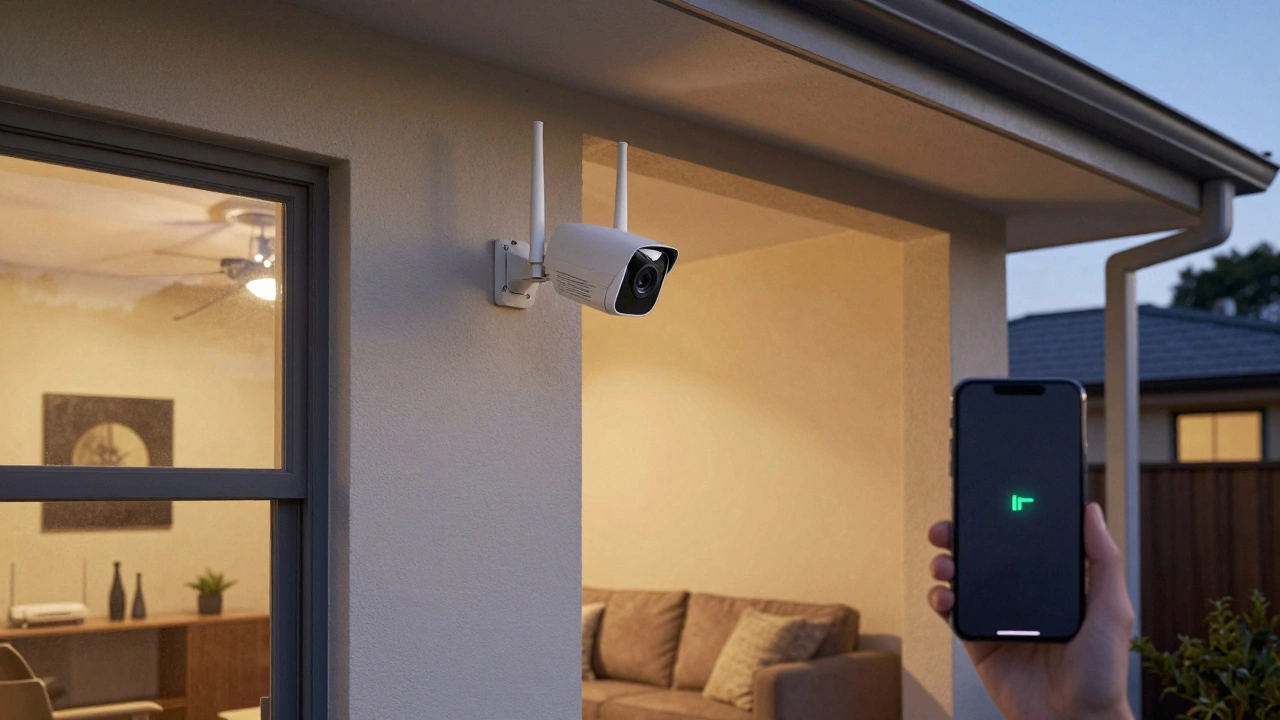
Learn the real-world range of wireless security cameras - not the marketing claims. Wi-Fi, RF, and cellular options each have different limits, and your home's layout matters more than the camera's specs.
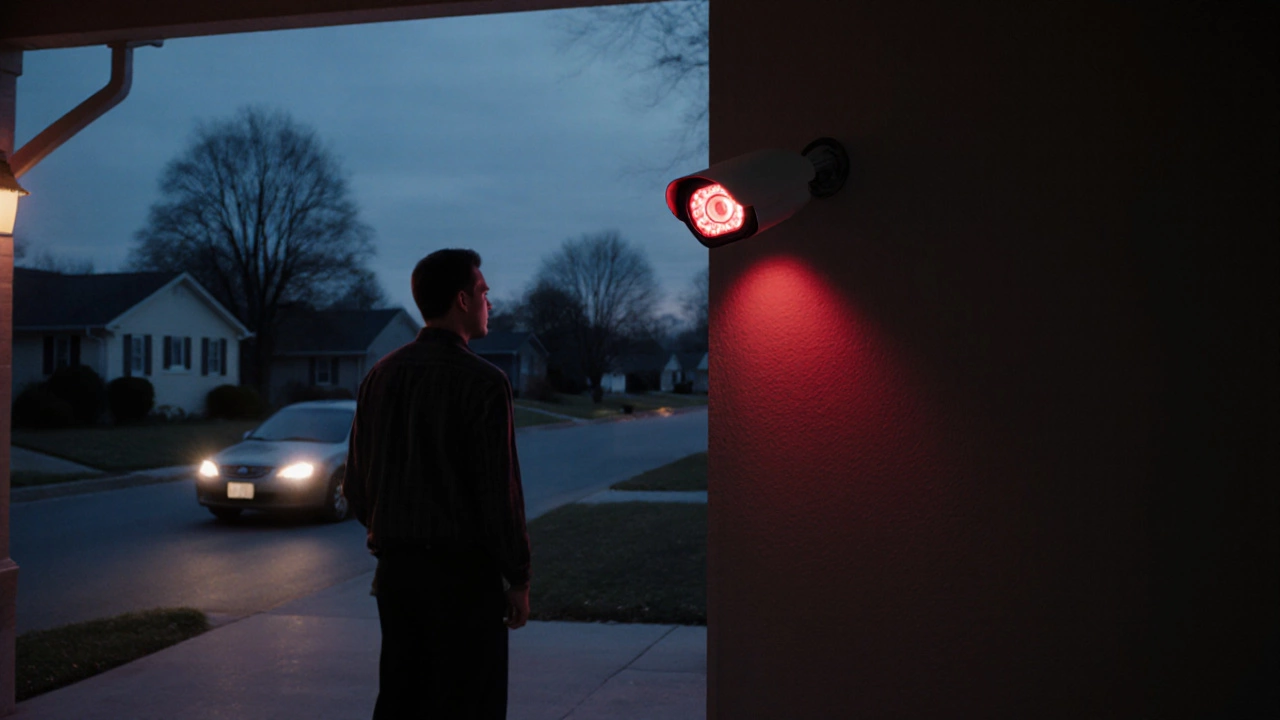
The maximum distance of a CCTV camera depends on resolution, lens, and lighting-not just specs. Learn real-world ranges for recognition, detection, and night vision with 4K and PTZ cameras.