
Smart Home Risk Assessment Tool
Risk Level
--
Enter details and click Calculate
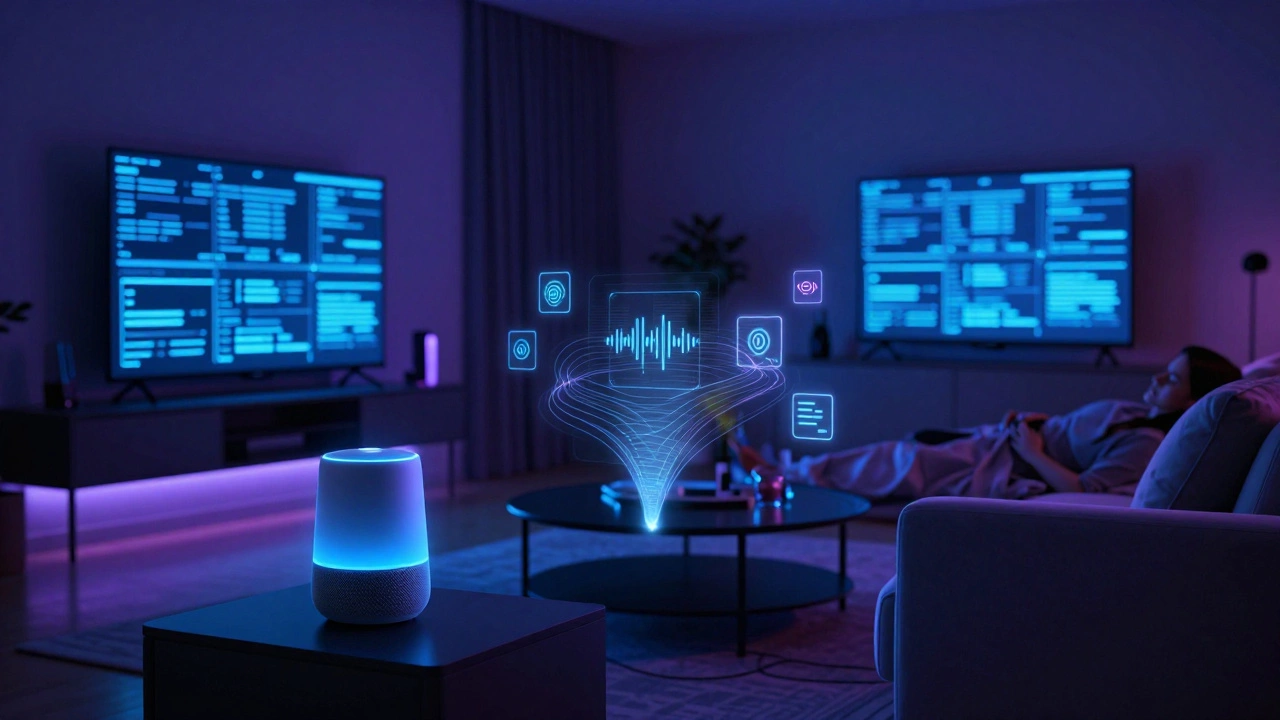
Imagine your living room is no longer just a private space. It’s a data collection center that tracks when you sleep, what you say, who visits, and even how much energy you use. Now imagine that all this sensitive information is stored on servers you don’t control, accessible to companies you barely know, and vulnerable to hackers who are scanning for weaknesses every second. This isn't a sci-fi nightmare; it's the reality of modern smart homes, which are residential environments where devices like thermostats, locks, cameras, and speakers are networked and controlled via apps and cloud platforms.
The biggest danger of the smart home isn't necessarily a burglar breaking in through a hacked lock-though that can happen. The real threat is systemic. It’s the combination of pervasive surveillance, insecure hardware, and total dependence on third-party clouds. You are trading privacy for convenience, often without realizing how much data is being harvested or how fragile your security actually is.
The Illusion of Security vs. Reality
Many people assume that because their smart devices come from big tech companies, they are safe. But the truth is more complex. As of 2026, the average US household has about 21 to 22 connected devices. Each one is a potential entry point. A study by CE Pro noted that the average connected household faces approximately 29 distinct cybersecurity attacks every single day. These aren't always successful breaches, but they are constant probes-port scans, login attempts, and malware checks targeting routers, smart TVs, and cameras.
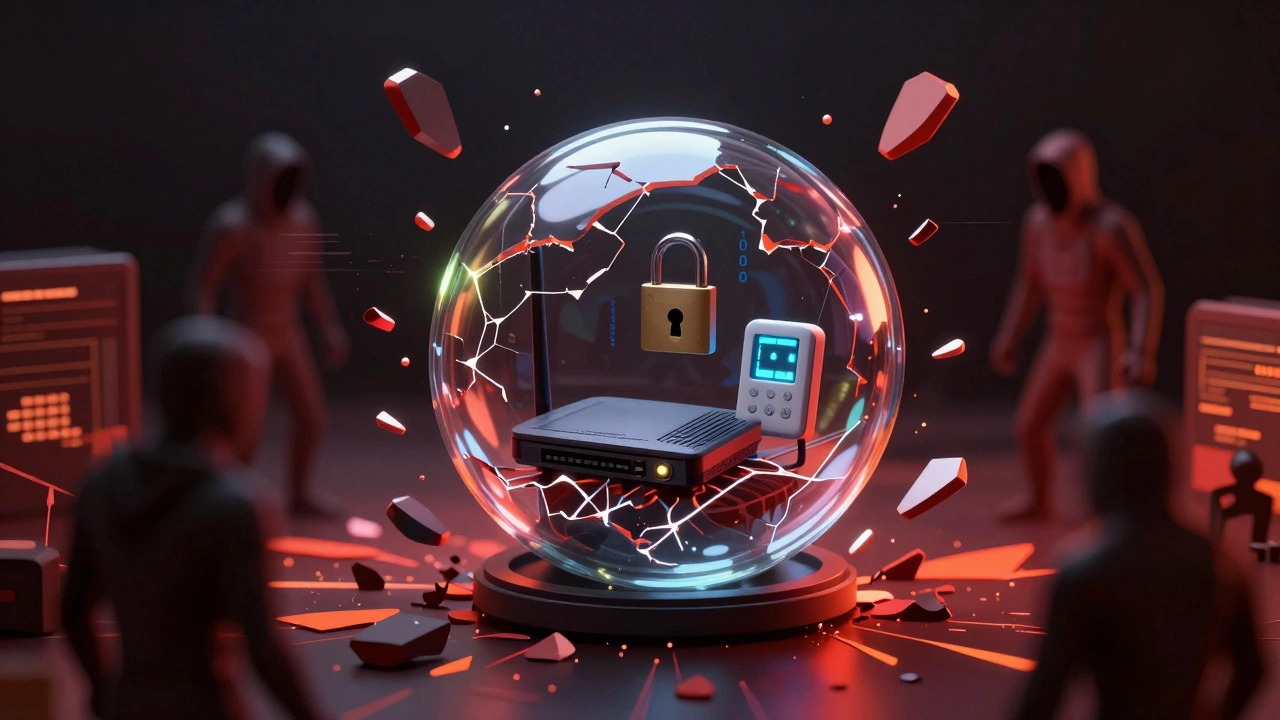
The problem is that most consumer-grade routers and IoT (Internet of Things) devices lack enterprise-level security. They often ship with default passwords, outdated encryption standards like TLS 1.0, or unpatched firmware bugs. According to ElectroIQ, nearly 41% of US households are classified as "high risk" simply because they own at least one poorly secured connected device. If an attacker compromises a cheap smart plug, they might gain access to your local network, potentially reaching your laptop or NAS storage where your personal files live.
| Vulnerability Type | Description | Potential Consequence |
|---|---|---|
| Default Credentials | Devices shipped with generic usernames/passwords | Immediate unauthorized access |
| Unencrypted Traffic | Data sent between device and hub without encryption | Eavesdropping on commands or video feeds |
| Lateral Movement | Attacker moves from a weak device to other network parts | Compromise of computers or sensitive data |
| Cloud API Exposure | Misconfigured server access keys | Mass data leaks or remote control hijacking |
Privacy Erosion: The Silent Threat
Cyberattacks make headlines, but privacy loss is happening quietly right now. Every smart speaker listens for wake words, meaning it processes audio constantly. Smart doorbells record video of your porch. Thermostats track when you’re home and when you leave. Motion sensors map your daily routines.
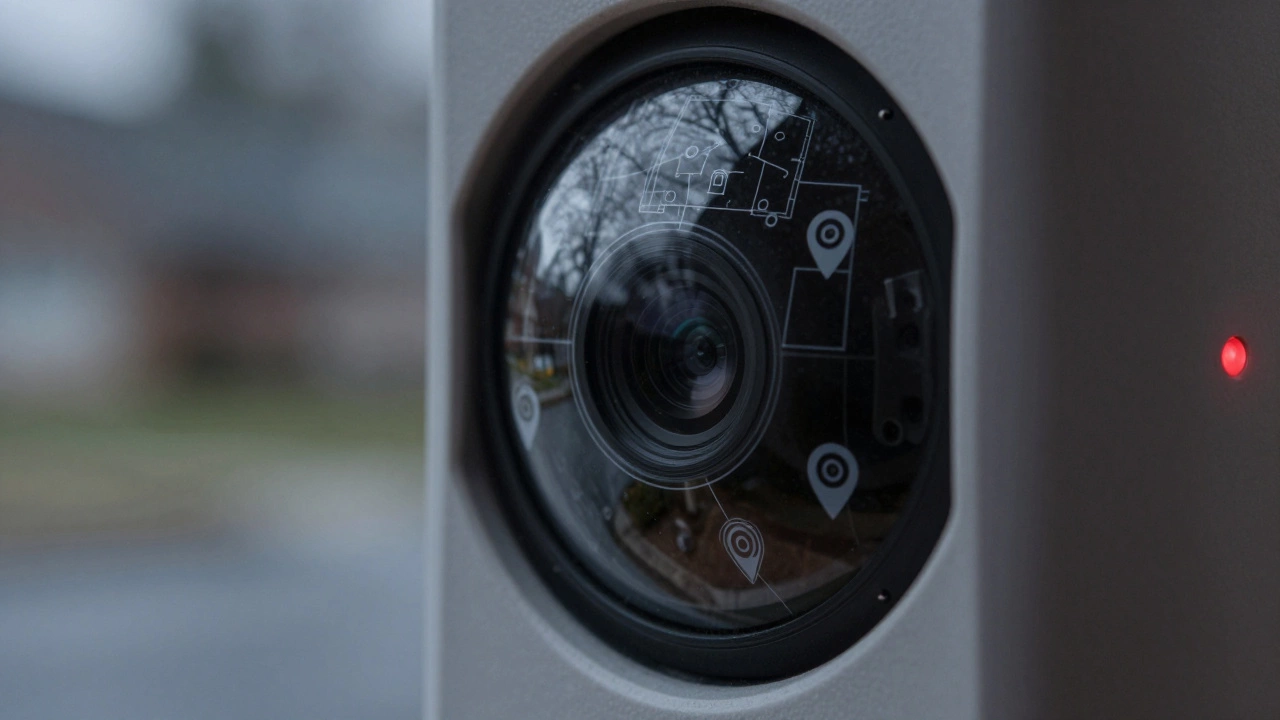
This data doesn't stay in your house. It goes to the cloud. Companies like Amazon, Google, and Ring store this behavioral data indefinitely. A 2023 study by New York University researchers found that smart home platforms routinely expose unique device identifiers and geolocation data in network traffic. This allows external parties to infer not just what devices you own, but your physical address and even the layout of your home.
Why does this matter? Because this data can be used for purposes far beyond controlling your lights. It can be sold to advertisers, used for insurance risk scoring, or subpoenaed by law enforcement. Robin Data GmbH, a German data-protection consultancy, warns that sensor data like motion logs and door-lock events can be misused for unauthorized profiling. You might think you're just automating your blinds, but you're also building a detailed digital twin of your life that you no longer control.
Physical Safety Risks
When your home is connected, software bugs become physical hazards. If a smart lock fails during a power outage, you might be locked out-or worse, left unlocked. If a smart garage door opener receives a malicious command, strangers could enter your property. In 2022, McAfee demonstrated how ransomware could target home automation appliances, locking users out of their smart locks and thermostants until a payment was made. This turns a digital attack into a direct interference with your physical safety and comfort.
Reliability issues are also common. Reddit users frequently report "regrets" about smart lighting setups where bulbs stop responding if the physical switch is flipped, creating tripping hazards in the dark. Or automations that fail during internet outages, leaving alarms disarmed. When critical safety features depend on brittle ecosystems and distant servers, the margin for error shrinks significantly.
The Problem of Vendor Lock-In and Disposable Tech
Another major danger is economic and functional obsolescence. Many smart home brands treat devices as disposable tech. A 2026 discussion on Hacker News highlighted how manufacturers often stop supporting devices after 3-5 years. When cloud services are discontinued, expensive hardware becomes useless bricks unless replaced.
This creates vendor lock-in. If you buy into a specific ecosystem (like Apple HomeKit, Google Home, or Samsung SmartThings), you are dependent on that company’s continued support and pricing. If they raise subscription fees for basic features like video history, or change their API rules, you have limited options. Non-Hue smart bulbs, for example, have been criticized for causing repeated network instability compared to more robust alternatives, forcing users to spend more money on replacements.
How to Mitigate Smart Home Risks
You don't have to abandon smart technology to stay safe. However, you need to take control of your environment. Here are practical steps to reduce risk:
- Segment Your Network: Use a router that supports VLANs (Virtual Local Area Networks). Put all IoT devices on a separate guest network so they cannot access your main computers or phones.
- Change Default Passwords: Never leave factory settings. Use strong, unique passwords for every device account.
- Disable Remote Access: Unless absolutely necessary, turn off remote access features on cameras and locks. Keep controls local whenever possible.
- Enable Multi-Factor Authentication (MFA): Add an extra layer of security to your cloud accounts associated with smart home hubs.
- Keep Firmware Updated: Enable automatic updates if available, or check manually for patches that fix security holes.
- Choose Secure Brands: Look for devices that support modern encryption standards like WPA3 and have a clear update policy.
FAQ
Can hackers really break into my house through smart devices?
Yes, though large-scale burglaries via hacking remain relatively rare as of 2026. More common incidents involve spammers accessing baby monitors or doorbell cameras to harass homeowners. However, vulnerabilities in smart locks and garage openers do exist, and attackers can exploit weak passwords or unpatched firmware to gain physical access or disable alarms remotely.
Is it safer to use local control instead of the cloud?
Generally, yes. Local control systems (like those using Zigbee, Z-Wave, or Thread protocols managed by a local hub) are less susceptible to internet-based attacks and continue working during internet outages. Cloud-dependent devices require constant connectivity and send data to external servers, increasing privacy risks and dependency on third-party uptime.
What is the biggest privacy risk with smart speakers?
Smart speakers constantly listen for wake words, processing ambient audio. While companies claim they delete recordings, there have been instances of human reviewers listening to clips. Furthermore, voice data can be used to build profiles of your habits, health status, and relationships, which may be shared with partners or used for targeted advertising.
Do I need a special router for smart home security?
A standard router can work, but a router that supports VLANs or guest networks is highly recommended. This allows you to isolate IoT devices from your primary devices (laptops, phones). If a smart bulb is compromised, the attacker cannot easily jump to your computer to steal passwords or files.
Are smart home devices becoming obsolete quickly?
Unfortunately, many are. Some manufacturers stop providing security updates or cloud support after 3-5 years. This renders devices insecure and sometimes non-functional. To mitigate this, choose brands with long-term support commitments and consider open-source or locally-controlled ecosystems that don't rely solely on proprietary cloud services.