
AlfredCamera Cost Comparison Calculator
Compare the cost of traditional security systems versus AlfredCamera to see how much you could save. The calculator shows you:
- Traditional security system costs (hardware, installation, monthly fees)
- AlfredCamera costs (free for basic use, or premium subscription)
- How much you could save per year
For the most accurate results, input your specific needs below.
Cost Comparison
Traditional System
Hardware + installation + monthly fees
AlfredCamera
Free or Premium subscription
- Use old phones you already own - no new hardware needed
- Works on 3G/4G/LTE - no Wi-Fi required
- Free to start with basic features
- Only $2.99/month for Premium features
Turning an old smartphone into a security camera isn’t science fiction-it’s something over 40 million families are already doing. You don’t need to buy a new camera system. You don’t need to hire an electrician. You just need an app and a device you’re not using anymore. The app that does this best? AlfredCamera.
How AlfredCamera turns your phone into a security camera
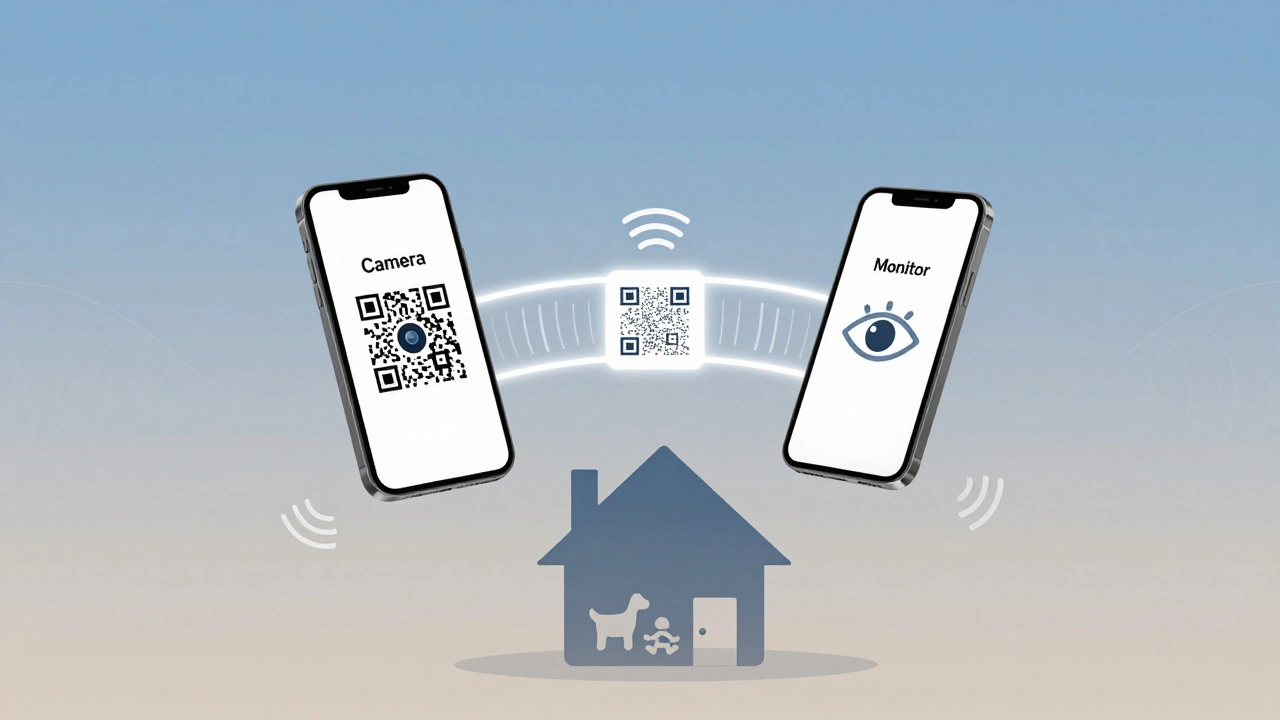
AlfredCamera works by using two phones: one becomes the camera, the other becomes your monitor. You install the app on both. Point your old phone at your front door, baby’s room, or pet’s bed. Then open the app on your current phone and scan a QR code. That’s it. In under three minutes, you’re watching live video from your old device.It doesn’t need Wi-Fi only. It works on 3G, 4G, or LTE. That means you can place the camera phone in a location without a router-like a rental apartment, a garage, or even a vacation home. The app uses your phone’s built-in camera, microphone, and speaker. No extra hardware. No wiring. Just software.
Free vs. Premium: What you get
The free version of AlfredCamera lets you stream live video from one camera to one viewer. It’s good enough to check on your cat while you’re at work. But the video is capped at 480p. No zoom. No motion alerts beyond basic movement detection.For $2.99 a month or $29.99 a year, Premium unlocks HD streaming (720p), three simultaneous viewers, two weeks of cloud recording, and advanced motion detection. You can draw zones on the screen-say, only alert you when movement happens near the front door, not the window. You can also use the walkie-talkie feature to talk through the camera phone. Ever needed to tell your dog to stop barking from your office? This is how you do it.
AlfredCamera also uses both front and rear cameras at the same time. That means you get a 360° view if you need it. You can turn on sound detection so it alerts you when someone shouts or glass breaks. And it tracks location-if you’re away from home, the app shows you exactly where the camera phone is, in case someone moves it.
Why AlfredCamera beats the competition
There are other apps like tinyCam Monitor or V380 Pro. But they’re clunky. tinyCam requires you to set up port forwarding and static IPs-things most people don’t understand. V380 Pro works, but the interface feels like it was designed in 2012.AlfredCamera is different. It was built from the ground up for regular people. No tech skills needed. That’s why it won Google Play’s “Most Innovative App” award back in 2016. It’s still the most downloaded security app in the phone-to-camera category.
Compare it to Reolink or Arlo. Those are hardware companies. You have to buy their cameras, pay for subscriptions, and deal with complicated setups. AlfredCamera costs nothing to start. You’re just using what you already own.
Even Alarm.com and SimpliSafe, which score high for professional security, start at $199 for a basic kit. AlfredCamera? Free. And if you want to upgrade later, you can buy their own hardware-AlCam for indoors or AlfredCam Plus 2 for outdoors. But you don’t have to. Most users never do.
Real uses people are actually doing
Sixty-eight percent of AlfredCamera users start with pet monitoring. They put the old phone in the living room and watch their dog nap while they’re at work. Twenty-two percent use it for baby or nanny monitoring. Ten percent use it for general home security-checking if someone’s at the door, making sure the garage door is closed, or watching for package thieves.One Reddit user, u/SecurityNovice, wrote in January 2026: “I put my old iPhone 8 on the kitchen counter. Now I see when my dog barks at the mailman. I use the walkie-talkie to tell him to chill. It’s not perfect, but it’s way better than nothing.”
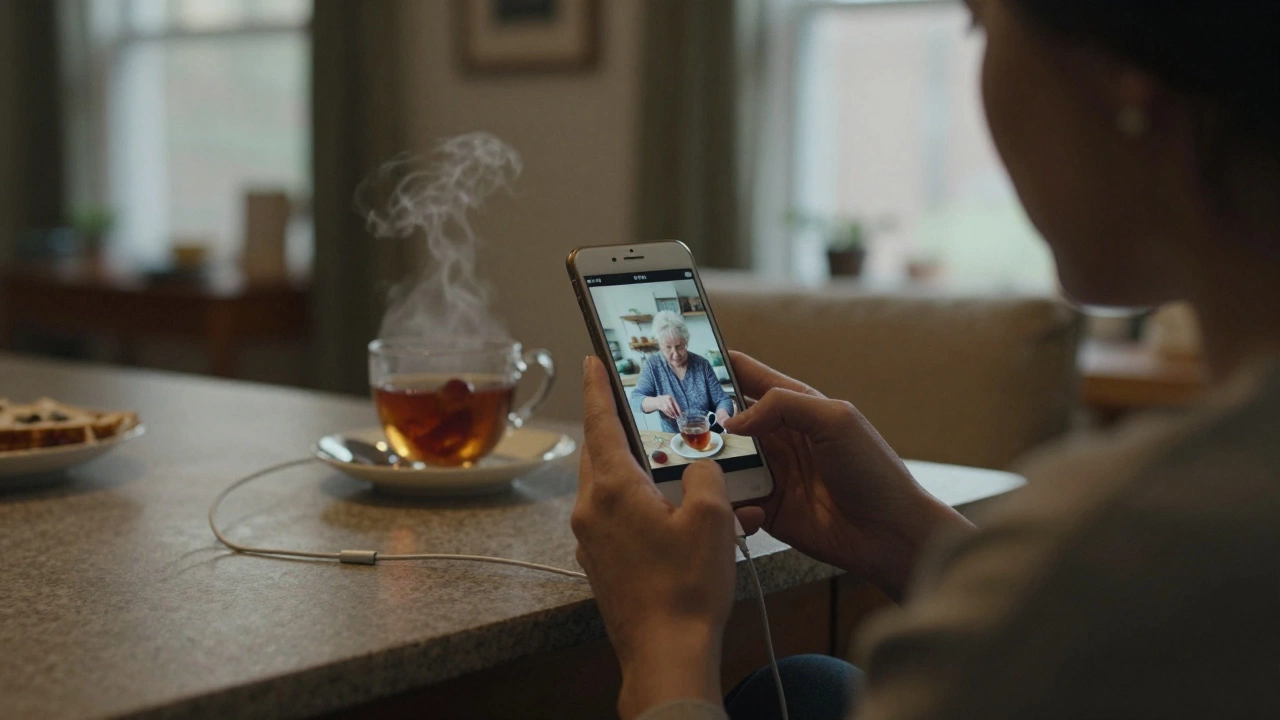
Another user in Adelaide uses it to check on her elderly mother who lives alone. She doesn’t need a full security system. She just needs to know her mom got out of bed and made tea. AlfredCamera gives her that peace of mind.
The downsides-what you should know
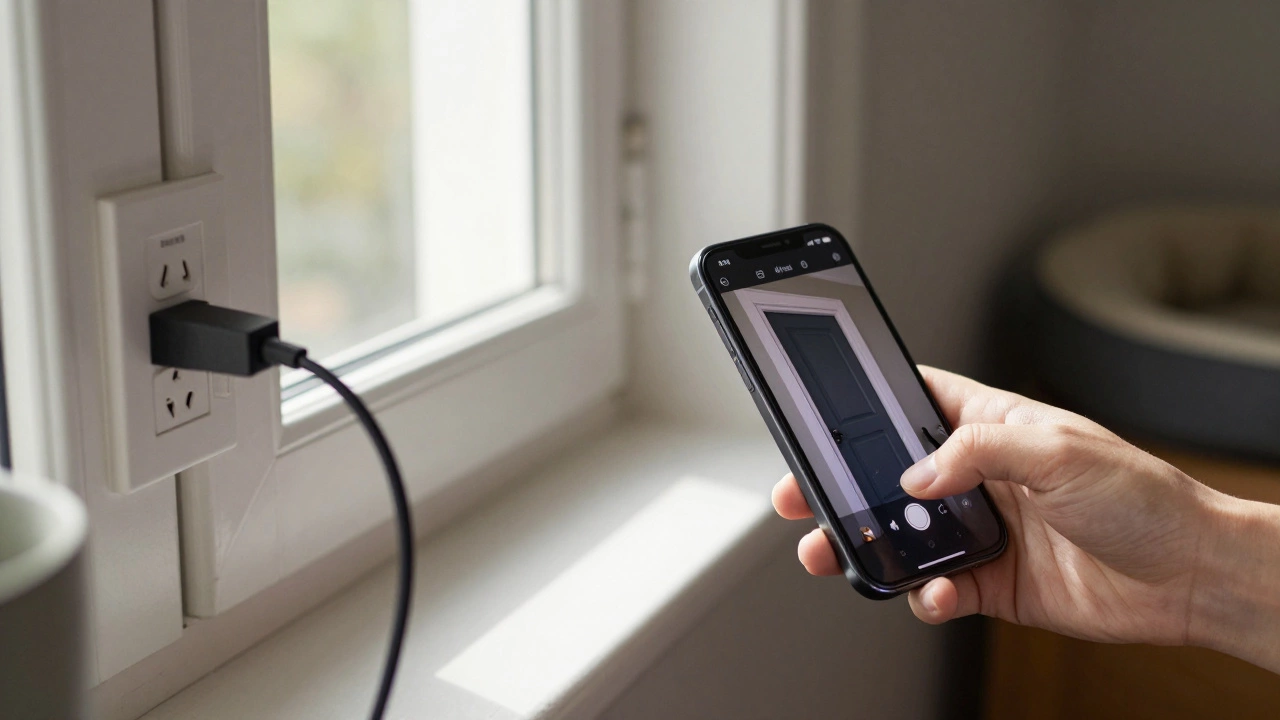
No app is perfect. AlfredCamera’s biggest weakness? Power. Your old phone isn’t designed to run 24/7. Without a charger, it’ll die in 8 to 12 hours. That’s why 92% of successful users plug their camera phone into a wall outlet. You need a stable power source.Another issue is low-light performance. The free version’s night vision is grainy. Even Premium doesn’t match the ColorX Night Vision of a dedicated Reolink camera. If you need crystal-clear night footage, you’ll want hardware. But if you just need to see if someone’s in the room? AlfredCamera works.
Some users report occasional disconnects after hours of streaming. That’s usually due to weak Wi-Fi or outdated phones. The app works on iPhones as old as the 5s and Galaxy S5, but performance drops on devices with less than 2GB of RAM. If your phone struggles to run Instagram, it might struggle with AlfredCamera too.
How to set it up in 5 minutes
- Download AlfredCamera on both your old phone (camera) and your current phone (monitor).
- Open the app on the old phone. Tap “Set Up as Camera.”
- Open the app on your current phone. Tap “View as Monitor.”
- Point your current phone’s camera at the QR code on the old phone’s screen.
- Wait for the connection to confirm. Done.
You can then move the old phone to your desired location. Plug it in. Adjust the angle. Turn on motion alerts. That’s it.
What’s new in 2026
In January 2026, AlfredCamera added voice control. You can now say, “Hey Google, show me the front door,” and it’ll pull up the feed on your smart display. Alexa works the same way.And in February 2026, Alfred announced a partnership with Ring. That means AlfredCamera feeds will soon be viewable inside Ring’s professional monitoring apps. If you already have a Ring doorbell and want to add a second camera without buying hardware, AlfredCamera will be the easiest way.
Is it worth it?
If you’re renting, testing home security, or just want to keep an eye on your pet or baby without spending hundreds-yes. AlfredCamera is the most practical, lowest-cost way to turn spare phones into security cameras.If you’re a homeowner who wants 24/7, weatherproof, 4K surveillance with automatic tracking? Then invest in a dedicated system. But for 90% of people? AlfredCamera does more than enough. And it costs less than your monthly coffee habit.
Can I use any smartphone as a security camera?
Yes, as long as it runs Android 5.0 or iOS 11 or newer. That includes phones as old as the iPhone 5s and Samsung Galaxy S5. The app works on devices with minimal processing power. Just make sure the phone can still charge and connect to Wi-Fi or cellular data.
Do I need to pay for AlfredCamera?
No, the free version works for basic monitoring. You can stream live video from one camera to one device with no time limits. But if you want HD video, motion alerts, cloud recording, or multiple viewers, you’ll need the Premium plan at $2.99/month or $29.99/year.
Can AlfredCamera work without Wi-Fi?
Yes. AlfredCamera uses your phone’s cellular data (3G, 4G, LTE) if Wi-Fi isn’t available. That’s useful for places like garages, sheds, or vacation homes without internet. Just be aware: streaming uses 150-300MB per hour, so monitor your data plan.
How long does the battery last on the camera phone?
Without being plugged in, most smartphones last 8-12 hours running AlfredCamera continuously. That’s why nearly all successful users keep the camera phone plugged into a charger. The app drains the battery faster than normal use because the screen stays on and the camera runs non-stop.
Is AlfredCamera secure?
Yes. AlfredCamera uses end-to-end encryption for all video streams. Your footage isn’t stored on their servers unless you subscribe to Premium cloud recording. Even then, only you can access it with your login. No third parties can view your feed. The app has passed independent security audits and has no known public breaches.
Can I use AlfredCamera outdoors?
You can, but your phone isn’t weatherproof. If you want to place it outside, put it in a sealed plastic bag or a waterproof case. For permanent outdoor use, Alfred sells the AlfredCam Plus 2-a weather-resistant camera designed to work with the app. It’s $39.99 and plugs into a power outlet.
Does AlfredCamera work with smart displays like Google Nest Hub?
Yes. Since January 2026, AlfredCamera integrates with Google Home and Alexa. You can say, “Hey Google, show me the living room camera,” and the feed will appear on your Nest Hub or Echo Show. No extra setup needed beyond linking your Alfred account in the Google or Alexa app.