
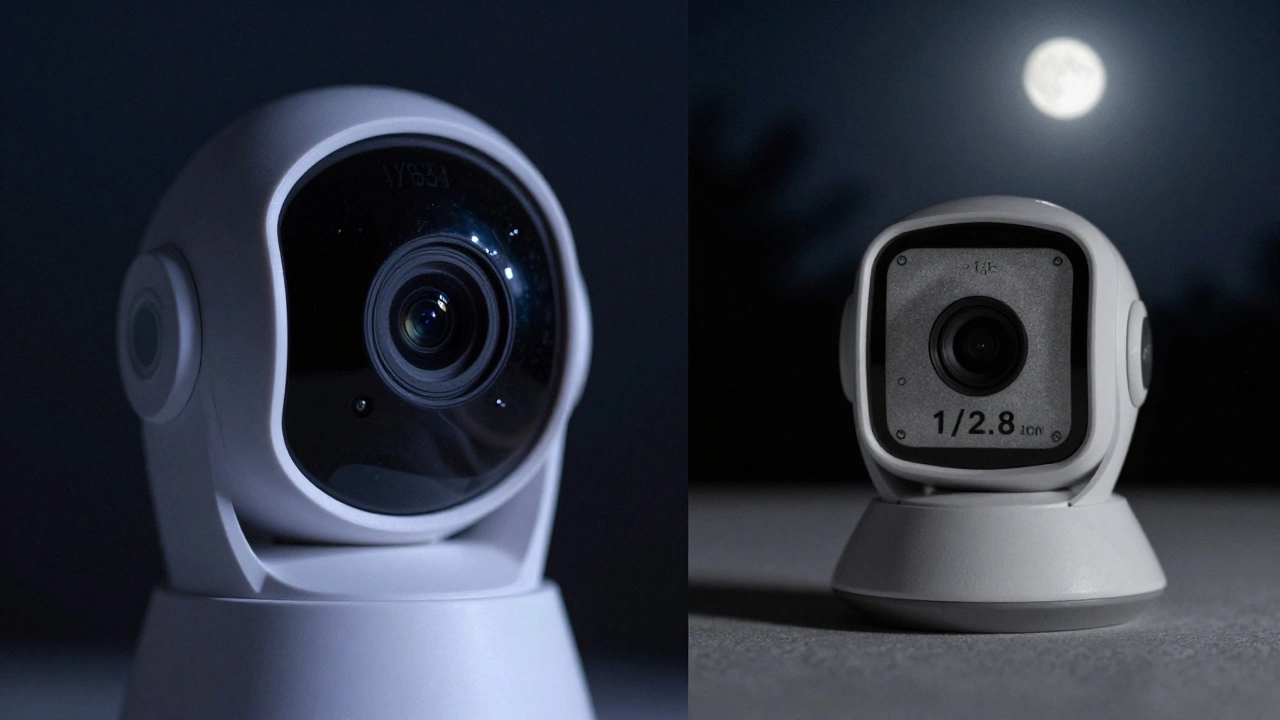
Not all home security cameras are created equal. You might see two cameras side by side, both labeled "1080p" or "4K," and assume they perform the same. But that’s not how it works. A good home security camera isn’t just about resolution. It’s about how well it sees in the dark, how clearly it captures motion, how reliably it records when it matters most, and whether it can handle rain, heat, or freezing temperatures without glitching out. If you’re shopping for a camera to protect your home, here’s what actually makes one good.
Sensor Size Matters More Than Megapixels
Many brands push megapixel counts like they’re the whole story. A 4K camera sounds impressive, but if it’s using a tiny 1/2.8-inch sensor, you’re not getting the quality you think. Sensor size is the foundation. Larger sensors - like 1/2.7-inch or even 1/1.8-inch - catch more light. That means in dim conditions, like a moonlit driveway or a poorly lit hallway, the image stays clear instead of turning into a grainy mess. A camera with a 2MP sensor and a decent-sized sensor will outperform a 5MP camera with a tiny sensor every time in low light. Don’t get fooled by marketing numbers. Look up the sensor size. If the specs don’t list it, keep looking.Low-Light Performance Isn’t Just About Night Vision
Night vision isn’t just infrared LEDs glowing red. A good camera uses those LEDs smartly. Cheap ones flood the area with harsh, uneven light that washes out faces or creates ghostly halos. Better cameras use smart IR technology - adjusting intensity based on distance, blending visible light with infrared, and minimizing glare. But even the best IR won’t help if the sensor can’t handle low-light signals. That’s where signal-to-noise ratio (SNR) comes in. A high SNR means the camera separates real image data from electronic noise. Look for cameras that mention SNR over 40dB. Anything below 35dB will look noisy and blurry after dark. Real-world test: Watch a video of the camera at 10 p.m. with no streetlights. If you can’t make out a person’s face or a license plate from 15 feet away, it’s not good enough.Dynamic Range Keeps Details in Shadows and Highlights
Ever seen a security clip where the front door is bright, but the person standing there is a black silhouette? That’s a lack of dynamic range. High dynamic range (HDR) lets the camera capture detail in both bright and dark areas at the same time. For home security, this matters when sunlight hits your porch and the entryway is dark. Or when a car drives in with headlights on. Cameras with true HDR (not just "digital HDR" - which is just software brightening) use dual-exposure sensors or advanced processing to hold detail. Look for cameras that mention "Wide Dynamic Range" (WDR) or "True HDR". If it just says "HDR" without details, it’s probably just a software trick that creates unnatural color shifts.Lens Quality Affects Sharpness and Distortion
The lens is the camera’s eye. A cheap plastic lens with no coatings will blur edges, create color fringing (chromatic aberration), and let in lens flare from streetlights or car headlights. A good lens has glass elements, multi-layer coatings, and a fixed aperture. Fixed aperture means it doesn’t change in different lighting - which keeps exposure consistent. Wide-angle lenses (110° to 140°) give you more coverage, but if they’re poorly made, they warp faces at the edges. Look for cameras that mention "distortion correction" or "barrel distortion reduction". If the manufacturer doesn’t mention lens quality at all, assume it’s basic. You can’t fix a bad lens with software.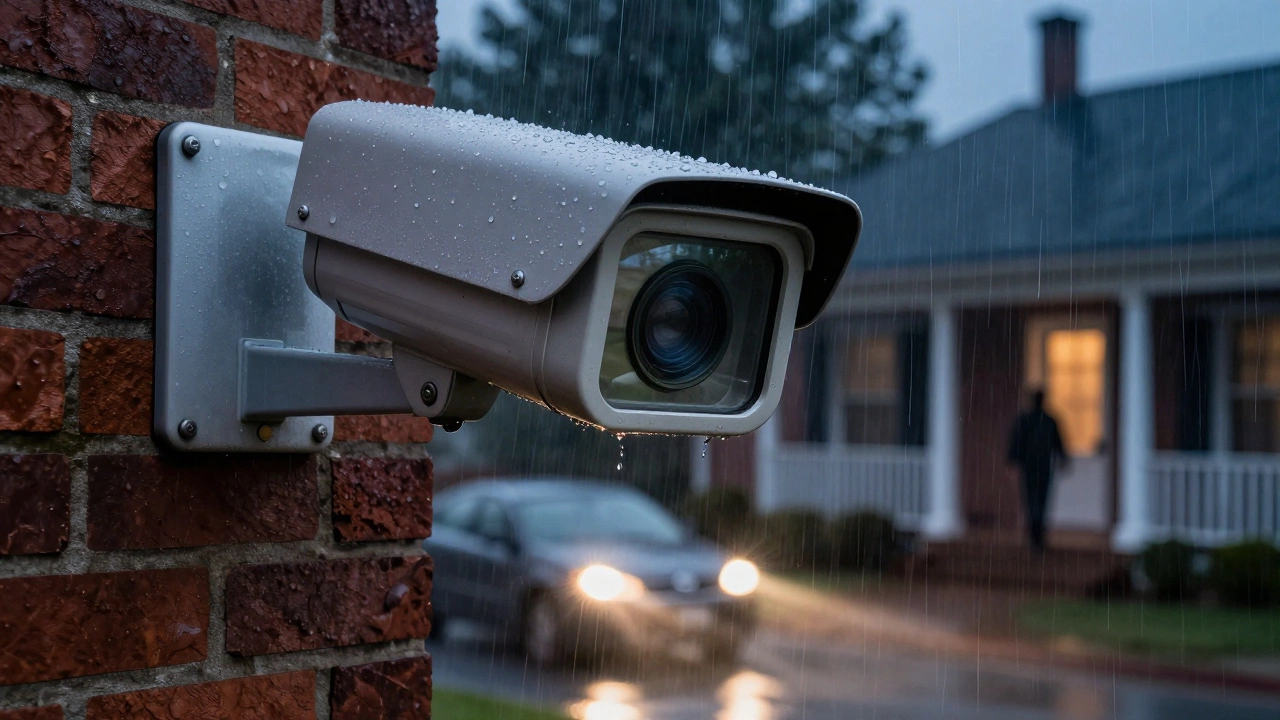
Weather and Build Quality Are Non-Negotiable
If you’re putting a camera outside, it has to survive Adelaide summers, winter rain, and the occasional dust storm. A good outdoor camera has an IP65 or IP66 rating - meaning it’s dust-tight and protected against powerful water jets. Don’t settle for IP64. That’s fine for a porch, but not for a side yard exposed to wind-driven rain. Also, check the operating temperature range. Some cameras stop working below 0°C or above 40°C. In Australia, that’s a problem. Look for models rated from -20°C to 60°C. Build quality matters too. Metal housings last longer than plastic. Rubber seals around cables prevent moisture ingress. If the camera feels flimsy, it’s not built to last.Video Processing and Frame Rate Make the Difference
A 30fps camera doesn’t just mean smoother motion - it means better motion detection. If a camera only does 15fps, it might miss a quick movement like someone running up your driveway. That’s a security gap. But frame rate alone isn’t enough. The camera’s processor handles compression, motion detection, and smart alerts. A weak chip will lag, drop frames, or send false alerts every time a tree sways. Look for cameras with dedicated AI processors - like those from Ambarella, Hikvision, or Sony STARVIS. These handle real-time analytics without draining bandwidth. If the specs say "powered by smartphone chip" or don’t mention a processor at all, skip it.Storage and Connectivity Are Part of the Picture
A camera that can’t save footage isn’t useful. Local storage via microSD is reliable - no cloud fees, no internet dependency. But make sure it supports cards up to 256GB and has loop recording. Cloud storage is convenient, but if your internet goes down, you lose access. Also, check encryption. A good camera encrypts footage end-to-end - from camera to your phone. If the app says "data stored on servers" without mentioning encryption, it’s a red flag. Wi-Fi strength matters too. A camera that drops connection every time someone streams Netflix isn’t reliable. Look for dual-band Wi-Fi (2.4GHz and 5GHz) support. 5GHz is faster and less crowded, ideal for HD streams.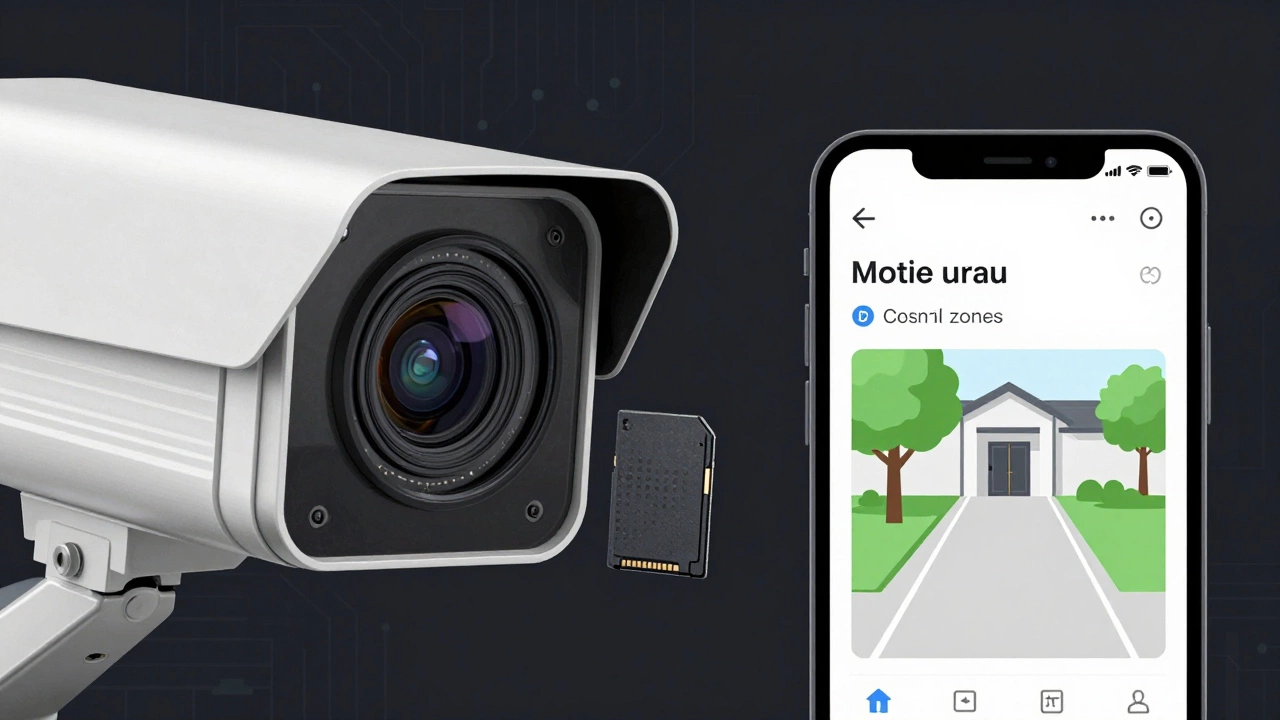
Smart Features Should Help, Not Annoy
People love motion alerts, facial recognition, and package detection. But too many false alarms ruin the experience. A good camera filters out animals, moving trees, and passing cars using AI. If it pings you every time a pigeon lands, it’s useless. Look for cameras that let you set custom motion zones - draw boxes on the screen to only alert you when movement happens in specific areas. Facial recognition is handy, but only if it works. Test reviews for accuracy rates. If the camera misidentifies your neighbor as a stranger 3 out of 5 times, it’s not reliable. Also, check if firmware updates are regular. A camera that hasn’t been updated in a year is a security risk.What You Don’t See: Battery Life and Power Options
Battery-powered cameras sound convenient, but they’re not always practical. A camera with a 2000mAh battery might last 3 months - if it’s not triggering alerts constantly. If it’s on a busy street, you’re replacing batteries every 3 weeks. Hardwired cameras (with a power cable) are more reliable. Solar-powered options exist, but only work well in direct sunlight. If you live in a shaded backyard, skip solar. Look for cameras with low-power sleep modes and motion-triggered recording. That way, the camera drains power only when needed. A good one should last 6+ months on a single charge under normal use.Final Checklist: How to Pick a Good Home Security Camera
- Sensor size: At least 1/2.7-inch - bigger is better.
- Low-light performance: SNR above 40dB, real IR with adaptive intensity.
- Dynamic range: True HDR or WDR - not digital enhancement.
- Lens: Glass elements, multi-coated, distortion correction.
- Weather rating: IP65 or higher, operating temp from -20°C to 60°C.
- Frame rate: 30fps minimum, not 15fps.
- Processor: Dedicated AI chip (e.g., Sony STARVIS, Ambarella).
- Storage: Local microSD (256GB max) + encrypted cloud option.
- Connectivity: Dual-band Wi-Fi (2.4GHz + 5GHz).
- Smart alerts: Custom motion zones, low false-alarm rate.
- Power: Hardwired > battery > solar (unless in full sun).
If you check all these boxes, you’ve got a camera that actually works. The rest - voice control, app design, brand name - is just polish. What keeps your home safe is what happens in the dark, in the rain, at 3 a.m., when you’re asleep and the camera has to do its job without you.
Is a 4K security camera always better than 1080p?
Not necessarily. A 4K camera with a tiny sensor and poor low-light performance will look worse than a 1080p camera with a larger sensor. Higher resolution only helps if the sensor, lens, and processor can support it. In most home security situations, 1080p with good dynamic range and low-light performance is more useful than 4K with noise and blur.
Do I need a camera with color night vision?
Yes, if you want to identify clothing, cars, or faces accurately. Traditional infrared night vision shows everything in black and white. Color night vision uses ambient light (like from a porch light or streetlamp) and boosts it with a sensitive sensor. It’s not magic - it needs some light - but it gives you real color details, which helps police or insurance claims. Avoid cameras that only offer black-and-white IR.
How often should I update my security camera’s firmware?
Check for updates every 2-3 months. Manufacturers release patches to fix security holes, improve motion detection, and fix bugs. A camera that hasn’t received an update in over a year is a risk. Look for brands that promise at least 3 years of firmware support. If they don’t mention it, assume they won’t update it.
Can I use a weatherproof camera indoors?
Yes - but it’s overkill. Weatherproof cameras are built for outdoor conditions, which means thicker housings and more expensive components. You’ll pay more for no benefit indoors. Stick to indoor-specific models for hallways, nurseries, or living rooms. Save the weatherproof ones for driveways, backyards, and garages.
Why does my camera keep losing Wi-Fi connection?
It’s likely too far from your router or on a crowded 2.4GHz band. Move the camera closer, or use a Wi-Fi extender. Better yet, choose a camera with dual-band support and connect it to the 5GHz network. 5GHz is faster and less crowded. Also, avoid placing the camera near metal objects, microwaves, or smart meters - they interfere with signals.