
Home Security System Recommendation Tool
Security Configuration Advisor
Find the ideal system for your home's specific needs
Your Recommendation
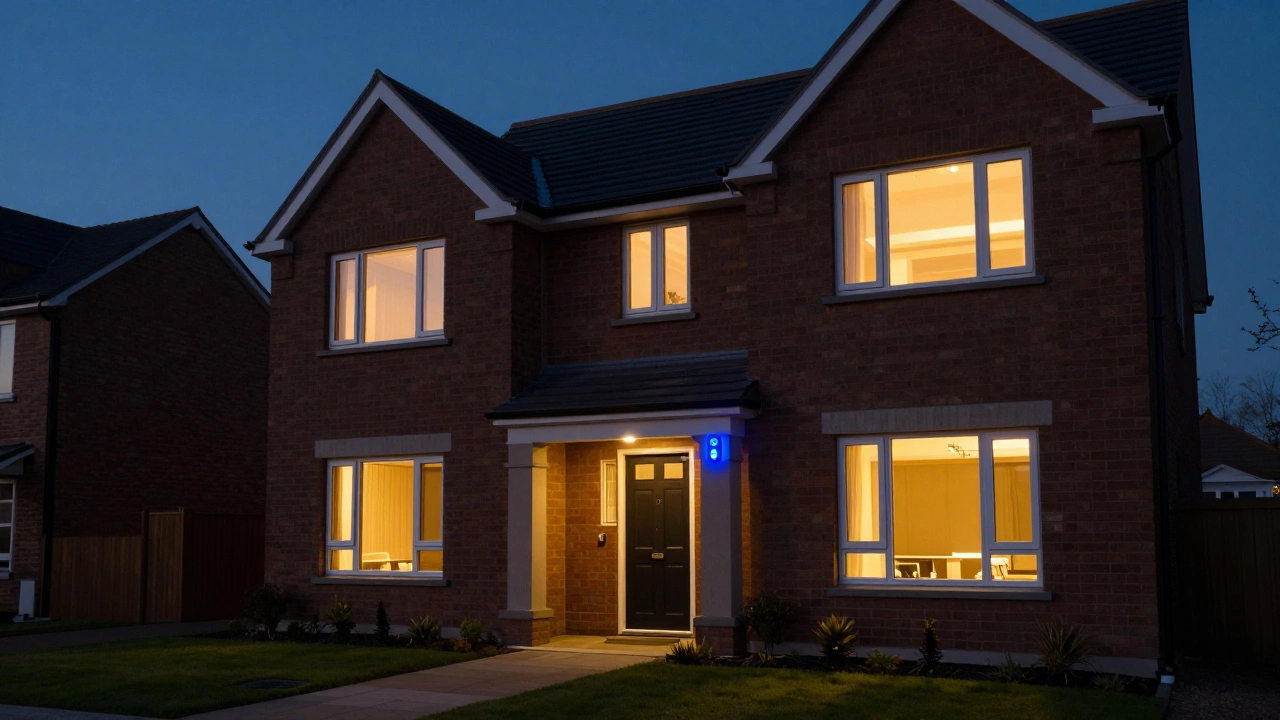
Imagine coming home to find your front door kicked in and your most valuable belongings gone. It's a gut-wrenching feeling that most homeowners dread. But here is a striking fact: about 83% of burglars will skip a house if they see a visible security system. That is the core power of a burglar alarm system is an integrated network of electronic sensors and control mechanisms designed to detect unauthorized entry and alert the owner or authorities. It isn't just about a loud noise; it's about creating a layered defense that makes your home a hard target.
Quick Takeaways
- Primary Goal: Deter intruders and provide immediate notification of a breach.
- Core Components: Control panel, sensors (door/window/motion), and audible sirens.
- Top Types: Wireless (DIY-friendly), Wired (ultra-reliable), Monitored (professional response), and Smart (app-integrated).
- Key Benefit: Layered detection (perimeter + interior) can increase accuracy to 92%.
How It Actually Works: The Chain of Detection
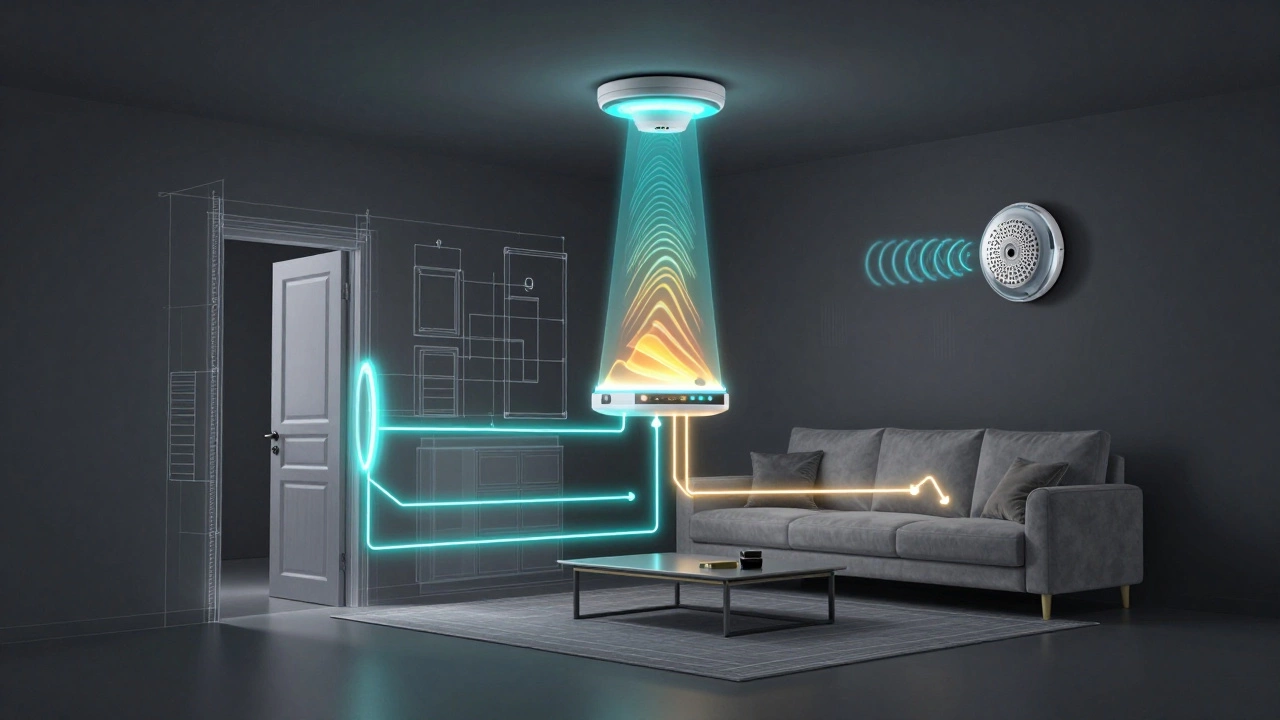
A security system doesn't just "work"-it follows a specific sequence of events. First, you arm the system. Once active, the sensors act as the eyes and ears. If a door opens or a motion sensor trips, it sends a signal to the central hub. The hub then decides what to do based on your settings: sound a siren, send a push notification to your phone, or call a monitoring center.
The "brain" of this operation is the Control Panel. This device processes signals in a fraction of a second-usually between 0.2 and 0.5 seconds. Most modern panels handle anywhere from 8 to 128 different "zones," allowing you to know exactly which window was opened while you're in the bedroom.
The Essential Hardware: What's Inside the Box?
You can't protect a house with just one sensor. You need a mix of tools to cover different entry methods. Here is the breakdown of the hardware that does the heavy lifting.
First, you have Door and Window Sensors. These use reed switch technology. Basically, a magnet is placed on the window and a sensor on the frame. When the magnet moves away (the window opens), the circuit breaks and the alarm triggers. They typically work within a gap of 0.5 to 1.5 inches.
Then there are Motion Detectors. Most of these use Passive Infrared (PIR) technology. Instead of "seeing" an image, they detect changes in heat. If a human-sized heat source moves across the room, the sensor trips. These are great for interior coverage, typically spanning 15 to 50 feet.
For those who worry about "smash and grab" thefts where a window is broken rather than opened, Glass Break Detectors are the answer. These acoustic sensors listen for the specific frequency of shattering glass (usually between 3 and 5 kHz). Using these alongside motion sensors can actually reduce false alarms by 37%, especially in homes with pets that might trigger a PIR sensor.
| System Type | Installation | Reliability | Monthly Cost | Best For... |
|---|---|---|---|---|
| Wired | Professional | Very High (99.9%) | Low/None | New constructions |
| Wireless | DIY / Pro | High (95%) | Low/Medium | Renters & retrofits |
| Monitored | Professional | Highest | $25 - $150 | High-value homes |
| Smart | DIY | Variable | $0 - $30 | Tech enthusiasts |
Choosing Your Setup: Wired vs. Wireless vs. Smart
Deciding which system to buy usually comes down to how much you value convenience versus absolute reliability. Wired Systems are the gold standard for stability. Because they don't rely on batteries or radio waves, they almost never drop a signal. However, they are a pain to install in an old house because you have to run cables through the walls, often costing $800 to $1,500 just for installation.
On the flip side, Wireless Systems have taken over the market. You can stick a sensor on a door and be done in seconds. The trade-off? You'll be swapping batteries every few years, and there's a small chance of signal interference. These are the go-to for anyone who doesn't want to tear up their drywall.
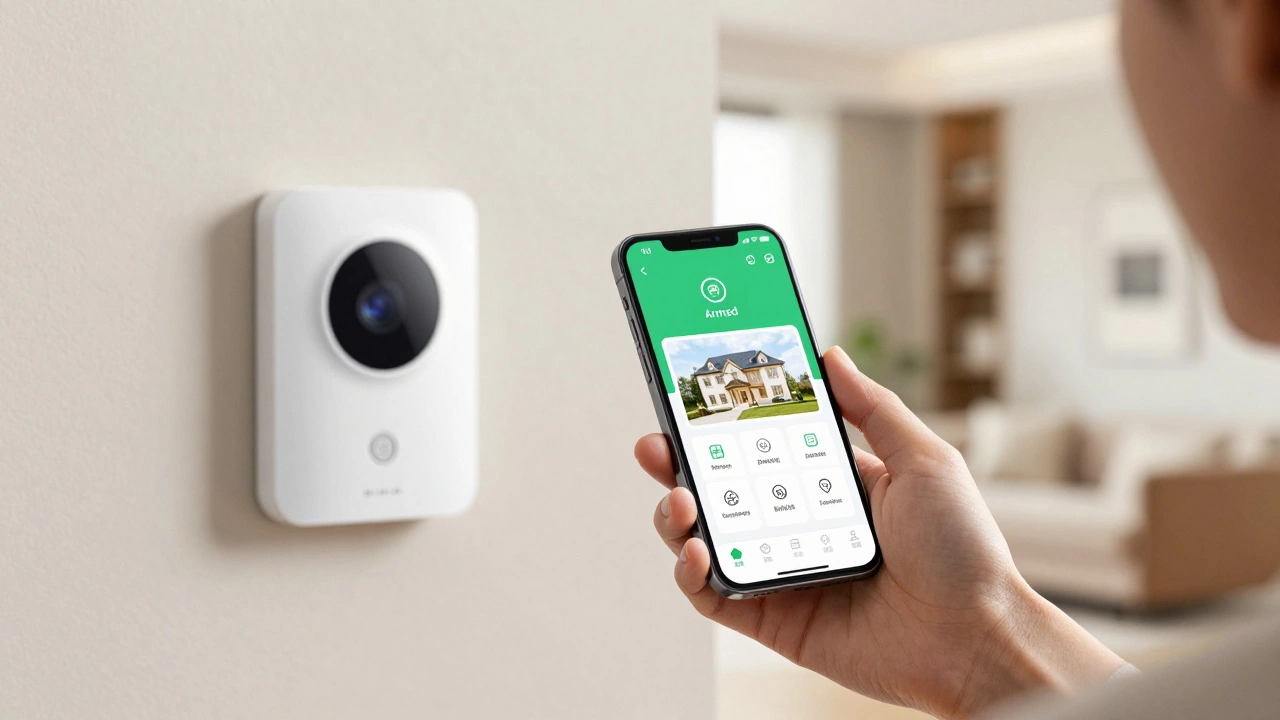
Then we have Smart Security Systems. These integrate with platforms like Google Home or Apple HomeKit. You can check your alarm status from a beach in Bali or get a notification that your kids got home from school. While convenient, they do open a door to cybersecurity risks. Some reports suggest a significant percentage of IoT devices have unpatched vulnerabilities, so keeping your firmware updated is non-negotiable.
Professional Monitoring vs. Self-Monitoring
Once the alarm goes off, who knows about it? If you have a self-monitored system, your phone buzzes. If you're in a loud meeting or your phone is on silent, you might miss the break-in entirely. You then have to call the police yourself.
A Monitored System connects your home to a central station. Professional dispatchers verify the alarm and can call the police for you. The difference in response time is staggering: police dispatch for monitored systems can happen in as little as 45 seconds, whereas self-monitored responses can take 5 to 10 minutes. For many, the $25 to $150 monthly fee is worth that peace of mind.
Pro Tips for a Flawless Installation
Putting up a system is one thing; putting it up *correctly* is another. Most false alarms aren't caused by glitches, but by bad placement. If you put a motion detector right next to a window, the sun hitting the floor can trigger it. If you place one near a heater or AC vent, the sudden change in air temperature can fool the PIR sensor.
To get the most out of your gear, use a "layered" approach. Don't just rely on door sensors. Combine them with interior motion detectors. This creates a safety net that catches intruders even if they manage to bypass a window sensor. Also, remember to set up "zones." You should be able to arm the perimeter (doors and windows) while leaving the interior motion sensors off so you can walk around your house at night without triggering the siren.
Don't forget about the backup power. A smart burglar is one who cuts the power lines before entering. Ensure your system has a battery backup that can last at least 12 to 24 hours. While old systems used lead-acid batteries, look for lithium-ion options in newer models for better longevity.
The Future of Intrusion Detection
The industry is moving fast. We are now seeing AI-powered analytics that can tell the difference between a human intruder and a Golden Retriever. This is a huge deal because it cuts down false alarms by over 60%. We're also seeing a shift toward dual-path communication. Instead of just relying on your home internet, high-end systems use both Wi-Fi and 5G cellular backups. This prevents "signal jamming," a tactic where sophisticated burglars use devices to block your alarm from calling for help.
Do burglar alarms really stop thieves?
Yes. Statistics show that roughly 83% of burglars avoid properties that have visible security systems. Even if they decide to try anyway, the loud siren (usually 105-120 dB) creates immense pressure and alerts neighbors, making it much riskier for them to stay inside.
What is the difference between a wired and wireless system?
Wired systems use physical cables to connect sensors to the panel, offering maximum reliability (99.9% signal rate) but requiring professional installation. Wireless systems use radio frequencies (like 433 MHz) to communicate, making them much easier to install (DIY) but requiring battery changes every few years.
How do I stop my pet from triggering the alarm?
Use "pet-immune" PIR sensors or glass break detectors. Glass break sensors are ideal because they only trigger from the sound of breaking glass and completely ignore animal movement. If using motion sensors, place them higher up or adjust the sensitivity to ignore smaller heat signatures.
Is a DIY system as good as a professional one?
In terms of hardware, many DIY systems are excellent. However, the gap lies in the monitoring. Professional installations often come with 24/7 monitoring centers that can dispatch police in under a minute, whereas DIY users must rely on their own phone notifications.
What happens if the power goes out?
A quality system should have a battery backup that lasts 12-24 hours. Additionally, if you have a cellular backup (4G/5G), the system can still send alerts to the monitoring center even if your home internet and power are both down.
Next Steps for Homeowners
If you're just starting, begin by auditing your home's weak points. Check every ground-floor window and back door. If you're renting, a DIY wireless kit is your best bet. If you're building a new home, invest in a wired system while the walls are still open. Regardless of what you choose, set a calendar reminder to test your sensors every month and check your backup batteries every quarter to ensure that when you need the system to work, it actually does.