

Home Security Camera Finder
Brand Name
TaglineDescription goes here.
Why this fits you:
Night Vision: Type
Fill out the form to get a personalized recommendation from our 2026 top picks.
You want to catch a face, not just a blurry blob. That’s the real difference between a cheap gadget and a quality security camera. In 2026, "best quality" doesn’t just mean high resolution numbers on a box. It means clear footage when the sun is setting, reliable alerts that aren’t triggered by a swaying tree, and video you can actually keep without paying a monthly ransom.
There is no single "winner" for everyone because your needs dictate the tech. If you want forensic detail to identify a license plate, you need a wired 4K system. If you want easy setup and smart home integration, a cloud-based battery cam might be better. Here is how to cut through the marketing noise and pick the right camera for your home.
The Real Metrics of Quality: Beyond Megapixels
Manufacturers love to shout about "8MP" or "4K," but resolution is only one piece of the puzzle. A 4K image with poor lighting looks worse than a sharp 1080p shot. When evaluating quality, look at these four pillars:
- Sensor Size and Low-Light Performance: This is critical. Larger sensors gather more light. Look for cameras with color night vision using spotlights or starlight sensors. Standard infrared (IR) night vision turns everything black and white, losing color details like clothing or car paint. Brands like Reolink and Eufy have invested heavily in larger sensors for their 2026 models.
- Dynamic Range (HDR): Have you ever pointed a camera at a front door during the day and seen only a black silhouette because the background was too bright? High Dynamic Range (HDR) balances the light. It keeps the shadowed areas visible while preventing the sky from blowing out. This is essential for cameras facing windows or driveways.
- Frame Rate: Resolution tells you how much detail; frame rate tells you how smooth the motion is. For security, you want at least 15 frames per second (fps), but 30 fps is ideal for capturing fast-moving objects like running suspects or speeding cars without blur.
- AI Detection Accuracy: Old cameras screamed every time a leaf moved. Modern quality cameras use on-device AI to distinguish between people, vehicles, and packages. This reduces false alarms and ensures you get notified for what matters.
Top Contenders for Best Quality in 2026
Based on expert testing from outlets like Security.org and Consumer Reports, as well as hands-on reviews from top tech channels, these brands dominate the quality conversation this year.
1. Reolink: The King of Raw Image Detail
If your priority is seeing every detail, Reolink is a leading provider of high-resolution PoE and Wi-Fi security systems. Their 2026 lineup, particularly the CX820 and Elite WiFi series, pushes 4K resolution to its limits.
Why they stand out:
- PoE Reliability: Power over Ethernet (PoE) means constant power and stable data transmission. No dead batteries, no Wi-Fi drops.
- 4K Clarity: At 3840x2160 pixels, you can zoom in on footage to read license plates from 20-30 feet away.
- No Subscription Required: You own your footage. Record locally to an NVR or microSD card.
Best for: Tech-savvy homeowners who want maximum clarity and don't mind running Ethernet cables.
2. Eufy: Best Balance of Quality and Privacy
Eufy is a consumer electronics brand known for local-storage-focused smart home devices. They have won praise from Consumer Reports for offering high-end features without mandatory subscriptions. The Eufy S4 Max PoE and 4K NVR kits are heavy hitters in 2026.
Key strengths:
- Local Processing: AI detection happens on the camera, not in the cloud. This means faster response times and better privacy.
- Strong Night Vision: Their newer models feature excellent color night vision capabilities.
- Battery Options: For those who can't wire, their SoloCam line offers long battery life with competitive video quality.
Best for: Privacy-conscious users who want 4K quality and hate monthly fees.
3. Arlo: The Premium Wireless Experience
Arlo is a high-end wireless security camera ecosystem known for sleek design and strong app integration. While they often require a subscription for full features, their video compression and HDR performance are top-tier. The Arlo Pro 5S 2K and Ultra 2 4K models are benchmarks for wireless ease.
Why choose Arlo:
- Wireless Freedom: Easy to mount anywhere without wiring.
- Smart Features: Excellent person, package, and vehicle detection integrated with Google/Alexa.
- Durability: Weather-resistant designs built for harsh outdoor conditions.
Best for: Users who prioritize ease of installation and smart home integration over raw forensic detail.
4. Google Nest: The Smart Home Integrator
Google Nest is a line of smart home devices deeply integrated with the Google Assistant ecosystem. Nest Cam (Battery/Wired) isn't always the highest resolution (often 1080p), but it excels in "familiar face" recognition and reliability. If you live in a Google Home world, the seamless experience adds significant value.
Best for: Existing Google Home users who want accurate notifications and simple setup.
5. Wyze & Blink: The Budget Champions
Don't sleep on the budget kings. Wyze and Blink offer surprising quality for the price. The Wyze Cam Pan v4 offers PTZ (pan-tilt-zoom) capabilities and solid 2K+ options. Blink focuses on ultra-long battery life and compact size. Consumer Reports highlights them for users who want functionality without recurring costs.
Best for: Renters, multi-camera setups on a budget, and indoor monitoring.
| Brand | Max Resolution | Power Type | Subscription Needed? | Best Feature |
|---|---|---|---|---|
| Reolink | 4K (8MP) | PoE / Wi-Fi / Battery | No (Optional Cloud) | Raw Image Detail |
| Eufy | 4K (8MP) | PoE / Battery | No (Optional Cloud) | Privacy & Local AI |
| Arlo | 4K (Ultra Series) | Battery | Yes (For Full Features) | Wireless Ease & HDR |
| Google Nest | 1080p / 2K | Battery / Wired | Yes (For History) | Face Recognition |
| Wyze | 2K+ | Wired / Battery | No (Optional) | Value & PTZ |
Wired vs. Wireless: The Installation Trade-off
This is the biggest decision you'll make. There is no free lunch here.
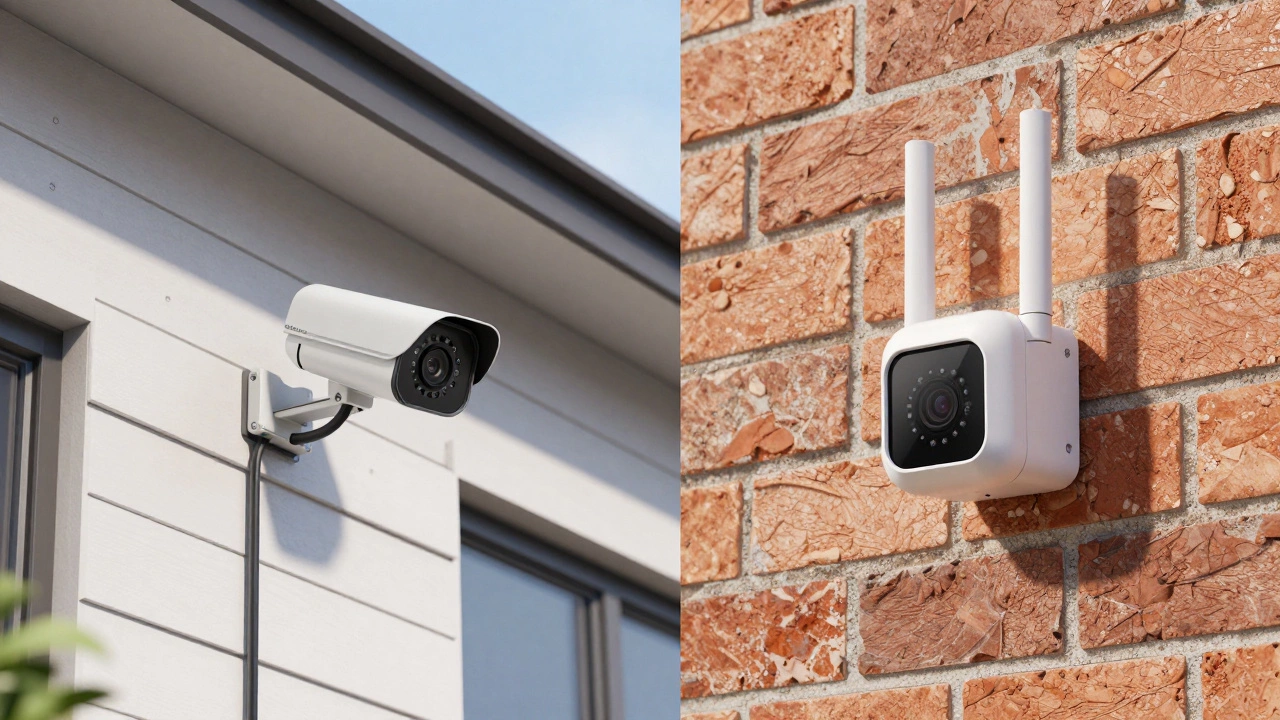
Wired (PoE/Ethernet): If you buy a Reolink or Lorex PoE system, you are committing to running cables. This requires drilling into walls or burying conduit. However, the payoff is immense. You get continuous power (no charging batteries every month) and a dedicated data line that doesn't compete with your Netflix stream for Wi-Fi bandwidth. This results in higher bitrates and sharper images. As noted by reviewers, PoE systems are the choice for "critical perimeter monitoring."
Wireless (Wi-Fi/Battery): Brands like Arlo, Ring, and Blink shine here. You stick them up with screws or adhesive and connect via the app. It’s DIY-friendly and flexible. But remember: Wi-Fi signals degrade through brick walls, and batteries die. You must ensure your router has strong coverage at the camera location. For most users, the convenience outweighs the slight drop in reliability compared to PoE.
Storage: Own Your Footage or Rent It?
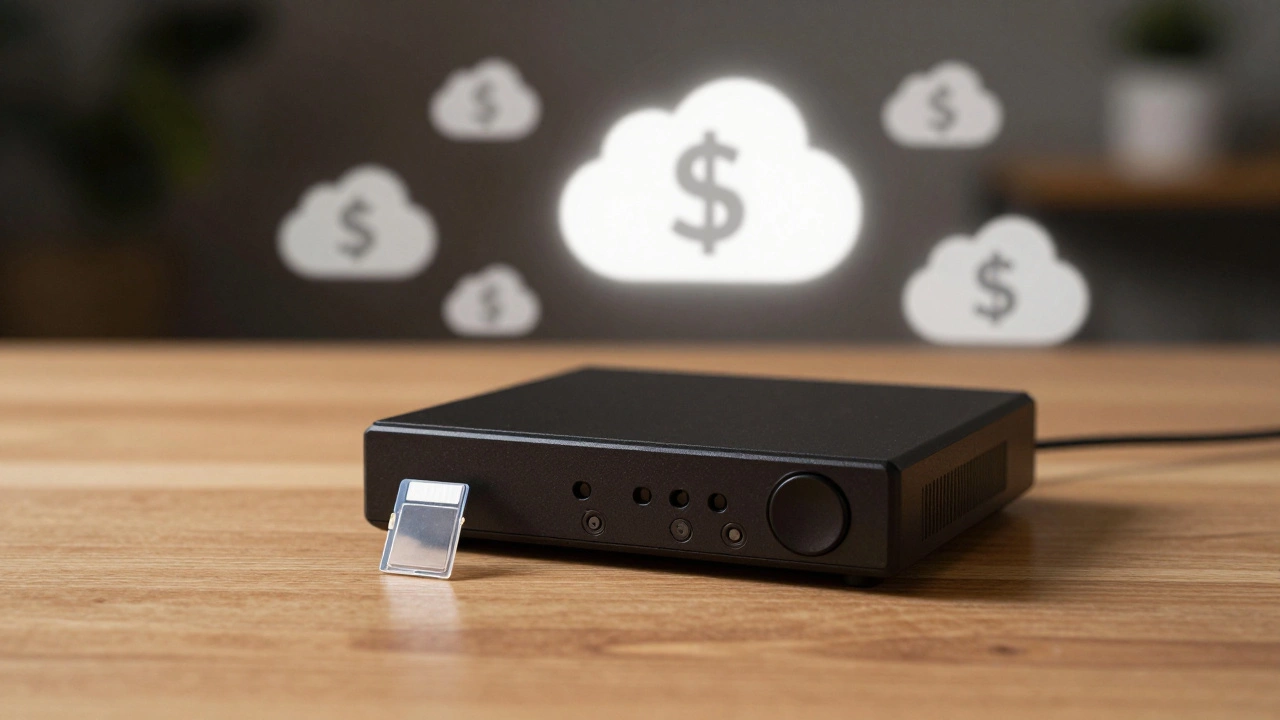
In 2026, the war over subscriptions is heating up. Cloud Storage (Ring, Nest, Arlo): You pay $3-$10 per month per camera (or a bundle fee). Pros: Footage is safe if the camera is stolen. Cons: You never stop paying. If you cancel, you lose your history. Local Storage (Reolink, Eufy, Wyze, Blink): You record to an NVR (Network Video Recorder) or a microSD card. Pros: One-time cost. No monthly fees. Faster playback since data is local. Cons: If someone steals the camera and the SD card, you lose the footage. However, many modern systems send clips to the cloud temporarily even before saving locally, mitigating this risk.
Consumer Reports explicitly recommends looking at Eufy, Blink, and TP-Link Tapo if avoiding subscriptions is a priority. These brands prove you don't need a monthly fee to get good quality.
How to Choose: A Quick Decision Guide
- Do you need to identify faces/license plates from 20+ feet away? Yes → Go with a 4K PoE system from Reolink or Lorex.
- Are you renting or hate drilling holes? Yes → Go with a battery-powered wireless cam from Arlo or Eufy SoloCam.
- Do you already use Google Home extensively? Yes → Google Nest will integrate seamlessly.
- Is budget your main concern? Yes → Wyze or Blink offer incredible value.
- Do you want professional monitoring included? Yes → Look at SimpliSafe or ADT bundles, where the camera is part of a larger alarm system.
Frequently Asked Questions
What is the best resolution for a home security camera in 2026?
While 1080p is still common, 2K (1440p) is becoming the new standard for quality, and 4K (2160p) is recommended if you need to identify fine details like license plates or facial features from a distance. 4K provides four times the pixels of 1080p, allowing for significant digital zoom without losing clarity.
Do I need a subscription for my security camera?
Not necessarily. Brands like Reolink, Eufy, Wyze, and Blink allow you to store footage locally on microSD cards or NVRs without a monthly fee. However, brands like Ring, Arlo, and Nest typically require subscriptions for extended cloud storage and advanced AI features like person detection.
Which security camera has the best night vision?
Look for cameras with Color Night Vision or Starlight sensors. In 2026, Reolink's 4K PoE cameras and Eufy's S4 series are highly rated for maintaining color accuracy in low light. Traditional IR night vision produces black-and-white images, which may lack crucial detail.
Is PoE better than Wi-Fi for security cameras?
Yes, for reliability and video quality. PoE (Power over Ethernet) provides a dedicated power source and a stable data connection, eliminating issues with Wi-Fi interference and battery charging. However, Wi-Fi cameras are easier to install and more flexible for renters or locations where running cables is difficult.
Can I use my security camera without an internet connection?
Most modern smart cameras require internet for remote viewing and alerts. However, systems with local NVRs (like Reolink or Lorex) can continue recording to the hard drive even if the internet goes down. You can often view recent footage locally via a monitor connected to the NVR, but you won't receive mobile notifications until the connection is restored.