
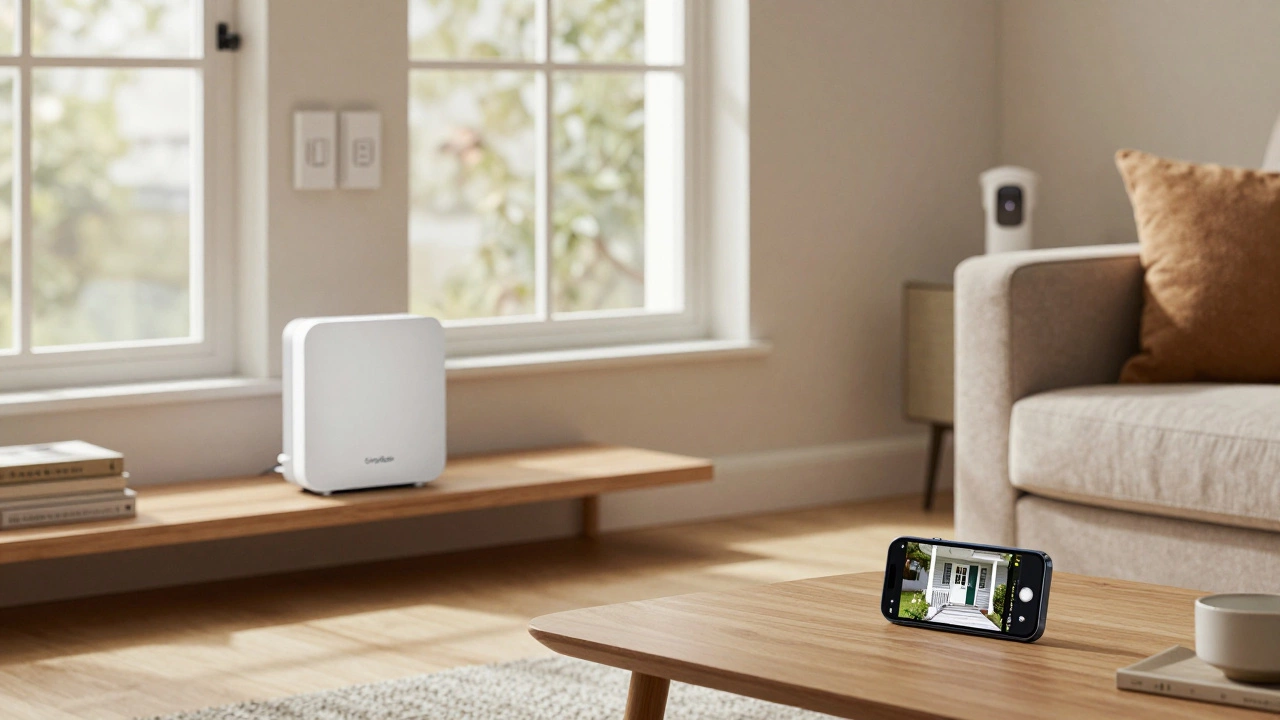
Security System Cost Calculator
Compare no-subscription systems to traditional monthly fee systems
Based on industry examples from article
Enter your system details and click "Calculate Savings" to see your potential savings
Let’s cut to the chase: you don’t need to pay a monthly fee to have a real, working home security system. For years, companies pushed the idea that you had to shell out $20-$40 every month just to keep your house safe. But that’s changing. Today, you can buy the equipment outright, set it up yourself, and monitor everything through your phone-with zero recurring charges. No contracts. No lock-ins. No surprises.
So what systems actually work without a monthly fee? And more importantly, do they still protect your home? The answer is yes. After testing over 60 systems, experts at Security.org and SafeHome.org have confirmed that five major brands deliver full security functionality without forcing you into a subscription. You just need to know which ones and how they work.
SimpliSafe: The Clear Leader in No-Fee Security
If you’re looking for one system that nails the no-monthly-fee model, it’s SimpliSafe. It’s not just popular-it’s the most tested, most reliable, and most flexible option on the market. You start with a basic kit for $250, which includes a base station, door and window sensors, a motion detector, and a loud siren. No installation fees. No contracts. And self-monitoring? Completely free.
Here’s how it works: when a door opens or motion is detected, your phone gets a push alert instantly. You can view live camera feeds right from the app-no subscription needed. The system doesn’t require video recording to function. That’s important. Many people think you need cloud storage to make security work. You don’t. You just need to check the feed when you get an alert.
Of course, if you want video recording, SimpliSafe offers Cloud Storage for $9.99/month. But that’s optional. You can skip it entirely. And if you ever want professional monitoring-say, during a vacation-you can upgrade to their $32.99 Core plan. No long-term commitment. Cancel anytime. That kind of flexibility is rare.
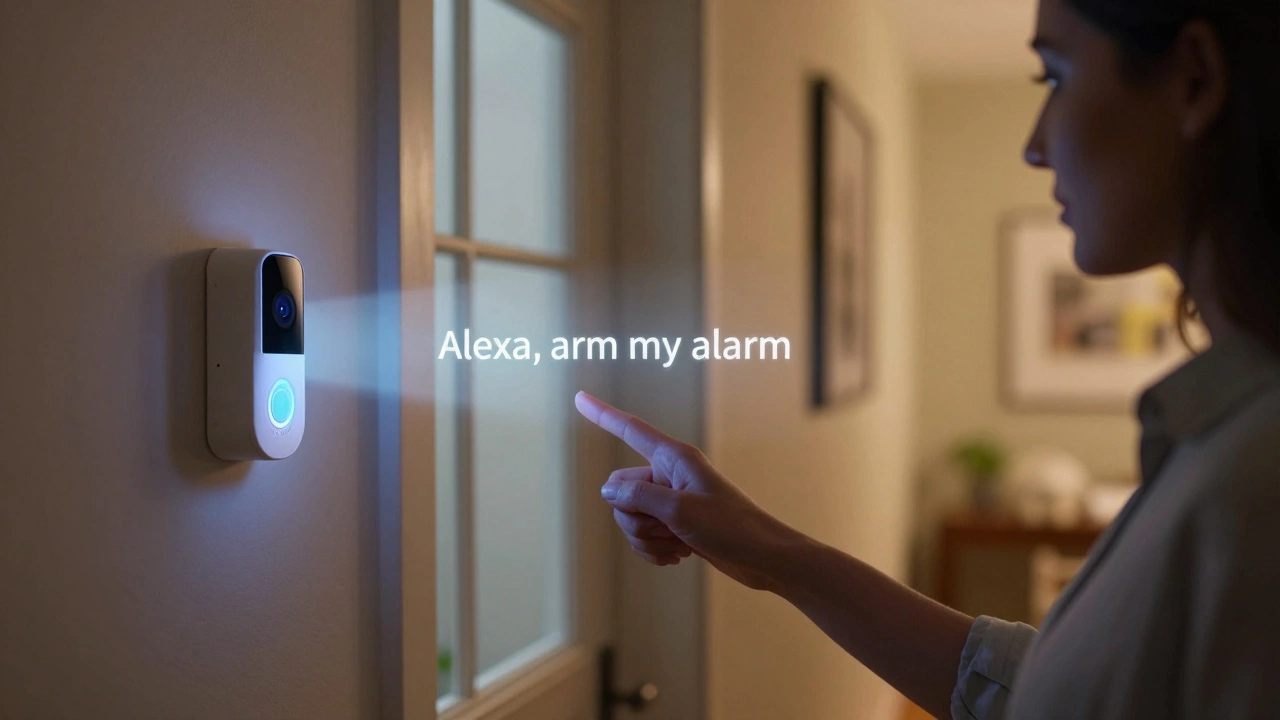
SimpliSafe also works great with Alexa. You can say, “Alexa, arm my alarm,” and it happens. No app opening. No fumbling. Just voice control. It’s simple, reliable, and built for real people-not tech gurus.
ADT Self Setup: Big Brand, No Subscription
ADT used to be the company you had to sign a three-year contract with. Now, they offer ADT Self Setup-a DIY version that doesn’t charge you a cent to arm, disarm, or view live video. You can use Google Nest cameras and doorbells with the ADT+ app, and everything works without a monthly fee.
The catch? No cloud storage. If you get an alert, you have to check the live feed right then and there. If you look away, you miss it. That’s a downside if you’re not always near your phone. But if you’re home a lot or just want to know when someone’s at the door, this works fine.
Professional monitoring is still available if you want it. But again, it’s not forced. You can stick with self-monitoring forever. And since there’s no contract, you can switch plans whenever you want. That’s a big win over traditional ADT.
Abode: Best for Smart Home Users
If you already have smart lights, thermostats, or voice assistants, Abode is the system that plays nice with them. Like SimpliSafe, you buy the equipment upfront-starter kits start around $200-and then monitor everything yourself for free.
Abode’s free tier gives you app alerts and live camera streaming. No hidden costs. But here’s where it stands out: if you upgrade to their $7.99/month Standard plan, you get event recording. That means the system saves clips automatically when motion happens. You don’t have to be watching the screen to catch it. And it covers unlimited cameras.
Compare that to SimpliSafe’s $9.99 plan, which only covers one camera. Or Ring’s $19.99 plan, which bundles recording with monitoring. Abode gives you more for less. Their Pro plan at $25.99 adds 24/7 professional monitoring, cellular backup, and smart home automation-all with no contract. You can turn it on for a week while you’re away, then turn it off. No penalty.
Ring Alarm: Build It Piece by Piece
Ring doesn’t sell you a full system. It sells you pieces. A door sensor for $25. A motion detector for $40. A video doorbell for $120. You pick what you need. And you don’t have to buy it all at once.
The Alarm Security Kit starts at $199.99 for sensors only. The Protected Starter Kit with a video doorbell is $279.99. Either way, self-monitoring is free. You get alerts. You get live feeds. You get full control.
Ring’s AI Pro plan costs $19.99/month and includes cloud storage and professional monitoring. But here’s the twist: you don’t need it. You can use Ring’s cameras and sensors indefinitely without paying a cent. That’s huge. Most competitors make you pay just to see live video. Ring doesn’t. You can watch your front porch anytime, for free.
It’s perfect if you’re on a tight budget or want to upgrade slowly. Buy one camera this month. Add a sensor next. No pressure. No fees. Just security when you need it.
Arlo: Camera-First Security
Arlo built its name on outdoor security cameras. But now they offer full DIY alarm systems that work without monthly fees. Their starter package starts at $199.99 and includes a base station, door/window sensors, and one outdoor camera with AI detection.
Self-monitoring? Free. Live streaming? Free. App alerts? Free. You don’t pay anything to arm the system or check your cameras. That’s rare. Most camera brands lock video access behind a paywall. Arlo doesn’t.
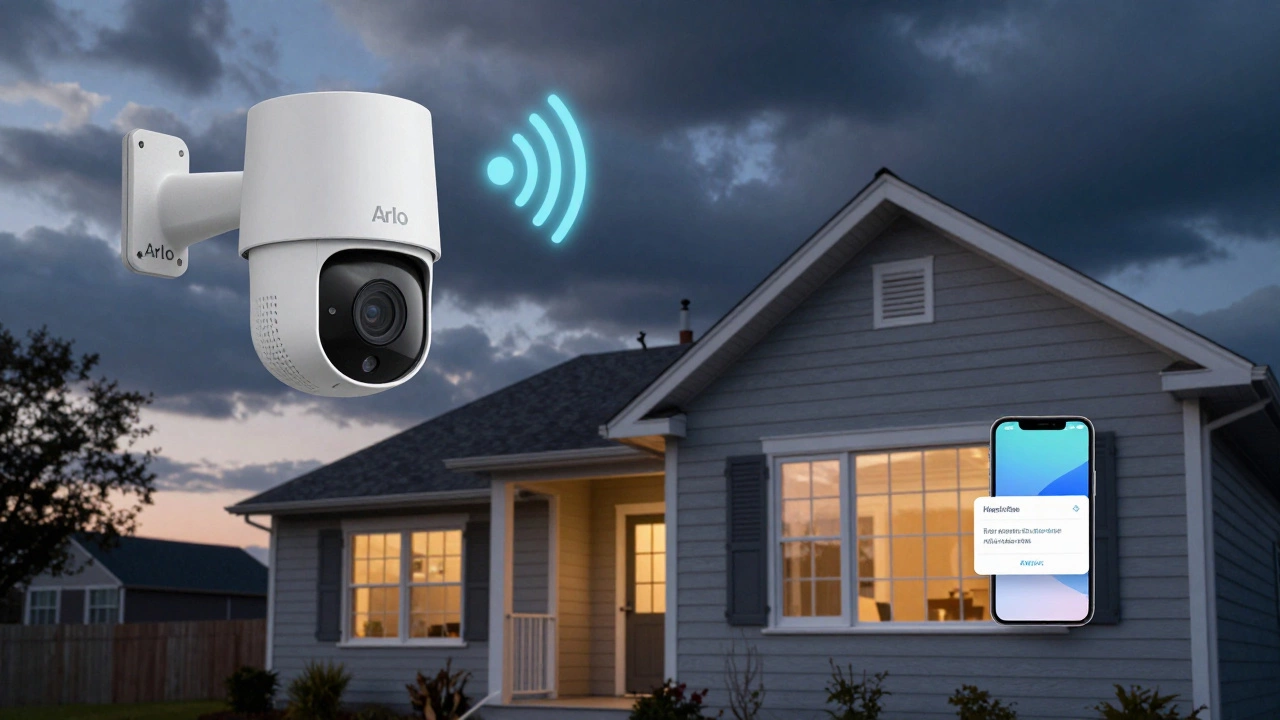
If you want recording, you can get it for $11.99/month for unlimited cameras. But again, it’s optional. You can live without it. Arlo’s cameras also have cellular backup, so if your Wi-Fi goes down, they still send alerts over the cellular network. That’s a big plus for rural homes or areas with spotty internet.
Cost Comparison: How Much You Really Save
Let’s talk numbers. A traditional system like ADT with professional monitoring costs about $269 upfront plus $24.99/month. That’s $568.88 in year one.
Now, SimpliSafe: $250 upfront, $0 monthly. Total for the year? $250. That’s $318.88 saved in the first year alone. Over three years? You’re looking at $920+ in savings.
Even if you add cloud storage ($9.99/month) and professional monitoring ($32.99/month) to SimpliSafe, you’re still paying $480/year. ADT would cost $599.88 for the same period. You’re still saving hundreds.
Abode’s $7.99 cloud plan is cheaper than SimpliSafe’s. Ring’s $19.99 AI Pro plan is more expensive but gives you more features. The point? You have choices. And none of them force you to pay monthly just to have a working alarm.
What You Lose Without a Subscription
Some people worry: if I don’t pay monthly, will I still be protected? The answer is yes-but you need to understand the trade-offs.
Without professional monitoring, no one calls the police for you. If your alarm goes off and you’re not home, you have to call 911 yourself. That’s why some people keep the paid monitoring option as a backup.
Without cloud storage, you can’t review past events. You only see what happens in real time. If you miss the alert, you miss the moment. That’s why Abode’s $7.99 plan is so smart-it adds recording without locking you into a long-term deal.
And without cellular backup, your system goes offline if your Wi-Fi fails. Abode’s Pro plan includes this. SimpliSafe’s Core plan does too. If you live in an area with frequent outages, this matters.
But here’s the truth: most break-ins happen when people are home. You hear the alarm. You see the alert. You check your phone. You scare them off. That’s all you need.
Final Verdict: Which One Should You Choose?
Here’s the quick guide:
- Best overall: SimpliSafe - Reliable, simple, no hidden fees, great app, Alexa-friendly.
- Best for smart homes: Abode - Best automation, cheapest recording, no contract.
- Best for flexibility: Ring - Buy one piece at a time. No pressure. No fees.
- Best for cameras: Arlo - Strong outdoor detection, cellular backup, free live view.
- Best for ADT fans: ADT Self Setup - Same brand, no contract, no monthly fee.
You don’t need to spend $1,000. You don’t need a contract. You don’t need to pay every month. The market has changed. The tools are here. You just have to pick one and set it up.
Can I really use a security system with no monthly fee?
Yes. Systems like SimpliSafe, Abode, Ring, ADT Self Setup, and Arlo all let you use full self-monitoring for free after you buy the equipment. You get alerts, live video, and remote control without paying anything recurring. Professional monitoring and cloud storage are optional upgrades.
Do these systems work without Wi-Fi?
Most need Wi-Fi to send alerts and stream video. But Abode and Arlo offer cellular backup on their paid plans, so if your internet goes down, the system still sends alerts. Without cellular backup, you’ll lose connectivity during outages.
What’s the difference between self-monitoring and professional monitoring?
Self-monitoring means you get alerts on your phone and handle everything yourself-calling police, checking cameras, etc. Professional monitoring means a third-party center watches your system 24/7 and contacts emergency services for you if needed. You pay extra for it, but it removes the burden from you.
Do I need video recording to have good security?
No. You can have great security without recording. If you get an alert and check the live feed right away, you can see what’s happening and scare off intruders. Recording is useful for reviewing events later, but it’s not required for protection.
Are these systems as secure as traditional ones?
Yes. Systems like SimpliSafe and Abode use the same sensors, sirens, and encryption as traditional systems. The difference is in how you pay. Traditional systems force you into long-term contracts and monthly fees. These systems give you control, flexibility, and real protection without the lock-in.
Can I add cameras later without paying more?
Absolutely. Ring and Arlo let you buy individual cameras and sensors anytime. SimpliSafe and Abode also allow you to expand your system. You only pay for the hardware. No extra monthly fee just because you added a camera.
What if I move? Can I take my system with me?
Yes. Since you own the equipment, you can unplug it and reinstall it at your new home. Traditional systems often require you to pay fees to move or leave equipment behind. These DIY systems are designed to move with you.
Next Steps: How to Get Started
Here’s what to do next:
- Decide what you need: just door/window sensors? A video doorbell? Outdoor cameras?
- Check current deals-SimpliSafe and Ring often have 50-70% off sales.
- Buy the starter kit. No subscription required.
- Set it up in under 30 minutes using the app.
- Test it. Open a door. Walk in front of the motion sensor. See if your phone pings.
- Decide later if you want recording or monitoring. You’re not locked in.
You don’t need to pay for security every month. You just need to buy once-and then take control.