
Baby Monitor Alternative Finder
Your Situation
Select Your Options
Configure your settings to find the most practical, cost-effective, and secure way to monitor your baby without buying a dedicated device.
You’ve likely seen the sleek video monitors with night vision and two-way audio. They promise peace of mind, but they also come with a hefty price tag, monthly subscription fees, and a growing list of privacy concerns. If you’re wondering whether you actually need one of these dedicated devices, you are not alone. Many parents are finding that their existing tech-or simply changing their home layout-can do the job just as well, often at zero extra cost.
The truth is, a baby monitor is a device that transmits audio and often video from the baby’s room to a parent unit, sometimes via WiFi and sometimes via dedicated radio protocols like FHSS or DECT is a tool, not a necessity. In fact, for many families, especially those in smaller homes or those who share a bedroom with their infant, a monitor is redundant. Let’s look at five practical, effective ways to keep an eye (or ear) on your little one without buying a specialized gadget.
1. The Zero-Cost Option: Room Sharing and Proximity
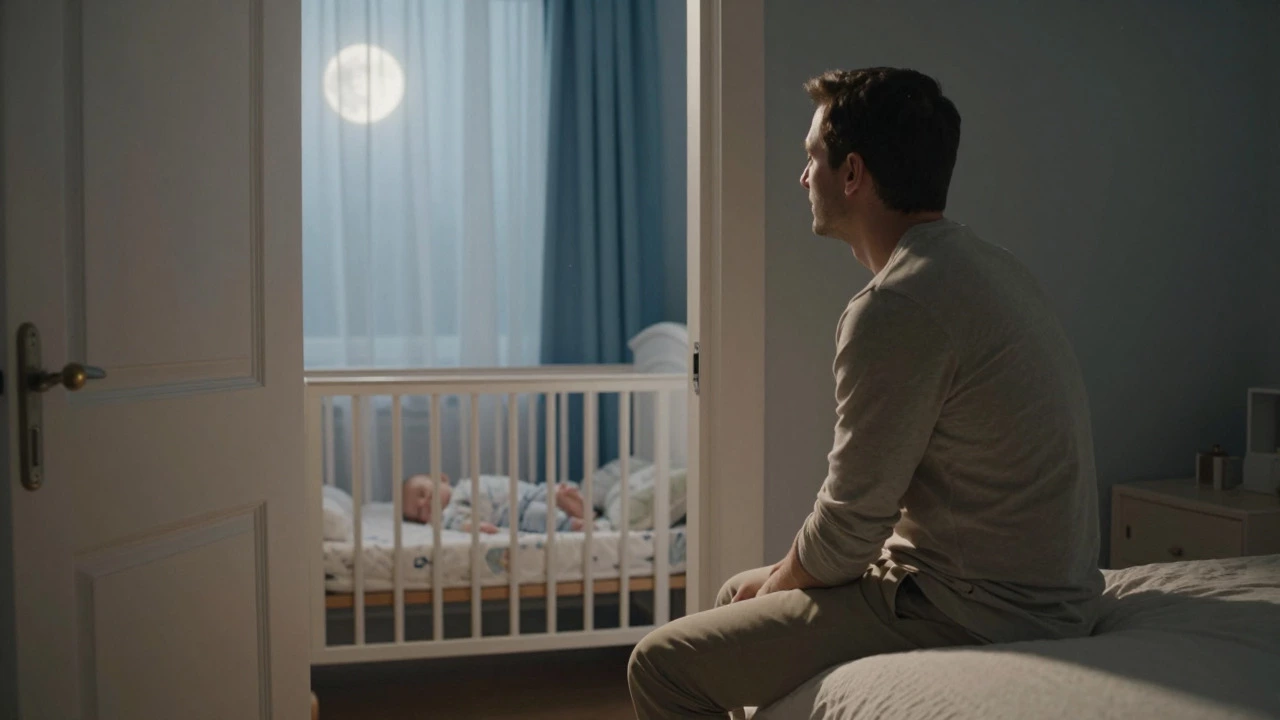
Before you spend a dime on technology, consider your physical setup. For the first six months of life, safe sleep guidelines from organizations like CHOICE recommend that infants sleep in the same room as their parents. During this period, you don’t need a monitor because you are already there. You can hear every whimper and see any movement without electronic aid.
Even after moving the baby to their own room, proximity can replace hardware. If you live in a small apartment or a house where sound carries easily through thin walls, you might be able to hear your baby crying from the adjacent living room or bedroom. Sleep consultants note that in homes under 70 square meters, acoustic proximity often covers nearly 100% of practical safety needs. Simply keeping the nursery door open or positioning the crib near a shared wall can eliminate the need for a device entirely. This approach costs nothing and eliminates any risk of digital hacking or technical failure.
2. Repurpose Your Old Smartphone or Tablet
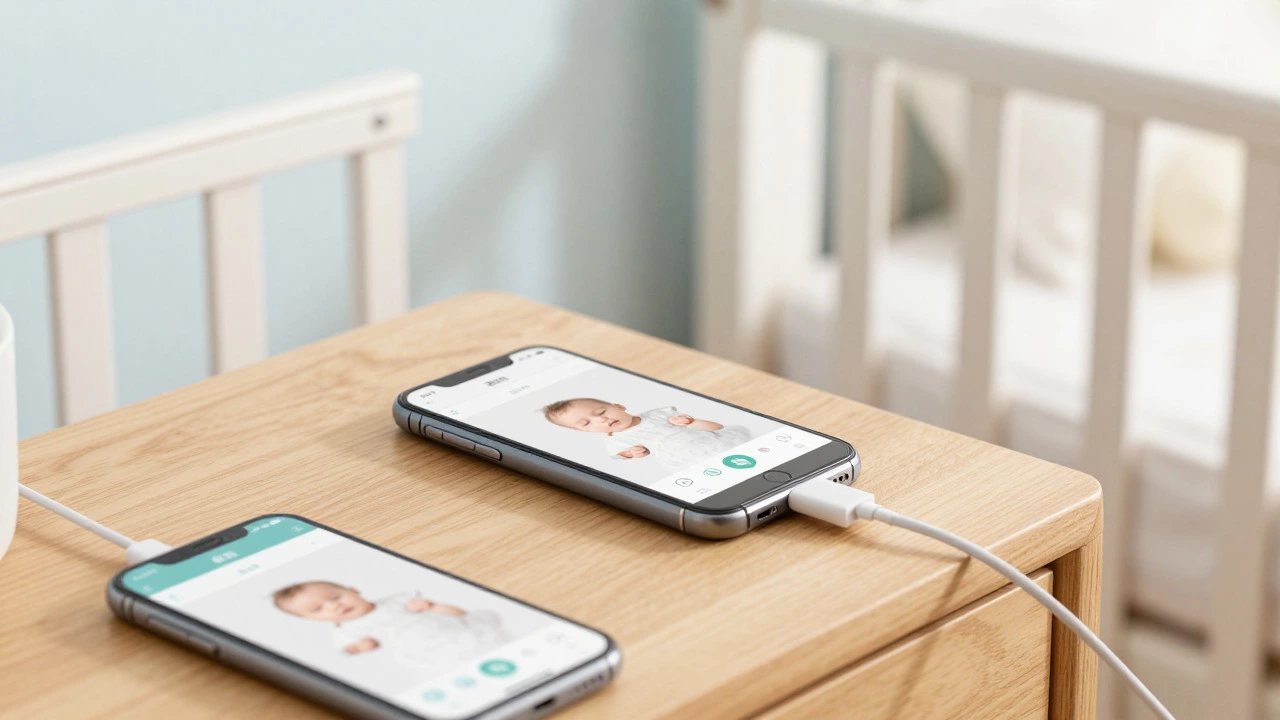
Do you have an old iPhone or Android phone gathering dust in a drawer? That device has a high-quality camera, a microphone, and a screen-all the components needed for a video monitor. By using specific apps, you can turn one phone into the "camera" placed by the crib and use your current phone as the "parent unit."
Apps like BabyGuard Mobile Nanny Cam is an app that replaces electronic baby monitors by pairing any two iOS devices, one in the baby’s room and one with the caregiver, with notifications whenever the baby cries and with all communication handled locally and offline allow for local, offline streaming, which means no monthly fees and better privacy since the data doesn't leave your home network. On Android, apps like Baby Monitor Nani and Bibino offer similar functionality with high user ratings. The key advantage here is cost: you are repurposing hardware you already own. Just ensure the "camera" phone is plugged into power, as continuous video streaming drains batteries quickly.
| Feature | Smartphone App Solution | Dedicated Baby Monitor |
|---|---|---|
| Upfront Cost | $0 (if you have old phones) | $50 - $300+ |
| Monthly Fees | Usually None | Possible for cloud storage/AI features |
| Setup Complexity | Medium (App install, WiFi config) | Low (Plug and play) |
| Privacy Risk | Low (if local-only app used) | Variable (WiFi models carry higher risk) |
| Battery Life | Requires constant charging | Long-lasting parent unit battery |
3. Use a General-Purpose Security Camera
If you already have a smart home ecosystem, you might own indoor security cameras like a Wyze Cam or a Reolink model. These devices are designed to watch over your property, but they work perfectly well for watching a nursery. A standard indoor security camera often offers higher resolution (up to 4K), wider field of view, and motion detection zones that can be customized to ignore ceiling fans or curtains.
However, there are trade-offs. Consumer advocates point out that security cameras lack infant-specific features. They usually don’t have built-in temperature sensors, lullaby players, or sound-sensitive lights that glow when the baby cries. Additionally, some security cameras use bright infrared LEDs for night vision that might disturb a light sleeper. If you choose this route, look for a camera with "privacy mode" or adjustable IR intensity. The benefit is versatility: once your child grows out of the monitoring phase, the camera remains useful for pet watching or general home security, extending its lifespan beyond the typical 1-2 years of baby monitor usage.
4. Low-Tech Audio: Walkie-Talkies
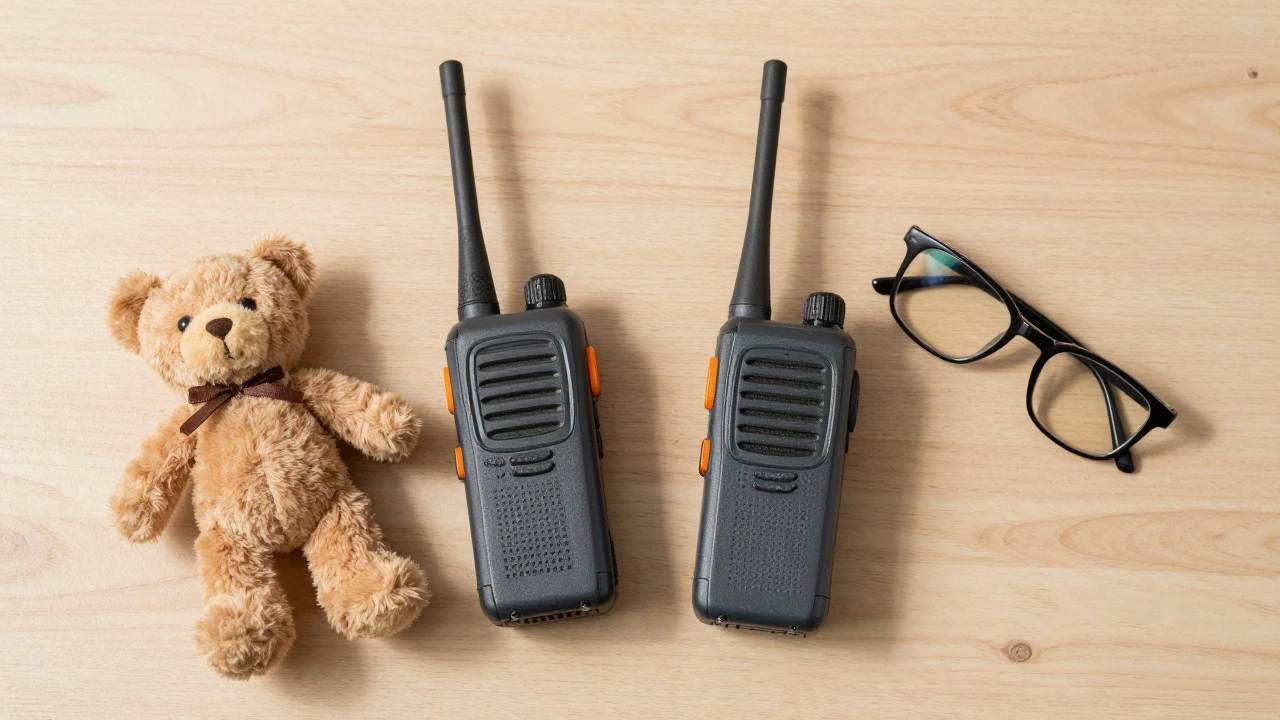
Sometimes, less is more. Video monitors can create anxiety, making you feel compelled to check the feed constantly. An audio-only solution can provide the necessary alert system without the visual obsession. Simple walkie-talkies or two-way radios are a surprisingly effective alternative. Place one unit near the crib and keep the other with you.
This method relies on private radio frequencies, meaning it works without internet, Wi-Fi, or cellular service. There are no passwords to hack, no firmware updates to manage, and no cloud servers storing your data. It is purely analog. While it lacks video, it excels at the primary function of a monitor: alerting you to sound. For parents who are deep sleepers, this might require additional sensitivity settings, but for most, the clear audio transmission over several hundred meters in a residential setting is sufficient and incredibly reliable.
5. Smart Speakers as Listening Posts
If you have smart speakers like Amazon Echo or Google Nest devices installed around your home, they can double as informal audio monitors. Many of these devices feature "drop-in" or intercom functions that allow you to listen in on a room remotely via your smartphone app.
While not designed specifically for babies, the always-on microphones in these devices pick up sound clearly. You can set up a routine so that if you hear a cry, you can instantly connect to the speaker in the nursery to soothe the baby with your voice. The downside is that these devices are cloud-connected, so they inherit the same privacy considerations as Wi-Fi baby monitors. Ensure your accounts are secured with strong, unique passwords and two-factor authentication. This option is best for parents who already rely heavily on smart home automation and want to avoid adding another device to the nursery clutter.
Privacy and Security: Why Alternatives Matter
A major driver for seeking alternatives is data privacy. Recent investigations have shown that many Wi-Fi connected baby monitors are vulnerable to hacking due to weak default passwords or unpatched firmware. Reports from 2014 to 2026 highlight incidents where strangers accessed feeds through generic platforms. By choosing offline alternatives like room sharing, walkie-talkies, or local-only smartphone apps, you remove the attack surface entirely. No internet connection means no remote hacker can tune in. For privacy-conscious parents, this is often the deciding factor.
How to Choose the Right Alternative for You
Your choice should depend on your home layout, budget, and comfort level with technology.
- Small Home / Studio: Stick with room sharing or simple proximity. You likely don’t need any device.
- Tech-Savvy / Budget-Conscious: Use old smartphones with local-streaming apps. It’s free and secure.
- Smart Home User: Repurpose an existing indoor security camera or smart speaker. Check for IR brightness issues first.
- Privacy-Focused / Analog Preference: Go with walkie-talkies. It’s simple, reliable, and hack-proof.
Remember, no device prevents accidents or SIDS; they only help you respond faster. Safe sleep practices-placing the baby on their back, using a firm mattress, and keeping the crib clear of soft objects-are far more critical than any monitor. Choose the tool that helps you stay attentive without causing unnecessary stress.
Is it safe to use a security camera instead of a baby monitor?
Yes, it is generally safe, but you must configure it correctly. Ensure the camera has good night vision that isn't too bright, adjust the motion detection zones to focus on the crib, and secure the account with a strong password. Note that security cameras lack baby-specific features like temperature alerts or lullabies.
Can I use my old iPhone as a baby monitor?
Absolutely. Apps like BabyGuard or Alfred allow you to use an older iOS device as the camera unit and your current phone as the viewer. Make sure the old phone is plugged into power and connected to your home Wi-Fi. Using local-only streaming options enhances privacy.
Do I really need a baby monitor if I share a room?
No. If you are sleeping in the same room as your baby for the first six months, you can hear them directly. Most experts agree that monitors are optional in this scenario and become more relevant only when the baby moves to a separate room or if you are a very deep sleeper.
Are walkie-talkies a good baby monitor alternative?
They are an excellent low-tech option. Walkie-talkies provide clear audio without needing Wi-Fi or internet, eliminating hacking risks. They are ideal for parents who prefer audio-only monitoring and want a simple, reliable setup with no monthly fees.
Which is more private: a Wi-Fi baby monitor or a smartphone app?
A smartphone app configured for local-only streaming is generally more private than a standard Wi-Fi baby monitor. Many dedicated monitors send data to cloud servers, while local apps keep the video stream within your home network. However, both require secure passwords to prevent unauthorized access.