
Home Security Camera Selector
Find Your Perfect Security Camera
Step 1: Budget & Location
Step 2: Smart Home Ecosystem
Step 3: Most Important Features
Your Recommendation
Choosing the right security camera for your home isn’t about buying the most expensive one. It’s about matching the camera to your real needs: budget, location (indoor or outdoor), smart home setup, and how much peace of mind you actually want. In 2026, the market is packed with options-from $30 cameras that do the basics well, to systems that call the cops for you. Here’s what actually works.
Best Overall: SimpliSafe
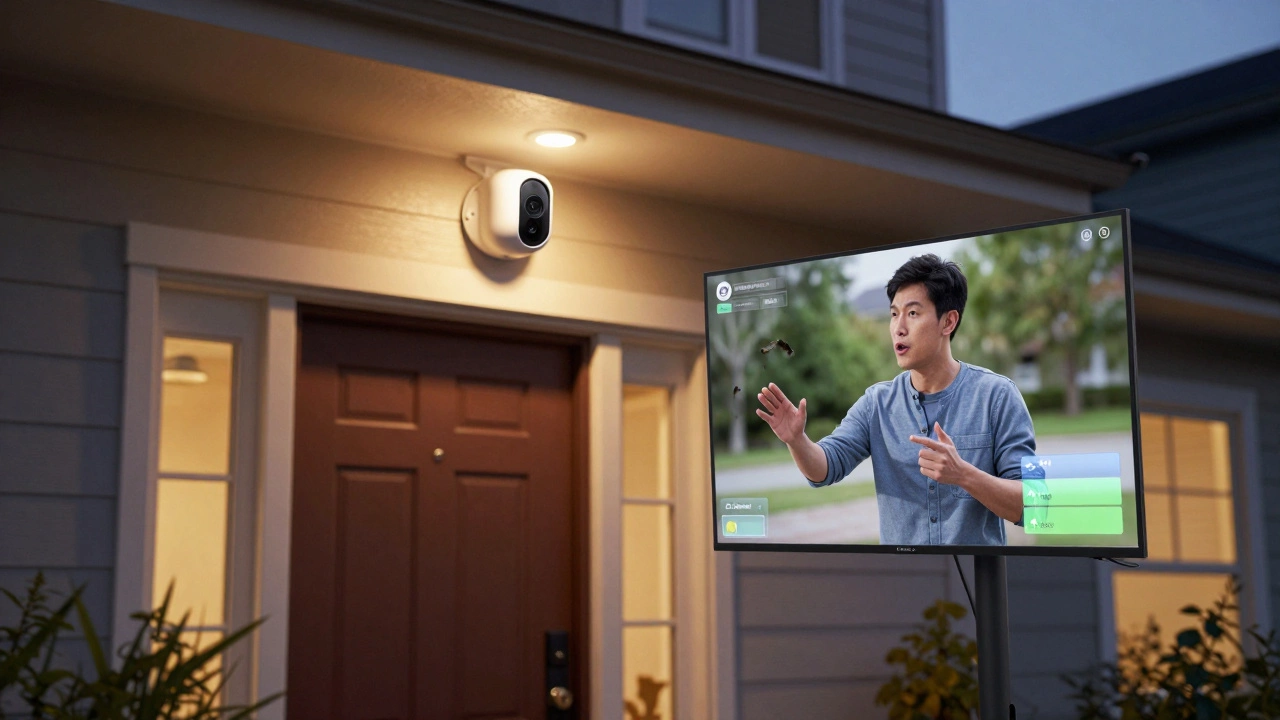
If you want a camera that does more than just record, SimpliSafe is the standout. It starts at $149.99, which is higher than most, but you’re paying for something rare: live intruder intervention. When a sensor triggers, a real person monitors your camera feed and talks directly to anyone near your door through the speaker. "You’re on camera. Leave now." That kind of thing. It doesn’t just record crime-it stops it before it happens. Plus, it uses smart zones to ignore pets, moving trees, or passing cars, so you don’t get 20 false alerts a day. If you want active protection, not just footage, this is it.
Best for DIY Installation: Ring
Ring is the go-to for people who hate calling tech support. Starting at $49.99, it’s simple to set up in under 10 minutes. No wiring. No electrician. Just screw it in, connect to Wi-Fi, and you’re done. The Ring Floodlight Cam PRO and Video Doorbell PRO (now one of the first 4K doorbells on the market) offer sharp video, built-in floodlights, and siren alerts. It works best if you already use Alexa or have a Ring doorbell. If you’re starting from scratch and want something plug-and-play, Ring’s reliability and app interface make it hard to beat.
Best Budget Camera: Wyze Cam v3 Pro
At $29.98, the Wyze Cam v3 Pro outperforms cameras that cost $100 more. It’s weatherproof, has color night vision, a built-in spotlight, siren, and records 24/7 to a microSD card-no subscription needed. Consumer Reports rated it higher than models twice its price. It detects people, pets, and vehicles, and sends alerts only when they show up. If you’re on a tight budget but still want smart features, this is the camera that gives you the most for your money. No monthly fees. No surprises.
Best Outdoor Camera: Lorex 4K Spotlight Outdoor Camera
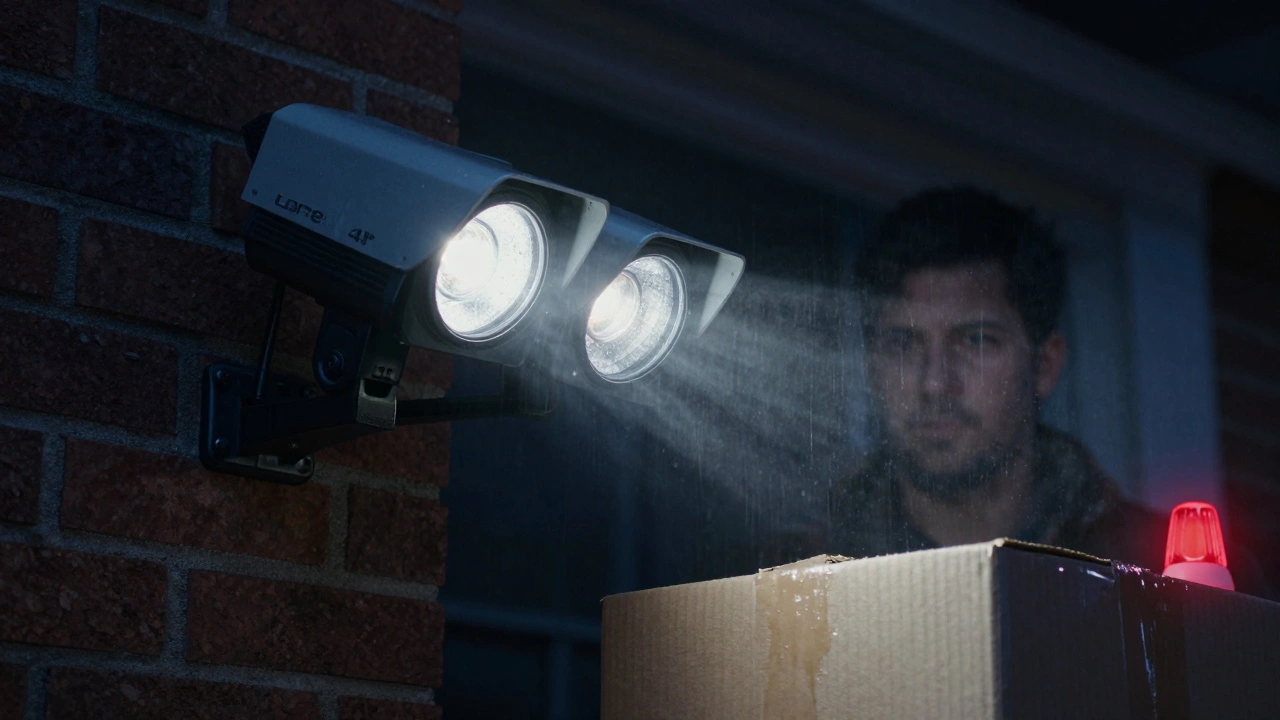
Outdoor cameras need to handle rain, heat, and dark nights. The Lorex 4K model does all that with ease. It records in 4K resolution, has two bright spotlights, and color night vision that shows details even in total darkness. It comes with a 32GB microSD card so you don’t need cloud storage. It recognizes people, animals, vehicles, and even packages left on your porch. The built-in siren and prerecorded voice messages (like "Police are on the way") are strong deterrents. If you’re putting a camera outside, this one doesn’t cut corners.
Best for Smart Home Integration: Nest
If your whole house runs on Google Home, Nest is the natural fit. Starting at $99.99, Nest cameras integrate seamlessly with Google Assistant, Android phones, and even Google’s AI-powered features like facial recognition (if you enable it). The video quality is excellent, and the motion detection learns your routine over time. It doesn’t have a siren or spotlight built in, but it works beautifully with other Google smart devices. If you’re deep into Google’s ecosystem, Nest makes everything feel connected.
Best Video Quality: Arlo Pro 6
Arlo Pro 6 delivers 2K resolution with a 160-degree field of view-wider than most. It’s not the cheapest at $124.99, but the image clarity is exceptional, especially in low light. Dual-band Wi-Fi keeps the stream stable, and the battery lasts months. It’s perfect if you need to see details clearly: license plates, faces, or what someone’s wearing. The Arlo Essential 2K model is also a top performer in Consumer Reports tests, with strong data security and fast response times. If video sharpness matters most, Arlo leads the pack.
Best Wired Option: TP-Link Tapo C325WB
Wired cameras are more reliable. No batteries to recharge. No Wi-Fi dropouts. The Tapo C325WB is a wired outdoor camera that scores high in video quality, response time, and data security. It has color night vision, two spotlights, a siren, and works with Alexa and Google Home. It supports activity zones and detects people, pets, and vehicles. The best part? It doesn’t require a subscription. All footage saves locally. If you want stability over convenience, this is the pick.
Best for Smart Features: ecobee SmartCamera
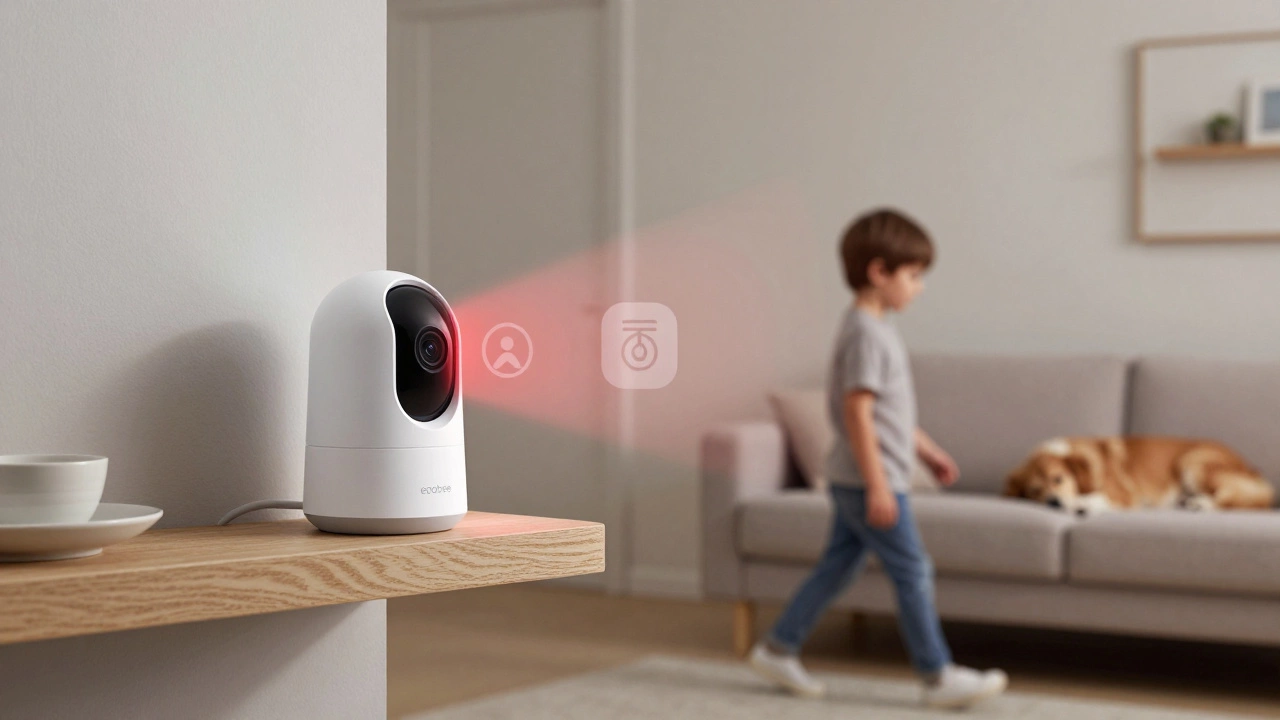
Most cameras just watch. The ecobee SmartCamera follows. It pans and tilts automatically to keep a person in frame, even if they walk across the room. With a 180-degree view, infrared night vision, and integration with both Alexa and Siri, it’s ideal for monitoring kids, pets, or elderly family members. It doesn’t have a siren or floodlight, but its person-tracking AI is unmatched. If you want a camera that feels alive, not just mechanical, this one stands out.
What to Avoid
Don’t buy a camera that requires a monthly subscription just to see your own footage. Many brands lock basic features like motion alerts or cloud storage behind paywalls. Cameras like Wyze, Lorex, and Tapo let you save footage locally for free. Also, avoid cameras with poor data security. Look for end-to-end encryption and two-factor authentication. Brands like Arlo and TP-Link lead here. And skip cameras that can’t handle your Wi-Fi. If your home has weak signals, go wired or use a mesh network.
Final Checklist Before You Buy
- Indoor or outdoor? Outdoor needs weatherproofing (IP65 or higher), spotlights, and siren.
- Budget? Under $50? Go Wyze. $100-$150? Arlo or Lorex. Want full service? SimpliSafe.
- Smart home? Google users: Nest. Alexa users: Ring or Tapo. Siri users: ecobee.
- Storage? Local (microSD) is free. Cloud storage costs $3-$10/month.
- Privacy? Choose cameras with local storage and encryption. Avoid ones that send data to China or Russia.
- Installation? If you hate drilling, go wireless. If you want reliability, go wired.
There’s no single "best" camera. But there’s a best one for you. Think about what scares you most. Is it someone breaking in? Then get SimpliSafe. Is it missing your kid’s first steps? Then get ecobee. Is it just wanting to see who’s at the door? Then Ring or Wyze will do the job. The right camera doesn’t need fancy bells-it needs to work when you need it.
Do I need a subscription for a home security camera?
No, you don’t. Many cameras like Wyze, Lorex, and TP-Link Tapo let you save footage to a microSD card for free. You only need a subscription if you want cloud storage, advanced AI features (like facial recognition), or professional monitoring. Stick with local storage if you want to avoid monthly fees.
Are wireless cameras reliable?
They’re good, but not perfect. Wireless cameras rely on Wi-Fi. If your signal is weak, you’ll get lag, dropped footage, or no alerts. For best reliability, place them near your router or use a Wi-Fi extender. Wired cameras are more stable, especially for outdoor use. If you’re okay with occasional glitches, wireless is fine for indoor spots.
Can security cameras work without internet?
Yes, but with limits. Cameras can record locally to an SD card without internet. But you won’t get remote alerts, live streaming, or app control. If you lose Wi-Fi, you’ll still have footage, but you won’t know about it until you check the camera manually. For true remote monitoring, internet is required.
What’s better: 1080p, 2K, or 4K?
For most homes, 2K (1440p) is the sweet spot. It’s sharp enough to read a license plate or recognize a face, and uses less storage than 4K. 4K is overkill unless you need extreme detail, like monitoring a driveway from far away. 1080p still works fine for indoor use, but 2K gives you room to zoom without losing clarity.
Do I need a spotlight and siren?
Yes, if you’re using the camera outdoors. A spotlight helps capture color footage at night. A siren scares off intruders before they get inside. These aren’t luxury features-they’re deterrents. Cameras without them just record crime. Cameras with them help prevent it.
How long do battery-powered cameras last?
Most last 3-6 months on a single charge, depending on usage. If motion is triggered often, or if you use live streaming, the battery drains faster. Arlo and eufy models are among the best for battery life. For continuous monitoring, wired cameras are more practical.
Can I use a security camera to monitor my pet?
Absolutely. Many cameras like ecobee, Arlo, and Wyze have pet detection modes that ignore pets and only alert for people. Two-way audio lets you talk to your pet, play sounds, or calm them down. It’s great for checking on pets when you’re away, especially if they’re anxious or destructive.
Are cheaper cameras less secure?
Not always. Wyze and TP-Link Tapo are affordable but use strong encryption and two-factor authentication. The risk isn’t price-it’s brand reputation. Avoid obscure brands with no history of security updates. Stick with companies that regularly push firmware updates and have clear privacy policies.