
Security Camera Matchmaker: Find Your Perfect Setup
Confused by the marketing labels? Use this tool to determine whether a Plugged-In WiFi, Battery-Powered, or Traditional Wired system is best for your specific situation.
Recommended System
Why This Fit?
Stop Stressing About the Labels
You might be shopping online for a new wireless security camera and get stuck on a confusing marketing war. One box says "Wireless," another says "WiFi." Your brain starts asking: Are these different things? Should I pay more for one over the other? Here is the hard truth you need to hear right now. In 2026, for all practical purposes, WiFi security cameras and wireless security cameras are the same thing.
The industry has settled into a standard where almost every wireless system relies on your home's WiFi network to send video data. However, there is a tiny but critical detail hiding underneath the marketing buzzwords that changes how your system works. We need to talk about power sources and connection stability instead of getting hung up on the name tags.
The Real Difference Is How They Get Power
When you look at product specifications, ignore the "Wireless" label on the front of the box. Look at the back of the unit or the charging instructions. This is where the actual distinction lies. Most systems sold as "wireless" still need a physical cable to keep running.
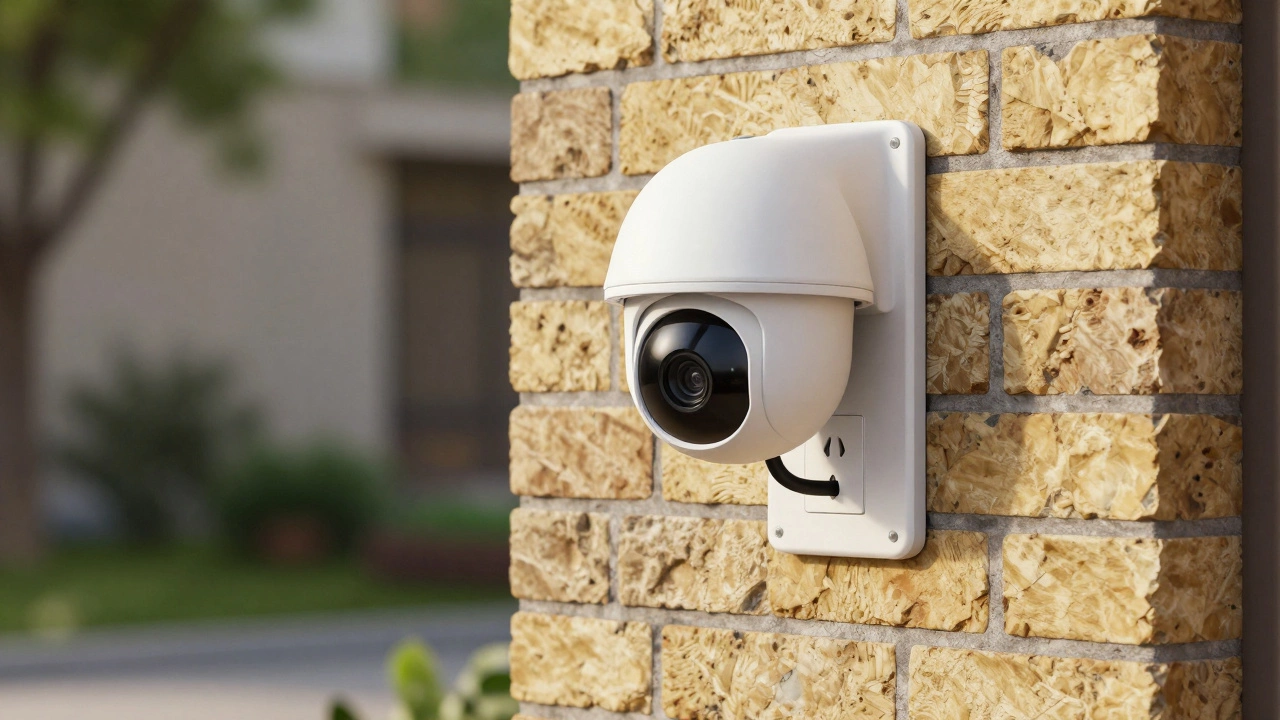
WiFi Security Camera typically refers to a device that sends video data over your wireless network but plugs into a wall outlet for electricity. Think of this as a hybrid. It moves freely without video cables connecting to a recorder, but it is anchored to your home's power grid. If the power cuts out, the camera stops recording unless you have a backup generator.
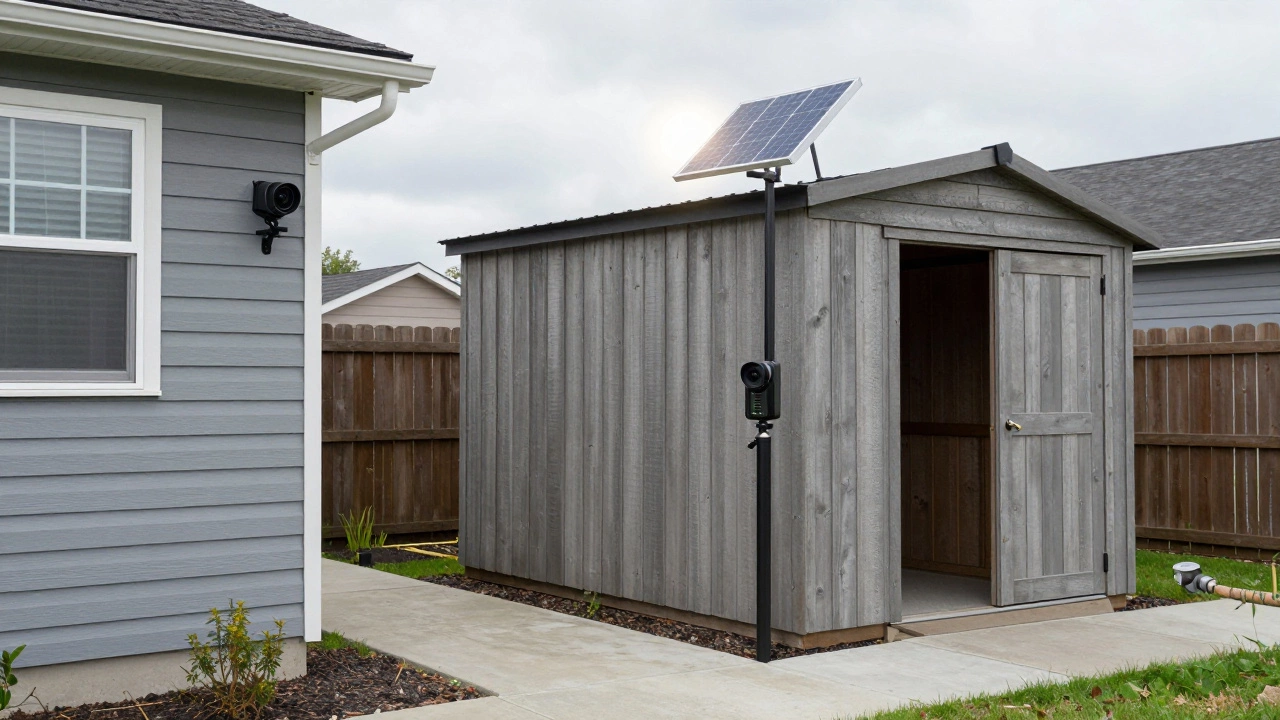
In contrast, truly wire-free cameras run on battery power. These units can go weeks or months on a single charge. They connect to WiFi for data but need no wall plug. This distinction matters for installation locations. If you want a camera on the corner of your shed where there is no electrical outlet, a battery model is your only option. For everything else near an outlet, plugged-in WiFi models usually offer better performance.
Understanding Signal Transmission Paths
We need to clear up another layer of confusion regarding how data travels. A "wired" security system traditionally uses coaxial cables running from the camera directly to a Digital Video Recorder (DVR). This creates a closed loop that is extremely secure and stable. Nothing can interfere with the signal because it travels through copper wire.
Data transmission in security systems
Connection Type
Stability
Installation Effort
Range
Wired (Coax/Ethernet)
Very High
High (cabling required)
Long (up to 500ft)
WiFi Wireless
Medium
Low (no cabling)
Short (signal dependent)
Battery Powered
Variable
Very Low
Short (limited by WiFi)
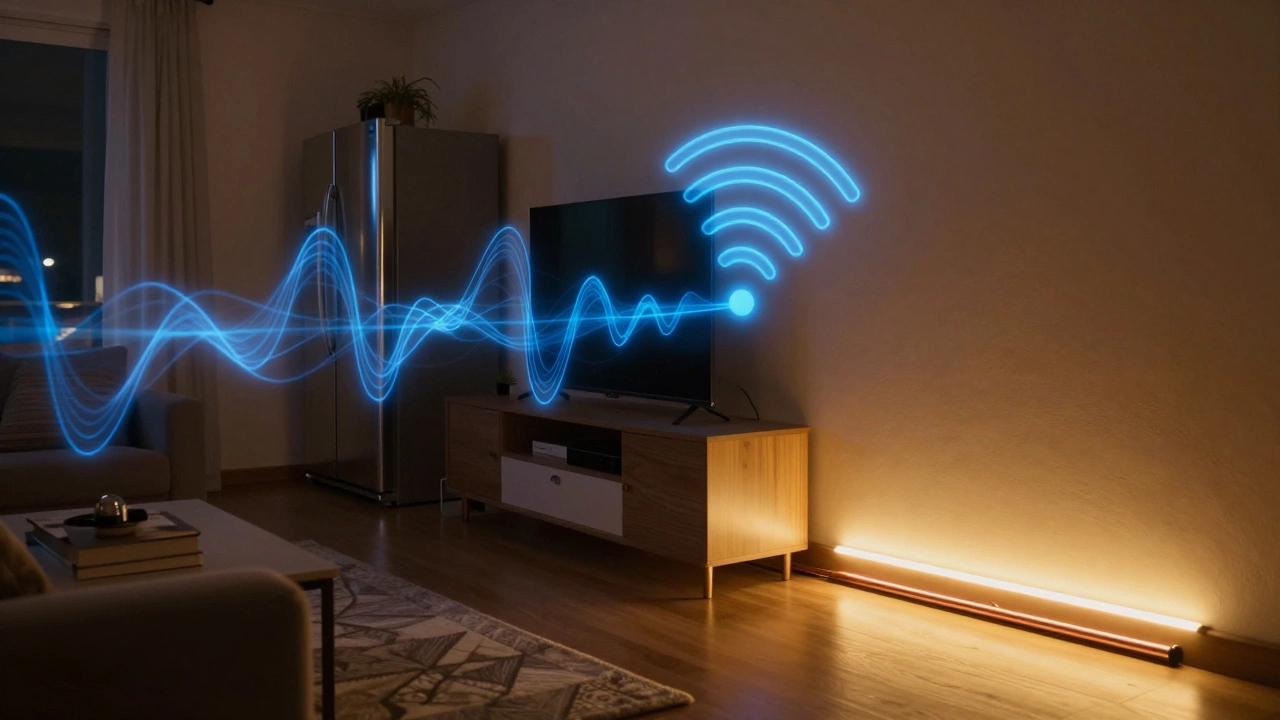
Wireless cameras transmit data over radio waves. This introduces variables that wired systems do not face. Walls, furniture, and even your microwave oven can disrupt the frequency bands used by WiFi. A wired DVR system rarely suffers from lag or buffering because the cable provides a dedicated path. With WiFi, you share that path with your phone, laptop, and streaming TV. If everyone downloads files at once, your camera might skip a frame.
Why Reliability Matters More Than Connectivity
You buy a security camera to catch intruders when you aren't home. You do not buy it to decorate the house. This puts reliability at the top of the priority list. Wireless signals are susceptible to interference from neighbors' networks or local electronic equipment. In densely populated urban areas, channel congestion can cause dropouts exactly when you need footage the most.
Wired systems win here by default. Physical connections do not care about signal congestion. They provide consistent video quality 24/7. However, WiFi cameras have improved significantly since 2020. Modern routers support dual-band frequencies that separate traffic, reducing congestion issues. If your internet connection is robust, a wireless camera performs reliably enough for most residential needs.
Consider your environment. Do you live in a quiet suburban neighborhood with thick brick walls? WiFi signal penetration might struggle. A mesh network or a wired backbone helps mitigate this. If you rent a small apartment with few walls, a WiFi solution offers massive convenience with minimal performance penalty.
Recording Capabilities and Storage Costs
How the camera stores video depends heavily on whether it stays plugged into power. Battery-operated cameras cannot afford continuous recording. They drain energy too fast. Instead, they rely on motion detection. The sensor wakes the camera, records the event, and goes back to sleep. This saves battery but risks missing details if an intruder moves slowly or avoids triggering the motion threshold.
Plugged-in WiFi cameras and wired systems can record 24 hours a day. They capture every second, including buffer periods before an alarm triggers. This is crucial for investigating complex incidents where you need to see who walked past the driveway before breaking the window. Continuous recording requires storage. You will likely need a Network Video Recorder (NVR) or local SD cards to hold terabytes of video.
Some wireless cameras push video directly to cloud servers. This protects footage even if thieves cut your power or smash the camera. However, cloud storage comes with a monthly subscription fee. Over five years, these fees can exceed the cost of the hardware itself. Local storage via microSD cards eliminates monthly bills but leaves footage vulnerable if the device is stolen.
Installation Reality for Homeowners
Installation complexity dictates your choice more than technical specs. Running Ethernet cables through drywall involves drilling, fishing wires through ceilings, and painting holes. It is messy work. If you plan to move in two years, the hassle is rarely worth it. Wireless cameras solve this pain point.
You mount the device using adhesive strips or screws, connect it to your WiFi network via an app, and you are done. The setup time is measured in minutes rather than days. Just remember to find a power strip nearby for non-battery models. If you cannot reach an outlet without an extension cord across the lawn, you lose security and safety points.
For large properties with detached garages or pools far from the house, consider a hybrid approach. Use wired cameras for the perimeter where power exists, and use wireless cameras for remote corners. Modern systems often support mixing both types under the same software platform. Check compatibility before purchasing to avoid needing two different apps to manage your security.
Managing Signal Interference
If you choose a WiFi model, you must manage the signal environment. Start by testing your internet speed where the camera mounts. A common mistake is mounting a camera too far from the router. The average strong WiFi signal covers 30 to 50 feet indoors. Outdoor coverage drops significantly through siding and trees.
Interference isn't always about distance. Appliances operating on similar frequencies cause packet loss. Microwaves, baby monitors, and old Bluetooth speakers all emit radio noise. If your camera freezes when someone heats a frozen dinner, you have a channel conflict. Moving the camera's placement or upgrading your router to Wi-Fi 6 helps reduce these conflicts by handling spectrum allocation better.
Signal extenders can help, but they halve your bandwidth. Sometimes, moving the main router slightly or adding a dedicated access point provides a cleaner solution. Always prioritize line-of-sight between the camera and the router during the planning phase. Obstructions are the enemy of clear video feeds.
Cost Breakdown and Long-Term Value
Initial price tags often favor wireless options. A DIY wireless kit costs less upfront because you skip labor charges for running cables. However, hidden costs emerge later. Battery replacements add up. Some premium batteries last only a year under heavy use. Solar panels add to the hardware cost but reduce replacement frequency.
Wired systems require professional installation fees initially, sometimes costing thousands. But once installed, they rarely fail. Maintenance is minimal. You update firmware occasionally, and the hardware lasts for years. Wireless systems face higher failure rates due to environmental exposure and electronics degradation. Factor in potential subscription fees for cloud features when calculating total cost of ownership over five years.
Frequently Asked Questions
Do WiFi cameras work without internet?
No, WiFi cameras require an active internet connection to stream video to your phone or cloud storage. Without internet, the video feed breaks completely, although some local storage functions may continue on SD cards.
Can I use outdoor cameras inside my house?
Yes, most outdoor-rated WiFi cameras work indoors perfectly well. They are durable, but indoor cameras are often slimmer and cheaper if you do not need weatherproofing ratings.
How far can a wireless camera transmit?
The camera transmits to your router, not directly to the recorder. Standard WiFi range is 100 feet indoors and less outdoors through obstacles. Using a wired extender or Mesh system increases this effective range significantly.
Are battery cameras better for night vision?
Not necessarily. Wired power allows for brighter infrared LEDs which provide stronger night illumination. Battery models conserve energy by dimming lights, potentially reducing night visibility compared to plugged-in units.
Is it easy to upgrade a wireless system later?
Yes, adding more wireless cameras is much easier than wired systems. You simply pair the new camera with the existing app and connect it to the network without touching existing installations.
What happens if my WiFi goes down?
Live viewing stops immediately. Depending on the setup, recordings might pause or save locally to a card. Alerts sent to your phone will fail until connection restores.
Do I need a separate recorder for WiFi cameras?
Many modern WiFi cameras store footage on microSD cards internally, removing the need for a separate NVR. However, using an NVR provides centralized management and larger storage capacity.
Which type is harder to hack?
Wired systems are physically harder to hack remotely. WiFi cameras depend on your network security. Change your passwords and enable WPA3 encryption to minimize hacking risks significantly.