
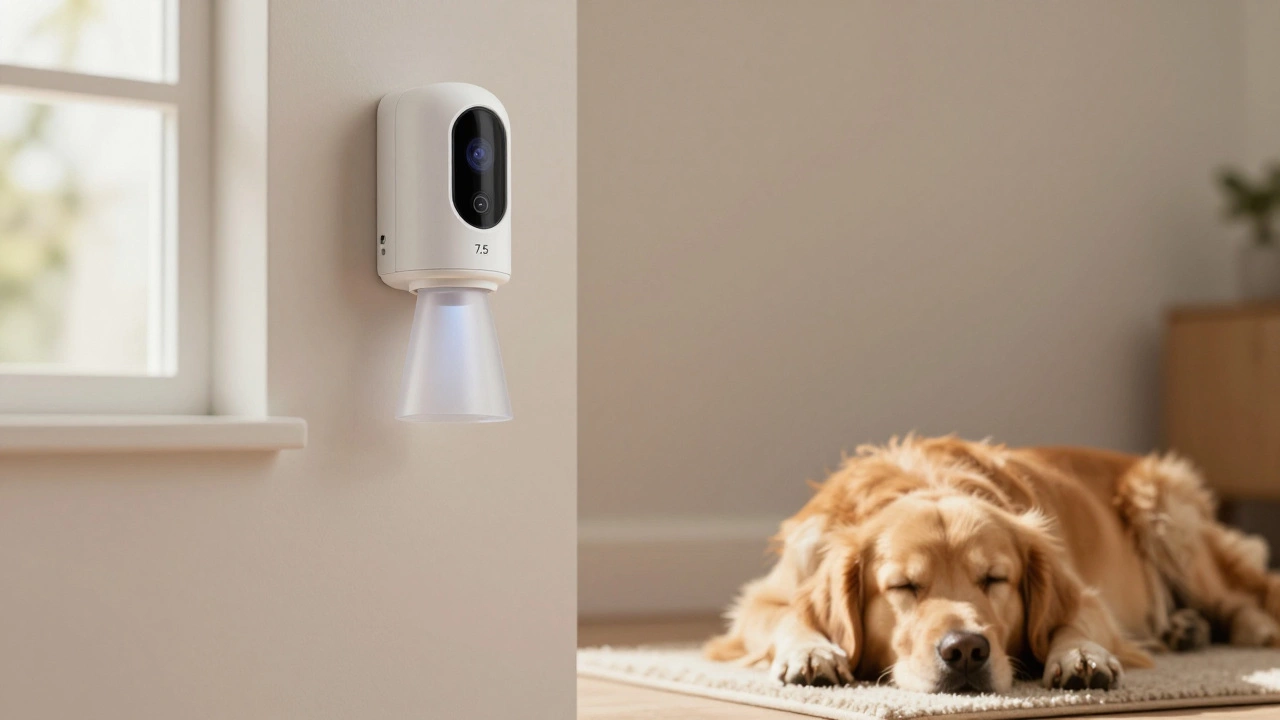
Blink Pet Alert Simulator
Enter your pet details and sensor placement to see if your Blink motion detector will trigger false alarms.
If you’ve ever come home to find your Blink motion detector triggered while your dog was napping on the couch or your cat jumped onto the bookshelf, you’re not alone. Millions of pet owners rely on Blink systems for home security-but many don’t know if their furry family members will accidentally set off the alarm. The short answer? Blink motion detectors can be triggered by pets, but it doesn’t have to happen if you set them up right.
How Blink Motion Detectors Work
Blink motion detectors use passive infrared (PIR) technology. That means they don’t see movement like a camera does. Instead, they detect heat. When something warm-like a person, a dog, or even a radiator-moves across their field of view, the sensor notices the change in infrared energy and sends an alert. The problem? Most standard motion sensors can’t tell the difference between a 150-pound human and a 30-pound dog. They just see heat moving. That’s why your cat walking across the living room might trigger a notification at 2 a.m., even when no one broke in.Do Blink Motion Detectors Have Pet Immunity?
Blink doesn’t advertise a built-in "pet immunity" feature like some other brands (ADT, Vivint, or Ring). That means the motion sensors in Blink systems aren’t specifically programmed to ignore animals based on size or heat signature. There’s no setting in the app to filter out pets under 40 pounds, for example. That doesn’t mean your pets will always set off the alarm. It just means you can’t rely on the sensor to automatically ignore them. You’ll need to manage it manually-with placement, positioning, and a few smart tricks.Where to Mount Your Blink Motion Detector (Pet-Proofing Tips)
The #1 mistake pet owners make? Mounting motion detectors too low. If you put your Blink camera or motion detector on a shelf, a side table, or even a 5-foot wall mount, your dog or cat is likely walking right through its detection zone. The sensor doesn’t care if it’s your golden retriever or your toddler-it sees heat moving. And that’s enough to trigger it. The fix? Mount it at 7 to 8 feet high. That’s the industry standard for a reason. At that height:- Most dogs and cats walk below the sensor’s main detection cone
- Humans walking into the room still trigger it clearly
- The angle makes it harder for pets to cross multiple detection zones at once
What About Cats? They’re the Real Problem
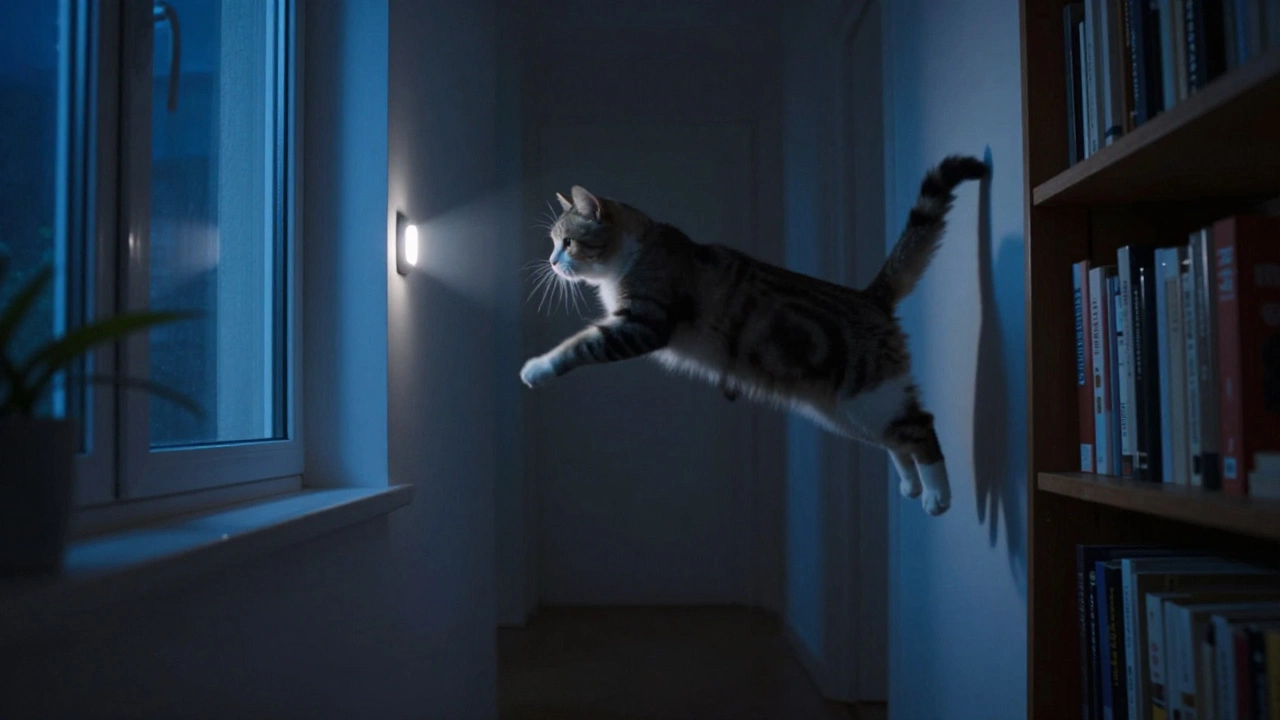
Cats are harder to manage than dogs. They climb. They jump. They dart. And they often move in unpredictable, fast bursts-exactly the kind of motion that triggers PIR sensors. A 10-pound cat can trigger a motion detector even when it’s mounted at 8 feet. Why? Because cats don’t walk-they launch. If your cat leaps from the top of the couch to the window sill and crosses the sensor’s detection zone, it’s going to set off the alarm. There’s no magic setting to stop this. But you can reduce the chances:- Use motion detectors only in entryways, hallways, and rooms you don’t want pets in (like the home office or basement)
- Keep cats out of rooms with motion detectors by closing doors or using baby gates
- Use Blink’s motion zones to limit detection to specific areas-like the front door, not the whole living room
How to Reduce False Alarms from Pets
Even with good placement, pets can still cause false alerts. Here’s how to cut them down:- Use motion zones. In the Blink app, you can draw boxes around areas you want to monitor. If your dog sleeps in the corner of the living room, don’t include that spot in the motion zone. Focus only on doorways and hallways.
- Lower the sensitivity. Go into the motion settings for each camera and set it to "Low" or "Medium." High sensitivity picks up every rustle, shadow, and tail wag. Low sensitivity waits for bigger, slower movements-like someone walking through the house.
- Turn off motion alerts during the day. If your pets are active between 8 a.m. and 6 p.m., disable motion alerts for those hours. You can still get live view and recording-just no notifications.
- Use the "Home" mode. Blink lets you set different modes. Use "Home" mode when you’re around and your pets are roaming. Use "Away" mode when you’re out. That way, your system only goes full alert mode when you’re not there to hear the barking.
What If You Have a Large Dog?
A 70-pound Labrador isn’t going to sneak past a motion detector unnoticed. But if it’s lounging in front of the camera, it’s not a threat. The issue isn’t size-it’s movement. Large dogs that walk through the detection zone will trigger the alarm. But if your dog stays in one spot, it won’t. So:- Mount the sensor so it’s looking down the hallway, not across the room where your dog sleeps
- Use motion zones to avoid the dog’s favorite spot
- Train your dog to stay off certain furniture if it’s directly in the sensor’s path

Testing Your Setup
Don’t just install the sensor and assume it’ll work. Test it. Let your pets roam freely while you watch the Blink app. Walk around the house. Let your dog stretch. Let your cat jump. See what triggers alerts. Then adjust the placement or motion zones. It might take a few tries. But once you find the sweet spot-where your pets move without setting off alarms, but intruders still get caught-you’ll have a system that works for everyone.Alternative Solutions
If your pets keep triggering alarms despite your best efforts, consider:- Using a door/window sensor instead of motion detection in pet-heavy areas
- Adding a pet-friendly camera like the Arlo Pro 5 or Eufy Indoor Cam, which have built-in pet detection AI
- Pairing your Blink system with a smart hub like Home Assistant to create custom automation rules (e.g., "Don’t alert if the front door opens and the living room motion sensor triggers within 2 minutes-likely just the dog walking through")
Final Word: It’s Not Perfect, But It’s Manageable
Blink motion detectors weren’t designed with pets in mind. But that doesn’t mean they’re useless for pet owners. With smart placement, careful settings, and a little patience, you can make your system work without constant false alarms. The key isn’t hoping the sensor will ignore your pets. It’s about making sure your pets don’t walk through the areas the sensor is watching. That’s how you get security without the stress.Will my cat set off a Blink motion detector?
Yes, cats can trigger Blink motion detectors, especially if they jump or climb near the sensor. Cats move quickly and unpredictably, and their small size doesn’t guarantee they’ll be ignored-since Blink doesn’t have built-in pet immunity. Mounting the sensor at 7-8 feet and avoiding areas where cats like to perch can help reduce false alerts.
Can I adjust Blink settings to ignore pets?
No, Blink doesn’t offer a pet-filtering setting like some competitors. You can’t tell the sensor to ignore animals under 40 pounds. But you can reduce false alarms by lowering motion sensitivity, using motion zones to exclude pet areas, and turning off alerts during times your pets are most active.
What’s the best height to mount a Blink motion detector with pets?
Mount it between 7 and 8 feet high. This places the sensor’s detection cone above most pets while still capturing human movement. Avoid placing it directly above pet beds, cat trees, or favorite jumping spots.
Do I need a pet-friendly camera instead of Blink?
If pets are constantly triggering false alarms and you’re frustrated, yes. Cameras like the Arlo Pro 5 or Eufy Indoor Cam have AI-powered pet detection that can tell the difference between a cat and a person. But for most pet owners, adjusting Blink’s settings and placement is enough to make it work without switching systems.
Should I turn off motion detection when I’m home?
Yes, if your pets are active during the day. Use Blink’s "Home" mode to disable motion alerts while you’re around. You’ll still get live view and recording-just no notifications. Switch to "Away" mode when you leave, and the system will alert you to any movement.