
CCTV System Recommendation Tool
Not sure whether to go wired or wireless? Answer these questions based on your home and lifestyle to get a personalized recommendation.
Imagine you’re watching your front door feed on your phone. Suddenly, the screen freezes. A package vanishes from your porch, but you have no video proof because the connection dropped. This is the classic nightmare of wireless CCTV systems when they aren’t set up right. But then there’s the other side of the coin: spending three days drilling holes and running cables through your attic just to get a reliable picture.
The debate between wired and wireless security cameras isn’t just about convenience versus reliability. It’s about how much control you want over your home’s safety net, how much you’re willing to spend upfront, and whether you plan to stay in that house for five years or five months. By mid-2026, the technology has matured enough that both options work well-but they solve completely different problems.
How Wired CCTV Actually Works (And Why It’s So Stable)
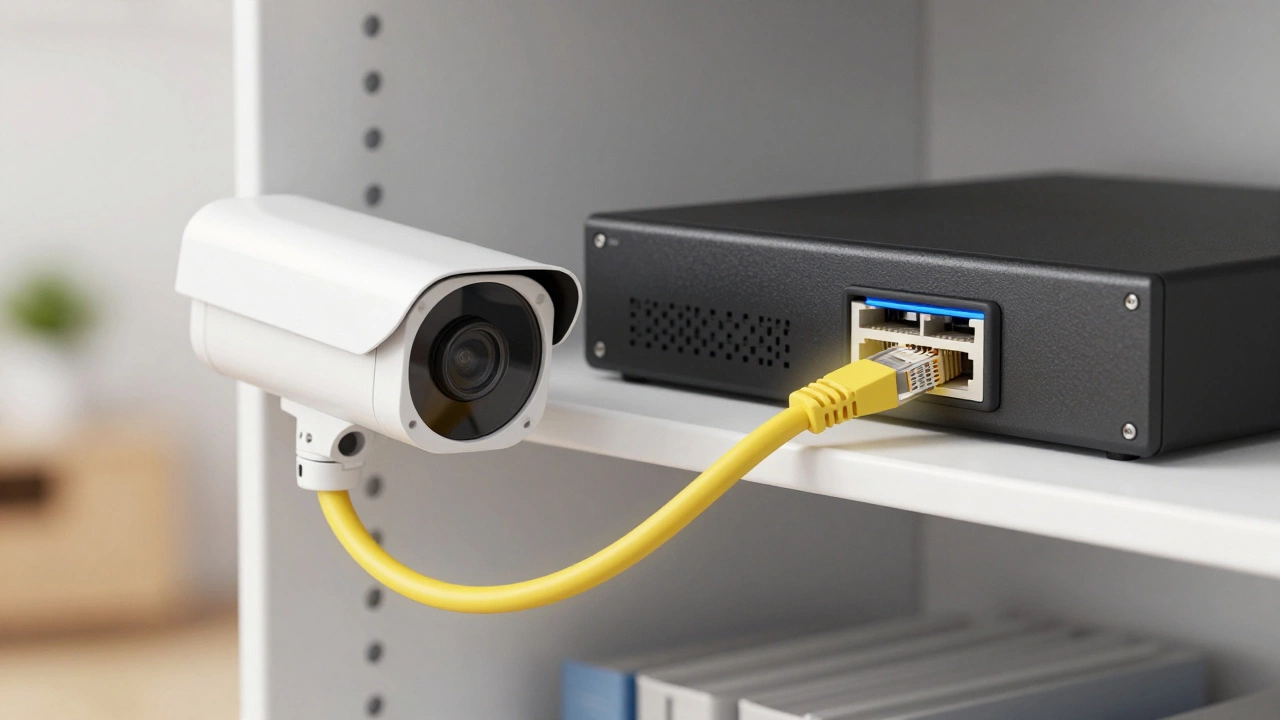
When we talk about modern wired CCTV, we’re mostly talking about IP cameras connected via Ethernet cables. The magic here is Power over Ethernet (PoE). This technology sends both data and electrical power through a single cable. You plug one end into the camera and the other into a Network Video Recorder (NVR) or a PoE switch. That’s it.
Because the connection is physical, it doesn’t care if your neighbor changes their Wi-Fi password or if the microwave turns on. The signal travels directly from the camera to the recorder. According to industry standards, these Ethernet runs can go up to 100 meters without losing strength. This means you can cover a large property with consistent, high-definition video. If you need 4K resolution at 30 frames per second, wired systems handle that load easily because each camera gets its own dedicated bandwidth lane.
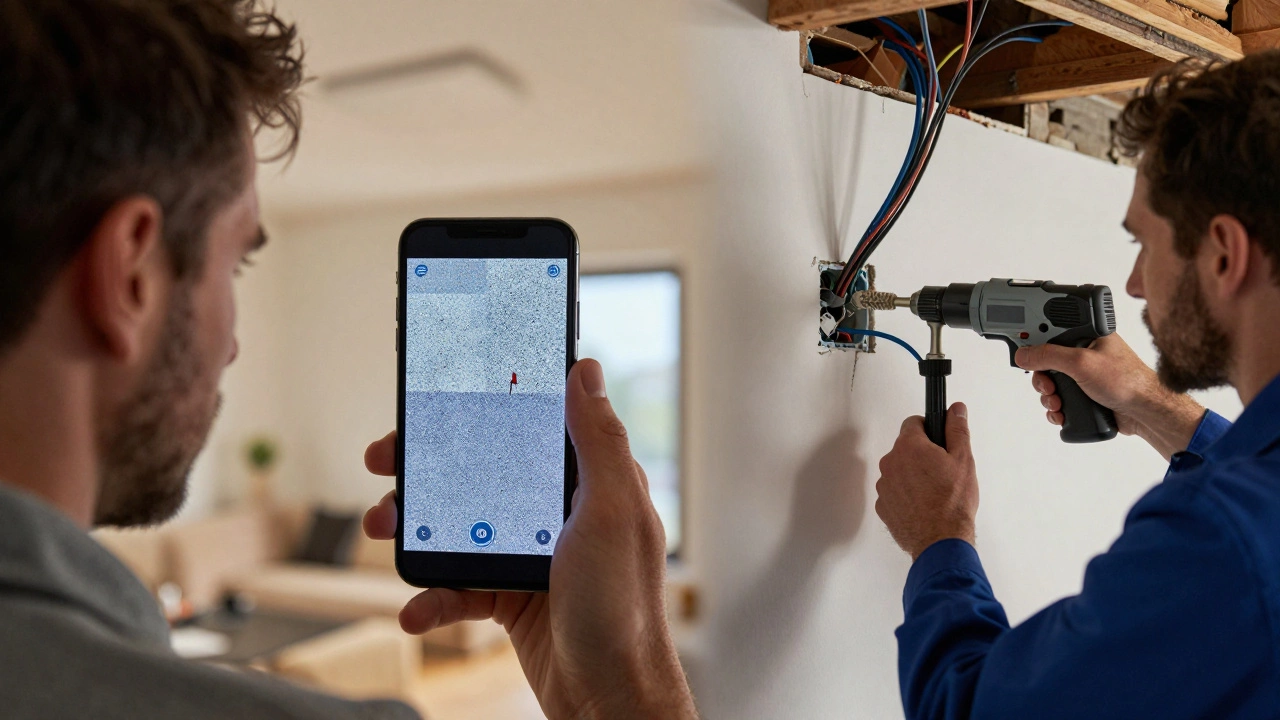
The downside? Installation. You have to run those cables. In an existing home, this often means fishing wires through walls, ceilings, or exterior conduits. It’s messy, it’s loud, and it usually costs money if you hire a pro. But once it’s done, it’s done. You rarely think about it again.
The Allure of Wireless and Wi-Fi Cameras
Wireless CCTV sounds simple: stick the camera on the wall, connect it to your Wi-Fi, and you’re good. And for many homeowners, that simplicity is the main selling point. You don’t need to drill massive holes or buy expensive networking gear. Brands like Reolink, Eufy, and Swann make kits that you can unpack and install in under an hour.
There are two types of wireless cameras you’ll see:
- Wi-Fi Plug-in: These transmit video wirelessly but still need a power outlet nearby. They’re great for porches or garages where outlets exist.
- Wire-Free (Battery/Solar): These have no cords at all. They run on rechargeable batteries or solar panels. They’re perfect for sheds, fences, or spots where electricity is hard to reach.
The trade-off is reliance on your home network. Every smart speaker, laptop, and streaming TV in your house shares that same Wi-Fi airtime. If your router is congested, your camera might drop frames, delay alerts, or go offline entirely. Battery-powered units also introduce maintenance; you have to remember to charge them or clean the solar panels, especially during cloudy Australian winters.
Reliability and Interference: The Real-World Test
Let’s be honest: Wi-Fi is finicky. Walls, metal beams, and even thick glass can degrade signals. Professional installers often recommend keeping wireless cameras within 10-20 meters of the router and behind no more than one or two interior walls. If you live in a dense apartment complex in Adelaide CBD, your Wi-Fi spectrum is likely crowded with hundreds of other networks. This congestion can cause packet loss, meaning your video stream stutters or stops.
Wired systems don’t have this problem. They are immune to radio frequency interference. If you’re running a business or have a high-security home, this stability is non-negotiable. You can’t afford to miss footage because the signal was weak. Wired cameras provide a steady, uninterrupted stream, which is crucial for identifying faces or license plates clearly.
Cost Breakdown: Upfront vs. Long-Term
Money talks, so let’s look at the numbers. Generally, a wired system has a higher initial cost. You’re buying cameras, an NVR, hard drives, and potentially paying for installation labor. A basic 4-camera PoE kit might set you back significantly more than a single wireless camera.
However, wireless systems often hide costs in subscriptions. Many cloud-based wireless cameras offer only a few days of free storage. To keep footage for 30 days or access advanced features like person detection, you pay a monthly fee. Over five years, those subscription fees can add up to hundreds of dollars.
Wired NVRs store everything locally on a hard drive. There’s no monthly bill. Once you buy the hardware, you own the footage. For long-term residents, the wired system often pays for itself by avoiding recurring charges. Renters, who might move in 12 months, benefit more from the low entry price of wireless.
| Feature | Wired (PoE/IP) | Wireless (Wi-Fi/Battery) |
|---|---|---|
| Installation Difficulty | High (requires cabling/drilling) | Low (DIY friendly) |
| Reliability | Very High (dedicated line) | Variable (depends on Wi-Fi strength) |
| Video Quality | Consistent 4K/High FPS | Good, but may compress under load |
| Power Source | Continuous via Cable | Battery/Solar or Wall Outlet |
| Ongoing Costs | Low (no mandatory subs) | Potential Cloud Subscription Fees |
| Scalability | High (16+ cameras easy) | Low (Wi-Fi bandwidth limits) |
Security Risks: Hacking and Jamming
Security isn’t just about catching burglars; it’s about protecting your privacy. Wired systems are harder to hack remotely because the video traffic stays on your local network. Unless someone physically taps into your Ethernet cable, your footage is safe.
Wireless cameras broadcast signals that can theoretically be intercepted. While most modern cameras use WPA2 or WPA3 encryption, weak passwords or outdated firmware can leave them open to attacks. More immediately, wireless signals can be jammed. A determined intruder could use a cheap signal jammer to disable your Wi-Fi cameras while they break in. Wired cameras, being on a separate physical network, are largely immune to RF jamming.
When to Choose Hybrid Solutions
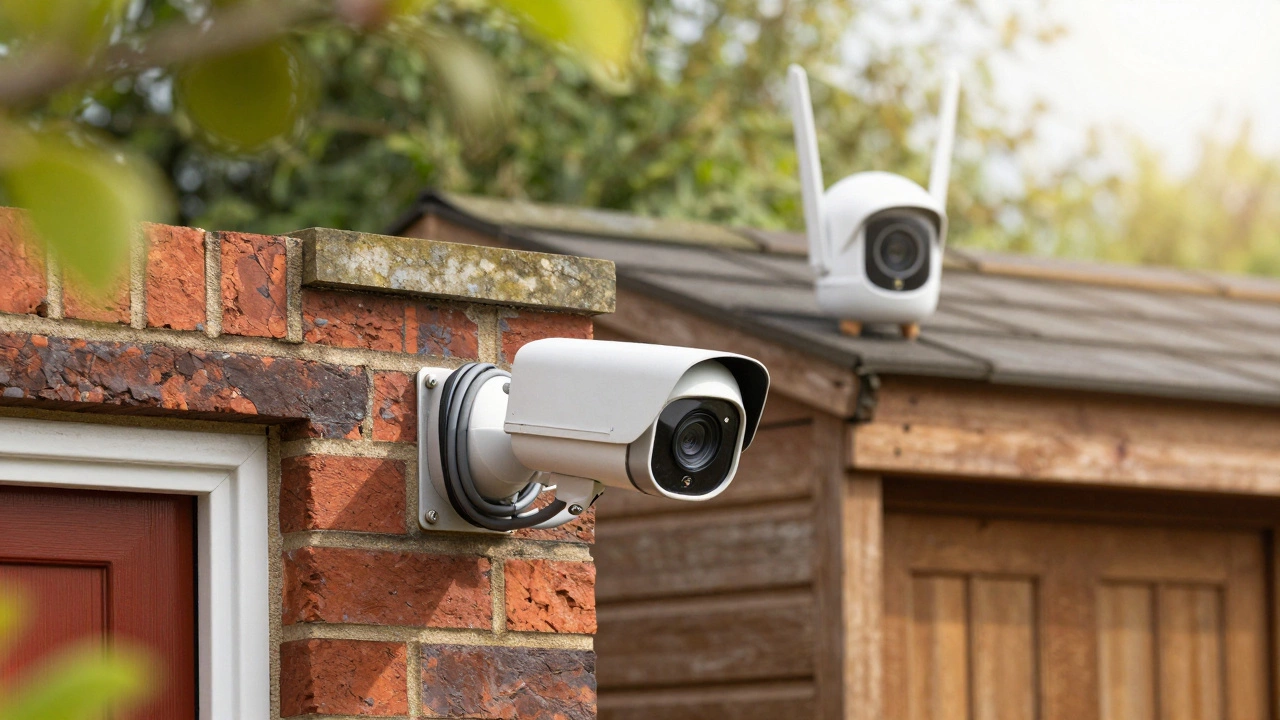
You don’t always have to pick one or the other. Many modern systems allow hybrid setups. For example, you might install wired PoE cameras at your main entry points and driveway-areas where reliability is critical. Then, you add a wireless battery camera to a remote shed or a backyard fence post where running a cable would be too difficult.
This approach gives you the best of both worlds: rock-solid coverage where it matters most, and flexible monitoring for edge cases. Brands like Verkada and Ajax Systems support mixed ecosystems, allowing you to manage both types from a single app.
Maintenance and Uptime
Think about your lifestyle. Do you enjoy tinkering with tech, or do you want to set it and forget it?
Wired cameras are “set and forget.” They never run out of power. They don’t need software updates pushed manually (though firmware updates are still recommended). They just work. Wireless battery cameras require vigilance. If the battery dies, your blind spot appears. You’ll get notifications, but if you’re traveling or busy, you might miss the window to recharge. Solar panels help, but they need direct sunlight and regular cleaning to function efficiently.
Who Should Buy What?
If you are a homeowner planning to stay put for 5+ years, building a new extension, or running a small business, go wired. The upfront effort is worth the decades of reliable service. If you are a renter, living in an apartment with strict drilling rules, or need temporary coverage for a construction site, wireless is your friend. It’s portable, cheap, and easy to remove when you move.
For most people in Australia today, the decision comes down to patience. Are you patient enough to run cables? If yes, wired wins. If no, wireless works fine-as long as you accept the occasional glitch.
Can I mix wired and wireless cameras in one system?
Yes, many modern NVRs and security platforms support hybrid setups. You can connect PoE cameras via Ethernet and Wi-Fi cameras via your network. However, ensure your recorder or hub supports both protocols, and check if the manufacturer allows mixing brands, as some ecosystems are closed.
Do wireless cameras work if the internet goes down?
It depends. If the camera records locally to an SD card or a local hub, it will continue recording. However, you won’t be able to view the feed remotely on your phone until the internet is restored. Wired systems with local NVRs behave similarly, but they are less likely to disconnect due to Wi-Fi instability.
Is it cheaper to install wired CCTV yourself?
If you are handy with tools, DIY wired installation saves significant labor costs. You mainly pay for cables and equipment. However, if you need to run cables through finished walls or exteriors, professional installation ensures neatness and compliance with local electrical regulations, which can be costly.
Which is better for night vision?
Night vision quality depends on the camera sensor and infrared LEDs, not the connection type. Both wired and wireless cameras offer excellent night vision. However, wired cameras can sustain higher bitrates, which may result in slightly clearer low-light images compared to compressed wireless streams.
How far can a wireless camera reach from the router?
In an open field, Wi-Fi can reach 30-50 meters, but inside a home, walls block signals. Expect reliable performance within 10-20 meters and behind one or two walls. For longer distances, consider a Wi-Fi extender or mesh network node near the camera location.