
Security Camera Setup Finder
Not sure which camera is right for your home? Select your priority below to find the ideal match.
I cannot drill holes or run any wires at all.
Renter Friendly Fast SetupI can reach a power outlet but don't want data cables.
24/7 Recording Stable PowerI'm renovating and want the gold standard reliability.
Anti-Jamming PoE SupportRecommended: Wire-Free Camera
Since you need zero cables, a battery-powered or solar unit is your best bet. These are truly wireless for both power and data.
Recommended: Wireless (Plug-in Wi-Fi) Camera
You want the convenience of Wi-Fi data transmission but the reliability of a wall outlet for power.
Recommended: Wired (PoE/Analog) Camera
For maximum reliability and security, go with a cabled system. Using Power over Ethernet (PoE) provides both power and data in one cable.
You're shopping for a new security system and you see two terms popping up everywhere: "wireless" and "Wi-Fi." At first glance, they sound like the same thing. Why would a brand bother using two different words for the same technology? The truth is, in the security world, these terms aren't interchangeable. Confusing the two can lead to a frustrating installation day where you realize you've bought a camera that requires a power cable you can't actually reach, or a battery-powered unit that dies every three days because it's placed in a high-traffic area.
The Big Picture: Wireless vs. Wi-Fi
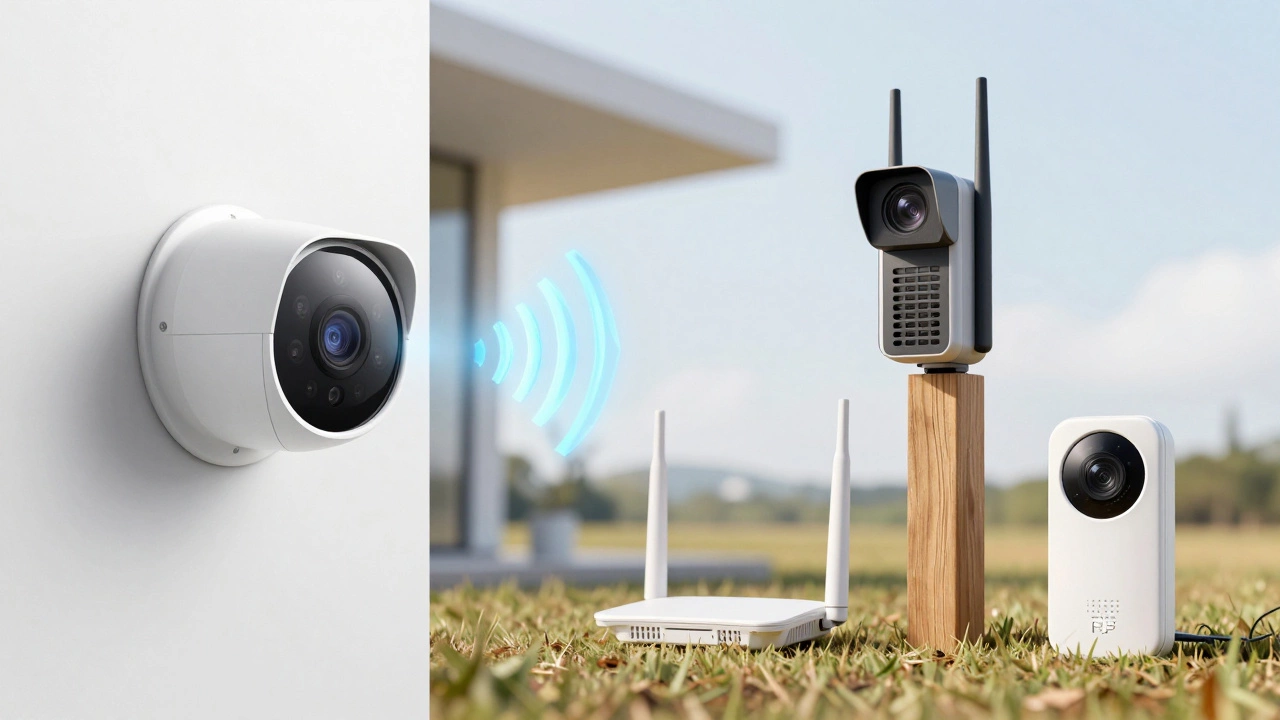
To get this straight, we need to look at the scope. Wireless camera is a broad umbrella term. It describes any camera that doesn't use a physical cable (like a coaxial or Ethernet cable) to send video signals back to a recorder. This category is huge. It includes everything from old-school analog cameras using radio frequencies to high-tech cellular cameras used on remote farms.
A Wi-Fi camera, on the other hand, is a specific type of wireless camera. It uses the IEEE 802.11 standard to talk to your home router. Think of it like this: "Wireless" is the category (like "Vehicle"), and "Wi-Fi" is the specific type (like "Electric Sedan"). Every Wi-Fi camera is a wireless camera, but not every wireless camera uses Wi-Fi.
Power vs. Data: The Great Confusion
Here is where most people get tripped up. When people say "wireless," they often mean "no wires at all." But in the industry, a wireless camera usually only refers to the data transmission. Many wireless cameras still need a power cord plugged into a wall outlet. If you see a camera marketed as "wireless," check the specs carefully. It might be wireless in terms of its connection to the internet, but it's still "wired" to the electricity in your wall.
If you truly want zero cables, you're looking for a Wire-free camera. These are the units that run on rechargeable batteries or use solar panels to keep themselves topped up. Because they don't have a constant stream of power from a wall outlet, they often handle things differently. For example, they might stay in a "sleep" mode and only wake up when they detect motion to save battery. A wireless camera that is plugged into power can record 24/7 without worrying about a dead battery.
| Feature | Wireless (Plug-in Wi-Fi) | Wire-Free (Battery/Solar) | Wired (PoE/Analog) |
|---|---|---|---|
| Data Connection | Wi-Fi (Wireless) | Wi-Fi (Wireless) | Ethernet/Coax (Cabled) |
| Power Source | Wall Outlet (Cabled) | Battery/Solar (Wireless) | Cable (Cabled) |
| Installation Ease | Medium | High | Low |
| Reliability | High | Medium | Very High |
How Wi-Fi Cameras Actually Work
A Wi-Fi camera is essentially an IP camera that uses a wireless radio to send digital video packets to your router. Most of these operate on two different frequency bands: 2.4 GHz and 5 GHz.
If you're putting a camera in the backyard, you'll want a device that supports 2.4 GHz. Why? Because lower frequencies have a longer wavelength, which means they are much better at punching through brick walls and fences. On the flip side, 5 GHz is faster and handles high-resolution 4K video better, but it struggles once you move a few rooms away from the router. If your camera is too far away, you'll see "stuttering" in the video feed or experience long delays when trying to talk through the two-way audio.
To keep the video quality high without crashing your home internet, these cameras use Compression Codecs like H.264 or the newer H.265. These tools shrink the file size of the video so it can travel over the air more efficiently without losing the detail you need to identify a face or a license plate.
The Security Trade-off: Air vs. Wire
Is a wireless system as secure as a wired one? Not exactly. Any signal traveling through the air can technically be intercepted. However, modern Wi-Fi cameras use strong encryption standards like WPA3 to make sure the data is scrambled. If you're using an old analog wireless camera-the kind that uses a proprietary RF link-you're much more vulnerable because those signals often lack encryption entirely.
Another concern is "jamming." A sophisticated intruder can use a device to flood your Wi-Fi frequency with noise, effectively knocking your cameras offline. A wired system, like PoE (Power over Ethernet), is virtually immune to this because the data is locked inside a physical cable. For most homeowners, WPA3 encryption is plenty, but for high-security businesses, the physical cable is still king.
Choosing the Right Setup for Your Home
Don't just buy the cheapest option; think about where the camera is going. If you're renting an apartment and can't drill holes in the walls, a battery-powered wire-free camera is your only real choice. You can stick it to a surface, connect it to your Wi-Fi, and you're done in five minutes.
If you're building a new home or renovating, consider the long game. Running a few Ethernet cables during construction allows you to use PoE cameras. This is the gold standard because one single cable provides both the power and the internet. You don't have to worry about batteries dying in the winter or Wi-Fi dead zones in the garage.
For those in the middle, a wireless camera with a plug-in power source is a great balance. You get the stability of a constant power supply-meaning you can record 24/7 and use advanced AI features like person detection without draining a battery-but you avoid the nightmare of running data cables through your attic.
Will a Wi-Fi camera work if my internet goes down?
It depends on where the video is stored. If the camera saves everything to the cloud, it will stop recording the moment your internet cuts out. However, if the camera has a local microSD card slot or is connected to a local NVR (Network Video Recorder), it will keep recording the footage. You just won't be able to view that footage on your phone until the connection is restored.
Do I need a special router for Wi-Fi cameras?
Not necessarily, but a "Mesh Wi-Fi" system is highly recommended. Since security cameras are often placed on the edges of your property (like porches or garages), a single router in the living room often can't reach them. Mesh systems use multiple nodes to spread a strong signal across the whole house, preventing the lag and dropped connections that plague cheap routers.
How often do battery-powered wire-free cameras need charging?
This varies wildly based on your settings. If your camera is facing a busy street and triggers every time a car passes, you might be charging it every two weeks. If it's in a quiet alley and only triggers a few times a day, the battery could last several months. Using a solar panel attachment is the best way to avoid the "charging cycle" entirely.
What is the difference between 2.4GHz and 5GHz for cameras?
2.4GHz is like a long-distance runner; it can travel far and go through walls easily, but it's slower. 5GHz is like a sprinter; it's incredibly fast and great for 4K video, but it hits a wall (literally) and loses signal quickly. For outdoor security, 2.4GHz is usually the preferred choice for stability.
Are wireless cameras easy to install?
Generally, yes. Wi-Fi and wire-free cameras eliminate the need for professional cabling. The hardest part is usually finding a mounting spot that is both secure from theft and within range of your Wi-Fi signal. Once the physical mount is up, the setup is usually as simple as scanning a QR code with a smartphone app.