
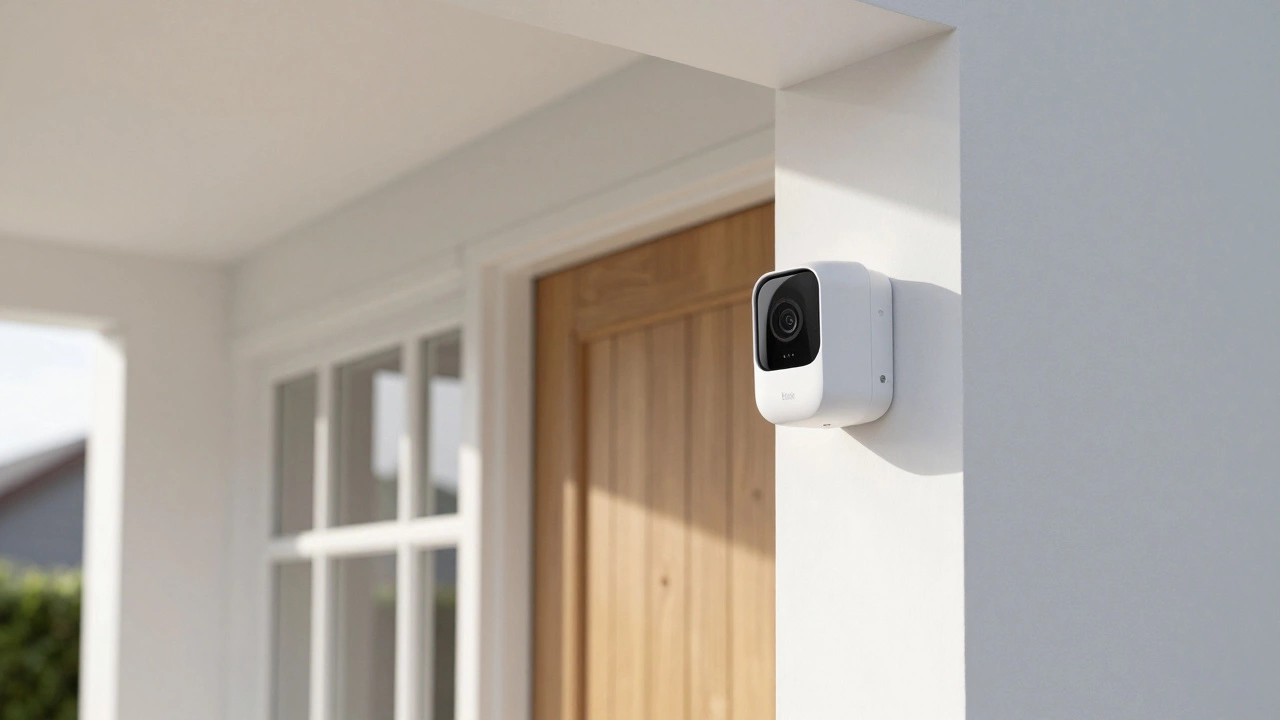
Blink Subscription Cost Calculator
Recommendation
You just bought a sleek new camera, set it up in ten minutes, and then you hit the wall: the subscription prompt. It's the classic smart home dilemma. Do you pay a monthly fee to keep your footage safe in the cloud, or do you find a way to dodge the bill entirely? When it comes to Blink is a brand of smart home security cameras owned by Amazon that focuses on wireless, battery-operated monitoring., the cost depends entirely on how many cameras you have and how much you trust a microSD card.
Quick Summary of Blink Costs
- Basic Plan: $3.99/month (Single camera)
- Plus Plan: $11.99/month (Unlimited cameras)
- Free Option: Local storage via Sync Module (No monthly fee)
- Trial: 30 days of the Plus plan for new eligible users
Breaking Down the Subscription Tiers
Blink doesn't make you guess with a complex pricing matrix. They've streamlined it into two main paths. Since the price update on October 8, 2025, the costs have shifted slightly upward, but they remain some of the most competitive in the market. Whether you're monitoring a single front porch or a whole warehouse, here is how the numbers break down.
If you only have one camera, the Blink Basic plan is the obvious choice. At $3.99 a month, it covers one device. You get 60 days of cloud storage, which is actually double what you'd get with rivals like Google Nest or Arlo. You also get person and vehicle detection, so your phone doesn't blow up every time a tree blows in the wind.
Once you add a second camera, the math changes. The Blink Plus plan costs $11.99 per month, but it covers an unlimited number of cameras. If you have four or five devices, paying $11.99 is way cheaper than paying for individual Basic plans. Plus, it adds "Extended Live View" for the Mini and Wired Floodlight models, letting you keep an eye on things for longer without the stream cutting out.
| Feature | Basic Plan | Plus Plan |
|---|---|---|
| Monthly Price | $3.99 | $11.99 |
| Annual Price | $39.99 | $119.99 |
| Device Limit | 1 Camera | Unlimited |
| Cloud Storage | 60 Days | 60 Days |
| Warranty | 1 Year | Active for sub duration |
| Extended Live View | No | Yes (Select models) |
Can You Use Blink Without a Subscription?
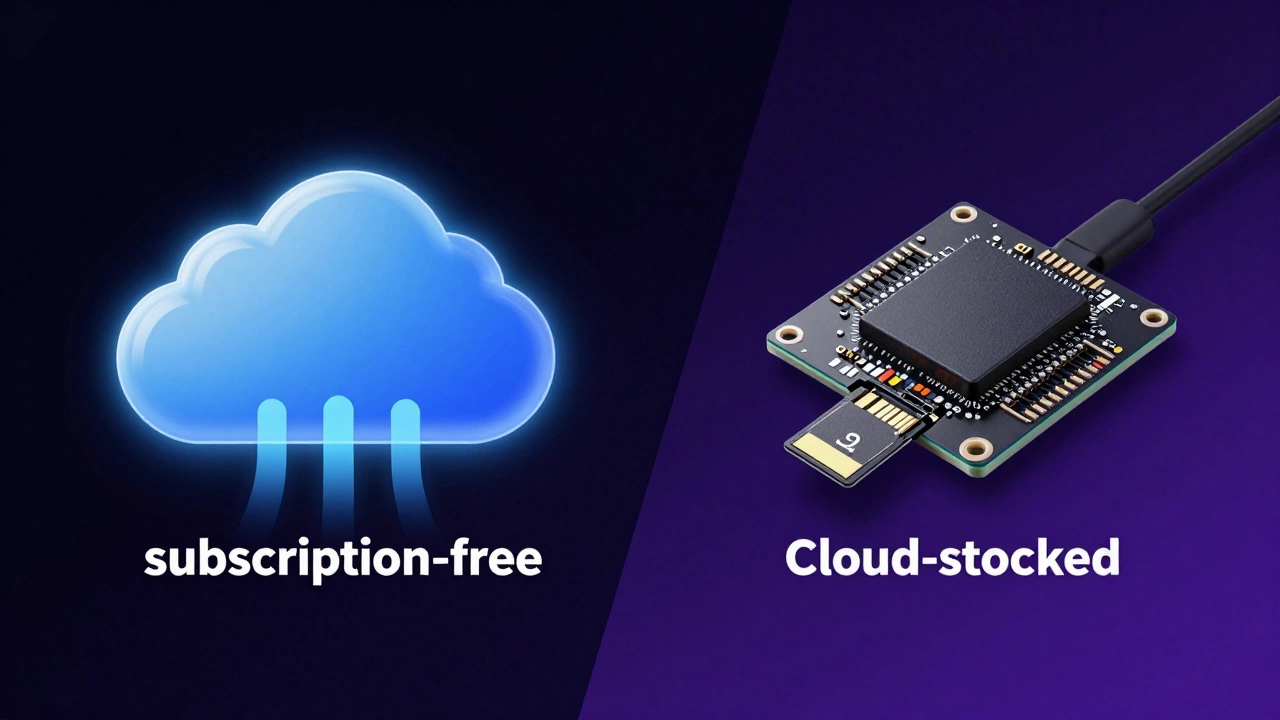
The short answer is yes. You aren't forced into a monthly payment just to see what's happening in your living room. To go subscription-free, you need a Sync Module (either the Sync Module 2 or the Sync Module XR). This little hub acts as the bridge between your cameras and your internet, but it also has a slot for a microSD card.
By popping in a high-end microSD card, your clips are saved locally. You still get motion notifications and live streaming, but you lose the "set it and forget it" nature of the cloud. If someone steals the Sync Module or the camera itself, your footage goes with it. You also miss out on the 10% discount on new hardware that comes with the paid plans. For most people, local storage is a great way to save money, but it requires a bit more manual management of your files.
Comparing Cloud Storage to Local Storage
Choosing between a monthly fee and a one-time hardware purchase usually comes down to how much you care about redundancy. With the paid plans, your video is stored on Amazon Web Services. If your house burns down or a thief swipes your gear, your evidence is safe in the cloud.
Local storage, while free, is a single point of failure. If the microSD card corrupts or is physically removed, that's it. However, the local route is a win for privacy-conscious users who don't want their home footage sitting on a corporate server. Just keep in mind that the "Moments" feature-which smartly groups clips into a single video-is primarily a cloud-based luxury.
Hidden Perks of the Paid Plans
It's not just about the storage. There are a few "quality of life" features that come with the monthly fee. First, there's the warranty extension. On the Plus plan, your camera warranty stays active as long as you keep paying. This is a huge safety net if you have a camera in a harsh outdoor environment where electronics tend to fail after a year or two.
Then there's the Photo Capture feature on certain models. Instead of just a video clip, you get a high-quality still image. It sounds small, but when you're trying to identify a package thief or a specific car license plate, a crisp photo is often more useful than a grainy 3-second video. Plus, the 10% discount on more devices makes it easier to expand your system without feeling the pinch in your wallet.
Which Plan Should You Pick?
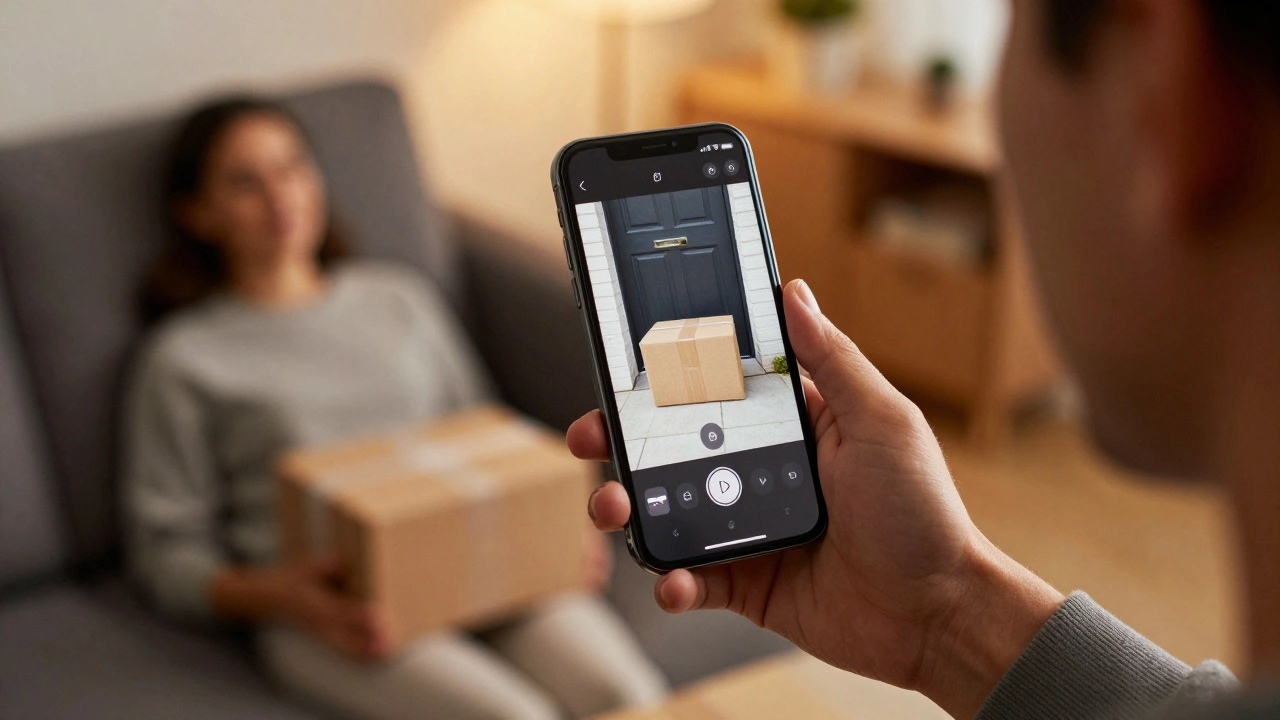
If you're just starting out with one camera for a specific spot-like a baby monitor or a single front door-the Basic plan is a tiny price to pay for the peace of mind that your clips are backed up. If you're planning to secure your entire perimeter, don't even look at the Basic plan; jump straight to Plus. The cost per camera drops drastically as you add more units.
But if you're on a strict budget and don't mind the risk of losing footage if the hardware is stolen, buy a Sync Module and a 128GB microSD card. You'll pay a bit upfront, but your monthly bill will be exactly zero. Just remember to check your card's health every now and then to make sure it's actually recording.
Does Blink offer a free trial for the subscription?
Yes, new customers who purchase eligible Blink cameras usually get a 30-day free trial of the Blink Plus plan when they first set up their system. This lets you test the cloud storage and Extended Live View before committing to a payment.
What happens if I cancel my Blink subscription?
If you cancel, you lose access to cloud storage and your 60-day video history. You can still use the cameras for live viewing and receive motion notifications, but you won't have a place to save clips unless you have a Sync Module with a microSD card installed.
Is the Blink Plus plan really unlimited cameras?
Yes, the Plus plan allows you to add as many cameras as you want to a single account without increasing the monthly fee. This makes it the most cost-effective option for users with three or more devices.
How long is the video history on Blink plans?
Both the Basic and Plus plans provide 60 days of cloud video storage. This is significantly longer than the 30-day window provided by many other popular smart camera brands.
Can I use a USB drive for local storage?
Yes, if you have the Sync Module XR, you can use USB storage devices in addition to microSD cards to save your footage locally without paying a monthly fee.
Next Steps and Troubleshooting
If you've decided to go the local route, make sure you buy a "High Endurance" microSD card. Standard cards aren't designed for the constant overwriting that security cameras do and will burn out quickly. If you find your cloud clips aren't uploading, check your Wi-Fi signal strength at the camera's location; weak signals often cause gaps in the 60-day history.
For those switching from Basic to Plus, you can usually upgrade your plan instantly through the Blink app. The change takes effect immediately, and your warranty coverage will extend as soon as the first Plus payment is processed.