
Blink Subscription Cost Calculator
Recommendation & Costs
Quick Breakdown of Blink Subscription Costs
If you want the easiest experience, the subscription is the way to go. As of the latest pricing updates from October 2025, Blink has two main tiers. The Blink Basic plan costs $3.99 per month (or $39.99 if you pay for the year upfront). This is designed for people with just one camera. If you have a whole house covered, the Blink Plus plan is the better bet at $11.99 per month or $119.99 per year, which covers every camera you own under one account.| Feature | Blink Basic | Blink Plus |
|---|---|---|
| Monthly Price | $3.99 | $11.99 |
| Annual Price | $39.99 | $119.99 |
| Device Limit | 1 Camera | Unlimited Cameras |
| Cloud Storage | 60 Days | 60 Days |
| Warranty | 1 Year | Extended (Active Sub) |
What Exactly Do You Get for Your Money?
Paying for a subscription isn't just about where the video lives. Both the Basic and Plus plans give you 60 days of cloud video history. This is actually a huge win compared to brands like Arlo or Google Nest, which typically only keep clips for 30 days. If something happened in your backyard three weeks ago, you can actually go back and find it. Beyond storage, you get motion-activated notifications sent straight to your phone and a 10% discount on any new Blink gear you buy through Amazon. You also get the "Moments" feature, which is pretty handy-it takes those choppy, multiple motion clips and groups them into one continuous video so you aren't clicking "next" fifty times to see who walked up your driveway.
The Perks of Upgrading to the Plus Plan
If you have more than one camera, the Plus plan is a no-brainer, but there are a few extra technical perks. For those using the Blink Mini, Blink Mini 2, or the Wired Floodlight cameras, the Plus plan unlocks "Extended Live View." This lets you watch your stream for longer periods without the connection cutting out. Another benefit is the warranty. While the Basic plan gives you the standard one-year guarantee, the Plus plan keeps your devices under warranty for as long as you keep paying the subscription. It is essentially an insurance policy for your hardware. You also get "Photo Capture" on specific models, which lets you snap a still image from the live feed rather than just recording a clip.How to Use Blink Cameras Without a Monthly Fee
Can you use these cameras for $0 a month? Yes, you can, but it requires a bit of extra hardware. To avoid the cloud fees, you need a Sync Module 2 or the newer Sync Module XR. These modules act as the brain of your system and allow you to plug in a microSD card or a USB storage device. When you use local storage, the video clips are saved directly to the card in your house instead of on Amazon's servers. While this saves you money, there are trade-offs. You lose the 60-day cloud backup, and if someone steals the Sync Module, they've stolen your footage too. You also miss out on some of the advanced cloud-based features, but for a budget-conscious setup, it is the most logical choice.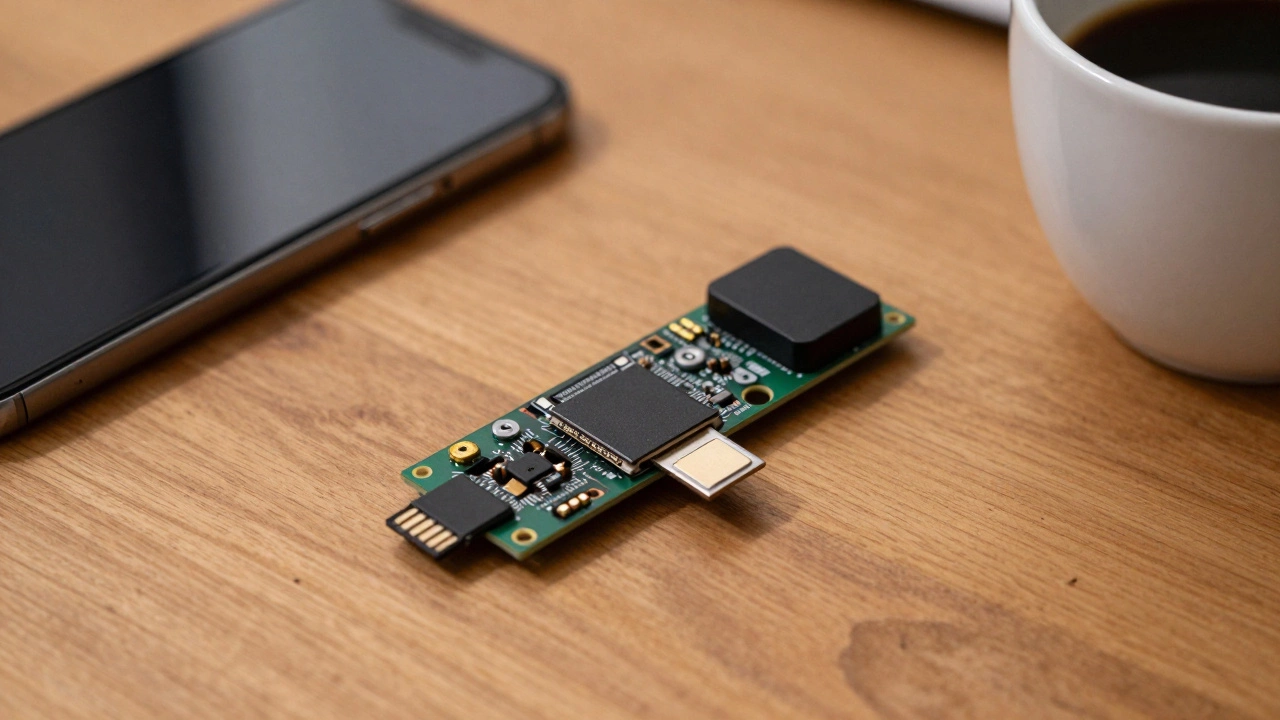
Choosing the Right Setup for Your Home
Deciding between these options usually comes down to how many cameras you have and how much you trust your own technical skills. If you are just putting one camera in a baby's room or a single entrance, the Basic plan is cheap enough that you won't even notice it on your bank statement. However, if you're securing a large property with four or five cameras, paying $3.99 per camera would be ridiculous. That is where the Plus plan saves you. Just remember that if you go the local storage route, you'll need to occasionally check your microSD card to make sure it isn't full or corrupted. If you're a new user, keep an eye out for the 30-day free trial of the Plus plan. It's the best way to see if the extended live view and unlimited device support actually make a difference in your daily routine before you commit to the monthly bill.Does Blink require a subscription to work?
No, it is not required. You can use your cameras without a subscription by using a Sync Module 2 or Sync Module XR with a microSD card for local storage. However, you will lose cloud backup and some advanced features.
What is the difference between Blink Basic and Plus?
The Basic plan ($3.99/mo) covers only one device. The Plus plan ($11.99/mo) covers unlimited devices on one account and includes an extended warranty and Extended Live View for specific models like the Mini.
How long does Blink keep my videos in the cloud?
Both the Basic and Plus subscription plans provide 60 days of cloud video history, which is double what many other competitors offer.
Can I change from monthly to annual billing?
Yes, you can switch to annual billing to save money. For example, the Basic plan drops from a total of $47.88 per year (monthly) to $39.99 if paid annually.
Do I get a discount on hardware with a subscription?
Yes, both subscription tiers provide a 10% discount on Blink devices purchased through Amazon.