
Blink Subscription vs. Local Storage Cost Calculator
Enter your setup details to see which option saves you the most money over time.
$0.00
Total estimated cost
- Monthly Fee $0.00
- Hardware Cost $0.00
- Benefit Easy Sharing & Remote Access
$0.00
Total estimated cost
- Sync Module & USB ~$40.00
- Monthly Fee $0.00
- Benefit No Recurring Fees Forever
Recommendation:
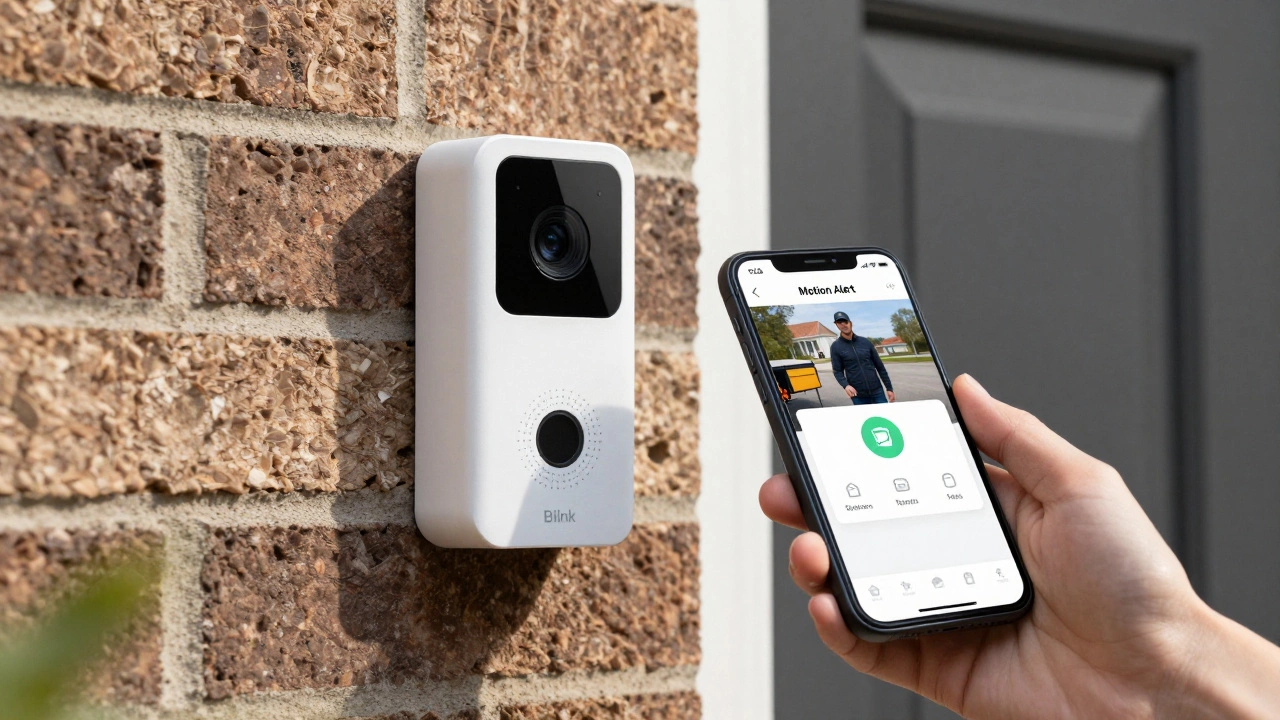
Here is the short answer: No. A Blink video doorbell does not require a paid subscription to work. You can install it, connect it to Wi-Fi, and use its core features-motion alerts, live view, and two-way talk-for free. However, if you want to save video clips to the cloud or access them quickly later, you will need to pay for a plan or set up local storage.
This distinction matters because many competitors lock essential features behind a monthly fee. With Blink, the hardware works right out of the box. The question isn't whether you *must* subscribe, but rather whether subscribing makes your life easier compared to the free alternatives.
What Works Without a Subscription?
If you buy a Blink Battery Doorbell 2K+ or the Wired Doorbell 2K+ in 2026, you get immediate functionality without entering a credit card number. The Blink app connects directly to your device over your home Wi-Fi network.
Without any payment, you get these specific capabilities:
- Motion Alerts: Your phone buzzes when someone approaches your door.
- Live View: You can tap the alert to see what is happening in real-time.
- Two-Way Audio: You can speak through the doorbell’s microphone to tell a delivery driver where to leave a package or scare off a nuisance.
- Alexa Integration: Basic voice commands work with Amazon Echo devices.
These features are sufficient for simple monitoring. If you just want to know who is at the door while you are inside, you do not need a subscription. The trial period that comes with new hardware often tempts users to keep paying, but once it expires, these core functions remain active indefinitely.
The Cost of Cloud Storage (Subscription Plans)
While the doorbell works for free, saving video recordings requires either a subscription or local storage. Blink stores video clips in the cloud only if you pay. As of mid-2026, the pricing structure in the US has shifted slightly from previous years, offering more tiers but maintaining a budget-friendly entry point.
| Plan Name | Monthly Price | Annual Price | Device Limit |
|---|---|---|---|
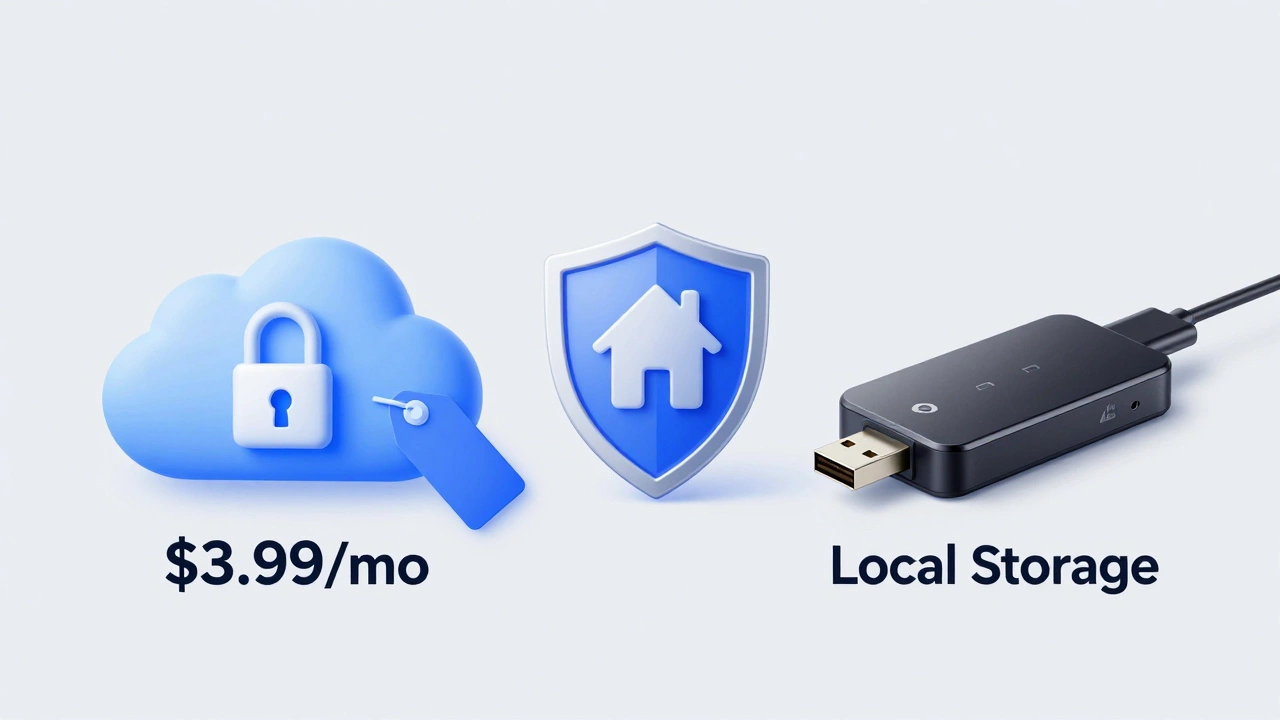
| Basic | $3.99 | $39.99 | 1 Device |
| Plus | $11.99 | $119.99 | Unlimited Devices |
| Premium Tiers | $6.99 - $19.99 | Varies | Varies |
The Basic plan covers a single camera or doorbell. It saves motion-triggered clips for 60 days. This rolling archive means older videos are deleted as new ones are recorded. For most households with just a doorbell, this is the relevant cost. The Plus plan is designed for people who have added multiple indoor or outdoor cameras to their system, allowing all of them to record to the cloud under one bill.
Why would you pay this? Convenience. Cloud storage allows you to share clips instantly with neighbors or police via a link. It also ensures that if your doorbell is stolen, the video evidence is safe online. Local storage cannot offer this level of remote accessibility.
How to Avoid Subscriptions Entirely (Local Storage)
If the idea of a monthly fee bothers you, Blink offers a legitimate workaround: local storage. This method requires buying additional hardware once, but then costs nothing forever.
To do this, you need a Sync Module 2 or the newer Sync Module XR. These small hubs sit between your Wi-Fi router and your Blink devices. You plug a standard USB flash drive into the Sync Module.
When motion is detected, the video clip is saved directly to the USB stick instead of the cloud. Here is what you need to know about this setup:
- One-Time Cost: A Sync Module costs around $10-$40 depending on the model, plus the price of a USB drive.
- Slower Playback: Retrieving clips from a local USB drive is slower than streaming from the cloud. Users report that loading a clip can take several seconds longer, especially if you are away from home.
- No Sharing Links: You cannot generate a quick shareable link for local clips. You must download the video to your phone first.
- Capacity Limits: The USB drive has finite space. When it fills up, Blink automatically deletes the oldest clips to make room for new ones.
Many long-term users run their systems this way for years. One Reddit user reported running five cameras and a doorbell for over 600 days using only local storage, saving hundreds of dollars in annual fees. If you are comfortable with slightly slower video retrieval, this is the best way to eliminate recurring costs.
Blink vs. Ring: The Subscription Difference
Since Blink is owned by Amazon, it is often compared to Ring, which is also an Amazon brand. The biggest difference lies in how they handle subscriptions.
Ring doorbells generally push harder toward subscriptions. While basic live view works for free, many advanced features like person detection versus pet detection, or longer video history, often require Ring Protect plans. Ring’s basic plan starts higher, typically around $5-$10 per month, and their hardware tends to be more expensive upfront.
Blink positions itself as the budget alternative. The hardware is cheaper (often under $70), and the optional subscription is lower-priced. More importantly, Blink’s architecture was built from the start to support local storage as a first-class citizen. Ring has introduced local storage options recently, but Blink’s implementation via the Sync Module has been stable and widely used for years.
If you are deciding between the two based on cost, Blink wins on flexibility. You can start with zero monthly fees and upgrade later if you change your mind. Ring feels more like a service product where the hardware is just the entry point.
Do Newer Models Change the Rules?
There is some confusion regarding the latest generation of Blink doorbells, specifically the 2nd Gen models released in late 2025 and early 2026. Some users reported that after their free trial expired, they felt the device was "useless" without a subscription.
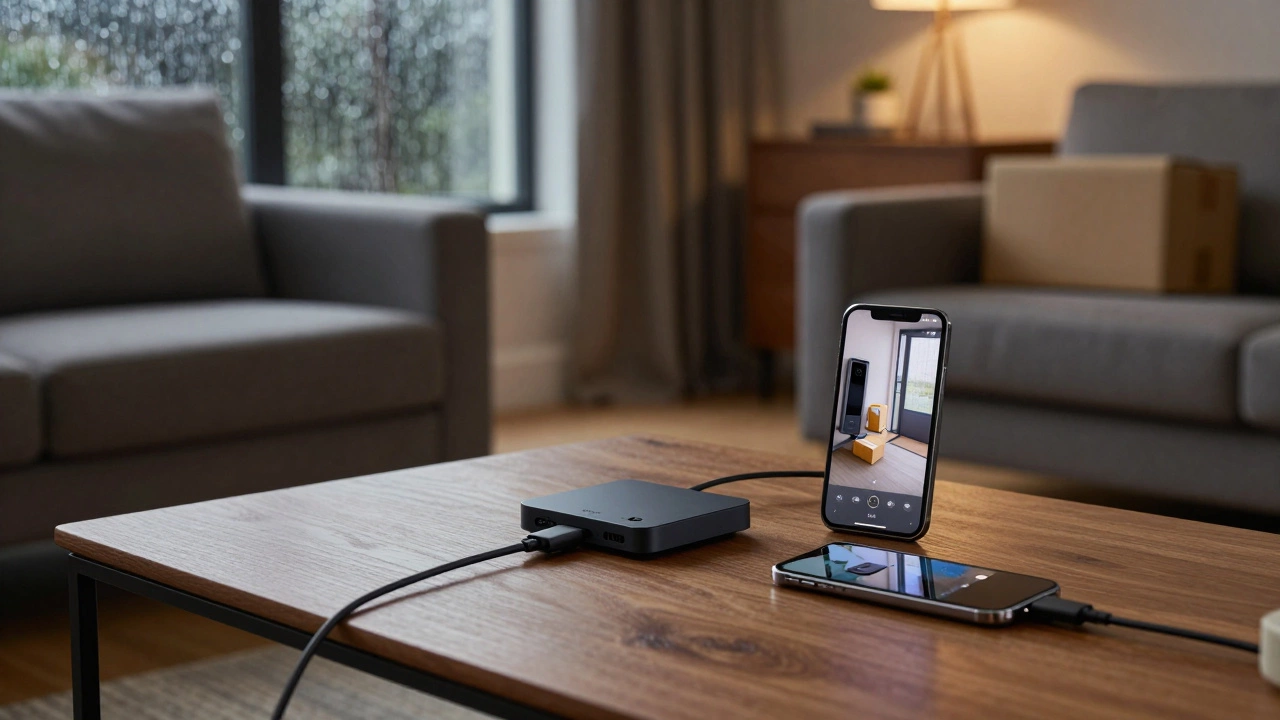
This perception usually stems from a misunderstanding of what "live view" means versus "recording." Without a subscription or local storage, you can still see who is at the door in real-time. However, you cannot look back at what happened ten minutes ago. If you miss the notification, the moment is gone unless you have recording enabled.
Additionally, some newer bundles include a "Core" module that simplifies setup but may encourage cloud usage. If you rely solely on the app without setting up a Sync Module for local storage, the experience feels limited because you have no historical data. This isn’t a technical restriction blocking free use; it’s a functional limitation of having no storage medium. To get the full benefit of the new 2K+ models without paying, ensure you pair them with a Sync Module and USB drive during setup.
Is the Subscription Worth It?
For most people, the decision comes down to peace of mind versus wallet size. The Basic plan at $3.99 a month is less than the cost of a cup of coffee. For that price, you get 60 days of video history that you can access instantly from anywhere in the world. If you travel frequently or want to review footage of a package theft days later, the subscription is worth it.
However, if you are strictly monitoring for real-time interactions-like talking to guests or checking if the mail carrier arrived-you might never need to save a clip. In that case, stick to the free tier. Or, if you want security records without the monthly hassle, invest in the Sync Module once and forget about it.
Blink gives you the choice. Unlike some brands that cripple the device until you pay, Blink lets you define your own security strategy.
Can I use Blink doorbell without a subscription?
Yes. You can use motion alerts, live view, and two-way audio for free. You only need a subscription if you want to save video clips to the cloud.
How much does Blink subscription cost in 2026?
The Basic plan for one device costs $3.99 per month or $39.99 per year. The Plus plan for unlimited devices costs $11.99 per month or $119.99 per year.
Does Blink store video locally without a subscription?
Yes, if you purchase a Sync Module 2 or Sync Module XR and a USB flash drive. Videos are saved to the USB stick instead of the cloud, avoiding monthly fees.
What happens if I don't pay for Blink after the trial?
Your doorbell continues to work. You will still receive motion alerts and can view live video. However, you will lose the ability to save new clips to the cloud, and existing cloud clips may become inaccessible.
Is Blink cheaper than Ring?
Generally, yes. Blink hardware is priced lower, and its subscription plans are typically cheaper than Ring's comparable plans. Blink also offers robust local storage options that Ring has only recently begun to match.
Do I need a Sync Module for my Blink doorbell?
No, it is not required for basic operation. However, you need a Sync Module if you want to use local storage (USB) to avoid subscription fees, or if you want to add multiple cameras to your system efficiently.
How long does Blink keep video recordings?
With a cloud subscription, Blink stores clips for up to 60 days. With local storage on a USB drive, clips are kept until the drive is full, at which point the oldest videos are overwritten.
Can I share video clips without a subscription?
Sharing is difficult without a subscription. Cloud subscribers can generate instant share links. Users with local storage must download the video to their phone first before sharing it via other apps.