
Ring Video Doorbell Reliability Analyzer
Installation & Environment
Network & Usage Patterns
Quick Reference
- Hardware Failure Rate <1%
- Network Issues ~65%
- Service Outages ~2%
- User Error ~33%
Score Guide
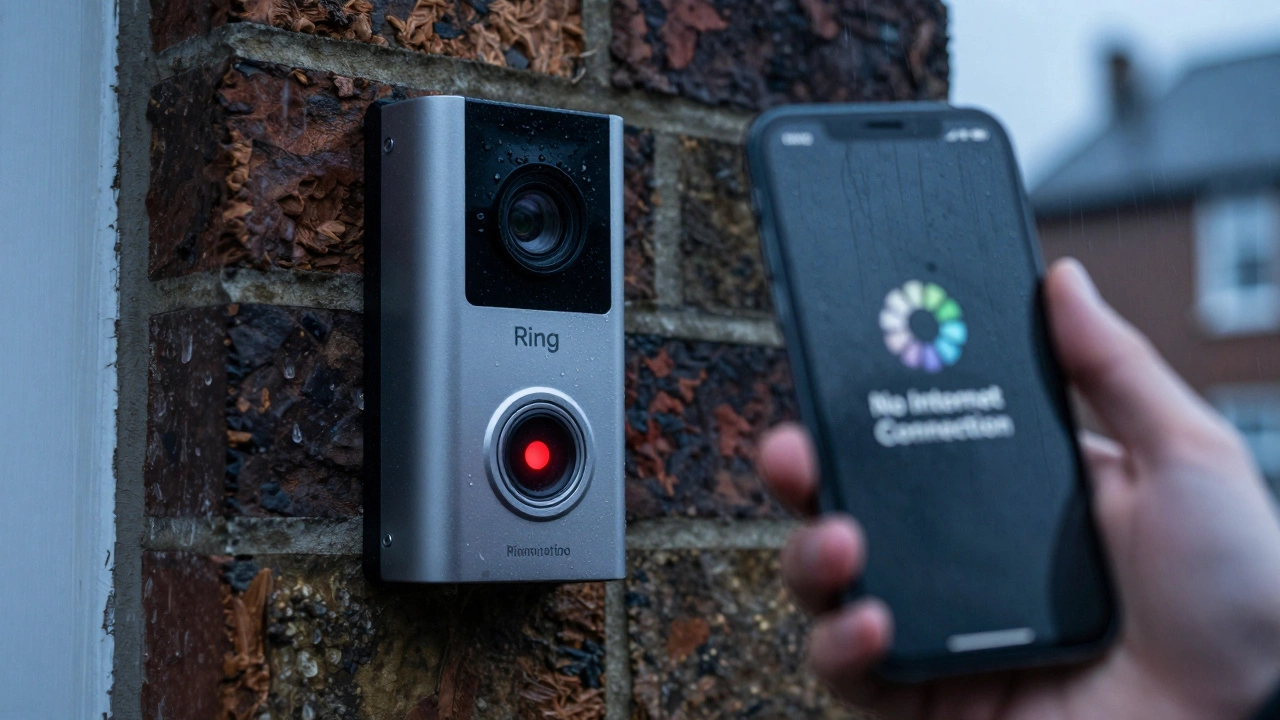
Imagine coming home after a long day to find your front door slightly ajar. You pull out your phone to check the footage from your Ring Video Doorbell, a popular smart home security device that records motion and allows two-way audio communication with visitors. It was launched by Ring (an Amazon subsidiary) in 2013 and has since become one of the most widely installed smart doorbells globally. The app loads... and then spins. "No Internet Connection." Or worse, you check the timeline and see a gap where the package delivery should have been recorded. Panic sets in. Was it a glitch? Did the battery die? Or did the hardware just fail?
We’ve all heard horror stories about smart devices being useless when we need them most. But is the Ring actually unreliable, or are these isolated incidents blown out of proportion? The short answer is that the hardware itself rarely fails completely. However, the *system*-which includes Wi-Fi, power, and cloud servers-experiences downtime more often than people expect. Understanding the difference between a broken doorbell and a disconnected network is key to knowing if this device can actually protect your home.
The Hardware vs. The Network: Where Do Failures Actually Happen?
When users ask about the "failure rate," they usually mean one of three things: the physical device breaking, the connection dropping, or the service going down. These are very different problems with very different statistics.
Hardware Failure is surprisingly rare. Ring doorbells are built to withstand rain, snow, and temperature swings. Most units last several years without mechanical issues. When hardware does fail, it’s often due to external factors like extreme weather damage or manufacturing defects covered under warranty. The actual defect rate for consumer electronics like this is typically below 1% in the first year.
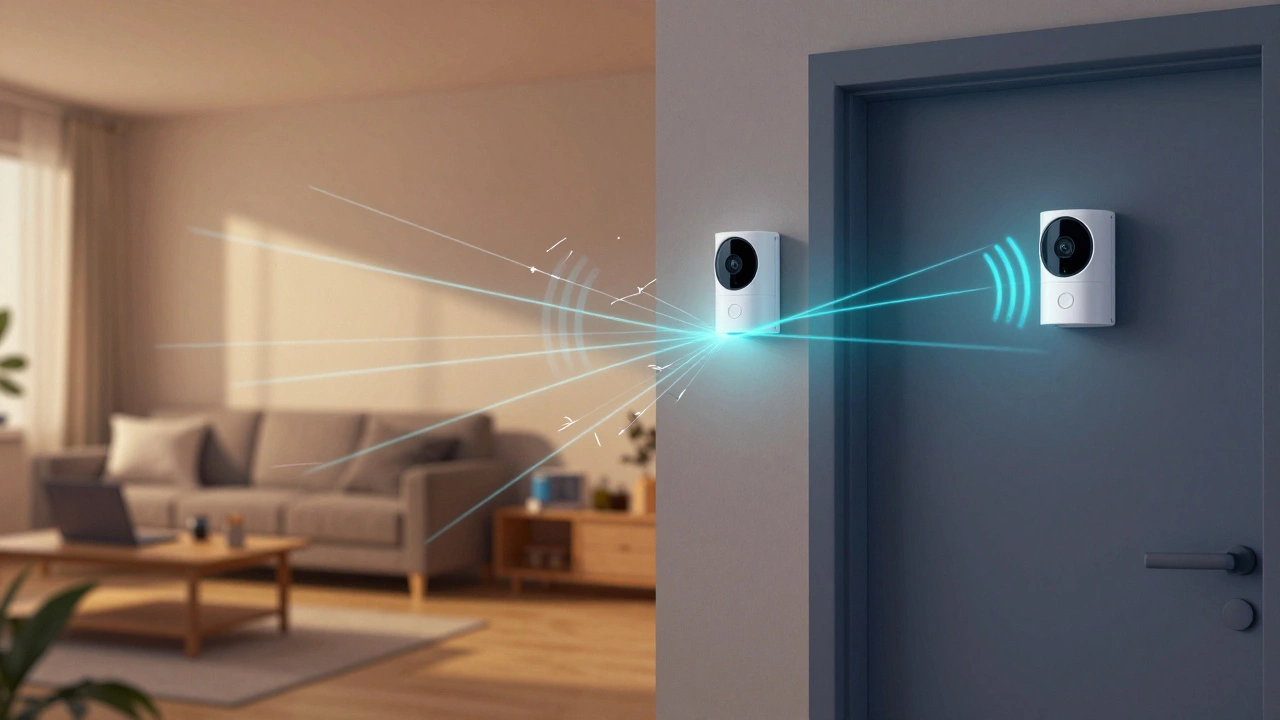
Network Failure is the biggest culprit. Your Ring doorbell relies on a stable Wi-Fi signal. If your router is far away, behind thick walls, or overloaded with other devices, the doorbell will drop offline. This isn’t a fault of the Ring; it’s a limitation of wireless technology. Many users report their device going "offline" during internet outages or Wi-Fi dead zones.
Service Outages affect everyone at once. Ring uses Amazon Web Services (AWS) to store video and process data. While AWS is incredibly reliable, it’s not perfect. There have been documented instances where Ring servers went down, leaving millions of users unable to view live feeds or receive alerts. These events are infrequent but memorable because they happen simultaneously for many users.
| Failure Type | Frequency | Common Cause | User Impact |
|---|---|---|---|
| Hardware Defect | Rare (<1%) | Manufacturing error, water ingress | Device stops working entirely |
| Wi-Fi Drop | Common | Weak signal, router reboot, interference | Missed recordings, no live view |
| Cloud Outage | Infrequent | Server maintenance, cyberattack, bug | No access to any footage or alerts |
| Battery Drain | Very Common | Cold weather, high traffic areas | Device sleeps until charged |
Real-World Data: What Do Users Say?
If you look at professional reviews, Ring scores highly for ease of use and feature set. But real-world performance tells a more nuanced story. On forums like Reddit’s r/Ring and product review sites, complaints fall into predictable patterns.
Connectivity Issues: The most frequent complaint is intermittent connectivity. Users living in rural areas or large homes often struggle to maintain a strong signal. One common scenario involves the doorbell working fine for months, then suddenly losing connection after a router firmware update or a change in local Wi-Fi channels. This isn’t a "failure" of the Ring per se, but it feels like one when you’re trying to see who’s at the door.
Motion Detection Gaps: Another area of perceived failure is missed events. Ring cameras use motion zones to filter out irrelevant movement (like cars passing by). If these zones aren’t set up correctly, the camera might miss a person walking right up to your porch. Conversely, overly sensitive settings can flood your phone with notifications for every leaf that blows by, leading to "alert fatigue" where users ignore genuine warnings.
Battery Life Variability: For battery-powered models, the "failure" is often running out of power faster than expected. In cold climates, lithium-ion batteries lose efficiency quickly. A user in Adelaide might get three months on a charge, while someone in a colder region might only get two weeks. This variability leads to frustration and the feeling that the device is unreliable, even though it’s functioning as designed within environmental limits.
Factors That Increase Your Risk of Missing Footage
You can significantly reduce your chances of experiencing a "failure" by controlling the variables around your installation. Here’s what actually matters:
- Wi-Fi Signal Strength: Use a Wi-Fi analyzer app to check the signal strength at your door. If it’s below -70 dBm, consider adding a mesh Wi-Fi node or a range extender specifically for the doorbell.
- Power Source: Hardwired models (connected to existing doorbell wiring) never suffer from battery drain. They provide consistent power and can support features like continuous recording if paired with a base station.
- Subscription Status: Without a Ring Protect subscription, you only get live view and instant alerts. You don’t save videos. If you miss an alert, the footage is gone forever. With a subscription, videos are stored in the cloud for 30-60 days, giving you a safety net if you miss the notification.
- Firmware Updates: Keep your Ring app updated. Manufacturers regularly release patches to fix bugs that cause crashes or connectivity drops.
How Does Ring Compare to Other Brands?
Is Ring more prone to failure than competitors like Nest, Arlo, or Eufy? Not necessarily. All cloud-dependent smart doorbells face similar risks: internet dependency and server outages. However, there are some differences in approach.
Eufy offers models with local storage (SD card), which means if the internet goes down, you still have footage saved on the device. This reduces the impact of network failures but doesn’t prevent them.
Nest Doorbell also relies heavily on Google’s infrastructure, which is generally robust but has its own history of occasional outages. Nest tends to have better integration with Google Home ecosystems, which can improve stability for users already invested in that platform.
Arlo focuses on wireless flexibility but often requires a separate hub for optimal performance, adding another potential point of failure.
Ultimately, the brand matters less than your setup. A poorly installed Nest doorbell will fail more often than a well-installed Ring. Focus on signal strength and power consistency rather than brand loyalty.
Troubleshooting Common "Failures" Before Calling Support
Before assuming your Ring is broken, try these steps. Most reported failures are resolved here:
- Check the App Status: Open the Ring app. If the device shows "Offline," it’s a connection issue, not a hardware break.
- Restart Your Router: Unplug your Wi-Fi router for 30 seconds and plug it back in. This clears temporary glitches that can block device connections.
- Test Signal Strength: Stand at your door with your phone. If your phone struggles to load web pages, your doorbell definitely will too. Move your router closer or add a repeater.
- Check Power Levels: For battery models, ensure the battery is fully charged. Cold temperatures can falsely report low battery levels; warm the battery indoors before reinstalling.
- Verify Subscription: Ensure your Ring Protect plan is active. Expired subscriptions stop video saving, which looks like a failure to record.
Bottom Line: Is Ring Reliable Enough for Security?
No smart home device is 100% reliable. The Ring Video Doorbell is no exception. Its hardware is durable and well-made, but its effectiveness depends entirely on your internet connection and cloud services. If you have a strong, stable Wi-Fi network and a Ring Protect subscription, you’ll likely experience very few issues. If you live in an area with spotty internet or rely solely on battery power in extreme weather, you may face more frequent disruptions.
For true security, treat your Ring doorbell as a convenient monitoring tool, not a foolproof alarm system. Pair it with physical locks, good lighting, and perhaps a local backup camera if missing footage is a critical concern for you.
What is the average lifespan of a Ring Video Doorbell?
Most Ring Video Doorbells last between 5 to 7 years with proper care. Battery models may require battery replacements every 1-3 years depending on usage and climate. Hardware defects are rare, but software support continues indefinitely as long as the device connects to the current Ring servers.
Does Ring work without Wi-Fi?
No. Ring Video Doorbells require a constant Wi-Fi connection to function. They cannot store video locally or send alerts without an internet connection. If your Wi-Fi goes down, the doorbell becomes a standard, non-functional doorbell until connectivity is restored.
Why does my Ring doorbell keep going offline?
The most common reasons are weak Wi-Fi signals, router issues, or power fluctuations. Check your signal strength at the door location. If it’s weak, add a Wi-Fi extender. Also, ensure your router firmware is up to date and restart both the router and the Ring device.
Can I trust Ring for serious security purposes?
Ring is effective for deterring casual theft and monitoring deliveries, but it should not be your sole security measure. Because it relies on cloud servers and internet connectivity, there is always a risk of downtime. For high-security needs, combine it with wired alarms, local storage cameras, and physical barriers.
How often do Ring servers go down?
Major outages are rare, occurring perhaps once or twice a year. Minor maintenance windows happen more frequently but usually involve minimal disruption. During outages, you won’t be able to view live feeds or access past footage, but the device itself remains intact and will resume normal operation when servers are back online.