
Feeling unsure about how to keep your house safe? You’re not alone. Most homeowners start with a few basic questions: Which cameras actually work? Do I need a subscription? What happens if the power goes out? Below you’ll find straight‑to‑the‑point answers, plus advice on picking the right gear without blowing your budget.
First off, look at where you need the most eyes. Entrances, driveways and dark corners are the hotspots. Modern cameras with night vision handle low light better than older models, so don’t skimp on that feature. A common mistake is placing a camera too high or pointing it at a bright window – you’ll end up with a washed‑out picture. Keep the lens level with the eye line of a standing adult for the clearest view.
If you have pets, opt for pet‑friendly PIR sensors. These units can tell the difference between a cat’s movement and a human, cutting down false alarms. For doorbells, smart options like Ring or wired models give you a video feed on your phone, but remember that some models need an electrician in the UK for a safe install.
Subscriptions are another hot topic. Not every camera requires a monthly fee. Stand‑alone systems store footage on a local SD card, while cloud‑based services charge for remote access and longer storage. Decide what matters more: instant phone alerts or keeping months of video offline.
Power outages and Wi‑Fi drops can leave you guessing whether your security is still active. Many brands, like SimpliSafe, have cellular backup that keeps alarms sounding even if the internet dies. For CCTV, a battery‑backed recorder or a UPS (uninterruptible power supply) will keep cameras rolling through short blackouts.
Don’t forget regular maintenance. Clean lenses every few months, replace dead batteries, and test alert notifications. A quick weekly check on your phone app can spot a failing sensor before it becomes a blind spot.
Finally, think about cost. A basic DIY kit can start around £150, while a full‑service installation with monitoring may run a few hundred pounds a month. Break down the price: equipment, installation, and any ongoing fees. Compare quotes from several providers – ADT, SimpliSafe and local installers often have promotional offers that can shave off a lot of extra cost.
Bottom line: start with a clear picture of your home’s weak points, pick cameras with night vision, consider pet‑friendly sensors if you have animals, and set up a backup for power or internet loss. With a little planning, you’ll get solid protection without the headache of constant false alarms or surprise fees.
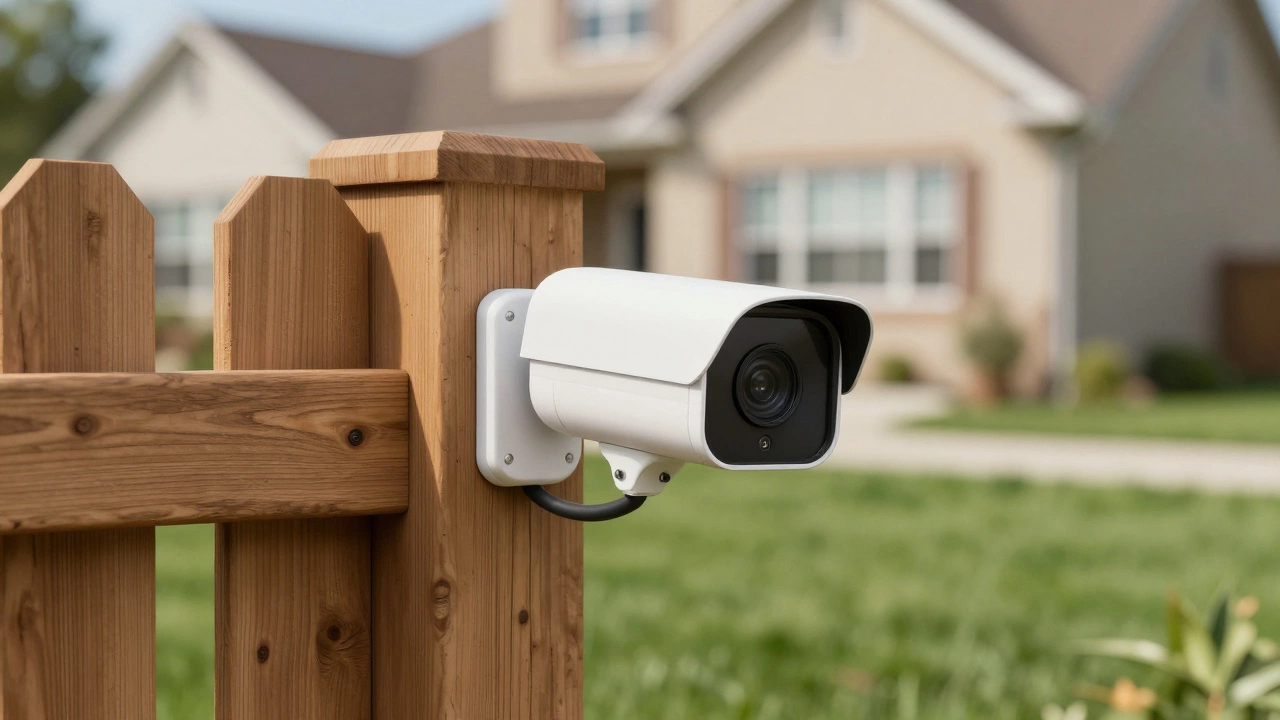
Discover how battery and solar powered CCTV cameras work without electrical outlets. Learn about setup tips, connectivity options, and top brands for home security.
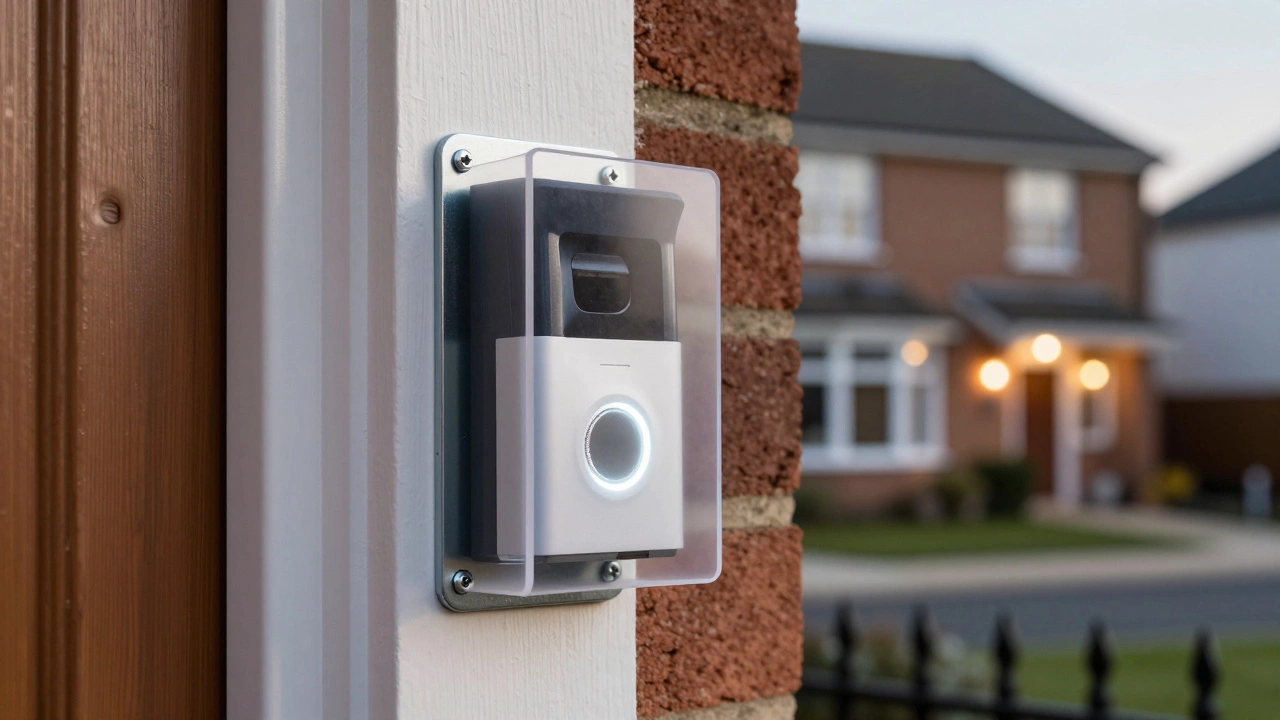
Learn how to truly theft-proof your Ring doorbell with proven physical, technical, and strategic methods that work in real-world UK conditions. Stop relying on luck - use these 7 steps to make your doorbell impossible to steal.
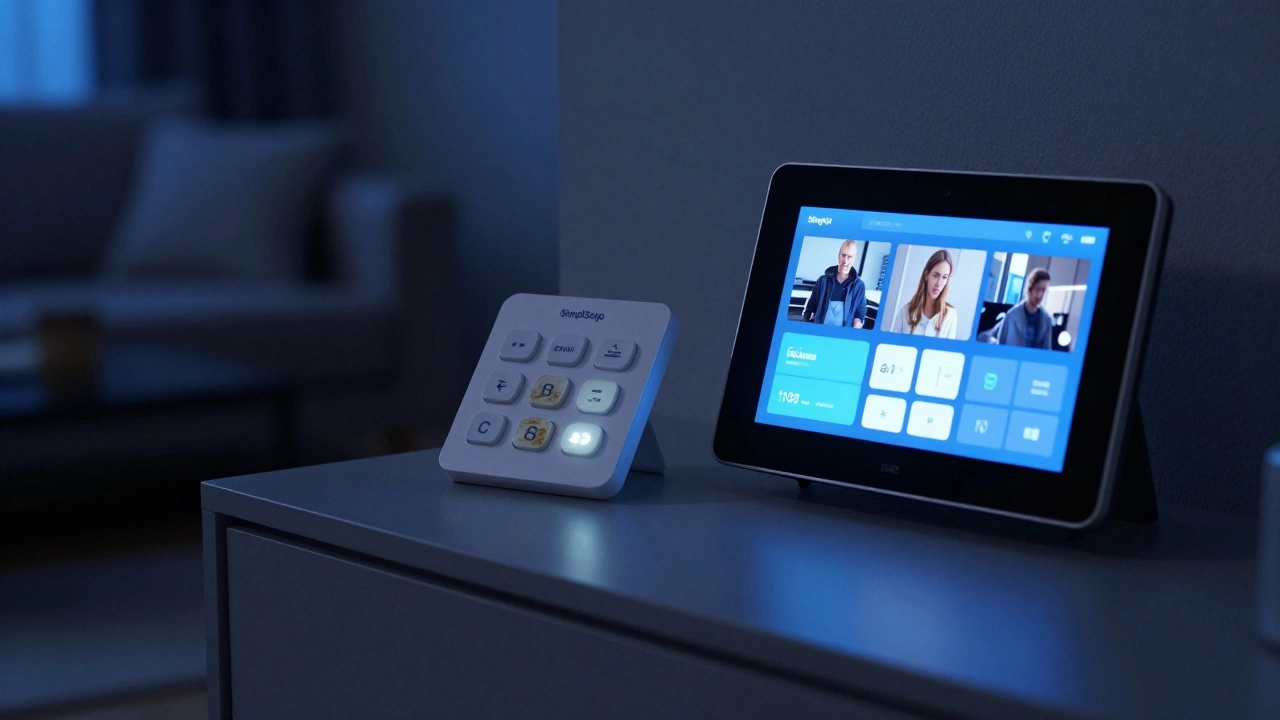
SimpliSafe offers affordable DIY security but has major downsides: outdated keypad, no facial recognition, poor smart home integration, hidden monitoring costs, and unreliable customer support. Learn why it might not be the right choice for long-term home safety.
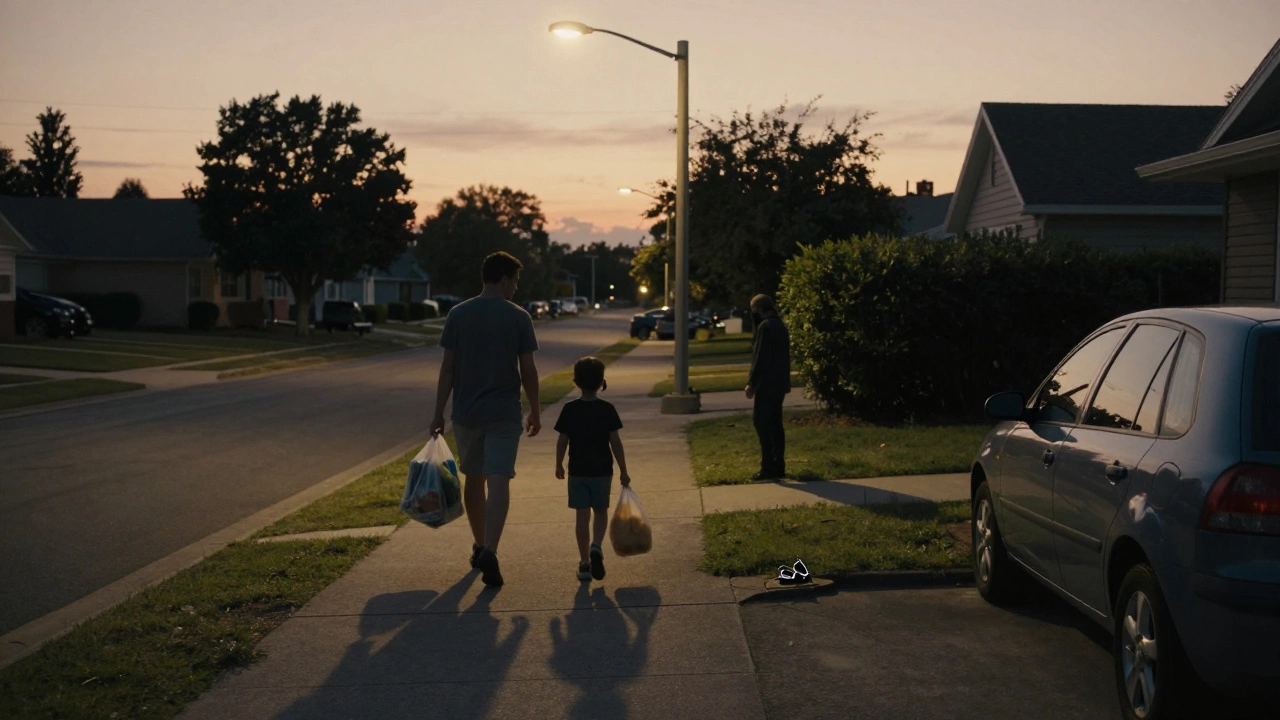
Most robberies occur at 8 p.m., not midnight. Learn the real peak hours for home burglaries, how darkness and routine create risk, and how to adjust your burglar alarm system to protect your home during the most dangerous times.
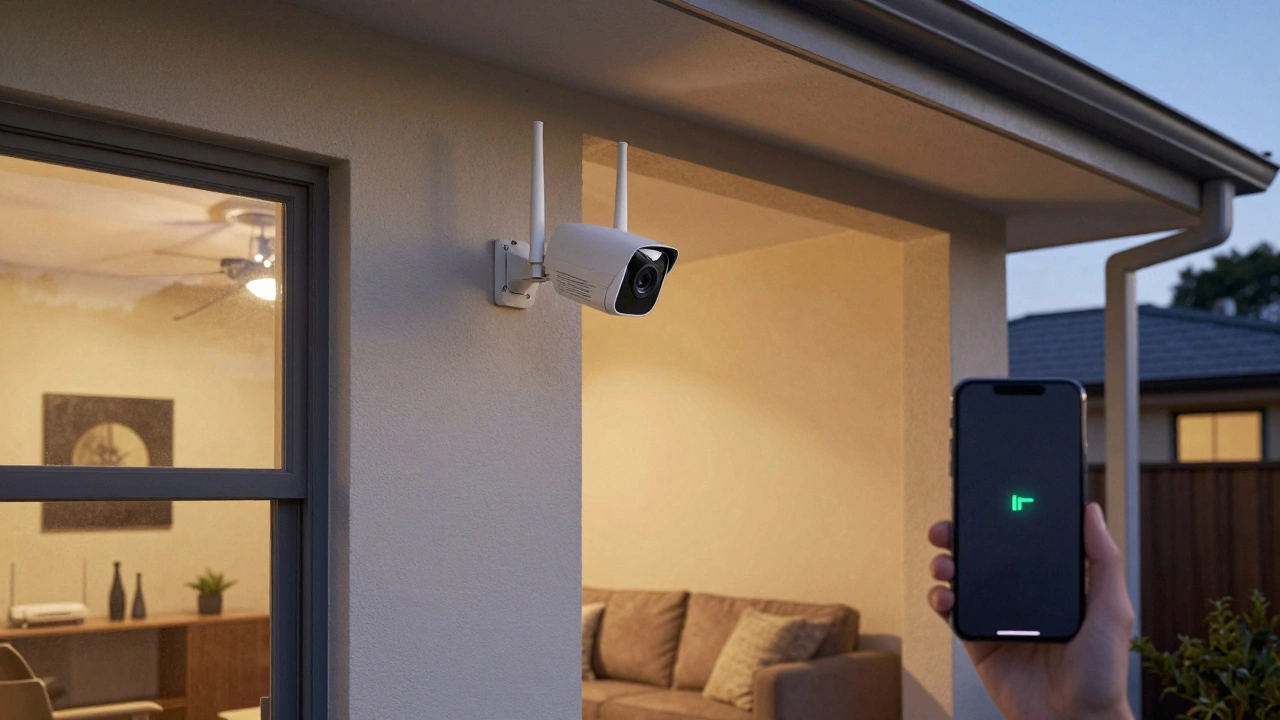
Learn the real-world range of wireless security cameras - not the marketing claims. Wi-Fi, RF, and cellular options each have different limits, and your home's layout matters more than the camera's specs.
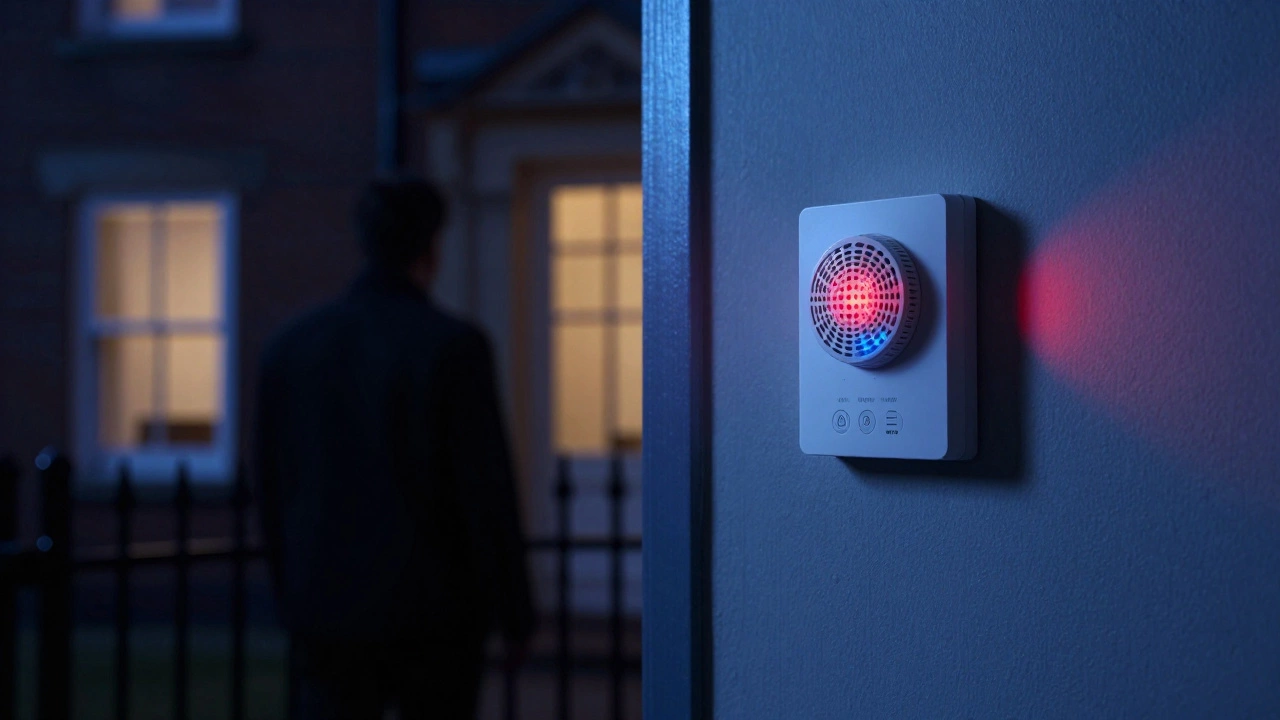
Learn how to pick the right burglar alarm for your home by comparing wired vs wireless, monitored vs bells-only, and certified systems. Avoid costly mistakes and choose a system that actually deters burglars.
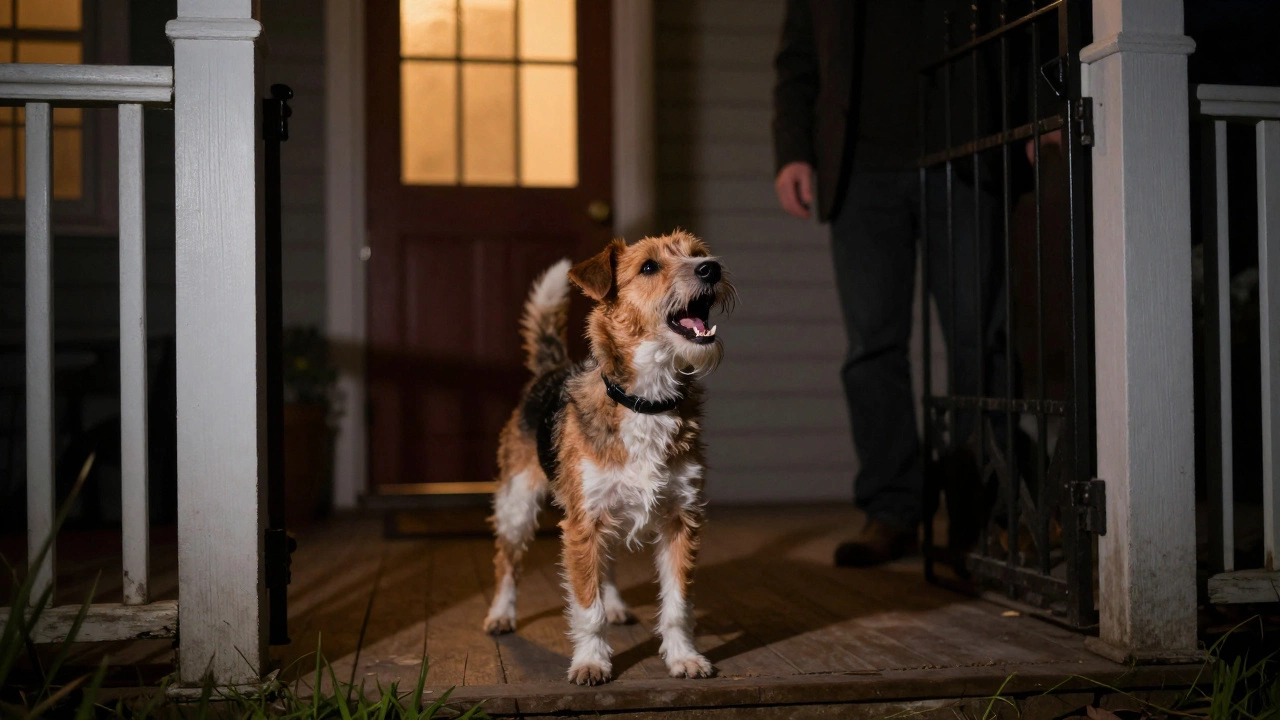
Guard dogs don't just bark-they deter, block, and sometimes stop threats. Alarm dogs aren't a real category; what people mean is a watch dog. Learn the real difference between barking alerts and true protection.
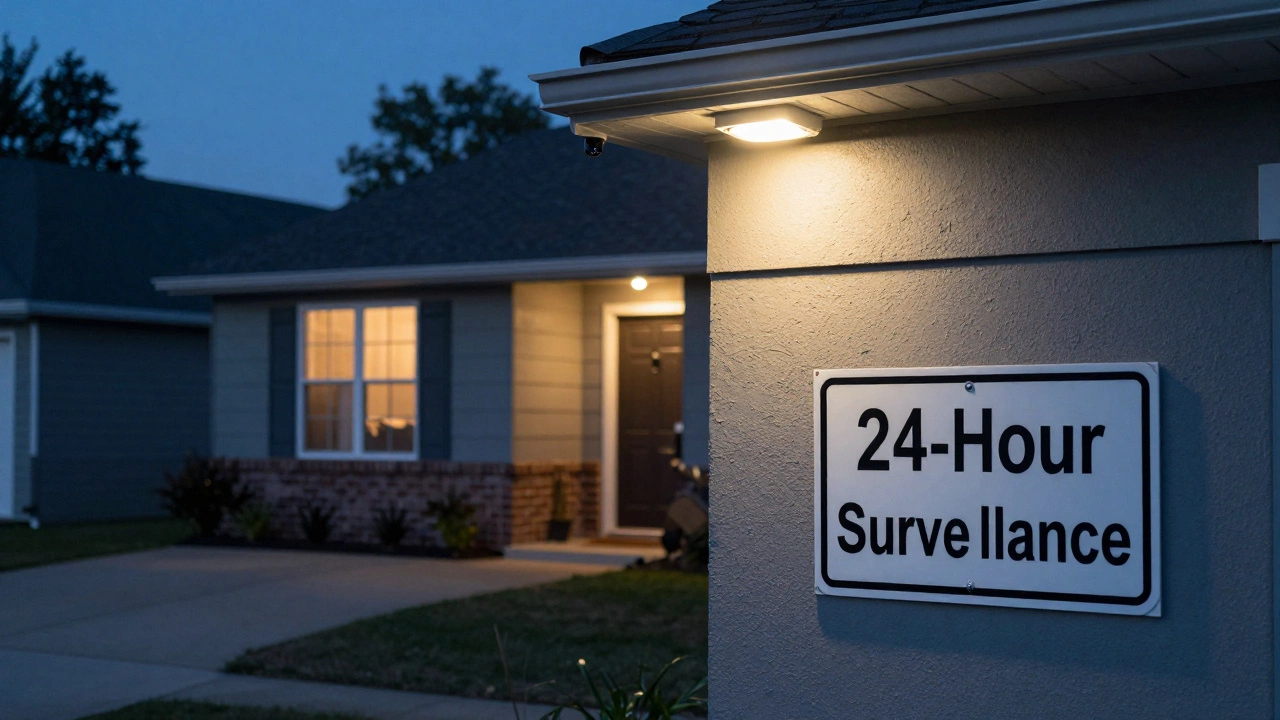
Thieves avoid homes with visible security cameras, working alarms, and smart locks. Learn the real deterrents that make burglars walk away - backed by police data and former burglar interviews.
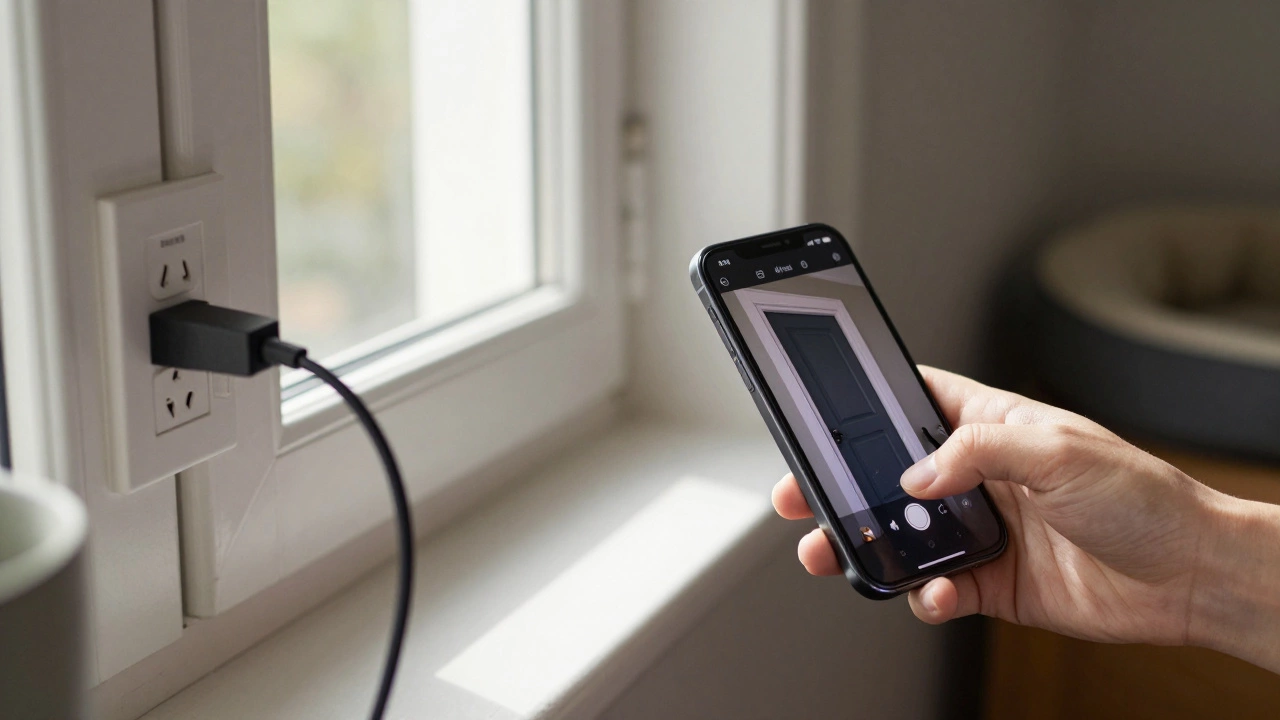
AlfredCamera turns old smartphones into free security cameras with live streaming, motion alerts, and two-way audio. No hardware needed. Perfect for pets, babies, or renters.
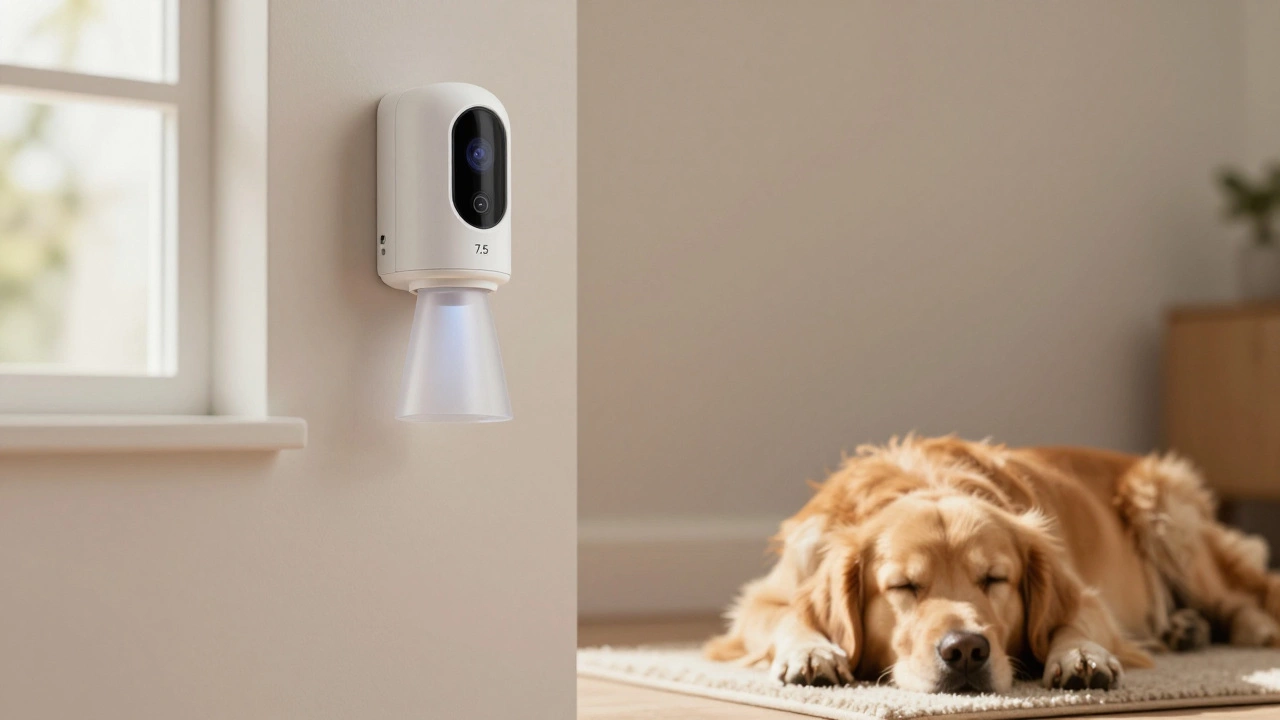
Blink motion detectors can be triggered by pets, but smart placement and settings can prevent false alarms. Learn how to mount sensors, use motion zones, and adjust sensitivity to keep your home secure-without waking up to your cat’s midnight adventures.
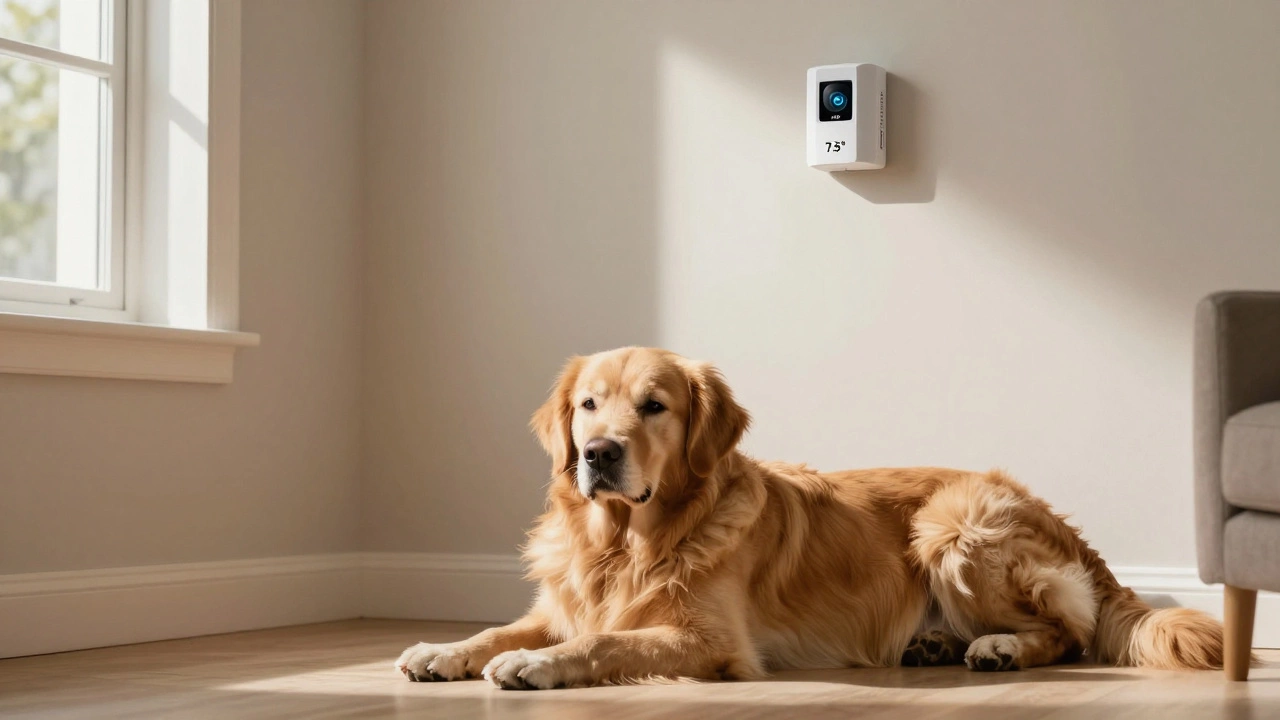
ADT's pet-immune alarms can ignore dogs up to 80 pounds-but only if sensors are installed correctly. Learn how weight, height, and breed affect false alarms-and what to do if your dog still triggers the system.
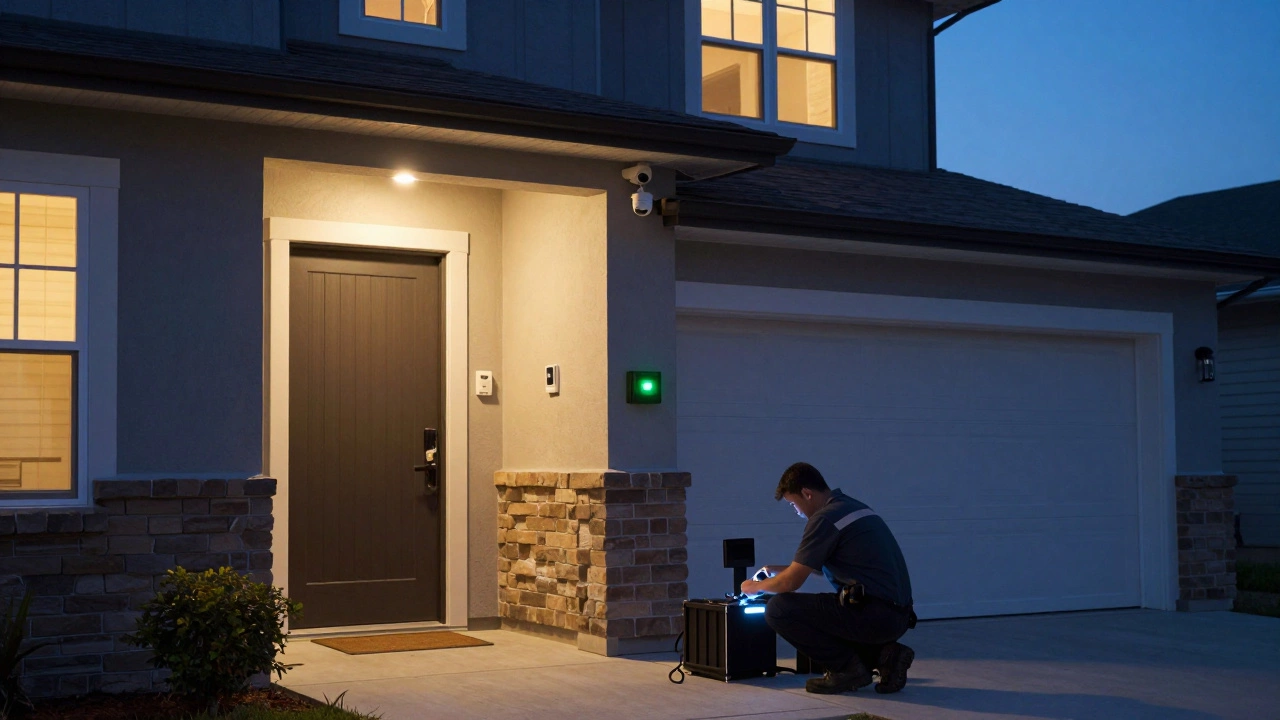
A monitored home alarm system can reduce your home insurance premium by up to 25%, but only if it's professionally installed, certified, and connected to a 24/7 monitoring center. Savings vary by insurer, location, and system type.